
Sanus WSS52-B2
SANUS Wireless Speaker Stand for Sonos Five and Sonos Play:5
Model: WSS52-B2 | Brand: Sanus
Introduction
This manual provides instructions for the assembly, operation, and maintenance of your SANUS Wireless Speaker Stand, designed specifically for the Sonos Five and Sonos PLAY:5 speakers. The stand is engineered to position your speaker at an optimal listening height, enhancing your audio experience whether for ambient listening, stereo pairing, or surround sound setups. Its anodized aluminum construction ensures durability and complements the aesthetic of your Sonos speaker. The design incorporates securement brackets for both vertical and horizontal speaker orientations and features integrated cable management for a clean, organized appearance.
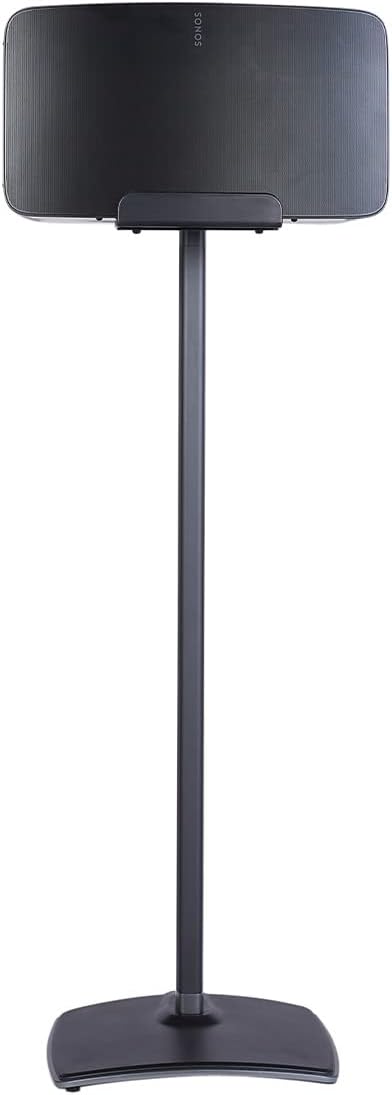
Image: The SANUS Wireless Speaker Stand in black, holding a Sonos Five speaker in vertical orientation.
Key Features
- Optimal Listening Height: Positions your Sonos Five or Play:5 speaker at an ideal height of 31 inches for enhanced sound performance.
- Versatile Speaker Orientation: Supports both vertical and horizontal placement of Sonos Five or Play:5 speakers.
- Durable Construction: Made from anodized aluminum for strength, sleek aesthetics, and long-lasting use.
- Enhanced Security: Features an updated speaker bracket design with a front lip for a snug fit, preventing accidental tipping.
- Superior Stability: Engineered with a heavy base and low center of gravity, capable of tolerating up to 10 degrees of tip without falling. Includes optional rubber pads and carpet spikes for various floor types.
- Integrated Cable Management: Press Fit cable management technology conceals cords within the stand for a clean, organized appearance.
Setup and Assembly
Follow these steps to assemble your SANUS Wireless Speaker Stand and securely mount your Sonos speaker.
- Unpack Components: Carefully remove all parts from the packaging. Verify that all components listed in the included parts list are present.
- Attach Speaker Bracket: Secure the speaker bracket to the top pole of the stand using the provided hardware. Ensure all screws are tightened firmly to prevent movement.
- Route Cables (Optional): Before placing the speaker, route any necessary power or network cables through the integrated cable management channels in the stand's pole and base. This ensures a clean, concealed look.
- Mount Speaker: Carefully place your Sonos Five or Play:5 speaker onto the secured bracket. The updated design features a front lip to ensure a snug and secure fit. Ensure the speaker is seated correctly in either vertical or horizontal orientation as desired.
- Ensure Stability: For optimal stability, especially on uneven surfaces, attach the included rubber pads to the bottom of the stand's base. For carpeted floors, use the provided carpet spikes.
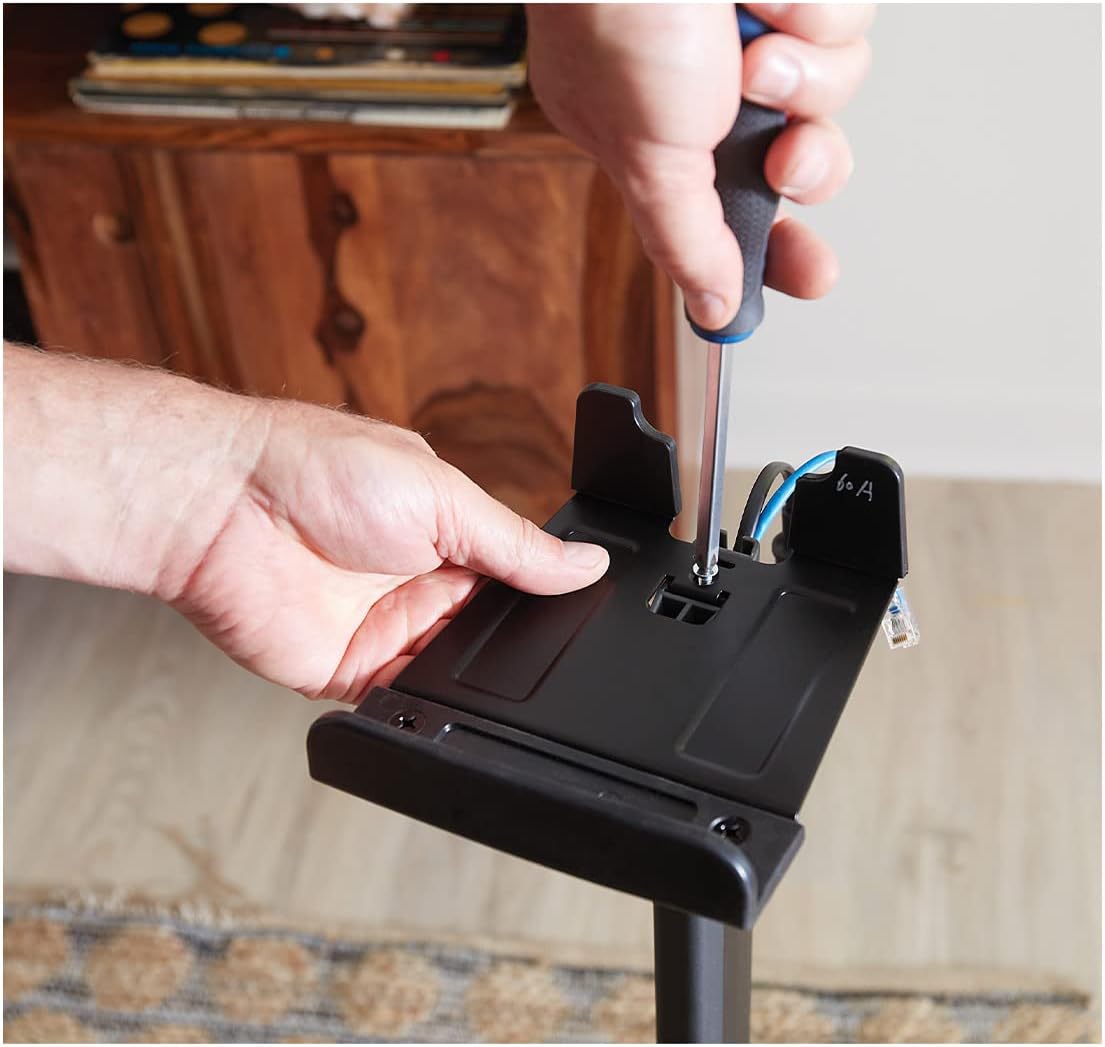
Image: A hand using a screwdriver to secure a component to the speaker bracket, part of the assembly process.
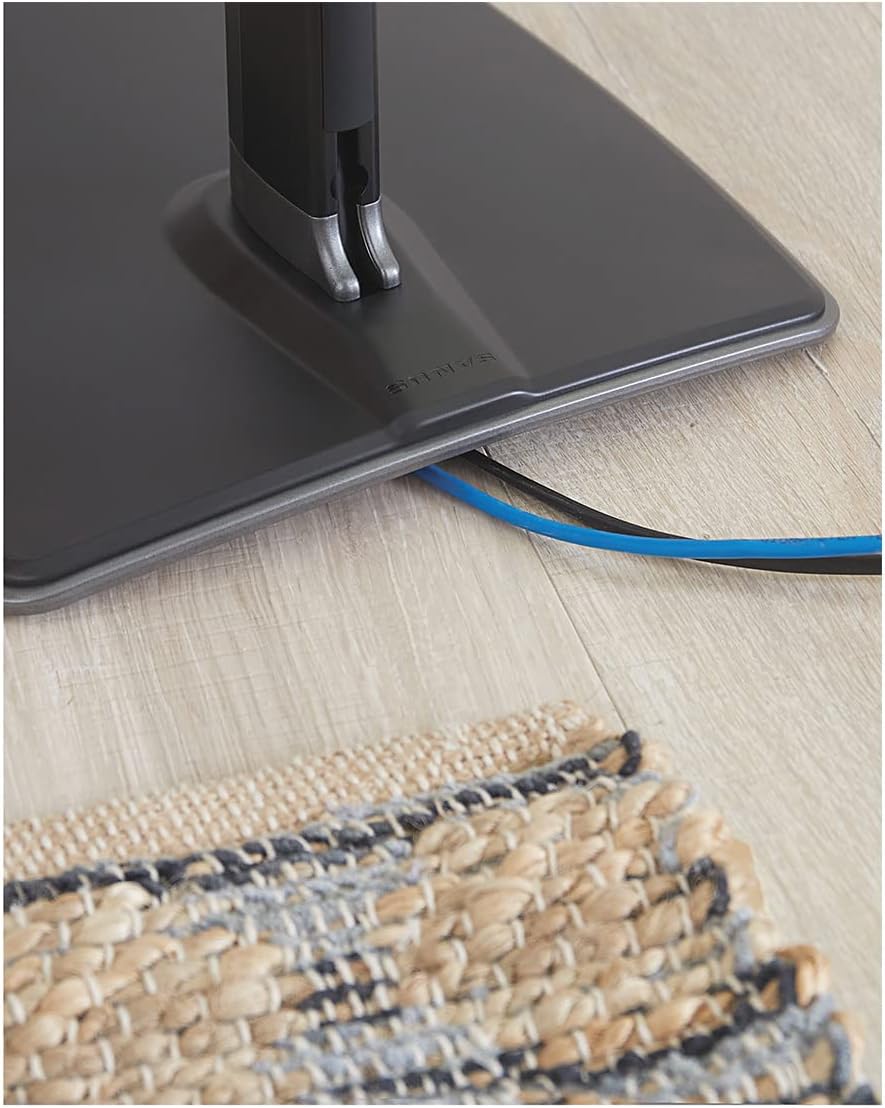
Image: A close-up view of power and network cables neatly routed through the cable management channel at the base of the stand.
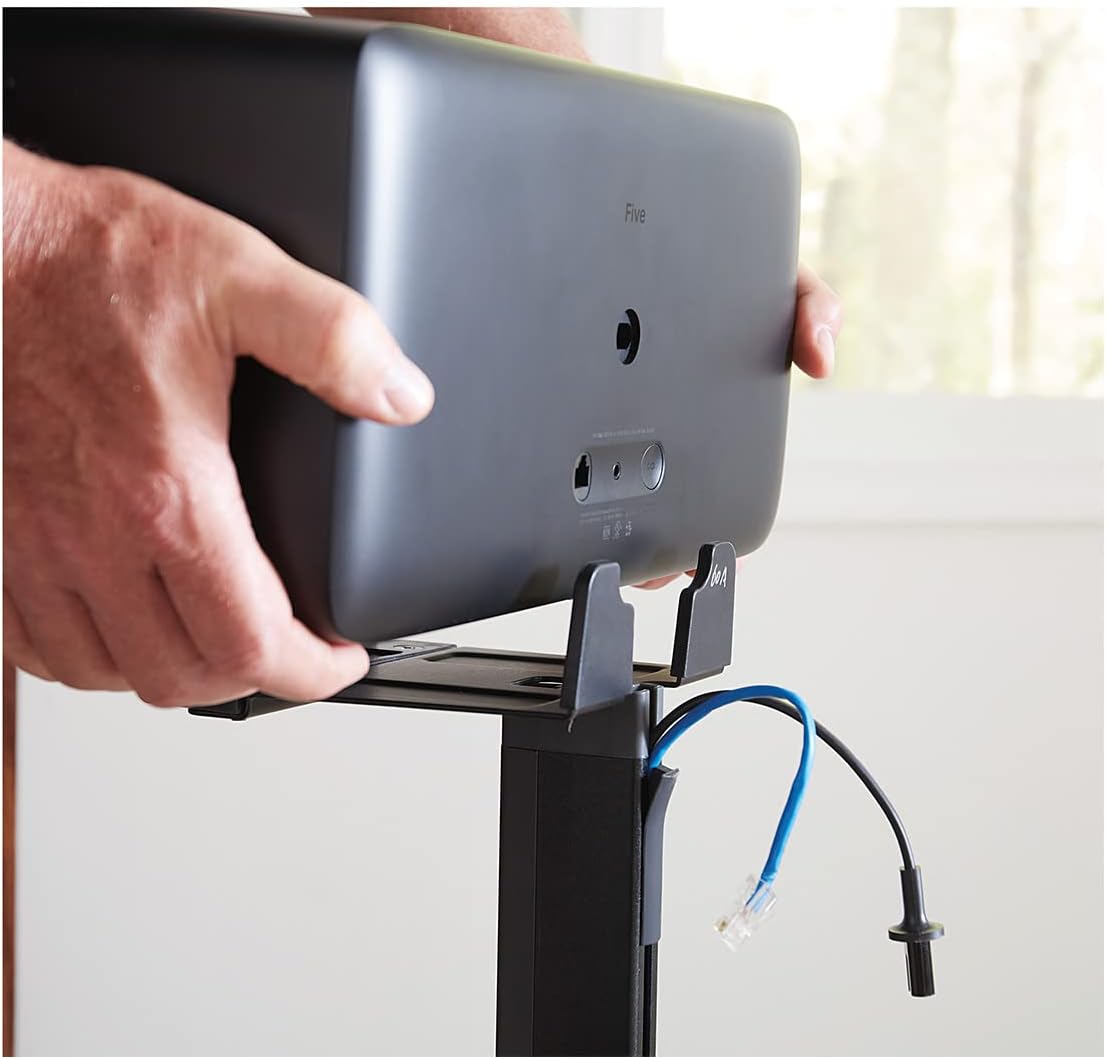
Image: Two hands carefully positioning a Sonos Five speaker onto the top bracket of the stand, ensuring proper alignment.
Operating and Placement
The SANUS speaker stand is designed to optimize the audio performance of your Sonos Five or Play:5 by positioning it at the ideal listening height. Consider the following for best results:
- Optimal Height: The stand places your speaker at approximately 31 inches (79 cm) from the floor, which is generally considered the optimal ear level for seated listening.
- Orientation: Your Sonos Five or Play:5 can be placed in either vertical or horizontal orientation on the stand. Refer to your Sonos speaker's manual for specific recommendations regarding sound dispersion based on orientation.
- Stereo Pairing & Surround Sound: For stereo pairing or surround sound configurations, ensure both stands are placed symmetrically relative to your primary listening position and other audio components.
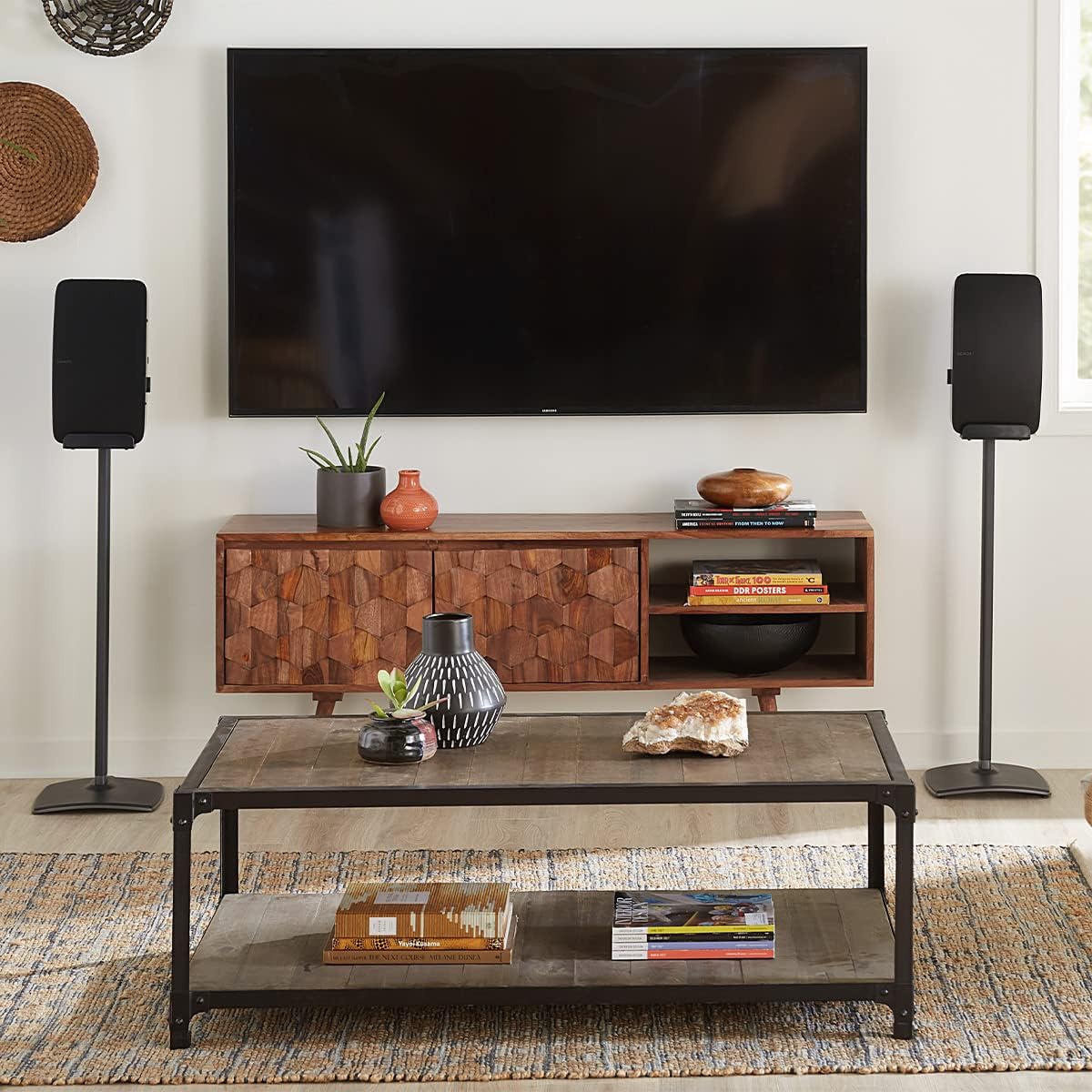
Image: A living room setup featuring two SANUS speaker stands, each holding a Sonos speaker, positioned on either side of a television console.
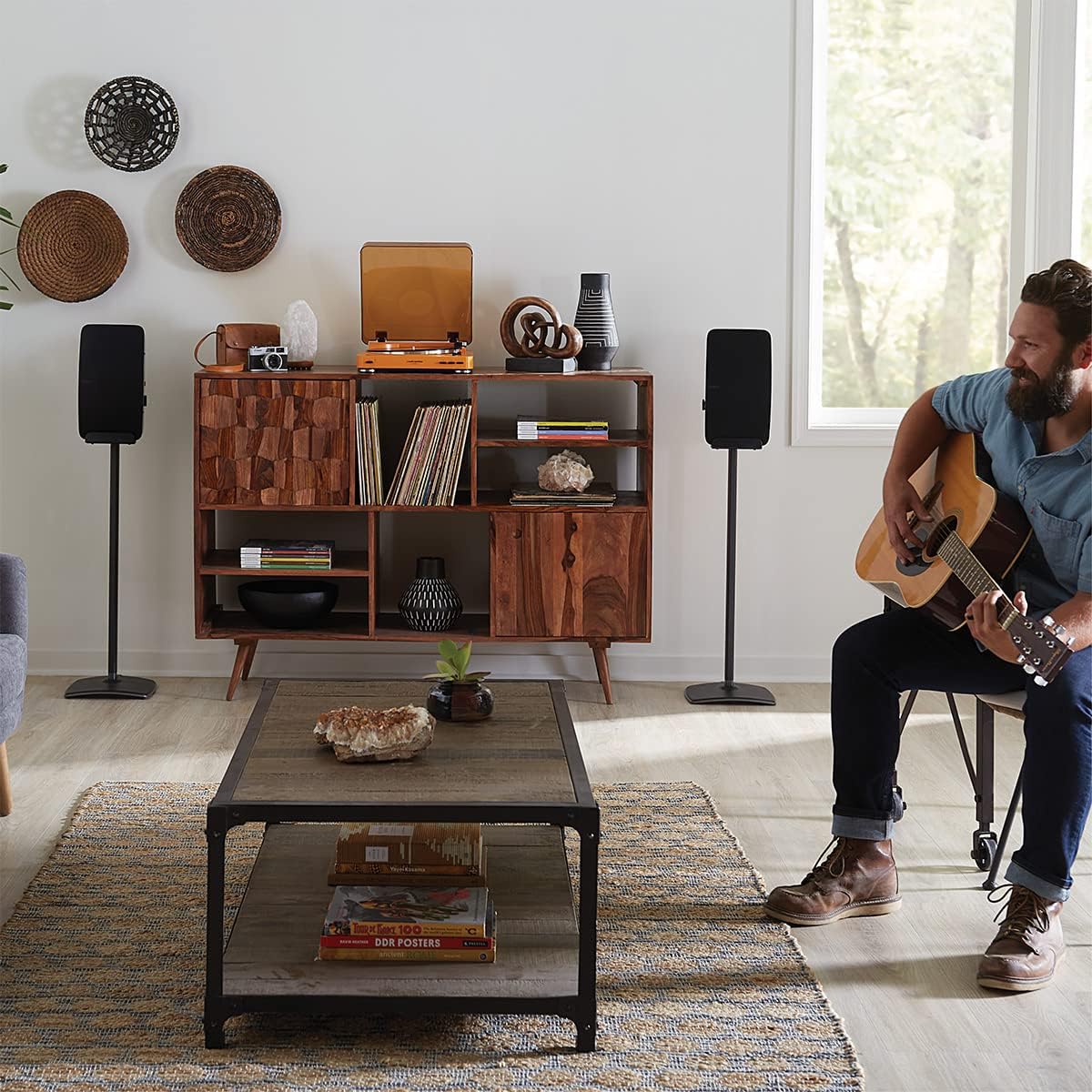
Image: A person playing an acoustic guitar in a living room, with two SANUS speaker stands holding Sonos speakers visible in the background, illustrating a typical usage scenario.
Maintenance
To ensure the longevity and appearance of your speaker stand, follow these simple maintenance guidelines:
- Cleaning: Wipe the stand with a soft, dry cloth to remove dust. For more stubborn marks, a slightly damp cloth can be used, followed by immediate drying. Avoid abrasive cleaners or solvents, as these can damage the anodized finish.
- Inspection: Periodically check all screws and connections to ensure they remain tight. Re-tighten if necessary to maintain stability.
- Cable Management: Ensure cables remain neatly tucked within the management channels to prevent damage or entanglement.
Troubleshooting
| Problem | Possible Cause | Solution |
|---|---|---|
| Stand feels unstable or wobbly. | Loose assembly screws; uneven floor surface; incorrect use of feet. |
|
| Speaker does not fit securely on the bracket. | Incorrect speaker model; improper placement. |
|
| Cables are visible or not neatly managed. | Cables not routed through internal channels. |
|
Specifications

Image: A diagram illustrating the key dimensions of the SANUS speaker stand, including its height (31.5 inches / 79.90 cm), base width (11 inches / 27.94 cm), and base depth (10.9 inches / 27.68 cm).
- Model Number: WSS52-B2
- Compatibility: Sonos Five, Sonos Play:5
- Material: Anodized Aluminum
- Color: Black
- Product Dimensions (L x W x H): 10.9 x 11 x 31.46 inches (27.68 x 27.94 x 79.90 cm)
- Item Weight: 12.76 pounds (5.8 Kilograms)
- Special Features: Wireless (referring to speaker compatibility), Built-in Cable Management
- Manufacturer: SANUS
- Date First Available: July 1, 2022
Warranty and Support
SANUS products are designed for durability and performance. This speaker stand comes with a 10-year warranty, reflecting our commitment to quality.
For technical assistance, troubleshooting, or warranty claims, please contact SANUS customer support. Our U.S.-based expert customer care team is available 7 days a week to assist you.
For more information and support resources, visit the official SANUS website: www.sanus.com
Related documentsWSS52-B2


Ask a question about this manual
Ask about setup, troubleshooting, compatibility, parts, safety, or missing instructions. Manuals+ will review the question and use this page’s manual context to help answer it.