
Introduction
This manual provides essential information for setting up, operating, maintaining, and troubleshooting your Lenovo ThinkPad T16 Gen 1 laptop. Please read this manual thoroughly to ensure proper use and to maximize the performance and longevity of your device.
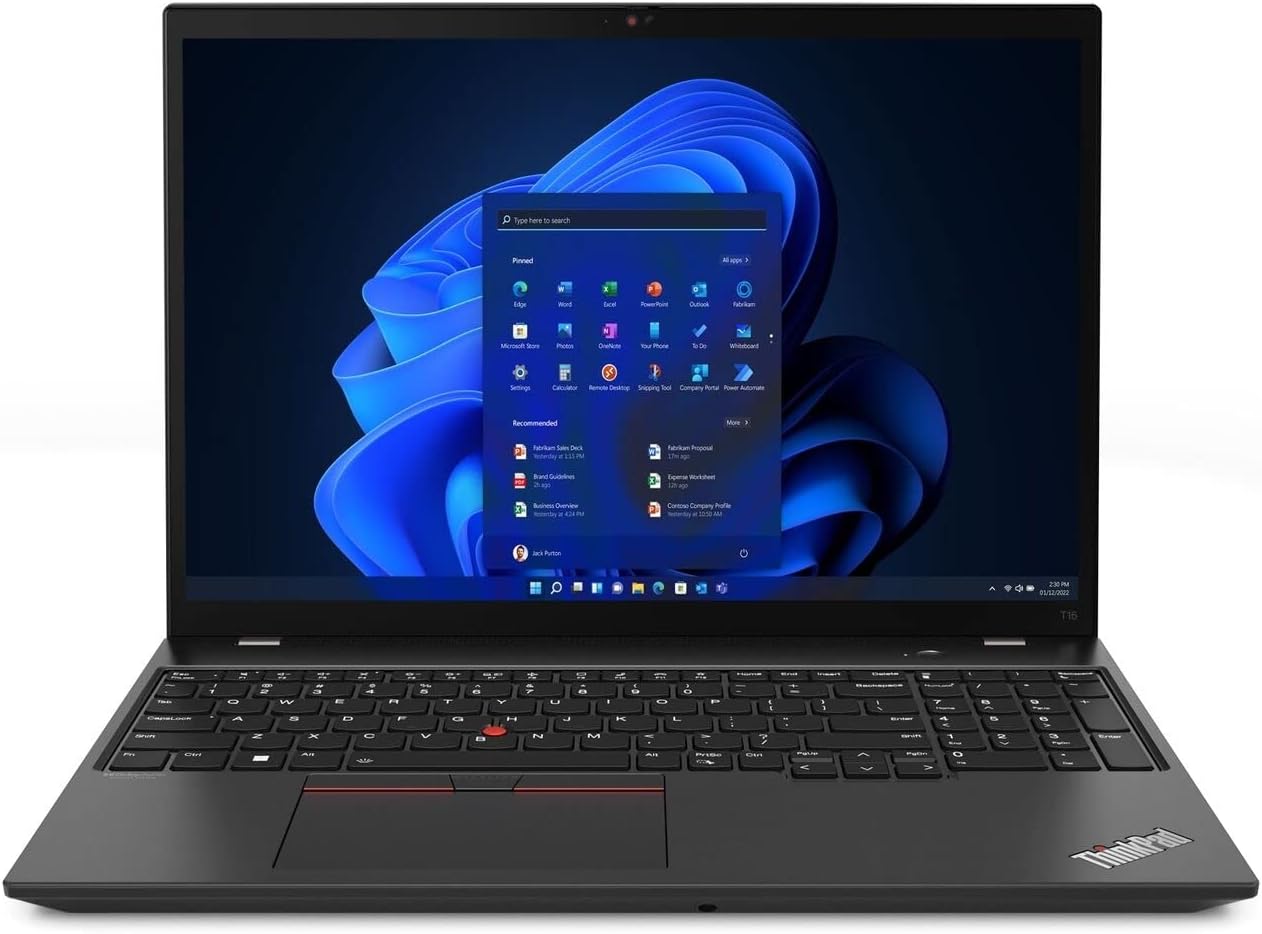
The Lenovo ThinkPad T16 Gen 1 laptop, featuring a 16-inch WUXGA touch display and Windows 11 Pro.
What's in the Box
Verify that all items are present in the packaging:
- Lenovo ThinkPad T16 Gen 1 Notebook
- Power Adapter
- Power Cord
- Safety Card
Setup
1. Initial Power-On
- Connect the power adapter to the laptop's power input port and then to an electrical outlet.
- Open the laptop lid.
- Press the power button, typically located on the top right of the keyboard or on the side, to turn on the device.
2. Windows 11 Pro Setup
- Follow the on-screen instructions to complete the initial Windows 11 Pro setup. This includes selecting your region, language, connecting to a network, and creating a user account.
- It is recommended to connect to a stable internet connection during setup to download necessary updates.
3. Fingerprint Reader Setup
- Once Windows is set up, navigate to Settings > Accounts > Sign-in options.
- Locate the 'Fingerprint recognition (Windows Hello)' option and follow the prompts to register your fingerprints for secure login.
Operating Instructions
Keyboard and Touchpad
The ThinkPad T16 Gen 1 features a full-sized backlit keyboard and a precision touchpad for navigation. The TrackPoint pointing device (red dot in the center of the keyboard) offers an alternative navigation method with dedicated buttons below the spacebar.
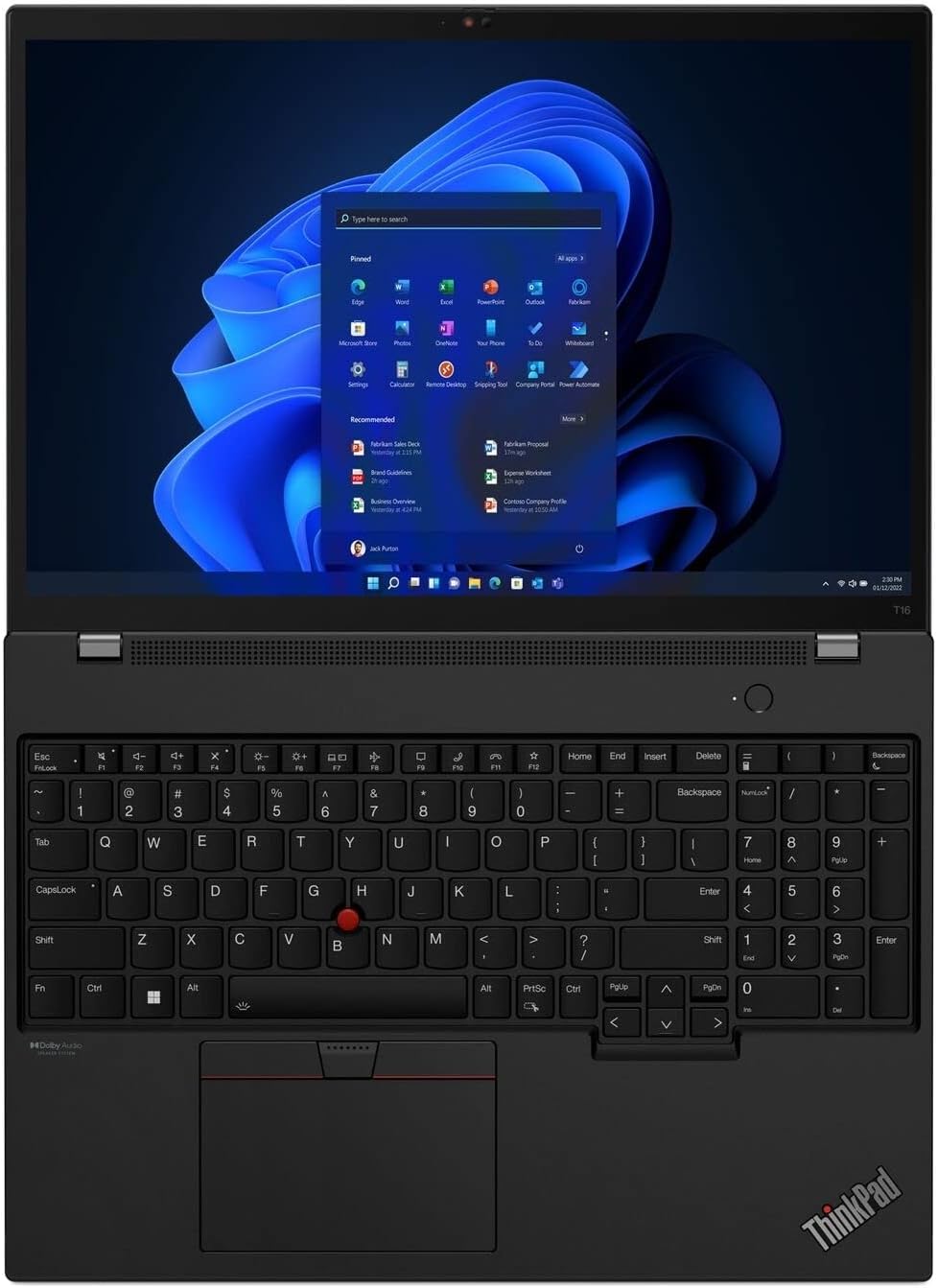
The keyboard layout with the integrated TrackPoint and large touchpad for precise control.
Touchscreen Functionality
The 16-inch WUXGA display supports touch input. You can interact with the operating system and applications directly on the screen using gestures similar to a tablet or smartphone.
Connecting Peripherals
The laptop offers various ports for connecting external devices:
- USB-A Ports: For connecting standard USB devices like mice, keyboards, or external storage.
- USB-C (Thunderbolt) Ports: For high-speed data transfer, video output, and power delivery.
- HDMI Port: For connecting to external displays or projectors.
- Ethernet Port: For wired network connectivity.
- Audio Jack: For headphones or external speakers.
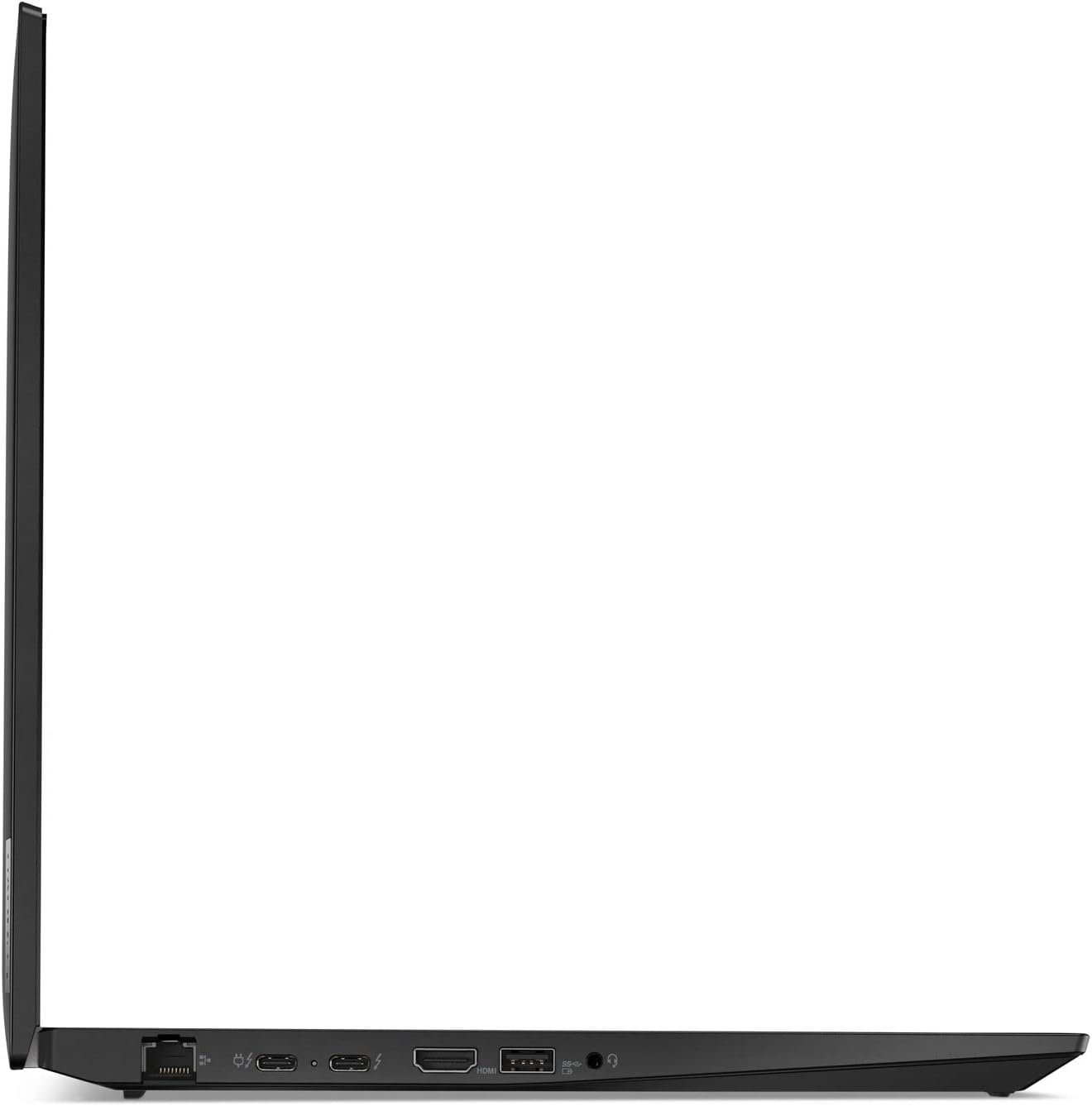
The left side ports of the ThinkPad T16 Gen 1, including Ethernet, USB-C, Thunderbolt, HDMI, and audio jack.
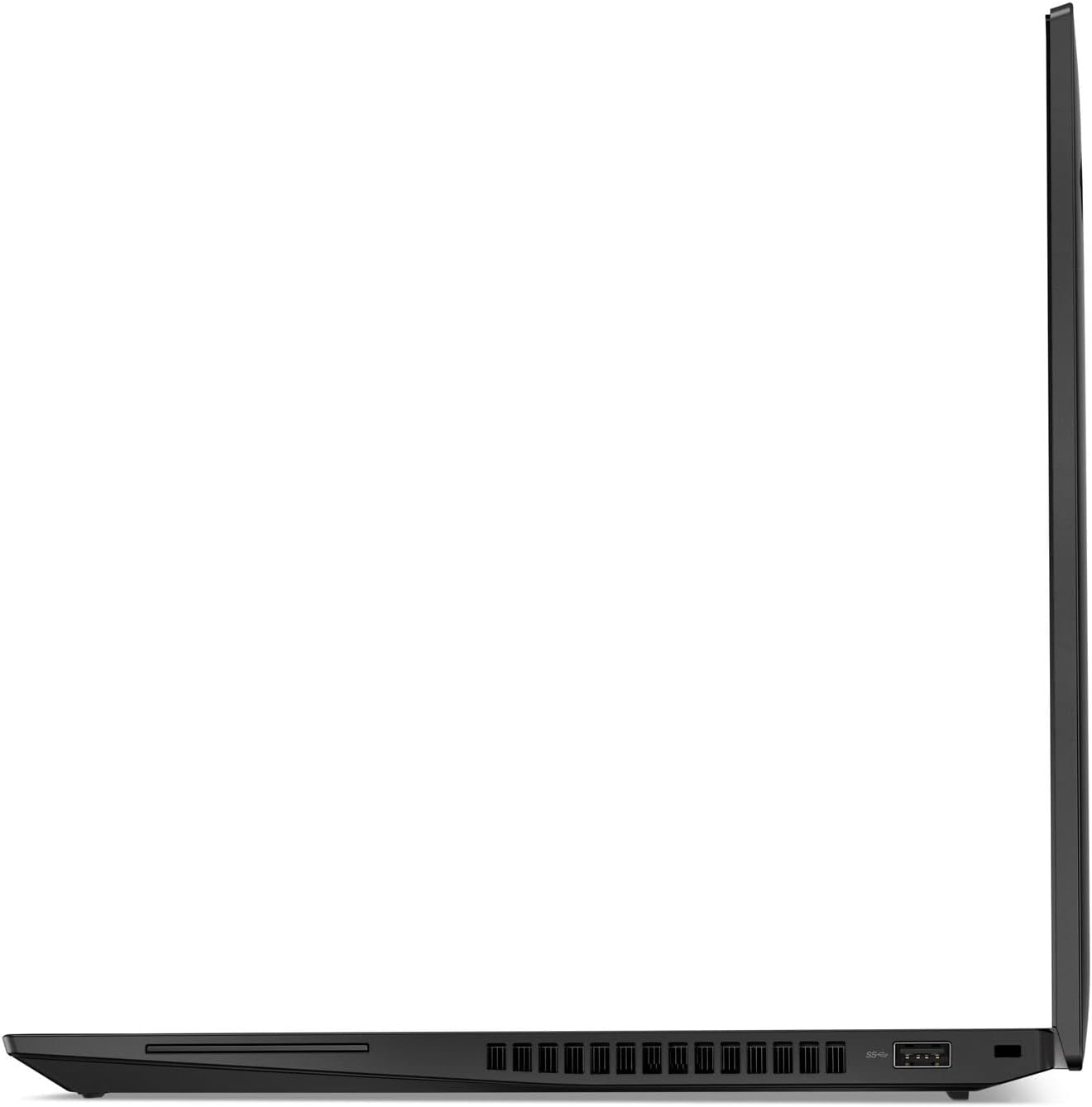
The right side ports of the ThinkPad T16 Gen 1, featuring USB-A ports and cooling vents.
Maintenance
Cleaning
- Use a soft, lint-free cloth slightly dampened with water or a screen cleaner to clean the display. Avoid harsh chemicals.
- For the keyboard and chassis, use a soft cloth. A can of compressed air can help remove dust from crevices.
Software Updates
Regularly check for and install Windows updates and Lenovo driver updates to ensure optimal performance and security. These can be found in Windows Settings and through the Lenovo Vantage application.
Battery Care
- Avoid fully discharging the battery frequently.
- Store the laptop in a cool, dry place when not in use for extended periods.
- For optimal battery health, avoid prolonged exposure to extreme temperatures.
Troubleshooting
Common Issues and Solutions
- No Power: Ensure the power adapter is securely connected and the outlet is functional. Try a different outlet.
- Display Issues: If the screen is blank, try pressing Fn + F7 (or the appropriate function key for display toggle) to cycle through display modes. Ensure external monitors are properly connected.
- Connectivity Problems: For Wi-Fi, check if Wi-Fi is enabled and try restarting your router. For wired connections, ensure the Ethernet cable is securely plugged in.
- Slow Performance: Close unnecessary applications, check for malware, and ensure your system has sufficient free storage space.
For more detailed troubleshooting or persistent issues, refer to the Lenovo support website or contact customer service.
Specifications
| Feature | Detail |
|---|---|
| Model | Lenovo ThinkPad T16 Gen 1 |
| Processor | Intel Core i7-1260P (12 Cores, 1.5 GHz) |
| RAM | 16 GB DDR5 |
| Storage | 512 GB SSD |
| Display | 16-inch WUXGA (1920x1200) Touchscreen |
| Graphics | Intel UHD Graphics |
| Operating System | Windows 11 Pro |
| Wireless Connectivity | 802.11ax |
| Weight | 3.64 pounds |
| Dimensions (LxWxH) | 14.25 x 10.06 x 0.81 inches |
| Special Features | Anti-Glare Coating, Backlit Keyboard, Fingerprint Reader |
Warranty and Support
Your Lenovo ThinkPad T16 Gen 1 is covered by a limited warranty. For specific warranty terms and conditions, please refer to the documentation included with your product or visit the official Lenovo support website. Warranty details can vary by region and purchase date.
For technical assistance, driver downloads, or service requests, please visit the official Lenovo Support website or contact Lenovo customer service. Have your product's serial number ready when seeking support.
Lenovo Support Website: support.lenovo.com