
1. Introduction
This manual provides detailed instructions for the RIJER 4K/60Hz 2x2 Video Wall Controller and 4x4 HDMI Matrix Switch. This device offers dual functionality: a 4-input, 4-output HDMI matrix switch with seamless switching capabilities and a 4K video wall controller supporting various splicing modes and rotation functions. Please read this manual thoroughly before operation to ensure proper setup and usage.
2. Features
- Dual Functionality: Operates as both a 4 HDMI in 4 HDMI out seamless matrix switch and a 3840x2160@60Hz 4K video wall controller.
- Matrix Mode Seamless Switching: Allows routing any input to any or all screens simultaneously without black screen interruptions. Supports four inputs on the same screen.
- 4K Video Wall Splicing: Supports 1x2, 1x3, 1x4, 2x1, 3x1, 4x1, and 2x2 modes. Includes 4 HDMI inputs and 1 DisplayPort (DP) input (DP not available in Matrix Mode).
- High Resolution Input: Supports 1 DP1.2 (4K@60Hz), 1 HDMI2.0 (4K@60Hz), and 3 HDMI1.4 (4K@30Hz) inputs, providing up to 3840x2160@60Hz video.
- Flexible Output Resolution: Each of the 4 HDMI outputs supports resolutions including 1024x768@60Hz, 1280x800@60Hz, 1280x720@60Hz, 1920x1080@60Hz, and 1920x1200@60Hz. For example, a 2x2 mode with 1920x1080@60Hz output results in a 3640x2016@60Hz image.
- Rotation Function: Supports 180-degree rotation for individual display units. In splice mode, the entire image can be rotated 90°, 180°, or 270°.
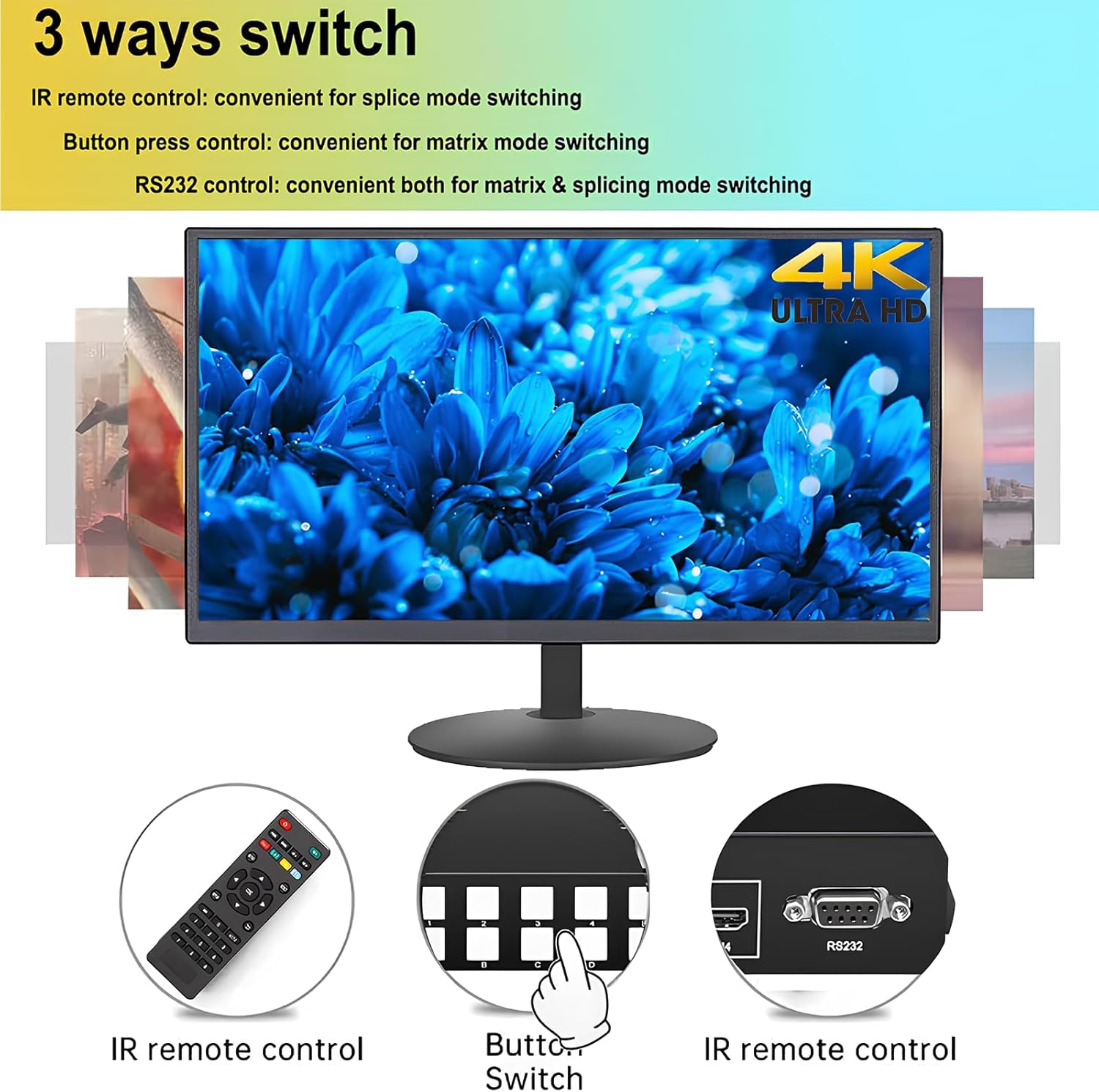
- Control Methods: Features IR remote control, RS232 serial control, and classic button control for easy operation.
- Switch-off Memory: Automatically remembers the previous mode status upon power-on. Can be reset to the default matrix mode.
- Audio Output: Supports 3.5mm audio output.
3. Package Contents
Verify that all items are present in the package:
- RIJER 4K Video Wall Controller / HDMI Matrix Switch Unit
- IR Remote Control
- 12V Power Adapter
- RS232 Cable (DB9 to USB)
- Mounting Brackets (2x)
- User Manual
- Software CD

4. Setup
Follow these steps to set up your RIJER Video Wall Controller and HDMI Matrix Switch:
- Connect Input Sources: Connect your HDMI or DisplayPort source devices (e.g., laptop, PC, TV box, gaming console) to the INPUT ports on the controller using appropriate cables.
- Connect Output Displays: Connect your display units (monitors, TVs, projectors) to the HDMI OUTPUT ports on the controller.
- Connect Audio Output (Optional): If external audio is desired, connect speakers or an audio system to the 3.5mm A-OUT port.
- Connect Control Interface (Optional): For RS232 control, connect the RS232 cable from your computer to the RS232 port on the controller.
- Power On: Connect the 12V power adapter to the DC 12V port on the controller and plug it into a power outlet. The LED indicator will illuminate.

5. Operating Modes
The device supports two primary operating modes: Video Wall Splicing Mode and HDMI Matrix Switching Mode.
5.1 Video Wall Splicing Mode
In this mode, a single input source is displayed across multiple screens to form a larger image. The controller supports various configurations and image rotation.
- Supported Configurations: 1x2, 1x3, 1x4 (horizontal arrangements), 2x1, 3x1, 4x1 (vertical arrangements), and 2x2 (grid arrangement).
- Image Rotation: Individual display units can be rotated 180 degrees to optimize bezel alignment (e.g., for TVs with thicker bottom bezels). The entire spliced image can also be rotated 90°, 180°, or 270°.
Video: Demonstrates 90-degree rotation for video wall configurations. This video shows how individual screens can be rotated to achieve seamless image display, especially useful for TVs with varying bezel thicknesses.
Video: Illustrates 4K 4x4 HDMI Matrix Video Wall with 4K/60Hz 4 TV Splicing Display. This video showcases the device's capability to create a large video wall by splicing a single 4K/60Hz input across four televisions.
Video: Demonstrates 4K Video Wall Controller in 2x2 HDMI TV Wall configuration. This video highlights the setup and functionality of a 2x2 video wall using the controller, displaying a single 4K source across four screens.
5.2 HDMI Matrix Switching Mode
In this mode, the device functions as a 4-input, 4-output HDMI matrix switch, allowing flexible routing of input sources to output displays. This mode features seamless switching without black screens.
- Any-to-Any Routing: Any of the four HDMI inputs can be routed to any single output, multiple outputs, or all four outputs simultaneously.
- Quad Multi-viewer: Supports displaying four different input sources on a single screen or across multiple screens.
- Seamless Switching: Transitions between inputs in matrix mode occur without a black screen, ensuring a continuous viewing experience.

6. Control Methods
The RIJER Video Wall Controller and HDMI Matrix Switch can be controlled using three methods:
- IR Remote Control: Convenient for quick mode switching and input selection.
- Front Panel Buttons: Provides direct control for both matrix and splicing modes.
- RS232 Software Control: Offers comprehensive control and configuration options via a connected computer.

7. Specifications
| Feature | Description |
|---|---|
| Brand | RIJER |
| Model | UD4K |
| Color | Black |
| Connector Type | HDMI |
| Number of Ports | 8 (4 Input, 4 Output) |
| Input Resolution | Up to 4K 3840x2160@60Hz (DP1.2, HDMI2.0), 4K@30Hz (HDMI1.4) |
| Output Resolution | 1024x768@60Hz, 1280x800@60Hz, 1280x720@60Hz, 1920x1080@60Hz, 1920x1200@60Hz |
| Control Methods | IR Remote, RS232, Front Panel Buttons |
| Audio Output | 3.5mm Audio |
| Compatible Devices | iPad, iPhone, Tablet, Android devices, Computers |
8. Troubleshooting
If you encounter issues with your device, consider the following common troubleshooting steps:
- No Signal/Black Screen: Ensure all HDMI/DP cables are securely connected and are of sufficient quality for 4K signals. Verify input source is active and output displays are powered on and set to the correct input. Check resolution settings on both source and controller.
- Image Distortion/Incorrect Splicing: In splicing mode, ensure the correct row and column settings are applied. Use the rotation function if bezels are causing visual gaps.
- Remote Control Not Responding: Check the remote control's batteries. Ensure there are no obstructions between the remote and the device's IR receiver.
- RS232 Control Issues: Verify the RS232 cable connection and ensure the correct software and COM port settings are used on your computer.
- No Audio: Check audio connections and ensure the audio source is correctly selected on the controller and output device.
9. Maintenance
To ensure the longevity and optimal performance of your RIJER Video Wall Controller and HDMI Matrix Switch, follow these maintenance guidelines:
- Cleaning: Use a soft, dry cloth to clean the device. Avoid liquid cleaners or abrasive materials.
- Ventilation: Ensure the device is placed in a well-ventilated area to prevent overheating. Do not block ventilation openings.
- Storage: When not in use for extended periods, store the device in a cool, dry place away from direct sunlight and extreme temperatures.
- Cable Management: Keep cables organized and free from kinks or excessive tension to prevent damage.
10. Warranty and Support
RIJER offers a 12-month warranty from the order date for problems related to the product itself. Free technical support is available for the lifetime of the product. For assistance, please contact RIJER customer support.