
1. Introduction
This manual provides comprehensive instructions for the installation, operation, and maintenance of your Logia Wireless Lightning Sensor (Model LOWSA100LW). This sensor is designed to integrate with compatible Logia weather stations to provide real-time data on lightning frequency and distance. Please read this manual thoroughly before using the device to ensure proper function and safety.
2. Safety Information
- Do not expose the sensor to extreme temperatures, direct sunlight for prolonged periods, or corrosive environments.
- Ensure the battery compartment is sealed properly to prevent water ingress, especially if installed outdoors.
- Dispose of used batteries according to local regulations. Do not mix old and new batteries, or different types of batteries.
- Do not attempt to disassemble or modify the sensor. This will void the warranty and may cause damage.
3. Package Contents
Verify that all items are present in the package:
- Logia Wireless Lightning Sensor (Model LOWSA100LW)
- Instruction Manual (this document)
Note: 2 AA batteries are required for operation and are not included.
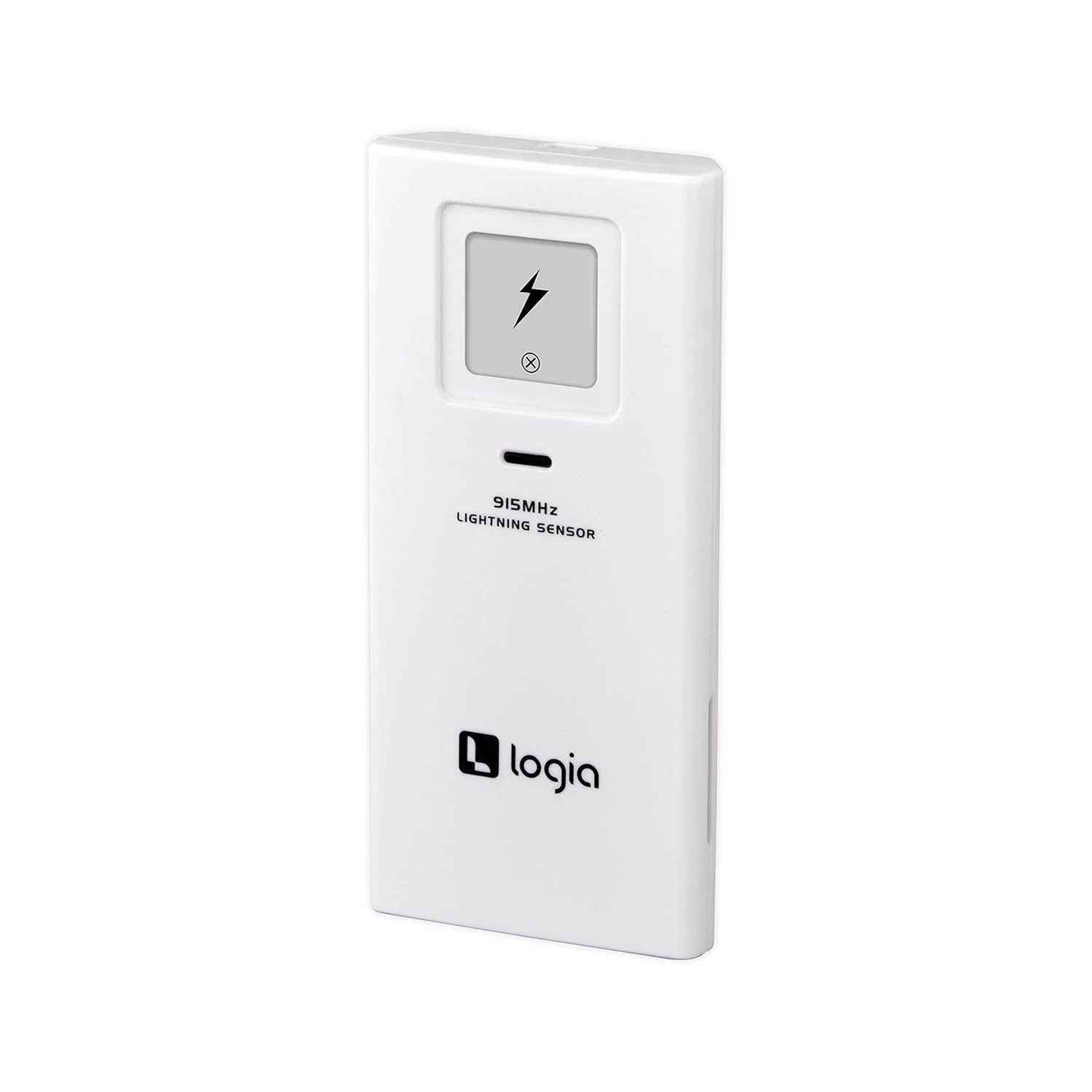
Figure 3.1: Front view of the Logia Wireless Lightning Sensor, showing the lightning bolt icon and '915MHz LIGHTNING SENSOR' text.
4. Setup
4.1 Battery Installation
- Locate the battery compartment on the back of the sensor.
- Gently slide the battery cover downwards to open it.
- Insert two (2) AA batteries, ensuring correct polarity (+ and -).
- Close the battery cover securely.

Figure 4.1: Back view of the sensor with the battery compartment open, illustrating battery insertion.
4.2 Pairing with Weather Station
The lightning sensor automatically attempts to pair with a compatible Logia weather station upon battery installation. Ensure your weather station is powered on and within range (typically up to 330 feet / 100 meters in open air). Refer to your main weather station's manual for specific instructions on adding or searching for new sensors.
- Place the sensor in a location that is protected from direct precipitation but allows for clear reception.
- Avoid placing the sensor near large metal objects or electrical interference sources.
5. Operation
Once successfully paired, the lightning sensor will transmit data to your Logia weather station. The weather station display will show information regarding detected lightning strikes, including:
- Lightning Frequency: The number of lightning strikes detected within a specific timeframe.
- Lightning Distance: The estimated distance to the nearest lightning strike. This is typically displayed in kilometers or miles, depending on your weather station's settings.
Refer to your Logia weather station's manual for details on how to view and interpret the lightning data on its display.
6. Maintenance
6.1 Cleaning
Wipe the sensor periodically with a soft, damp cloth to remove dust or dirt. Do not use abrasive cleaners or solvents.
6.2 Battery Replacement
When the batteries are low, your weather station display may indicate a low battery warning for the sensor. Replace the batteries as described in Section 4.1. It is recommended to replace both batteries simultaneously.
7. Troubleshooting
| Problem | Possible Cause | Solution |
|---|---|---|
| Sensor not pairing with weather station | Incorrect battery installation, out of range, interference, weather station not in pairing mode. | Check battery polarity. Move sensor closer to the weather station. Ensure no large metal objects are between the sensor and station. Refer to your weather station manual for pairing instructions. Remove and reinsert batteries in the sensor to force a re-pairing attempt. |
| No lightning data displayed | No lightning activity, sensor not paired, low batteries. | Verify sensor is paired. Check and replace batteries if necessary. Ensure there is actual lightning activity in the area. |
| Inaccurate lightning distance | Environmental factors, interference. | Ensure the sensor is not near strong electrical sources or large metal structures. The accuracy can be affected by local conditions. |
8. Specifications
- Model Number: LOWSA100LW
- Product Dimensions: 4.9"D x 2.2"W x 4.9"H (12.4 cm x 5.6 cm x 12.4 cm)
- Weight: 3.28 ounces (93 grams)
- Power Source: 2 x AA batteries (not included)
- Connectivity Technology: Wireless (915 MHz)
- Manufacturer: Logia
9. Warranty Information
Logia products are designed for reliability and performance. This product is covered by a limited warranty against defects in materials and workmanship. For specific warranty terms and conditions, please refer to the warranty card included with your original purchase or visit the official Logia website. Keep your proof of purchase for warranty claims.
10. Customer Support
If you encounter any issues or have questions regarding your Logia Wireless Lightning Sensor that are not addressed in this manual, please contact Logia customer support. Contact information can typically be found on the Logia website or on your product packaging.


