1. Introduction
The Samsung SWA-9200S Wireless Rear Speaker Kit is designed to expand your compatible Samsung Soundbar system, creating a true cinematic surround sound experience. These additional speakers add extra dimension and rich layers of sound to your favorite entertainment, immersing you completely in the action of movies, shows, and games.
The kit features a wireless solution, allowing for a clutter-free setup by wirelessly connecting two 2.0 channel front-firing rear speakers to compatible Samsung soundbars. Each speaker includes a built-in amplifier for optimal performance.
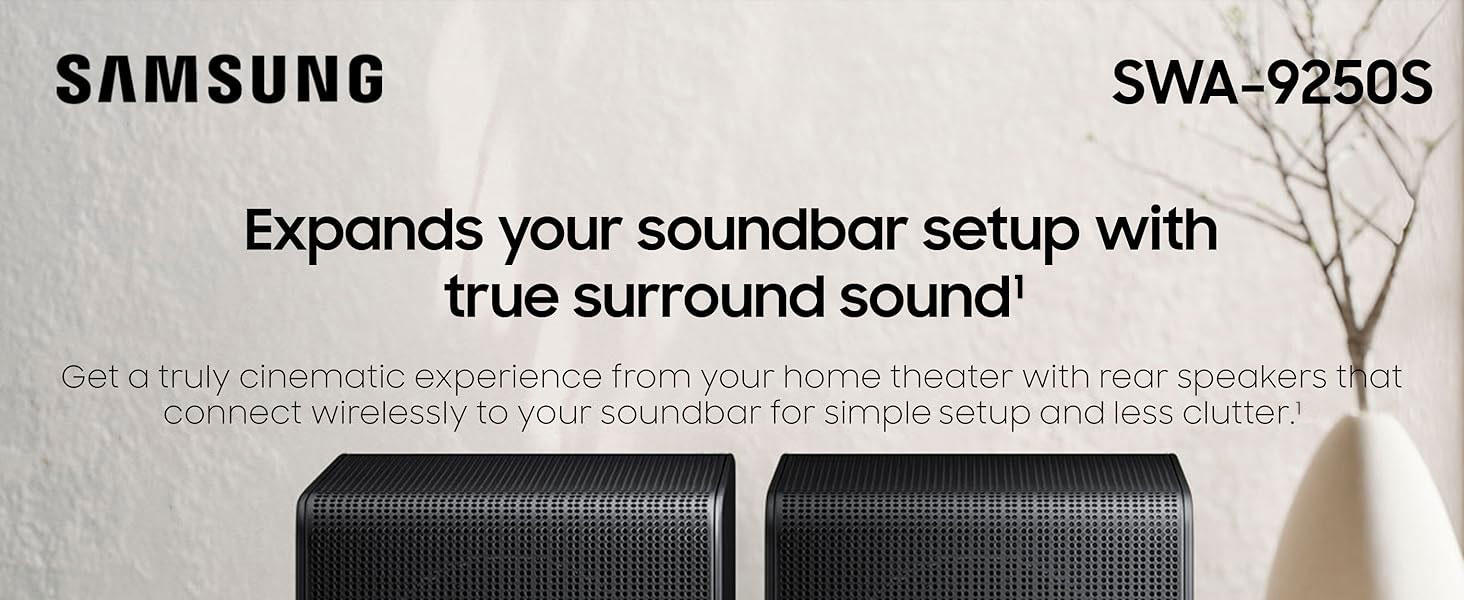
Image: Samsung SWA-9200S Wireless Rear Speaker Kit integrated into a home theater setup, illustrating the wireless surround sound effect.
2. What's in the Box
- Wireless Rear Speakers (2 units)
3. Setup
Setting up your Samsung SWA-9200S Wireless Rear Speaker Kit is designed to be straightforward. Follow these steps for a seamless integration with your compatible Samsung Soundbar:
- Placement: Position the two rear speakers in your desired location, typically behind or to the sides of your main listening area, to optimize the surround sound effect. Ensure they are within range of your soundbar. The speakers feature integrated rubber feet for stable placement on furniture and are also wall-mountable.
- Power Connection: Connect each wireless rear speaker to a power outlet using the provided power cords. The wireless module is integrated into one of the speakers and requires a power cord to function.
- Speaker Cable Connection: Connect the speaker cables from the wireless module to the rear speakers. Ensure the wires are seated properly to avoid sound issues.
- Pairing with Soundbar: The speakers are designed for easy and wireless pairing with compatible Samsung soundbars. Simply plug in the speakers, and they should automatically pair with your soundbar. If automatic pairing does not occur, refer to your soundbar's manual for specific pairing instructions, which usually involves pressing an 'ID SET' button on the wireless module and a corresponding button on your soundbar remote.

Image: Rear view of the Samsung SWA-9200S speakers, highlighting the power input and speaker cable terminals.

Image: Bottom of a Samsung SWA-9200S speaker, illustrating the integrated rubber feet for secure positioning.
Product Overview Video
Video: A brief product overview demonstrating the features and setup of the Samsung SWA-9200S Wireless Rear Speaker Kit.
4. Operating
Once connected, your rear speakers will automatically enhance your audio experience. You can typically control the volume of the rear speakers and select various sound modes directly from your compatible Samsung Soundbar's remote control or through the SmartThings app.
- Sound Modes: Experiment with different sound modes (e.g., Standard, Surround, Game, Adaptive Sound) available on your soundbar to find the optimal audio profile for your content. For a truly immersive experience, ensure your content is configured for 5.1 channels and activate DTS: Virtual X or similar surround sound settings on your soundbar.
- Volume Control: Adjust the individual volume level of the rear speakers relative to the main soundbar to achieve balanced surround sound.
- Bluetooth Connectivity: The soundbar system, when paired with these speakers, often supports Bluetooth connectivity, allowing you to stream audio from your mobile devices.
5. Compatibility
These speakers are ONLY compatible with the following Samsung Soundbar models:
- 2023 Soundbars: B550, B650, C450, Q600C, S50B, S60B, S61B, B63C
- 2024 Soundbars: B550D, B750D, S60D, S61D, S700D
They will not work with Non-Atmos Soundbar systems from Samsung. Always verify compatibility with your specific soundbar model before purchase.
6. Maintenance
To ensure the longevity and optimal performance of your Samsung SWA-9200S Wireless Rear Speaker Kit, follow these simple maintenance guidelines:
- Cleaning: Gently wipe the speaker surfaces with a soft, dry cloth. Avoid using liquid cleaners, solvents, or abrasive materials, as these can damage the finish.
- Ventilation: Ensure adequate airflow around the speakers to prevent overheating. Do not block any ventilation openings.
- Environment: Keep the speakers away from direct sunlight, heat sources, and excessive moisture. They are not water-resistant.
- Cable Management: Periodically check all cable connections to ensure they are secure and free from damage.
7. Troubleshooting
If you encounter issues with your Samsung SWA-9200S Wireless Rear Speaker Kit, try the following troubleshooting steps:
- No Sound from Rear Speakers:
- Verify that both speakers are properly powered on and their power cables are securely connected.
- Check the speaker cables connecting to the wireless module to ensure they are firmly seated in their terminals.
- Confirm that the rear speakers are successfully paired with your soundbar. Refer to your soundbar's manual for re-pairing instructions if necessary.
- Ensure your audio source and TV audio output settings are configured for surround sound (e.g., Dolby Digital, DTS) and not stereo (PCM).
- Low Volume or Unbalanced Sound:
- Adjust the individual volume level of the rear speakers using your soundbar's remote control.
- Experiment with different sound modes on your soundbar (e.g., DTS: Virtual X) which may enhance the rear speaker output.
- Ensure the content you are playing is encoded with surround sound. Stereo content will not fully utilize the rear speakers.
- Intermittent Connection/Static Noise:
- Ensure there are no obstructions between the soundbar and the wireless rear speakers that could interfere with the wireless signal.
- Minimize interference from other wireless devices operating on the same frequency band.
- If possible, try repositioning the speakers or soundbar slightly.
8. Specifications
| Model Name | FBASAMSWA9200S |
| Speaker Type | Rear Speaker |
| Special Feature | 2.0-Channel with 3 Drivers |
| Recommended Uses | For Surround Sound Systems, Home Theatre |
| Compatible Devices | Home Theater, Soundbar |
| Surround Sound Channel Configuration | 2.0 |
| Color | Black |
| Product Dimensions | 4.1"D x 4.1"W x 6"H |
| Item Weight | 3.6 Pounds |
| Impedance | 3 Ohms |
| Wireless Communication Technology | Bluetooth |
| Speaker Size | 2 Inches |
| Power Source | Corded Electric |
| Bluetooth Range | 10 Meters |
| Indoor/Outdoor Usage | Indoor |
9. Warranty and Support
The Samsung SWA-9200S Wireless Rear Speaker Kit comes with a limited manufacturer's warranty. For detailed warranty information, product registration, or technical support, please visit the official Samsung support website or contact their customer service. Keep your purchase receipt for warranty claims.
For further assistance, you may also refer to the comprehensive support resources available on the Samsung website, including FAQs, user manuals, and software updates.


