
Ergear EGESD6B
ErGear Height Adjustable Electric Standing Desk User Manual
Brand: Ergear | Model: EGESD6B
1. Introduction
Thank you for choosing the ErGear Height Adjustable Electric Standing Desk. This manual provides detailed instructions for the assembly, operation, and maintenance of your new desk. Please read this manual thoroughly before beginning assembly or operation to ensure safe and correct usage. Keep this manual for future reference.

The ErGear electric standing desk, shown with a multi-monitor setup, demonstrating its spacious desktop and ergonomic design.
2. Product Features
- Outstanding Stability: Built with a solid steel frame and aerospace-grade lifting column connectors, ensuring a secure and firm foundation even at its highest setting. Tested for 100,000 cycles.
- Smooth Height Adjustment: Seamless height adjustments from 28.35" to 46.46" with 4 programmable settings for easy transition between sitting and standing.
- Uprated Motor: High-performance motor provides smooth and quiet lifting power, tested for 50,000 cycles for reliable long-term use.
- Safe Low-VOC Materials: Made from formaldehyde-free materials that meet stringent Canadian safety standards for air quality, reducing harmful VOC emissions.
- Simplified Assembly: Designed for quick and hassle-free setup with fewer steps and no heavy lifting.

This diagram illustrates the key dimensions of the ErGear electric standing desk, including its 63x28 inch desktop and height adjustment range from 28.35 to 46.46 inches.

The ErGear desk offers a wide height adjustment range, allowing users to comfortably transition between sitting and standing positions.
3. Setup and Assembly
The ErGear standing desk is designed for simplified assembly. While specific step-by-step instructions are provided in the packaging, here is a general overview of the assembly process:
- Unpack Components: Carefully remove all parts from the packaging and verify against the parts list provided in your assembly guide.
- Assemble Legs and Frame: Attach the lifting columns to the desk feet, then connect them to the crossbar frame. Ensure all screws are tightened securely.
- Attach Desktop: Place the desktop (which comes in two pieces) onto the assembled frame. Align the pre-drilled holes and secure the desktop to the frame using the provided screws.
- Install Control Panel: Mount the control panel to the underside of the desktop in the designated area.
- Connect Cables: Connect the motor cables and power adapter to the control box and then to a power outlet. Ensure all connections are firm.
- Initial Setup: Follow the instructions in your guide for the first-time initialization of the desk's motor system.
Note: All necessary tools for assembly are typically included with the product.
4. Operating Instructions
Your ErGear electric standing desk features an intuitive control panel for easy height adjustment and memory settings.
The intuitive control panel allows for precise height adjustments and features four programmable memory settings for quick access to preferred heights.
4.1. Adjusting Height
- Press and hold the Up (▲) button to raise the desk.
- Press and hold the Down (▼) button to lower the desk.
- Release the button when the desired height is reached.
4.2. Setting Memory Presets
The desk allows you to save up to four preferred height settings:
- Adjust the desk to your desired height using the Up/Down buttons.
- Press the "M" button (Memory button). The display will show "S-".
- Within 3 seconds, press one of the numbered preset buttons (1, 2, 3, or 4). The display will show the corresponding number, indicating the height is saved.
- To recall a saved height, simply press the corresponding numbered preset button (1, 2, 3, or 4). The desk will automatically move to the saved position.

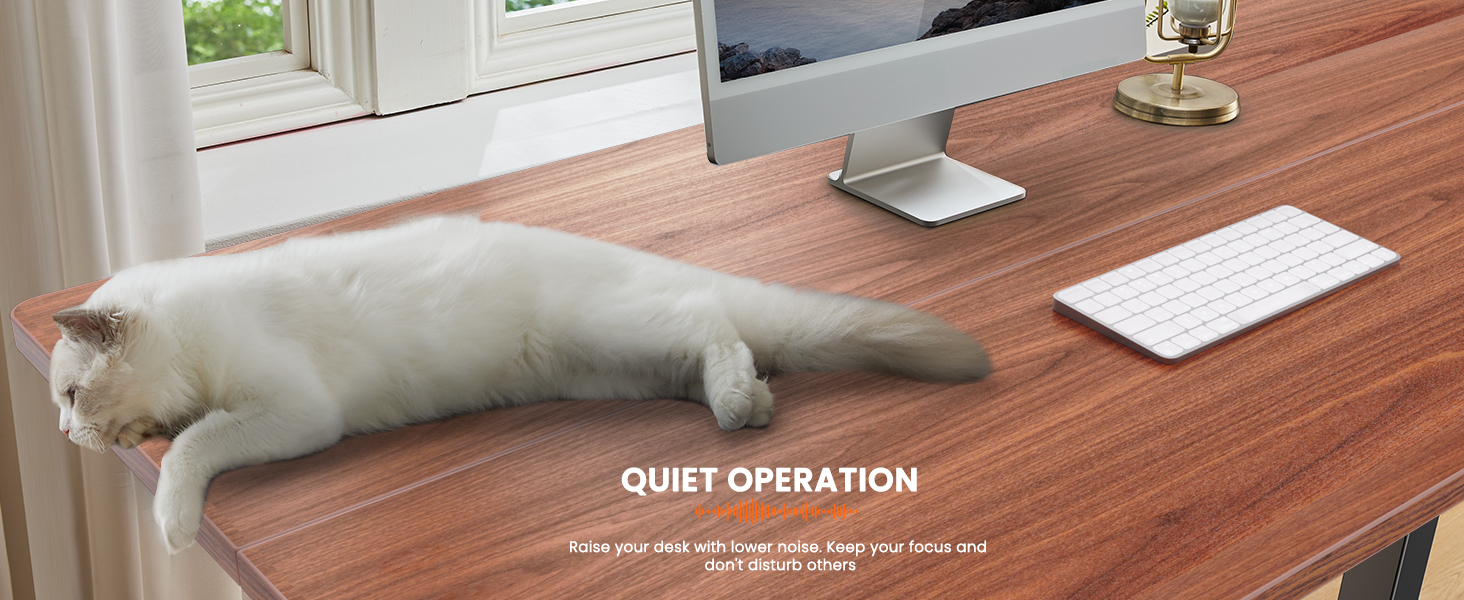
The desk operates with minimal noise during height adjustments, ensuring a quiet and undisturbed working environment.
5. Maintenance
Regular maintenance helps ensure the longevity and optimal performance of your ErGear standing desk.
- Cleaning: Wipe the desktop and frame with a soft, damp cloth. Avoid using harsh chemicals or abrasive cleaners that could damage the finish.
- Cable Management: Periodically check all cables for any signs of wear or damage. Ensure cables are neatly organized and not pinched or tangled.
- Screw Tightness: Over time, screws may loosen. Periodically check and tighten all assembly screws to maintain stability.
- Motor Inspection: Listen for any unusual noises during operation. If you notice any persistent strange sounds, refer to the troubleshooting section or contact customer support.
6. Troubleshooting
If you encounter issues with your ErGear standing desk, refer to the following common problems and solutions:
| Problem | Possible Cause | Solution |
|---|---|---|
| Desk does not move or respond to buttons. | Power cable disconnected; motor cable disconnected; overload protection activated. | Check all power and motor connections. Unplug the desk for 10 minutes, then plug back in to reset. Reduce weight on the desk if overloaded. |
| Desk moves unevenly or makes unusual noises. | Loose screws; obstruction; motor issue. | Check and tighten all assembly screws. Ensure no obstructions are in the path of the lifting columns. If noise persists, contact customer support. |
| Power adapter makes a whistling or whining noise. | Coil whine in the power adapter. | This can sometimes occur. If the noise is disruptive, contact ErGear customer support for a potential replacement power adapter. |
| Desk wobbles excessively. | Loose connections; uneven floor; heavy load at high height. | Ensure all frame connections are tight. Place the desk on a level surface. While the desk is stable, some wobble may be noticeable at maximum height with heavy loads. |
If the problem persists after attempting these solutions, please contact ErGear customer support for further assistance.
7. Specifications
| Attribute | Detail |
|---|---|
| Brand | Ergear |
| Model Number | EGESD6B |
| Product Dimensions | 71.12 x 160.02 x 72.01 cm (28 x 63 x 28.35 inches) |
| Item Weight | 30.39 kg |
| Height Adjustment Range | 28.35" to 46.46" |
| Desktop Material | Engineered Wood |
| Base Material | Alloy Steel |
| Color | Espresso (Walnut) |
| Special Features | Height adjustable electric, Sit and standing desk, Easy installation |
8. Safety Information
This product meets general safety standards for electric standing desks. To ensure safe operation:
- Keep children and pets away from the desk during operation.
- Ensure no obstructions are in the path of the desk's movement.
- Do not sit or stand on the desk.
- Do not exceed the maximum weight capacity of the desk.
- Only use the provided power adapter and cables.
9. Warranty and Support
For warranty information, technical support, or replacement parts, please contact ErGear customer service. Refer to the contact information provided in your product packaging or visit the official ErGear website.
Related documentsEGESD6B


Ask a question about this manual
Ask about setup, troubleshooting, compatibility, parts, safety, or missing instructions. Manuals+ will review the question and use this page’s manual context to help answer it.