Introduction
Thank you for choosing the truke BTG Beta True Wireless Earbuds. This manual provides essential information for setting up, operating, and maintaining your earbuds to ensure optimal performance and longevity. These earbuds are designed for an immersive audio experience, featuring 13mm dynamic drivers, a dedicated gaming mode, and clear calling with Environmental Noise Cancellation (ENC).

Image: truke BTG Beta True Wireless Earbuds and their charging case.
What's in the Box
Carefully unpack the box and ensure all items are present:
- 2 x Bluetooth Earbuds (Left and Right)
- 1 x Charging Case
- 1 x Type-C Charging Cable
- 1 x User Manual (This document)
- 1 x Warranty Card
- 2 x Pairs of Eartips (different sizes)
Setup
1. Charging the Earbuds and Case
Before first use, fully charge the earbuds and the charging case. The charging case provides extended battery life for your earbuds.
- Connect the provided Type-C cable to the charging port on the case and a compatible USB power source.
- The indicator light on the case will show charging status.
- Place the earbuds into the charging case. They will begin charging automatically.
- A 10-minute charge of the case can provide up to 10 hours of playtime for the earbuds. The total playtime with a fully charged case is up to 38 hours.

Image: truke BTG Beta charging case connected via Type-C cable, illustrating fast charging.
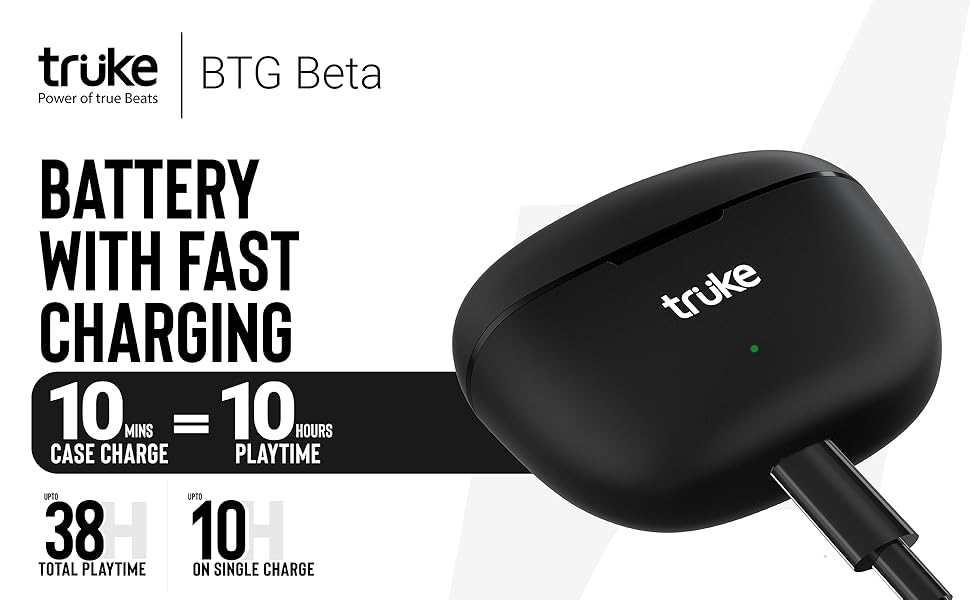
Image: Visual representation of the truke BTG Beta's 38-hour total playtime and 10 hours of playtime per single earbud charge.
2. Pairing with a Device
The truke BTG Beta earbuds feature instant pairing for quick connection.
- Ensure the charging case is charged and the earbuds are inside.
- Open the charging case. The earbuds will automatically enter pairing mode.
- On your device (smartphone, tablet, laptop), enable Bluetooth.
- Search for available Bluetooth devices and select "truke BTG Beta" from the list.
- Once connected, you will hear a confirmation tone, and the earbuds will be ready for use.
- The earbuds will automatically connect to the last paired device when the case is opened, provided Bluetooth is enabled on the device.
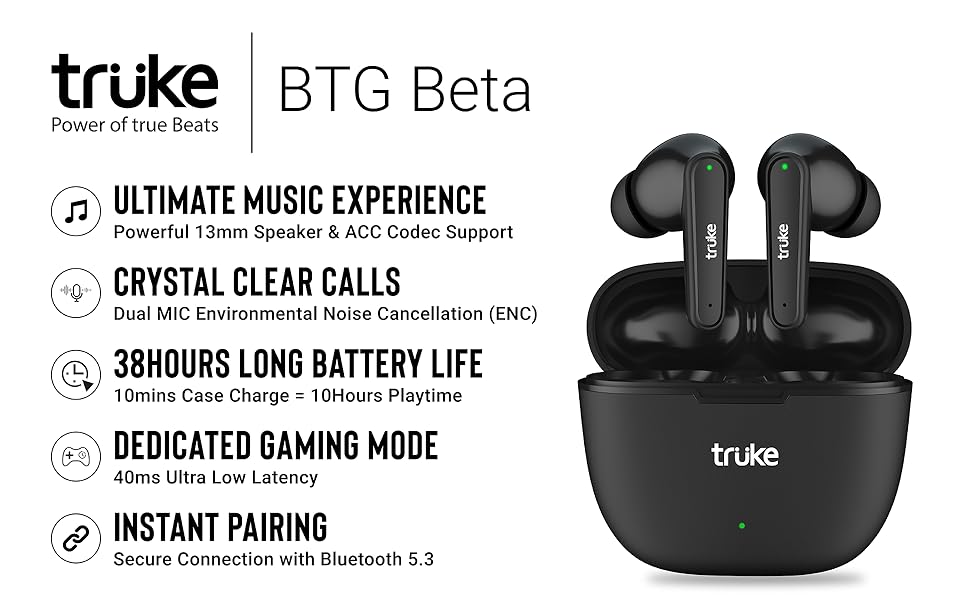
Image: truke BTG Beta earbuds demonstrating instant pairing with a mobile device.
Operating Instructions
Touch Controls
The truke BTG Beta earbuds feature intuitive touch controls on each earbud. Avoid accidental touches by using precise taps.
- Answer/End Call: Single tap on either earbud.
- Play/Pause Music: Single tap on either earbud.
- Next Track: Double tap on the right earbud.
- Previous Track: Double tap on the left earbud.
- Activate Voice Assistant (Google Assistant/Siri): Tap 2 times on the left earbud.
- Enter Gaming Mode: Tap 3 times on the right earbud.

Image: Visual guide to the touch controls on the truke BTG Beta earbuds, including voice assistant activation and gaming mode.
Gaming Mode
For an optimized gaming experience, activate the dedicated Gaming Mode, which reduces latency to as low as 40ms.
- Activate Gaming Mode: Tap 3 times on the right earbud. You will hear an audio prompt confirming activation.
- Deactivate Gaming Mode: Tap 3 times on the right earbud again to return to normal mode.

Image: truke BTG Beta earbuds showcasing the dedicated gaming mode with 40ms ultra-low latency.
Calling Functionality
The earbuds are equipped with Environmental Noise Cancellation (ENC) and dual microphones to ensure clear calls by filtering out ambient noise.
- Ensure earbuds are properly seated in your ears for optimal microphone performance.
- Answer/End calls using the touch controls as described above.

Image: Diagram explaining how Environmental Noise Cancellation (ENC) works with dual microphones to filter out environmental noise during calls.
Music Experience
Enjoy cinematic sound with powerful deep bass, delivered by 13mm dynamic driver speakers. The earbuds support both SBC and AAC codecs for high-quality audio streaming.
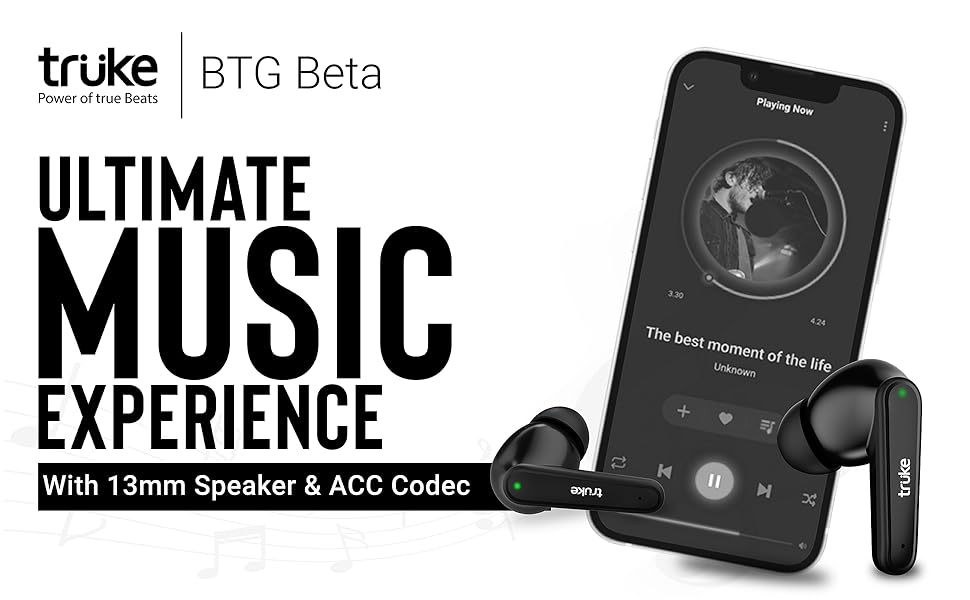
Image: truke BTG Beta earbuds shown with a music player interface, emphasizing the ultimate music experience with 13mm dynamic drivers and AAC codec support.
Maintenance
Proper maintenance ensures the longevity and performance of your truke BTG Beta earbuds.
- Cleaning: Regularly clean the earbuds and charging case with a soft, dry, lint-free cloth. Do not use harsh chemicals or abrasive materials.
- Eartips: Remove and clean the eartips periodically with water and mild soap, then dry thoroughly before reattaching.
- Storage: When not in use, store the earbuds in their charging case to protect them from dust and damage.
- Water Resistance: The earbuds are IPX4 rated, meaning they are resistant to splashing water and sweat. Do not submerge them in water or expose them to heavy rain. Dry them thoroughly if they get wet.

Image: truke BTG Beta earbuds illustrating IPX4 rating for sweat and water resistance.
Troubleshooting
If you encounter issues with your truke BTG Beta earbuds, try the following solutions:
- Earbuds not pairing:
- Ensure both earbuds are charged.
- Turn off Bluetooth on your device, then turn it back on.
- Forget/delete "truke BTG Beta" from your device's Bluetooth list and attempt to pair again.
- Place earbuds back in the case, close it, wait a few seconds, then open to re-enter pairing mode.
- Only one earbud working:
- Ensure both earbuds are charged.
- Place both earbuds back into the charging case, close the lid, and then open it again. This often resets the connection between them.
- Try resetting the earbuds (refer to the full user manual for specific reset instructions if available, or try forgetting the device and re-pairing).
- Poor sound quality:
- Ensure the earbuds are clean and free of debris.
- Try different sized eartips to ensure a secure and comfortable fit for optimal sound isolation.
- Ensure your device is within the Bluetooth range (approximately 10 meters) and there are no significant obstructions.
- Charging issues:
- Check the charging cable and adapter for damage.
- Ensure the charging port on the case is clean.
- Verify that the earbuds are correctly seated in the charging case.
Specifications
| Model Name | Truke BTG Beta |
| Item Model Number | B131 |
| Connectivity Technology | Wireless (Bluetooth 5.3) |
| Audio Driver Type | 13mm Dynamic Driver |
| Audio Codec Support | SBC, AAC |
| Battery Life (Earbuds) | Up to 10 hours on a single charge |
| Total Playtime (with Case) | Up to 38 hours |
| Fast Charging | 10 minutes charge for 10 hours playtime (case) |
| Gaming Mode Latency | 40ms Ultra Low Latency |
| Noise Control Features | Environmental Noise Cancellation (ENC) |
| Water Resistance Level | IPX4 (Water Resistant) |
| Control Method | Touch, Voice |
| Material | Plastic |
| Item Weight | 43 Grams |
| Product Dimensions | 5.2 x 5.9 x 2.5 cm |
Warranty and Support
Warranty Information
The truke BTG Beta True Wireless Earbuds come with a 1-Year Warranty from the date of purchase. This warranty is valid across 250+ active service centers. Mandatory registration is required on the truke website within 10 days of purchase to activate your warranty.
Customer Support
For any support, queries, or warranty claims, please contact:
- Importer: Eccentric Enterprises Private Limited
- Address: 1st Floor, UNIT NO 137, Building No 1 Edison Tesla Industrial Park, Raheja Plot No Gen -2/1 Industrial Area, MIDC Thane Juinagar Navi Mumbai, Thane, Maharashtra, 400705.
- Contact Number: +91 93541 70767
- Email: support@eccentricindia.com


