
1. Introduction
Welcome to the user manual for your truke BTG Alpha E215 True Gaming Earbuds. These earbuds are designed to provide an immersive audio experience, especially for gaming, with features like ultra-low latency, environmental noise cancellation, and a unique RGB LED charging case. Please read this manual carefully to ensure proper use and optimal performance of your device.

Figure 1: truke BTG Alpha Earbuds and Charging Case.
2. What's in the Box
- 2 x Bluetooth Earbuds (Left and Right)
- 1 x Charging Case
- 1 x Type-C Charging Cable
- 1 x User Manual
- 1 x Warranty Card
3. Product Overview
The truke BTG Alpha E215 earbuds feature a half in-ear design for comfortable wear and are equipped with dual MEMS microphones for clear communication. The charging case boasts a transparent design with 7 RGB LEDs, adding a distinctive aesthetic.

Figure 2: Transparent charging case with dynamic RGB LED lighting.
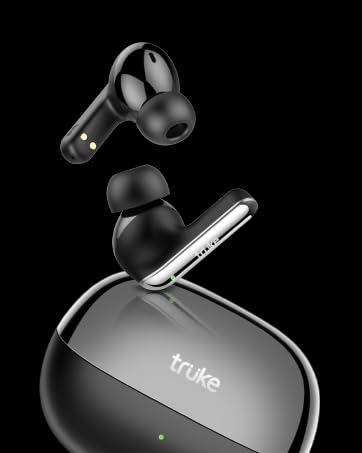
Figure 3: Detailed view of a single earbud, highlighting its half in-ear design.
4. Setup and Pairing
The truke BTG Alpha E215 earbuds support instant pairing technology for quick connection to your device.
4.1 Initial Pairing
- Open the charging case. The earbuds will automatically enter pairing mode.
- On your smartphone or device, enable Bluetooth.
- Search for "truke BTG Alpha" in the list of available devices and select it to connect.
- Once connected, the earbuds are ready for use.
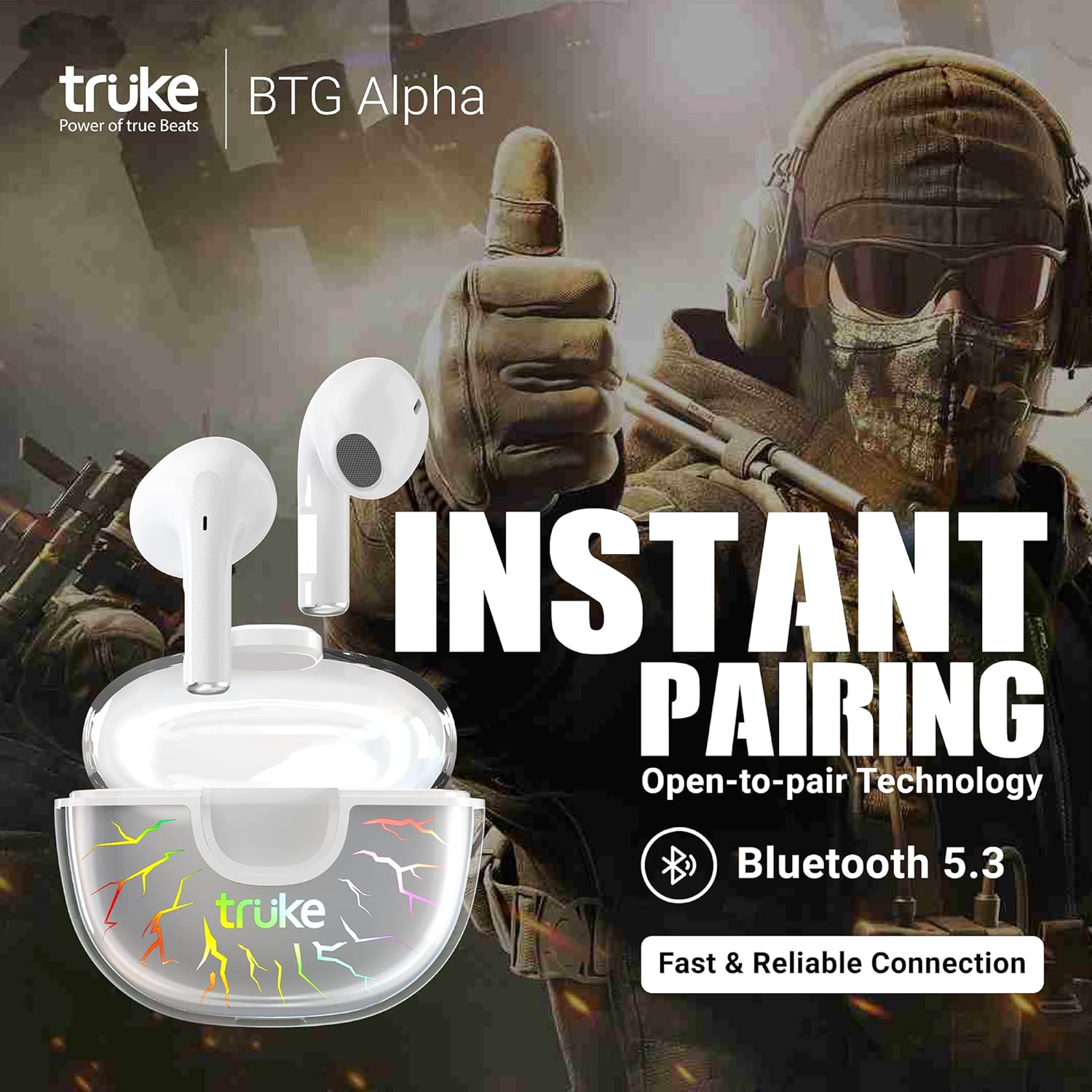
Figure 4: Earbuds instantly pairing with a mobile device upon opening the case.
4.2 Monopod Feature
You can use either earbud independently. Simply take one earbud out of the case and close the lid. The remaining earbud will function in monopod mode. To use both again, take the second earbud out, and they will automatically sync.
5. Operating Instructions
The truke BTG Alpha E215 earbuds feature intuitive touch controls. Note that single-tap functions are intentionally omitted to prevent accidental touches.
5.1 Touch Controls
- Double Tap (Either Earbud): Play/Pause music or Answer/End calls.
- Triple Tap (Right Earbud): Enter/Exit Gaming Mode.
- Triple Tap (Left Earbud): Activate Voice Assistant (Google Assistant/Siri).
- Long Press (Right Earbud for 2 seconds): Next Track.
- Long Press (Left Earbud for 2 seconds): Previous Track.

Figure 5: Visual guide to touch controls for music, calls, and modes.

Figure 6: Activating Google Assistant or Siri via earbud touch control.
5.2 Gaming Mode
Activate Gaming Mode by triple-tapping the right earbud. This mode reduces latency to an ultra-low 40ms, providing a competitive edge in gaming by enhancing sound synchronization for footsteps and gunshots.

Figure 7: Highlighting the 40ms ultra-low latency feature for an enhanced gaming experience.
6. Sound Quality and Environmental Noise Cancellation (ENC)
The earbuds are equipped with 10mm dynamic drivers for powerful deep bass and support AAC codec for high-quality audio streaming. Environmental Noise Cancellation (ENC) with dual MEMS microphones ensures clear call quality by accurately picking up your voice and filtering out ambient noise.

Figure 8: Diagram illustrating how Environmental Noise Cancellation works with dual microphones.
7. Battery Life and Charging
Enjoy extended listening with up to 8 hours of playtime on a single charge, and an additional 30 hours using the 300mAh charging case, totaling up to 38 hours of playtime. The case supports fast charging via a Type-C cable.
7.1 Charging the Earbuds and Case
- Place the earbuds into the charging case. Ensure they are properly seated.
- Connect the Type-C charging cable to the port on the charging case and to a power source.
- The RGB LEDs on the case will indicate charging status.
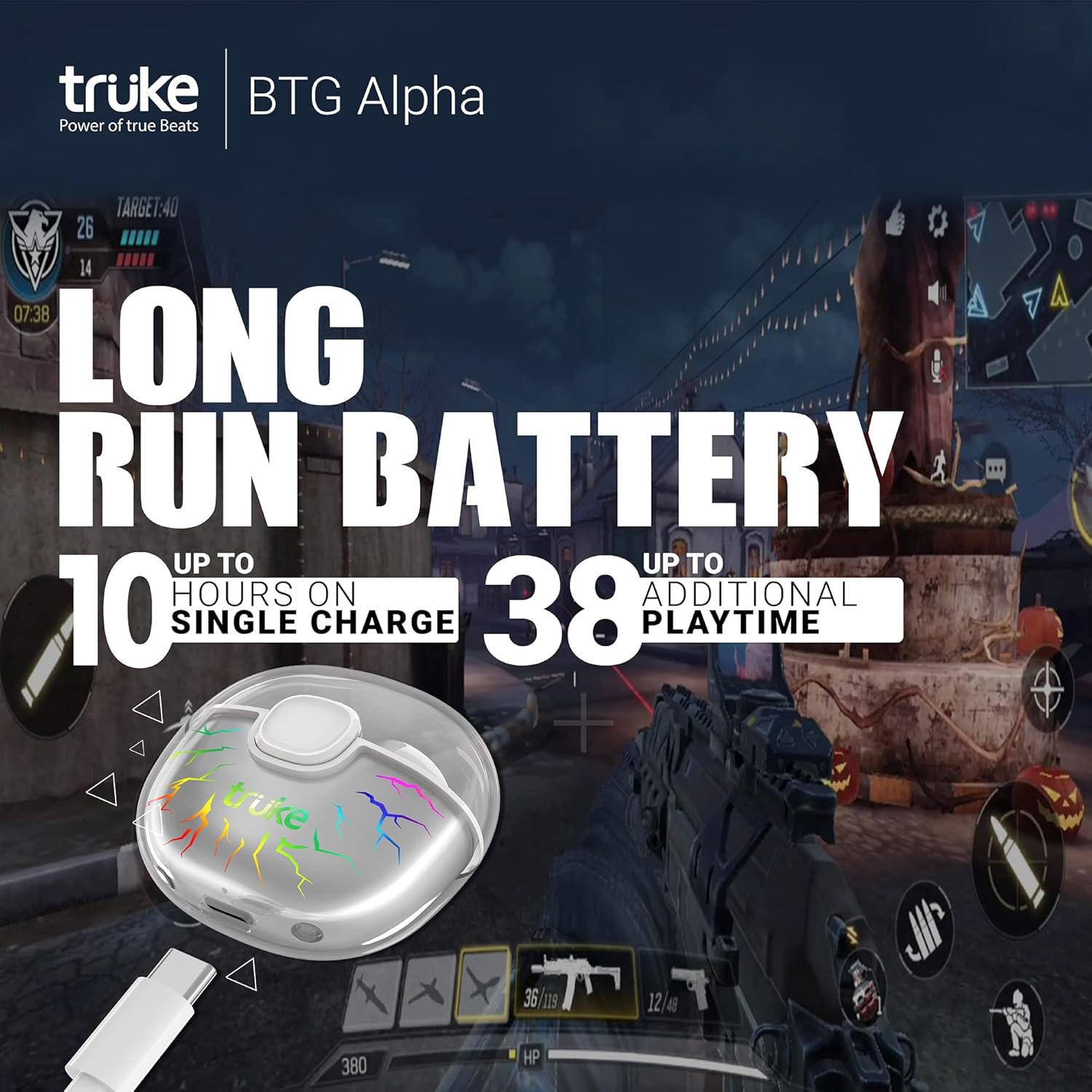
Figure 9: Illustration of the extended battery life, offering up to 38 hours of total playtime.

Figure 10: The charging case connected via a Type-C cable, indicating fast charging capability.
8. Care and Maintenance
The earbuds are IPX4 water-resistant, making them suitable for workouts and light splashes. However, they are not designed for submersion in water. Clean the earbuds and charging case regularly with a soft, dry cloth. Avoid using harsh chemicals or abrasive materials.
9. Troubleshooting
If you encounter any issues with your truke BTG Alpha E215 earbuds, please try the following common troubleshooting steps:
- No Sound: Ensure the earbuds are charged and properly paired with your device. Check the volume levels on both the earbuds and your device.
- Pairing Issues: Turn off Bluetooth on your device, place the earbuds back in the case, close the lid, then reopen and try pairing again. Ensure no other devices are trying to connect simultaneously.
- Intermittent Connection: Ensure you are within the Bluetooth range of your device. Avoid obstacles that may interfere with the signal.
- Unresponsive Touch Controls: Ensure your fingers are clean and dry. Try restarting the earbuds by placing them in the case and taking them out again.
For further assistance, refer to the warranty card for contact information or visit the official truke support website.
10. Specifications
| Feature | Specification |
|---|---|
| Model Name | truke BTG Alpha |
| Model Number | E215 |
| Bluetooth Version | 5.3 |
| Low Latency | 40ms (Gaming Mode) |
| Driver Size | 10mm Dynamic Driver |
| Playtime (Earbuds) | Up to 8 hours |
| Total Playtime (with Case) | Up to 38 hours |
| Charging Port | Type-C |
| Microphones | Dual MEMS Mic with ENC |
| Water Resistance | IPX4 |
| Audio Codec Support | SBC & AAC |
| Ear Placement | Half In-Ear |
| Case Design | Transparent with 7 RGB LEDs |
11. Official Product Video
Video 1: Comprehensive review and demonstration of the truke BTG Alpha E215 earbuds, covering unboxing, design, features, and performance.
12. Warranty and Support
The truke BTG Alpha E215 earbuds come with a 1-year warranty from the date of purchase. Mandatory registration is required on the truke website within 10 days of purchase to activate the warranty. For warranty claims or technical support, please refer to the contact information provided on your warranty card or visit the official truke support channels.
Importer Contact Information: Eccentric Enterprises Private Limited. 1st Floor, UNIT NO 137, Building No 1 Edison Tesla Industrial Park, Raheja Plot No Gen -2/1 Industrial Area, MIDC Thane Juinagar Navi Mumbai, Thane, Maharashtra, 400705. Contact: +91 93541 70767, support@eccentricindia.com