Introduction
This manual provides comprehensive instructions for the safe and efficient operation of your DEWENWILS Outdoor/Indoor Wireless Remote Control Outlet. This device is designed to remotely control various electrical appliances, such as garden lights, string lights, fountain pumps, and fans, offering convenience and ease of use for both indoor and outdoor applications.
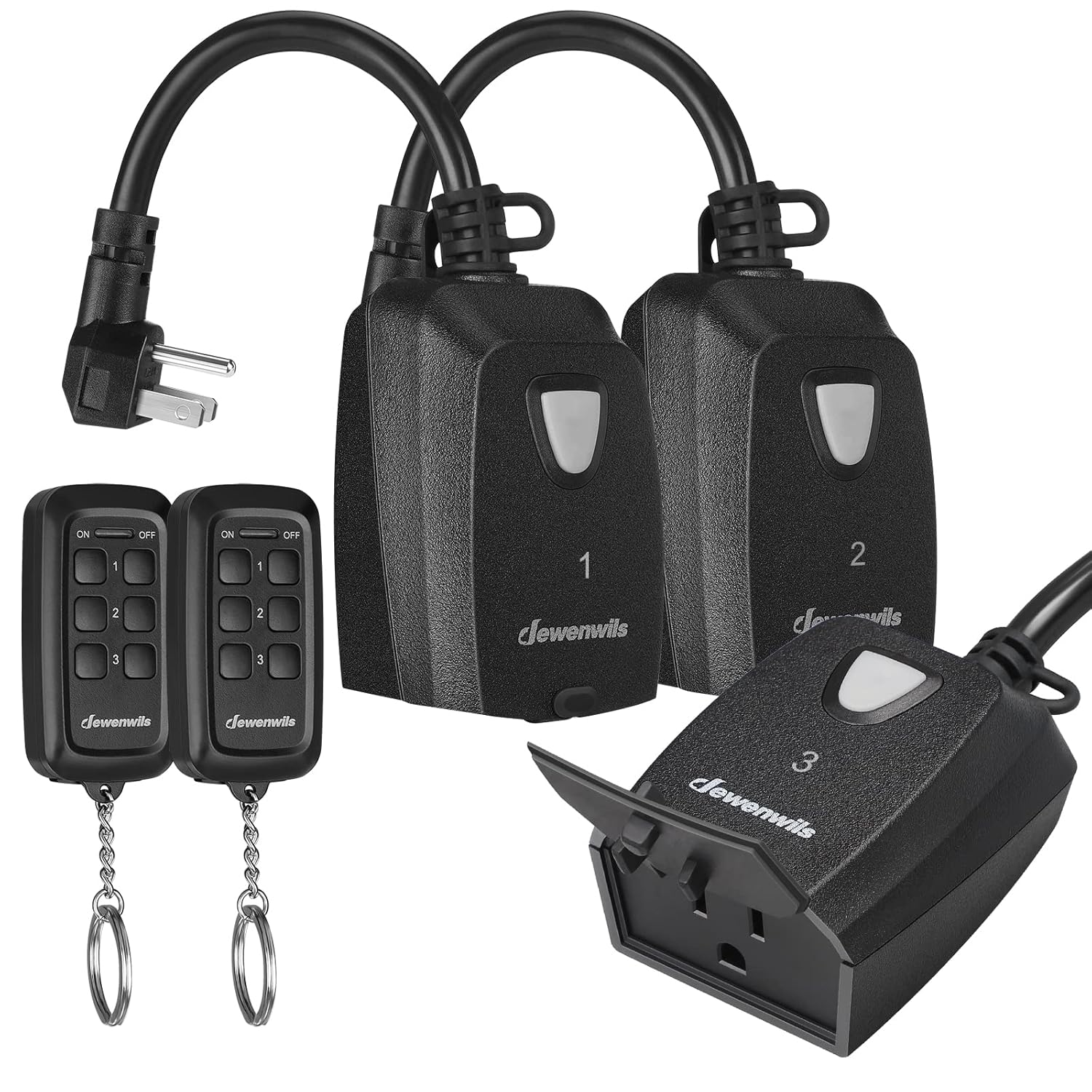
Image: The DEWENWILS Wireless Remote Control Outlet system, showing three weatherproof outlets and two handheld remote controls with keychains.
Important Safety Information
Please read and understand all safety instructions before installing or operating this product. Failure to follow these instructions may result in electric shock, fire, or serious injury.
- Do not immerse the outlet in water.
- Ensure the waterproof cap is securely closed when not in use, especially in outdoor environments.
- For outdoor use, install the outlet vertically at least 2 feet above the ground to prevent water accumulation and ensure proper drainage.
- Do not exceed the maximum electrical ratings: 15A / 1875W Resistive, 1000W Tungsten, 1/2HP.
- Always unplug the device from the power source before performing any maintenance or cleaning.
- Keep remotes and outlets away from children.
- This product is ETL and FCC certified.
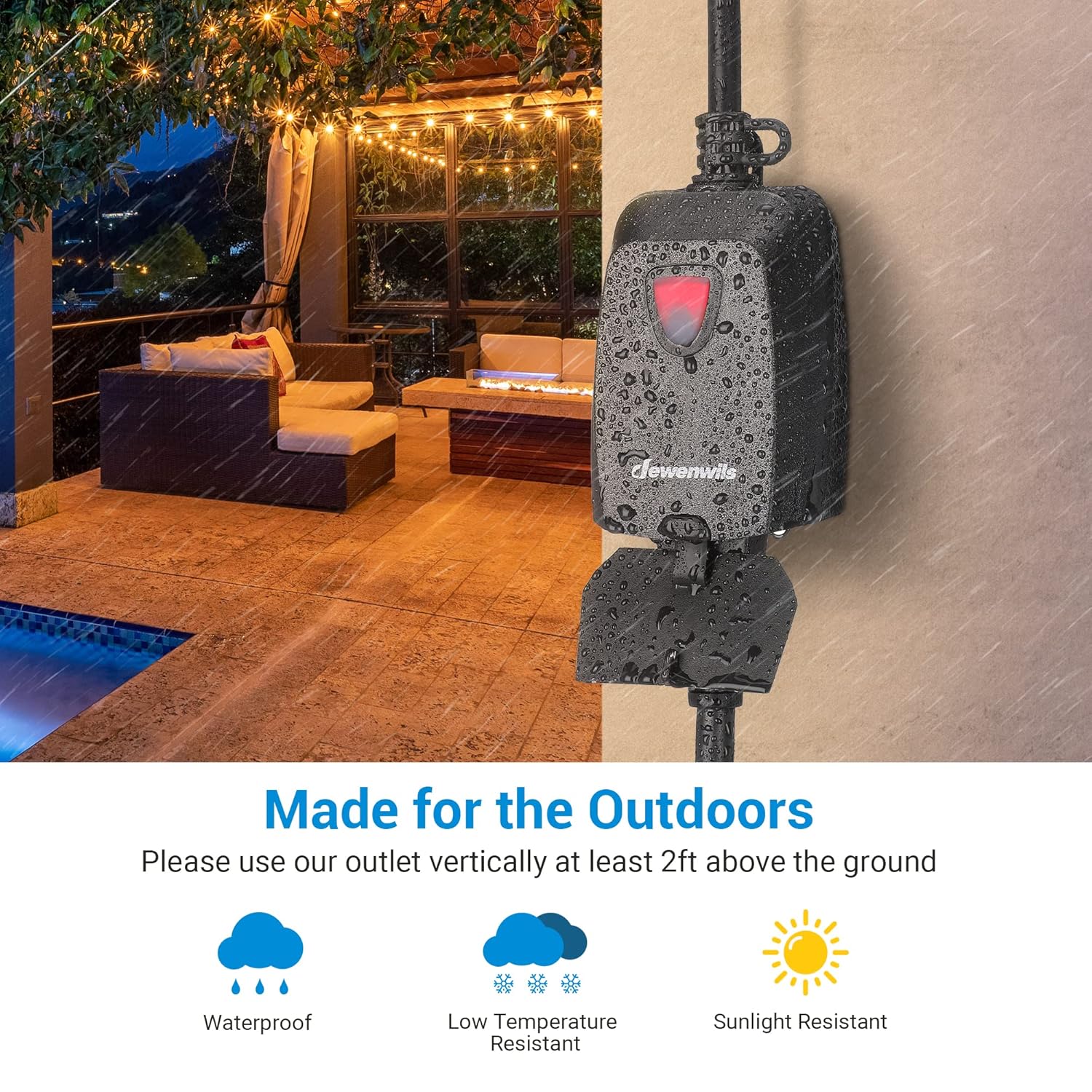
Image: An outdoor remote control outlet shown in a rainy environment, highlighting its weatherproof features including resistance to water, low temperatures, and sunlight.
Package Contents
Verify that all items are present and in good condition upon opening the package:
- 3 x DEWENWILS Outdoor/Indoor Wireless Remote Control Outlets
- 2 x Remote Controls (CR2032 3V battery included in each)
- 1 x User Manual (this document)
Setup Instructions
The DEWENWILS Wireless Remote Control Outlets are designed for quick and easy setup. They come pre-programmed for immediate use.
- Placement: Choose a suitable location for your outdoor outlet. For outdoor use, ensure the outlet is installed vertically and at least 2 feet above the ground to protect against water ingress.
- Plug In: Plug the DEWENWILS remote control outlet into a standard 3-prong electrical wall outlet.
- Connect Appliance: Plug the electrical appliance you wish to control into the DEWENWILS remote control outlet.
- Remote Battery: The remote controls come with a pre-installed CR2032 3V battery. Ensure the positive pole (+) is facing upwards if you need to replace it.
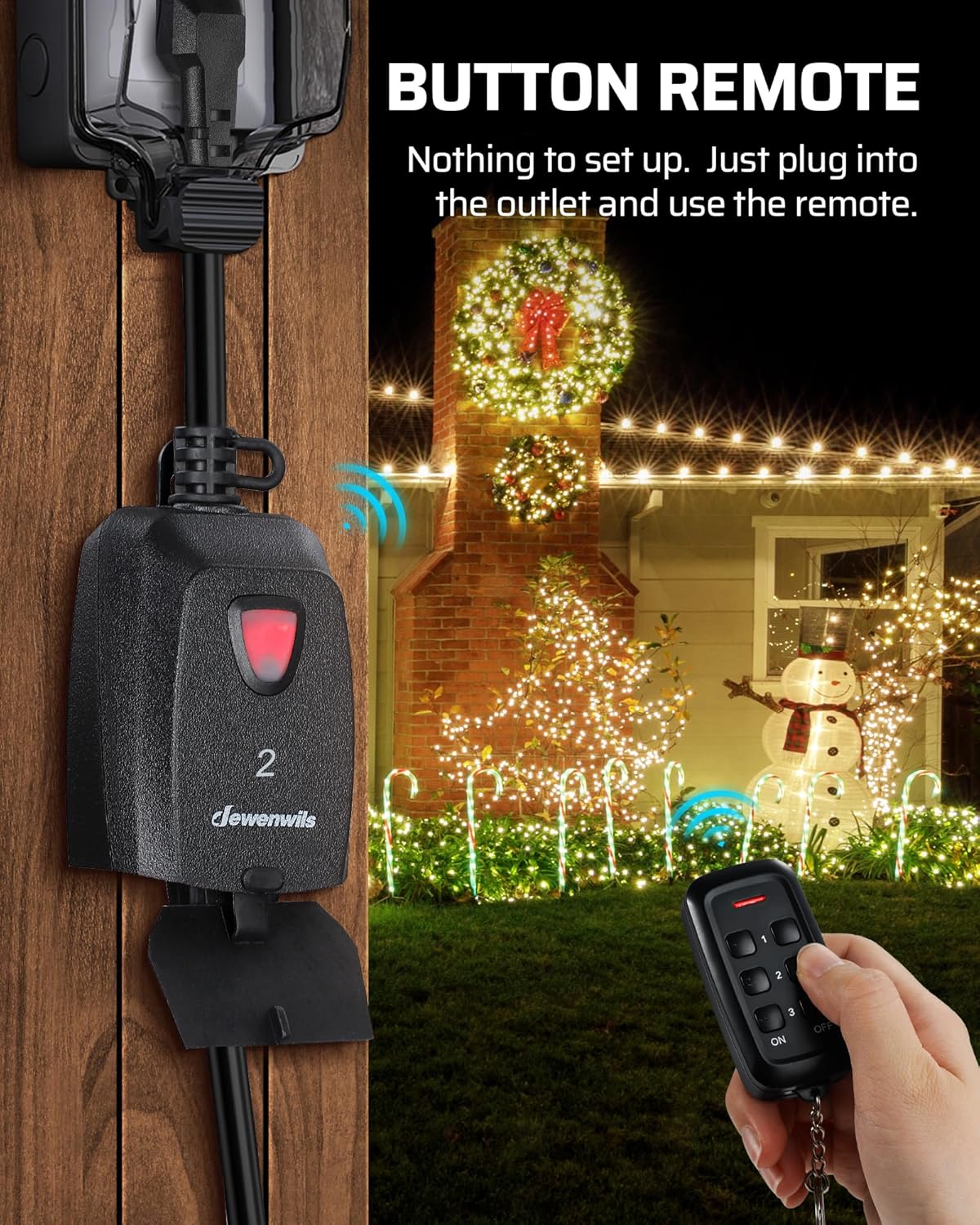
Image: An outdoor remote control outlet plugged into a wall, with a person using the remote to activate Christmas lights, demonstrating the simple plug-and-play setup.
Pairing Additional Remotes or Outlets (Optional)
While pre-programmed, you can expand your system by pairing additional DEWENWILS remotes or outlets (same model only). Refer to the specific instructions provided with your additional components for pairing procedures. The system is designed for non-interference, allowing multiple sets to be used without affecting each other.
Operating Instructions
The DEWENWILS Wireless Remote Control Outlet system provides convenient control over your connected devices.
Using the Remote Control
- Each remote control has numbered buttons (1, 2, 3) corresponding to the outlets.
- Press the ON button for the desired outlet number to turn the connected appliance ON.
- Press the OFF button for the desired outlet number to turn the connected appliance OFF.
- The remote control operates using a strong RF signal, allowing control through walls and doors up to 100 feet in open areas. Line of sight is not required.

Image: A diagram illustrating the 100-foot remote control range, showing a person operating an outdoor outlet from inside a house, emphasizing the strong RF signal and non-interference capabilities.
Applications
This system is ideal for controlling a variety of devices, including but not limited to:
- Outdoor and indoor lighting (e.g., Christmas lights, string lights, lamps)
- Fountain pumps and sprinklers
- Fans and other small electrical appliances

Image: A collage depicting various uses for the remote control outlet, such as controlling outdoor landscape lighting, patio string lights, and general home appliances, highlighting its versatility.
Maintenance
Proper maintenance ensures the longevity and optimal performance of your DEWENWILS Wireless Remote Control Outlet.
- Cleaning: Disconnect the outlet from the power source before cleaning. Wipe the exterior with a soft, damp cloth. Do not use harsh chemicals or abrasive cleaners.
- Weather Protection: The outlet is designed to be weatherproof. However, ensure the waterproof cap is always securely closed when the outlet is not in use or when exposed to rain or moisture.
- Battery Replacement: If the remote control's range decreases or it becomes unresponsive, the CR2032 3V battery may need replacement. Open the battery compartment on the back of the remote and replace the battery, ensuring the positive pole (+) is facing upwards.
Troubleshooting
If you encounter issues with your DEWENWILS Wireless Remote Control Outlet, refer to the following common problems and solutions:
| Problem | Possible Cause | Solution |
|---|---|---|
| Outlet does not respond to remote. |
|
|
| Remote range is shorter than expected. |
|
|
| Outlet or connected appliance feels warm. |
|
|
Product Specifications
| Feature | Detail |
|---|---|
| Model Number | HORS23H |
| Current Rating | 15 Amps |
| Operating Voltage | 125 Volts |
| Max. Resistive Load | 1875 Watts |
| Max. Tungsten Load | 1000 Watts |
| Motor Rating | 1/2 HP |
| Remote Control Range | Up to 100 feet (open area) |
| Connector Type | 3-prong Remote Plug |
| Operation Mode | ON-OFF-ON |
| Batteries (Remote) | 2 x CR2032 3V Lithium Metal (included) |
| Certifications | ETL, FCC |
| Product Dimensions | 5.51 x 4.09 x 0.01 inches (Outlet) |
| Item Weight | 1.19 Pounds |

Image: A technical diagram showing the dimensions of the DEWENWILS remote control and the outdoor outlet, including details like cord type and battery orientation.
Warranty and Customer Support
DEWENWILS products are manufactured to high-quality standards. For information regarding warranty coverage, please refer to the warranty card included with your purchase or visit the official DEWENWILS website.
If you have any questions, require technical assistance, or need to report an issue, please contact DEWENWILS customer support through their official channels. Provide your product model number (HORS23H) and purchase details for faster service.
For more information, visit the DEWENWILS Store on Amazon.


