
Logitech G 981-001262
Logitech G PRO X 2 Lightspeed Wireless Gaming Headset User Manual
Model: 981-001262 | Brand: Logitech G
Product Overview
The Logitech G PRO X 2 Lightspeed Wireless Gaming Headset is engineered for professional-grade gaming performance, offering advanced audio technology, comfortable design, and versatile connectivity options. Designed in collaboration with esports professionals, this headset aims to provide an immersive and competitive audio experience.

The Logitech G PRO X 2 Lightspeed Wireless Gaming Headset in black, showcasing its sleek design and detachable microphone.
Key Features
- 50mm Graphene Drivers: Experience clear and immersive audio with low distortion, capturing the entire soundscape of the game with precise audio cues.
- LIGHTSPEED Wireless Technology: Enjoy up to 50 hours of battery life and a 30m wireless range with low-latency 2.4 GHz wireless connectivity.
- Multiple Connection Options: Connect via LIGHTSPEED wireless, Bluetooth, or the included 3.5mm audio cable for broad compatibility across PC, PlayStation, and Nintendo Switch.
- Comfortable Design: Features a lightweight build, durable rotating hinge, and swappable memory foam earpads (leatherette and velour included) for extended comfort during long gaming sessions.
- Clear Communication: The detachable 6mm cardioid microphone with advanced Blue VO!CE technology ensures clear and confident communication, minimizing background noise.
- DTS Headphone:X 2.0 Surround Sound: Pinpoint enemy locations with precision surround sound for a deeply immersive audio experience.
- Durable Construction: Built with an aluminum and steel frame for a balance of comfort and strength.

Designed with input from professional gamers for optimal performance.

Extended battery life for prolonged gaming sessions.

Advanced 50mm Graphene drivers for superior audio clarity.

Versatile connectivity including 2.4 GHz, 3.5mm, and Bluetooth.
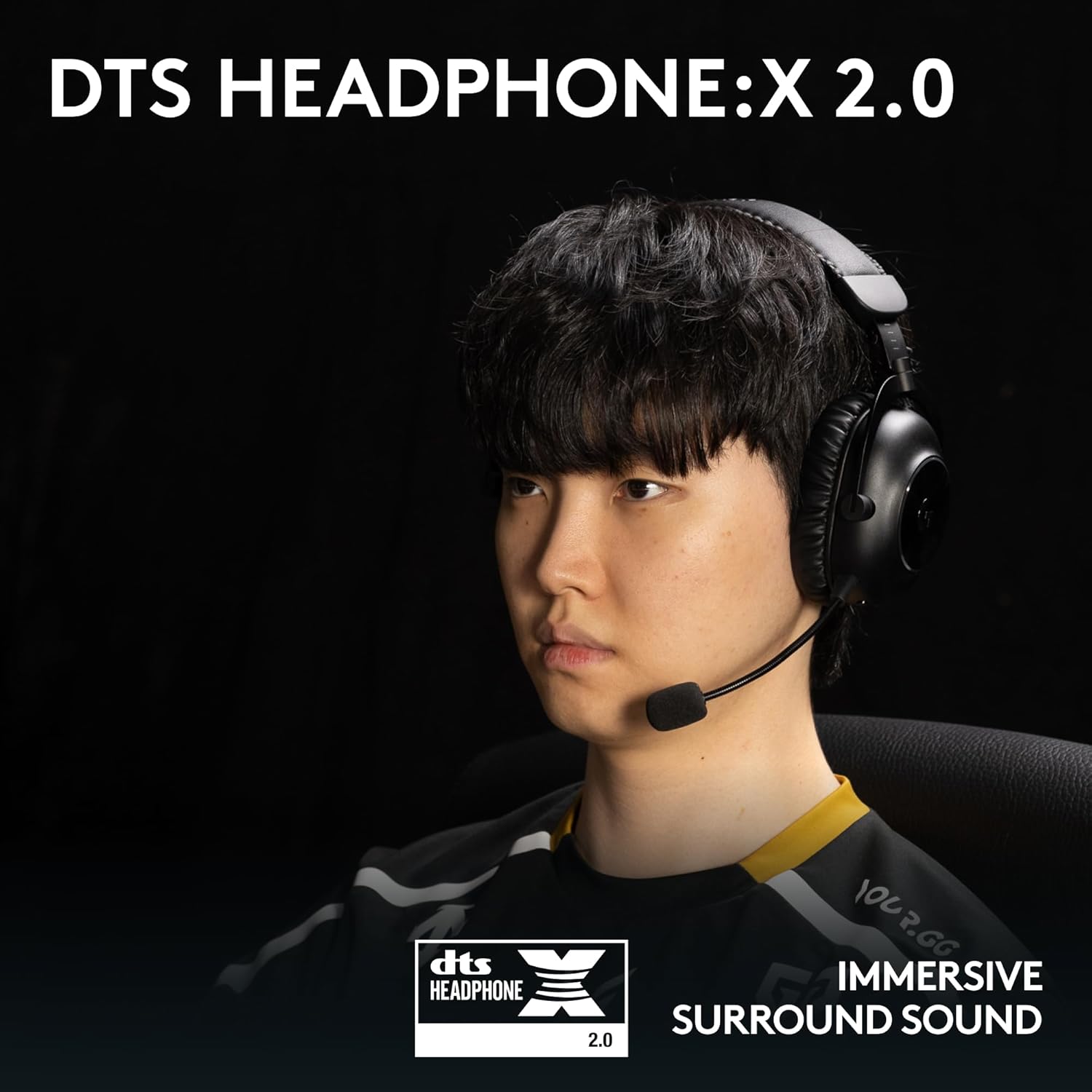
Immersive DTS Headphone:X 2.0 surround sound for positional audio.

Blue VO!CE technology for clear and professional voice communication.

Robust aluminum and steel frame ensures long-lasting durability.
Setup
Unboxing and Initial Setup
Upon opening the box, ensure all components are present. The package includes the headset, LIGHTSPEED USB-A dongle, USB-A to USB-C charging cable, 3.5mm audio cable, detachable microphone, and a soft carrying case. You will also find an extra pair of velour ear cushions.

Contents of the Logitech G PRO X 2 Lightspeed Wireless Gaming Headset package.
Connecting Your Headset
The PRO X 2 Lightspeed offers multiple ways to connect to your devices:
- LIGHTSPEED Wireless (2.4 GHz): For PC and PlayStation, plug the USB-A dongle into an available USB port. The headset will automatically connect.
- Bluetooth: Press and hold the Bluetooth pairing button on the headset until the indicator light flashes. Select "Logitech G PRO X 2" from your device's Bluetooth settings to pair.
- 3.5mm Audio Cable: Connect one end of the 3.5mm cable to the headset's 3.5mm port and the other end to your device's audio jack. This connection works with PC, PlayStation, and Nintendo Switch.
Video demonstrating the unboxing and initial setup of the Logitech G PRO X 2 Lightspeed Wireless Gaming Headset. (Source: Influencer Content)
Operating
Controls Overview
All primary controls are conveniently located on the left earcup:
- Power Button: Press and hold to turn the headset on or off.
- Volume Roller: Adjusts the master volume level.
- Mic Mute Button: Toggles the microphone mute on/off.
- USB-C Port: Used for charging the headset.
- Bluetooth Pairing Button: Initiates Bluetooth pairing mode and allows switching between LIGHTSPEED and Bluetooth connections.
The right earcup features a 3.5mm port for wired audio connections.
Official product video showcasing the features and controls of the Logitech G PRO X 2 Lightspeed Wireless Gaming Headset.
Audio and Microphone Settings
For advanced customization, download the Logitech G HUB software (requires Windows PC). G HUB allows you to:
- Customize sound profiles and equalizer (EQ) settings.
- Activate and configure Blue VO!CE technology for enhanced microphone clarity.
- Manage DTS Headphone:X 2.0 surround sound settings.
Maintenance
Cleaning
To maintain your headset's condition, regularly wipe the earcups and headband with a soft, damp cloth. Avoid using harsh chemicals or abrasive materials. The included velour ear cushions can be removed and gently hand-washed if necessary.
Battery Management
The headset features a long-lasting battery. To charge, connect the USB-C charging cable to the headset's USB-C port and a power source. A full charge provides up to 50 hours of use. Monitor battery life through the Logitech G HUB software.
Troubleshooting
If you encounter issues with your headset, try the following:
- No Audio/Microphone: Ensure the headset is powered on and properly connected (LIGHTSPEED dongle, Bluetooth paired, or 3.5mm cable securely plugged in). Check volume levels on both the headset and your device. Verify microphone is not muted.
- Connection Issues: For LIGHTSPEED, try plugging the dongle into a different USB port. For Bluetooth, unpair and re-pair the headset. Ensure no other wireless devices are causing interference.
- Sound Quality: Check audio settings in Logitech G HUB. Ensure drivers are up to date. If using 3.5mm, try a different audio source or cable.
- Battery Not Charging: Ensure the USB-C cable is securely connected to both the headset and the power source. Try a different USB-C cable or charging port.
For persistent issues, refer to the official Logitech G support website or the full user guide.
Technical Specifications
| Feature | Specification |
|---|---|
| Model Name | 981-001262 |
| Connectivity Technology | Wireless (LIGHTSPEED 2.4 GHz, Bluetooth), Wired (3.5 mm Jack) |
| Audio Driver Type | Dynamic Driver (50mm Graphene) |
| Frequency Response | 20 Hz - 20,000 Hz |
| Impedance | 38 Ohm |
| Sensitivity | 87.8 dB |
| Battery Life | Up to 50 Hours |
| Wireless Range | Up to 30 Meters |
| Material | Aluminum (Frame) |
| Item Weight | 12.2 Ounces |
| Compatible Devices | PC, PlayStation 5, PlayStation 4, Nintendo Switch |
Warranty and Support
For detailed warranty information and additional support resources, please visit the official Logitech G website. You can also download the complete User Guide in PDF format for more in-depth instructions and troubleshooting.
Consider purchasing an extended protection plan for additional coverage beyond the standard manufacturer's warranty. Options include 2-Year, 3-Year, and monthly Complete Protect plans.
- Official User Guide (PDF): Download Here
- Logitech G Store: Visit for more products and support
Related documents981-001262


Ask a question about this manual
Ask about setup, troubleshooting, compatibility, parts, safety, or missing instructions. Manuals+ will review the question and use this page’s manual context to help answer it.