
AgfaPhoto 3760265542529
Kodak Dictaphone VRC550 Voice Recorder User Manual
Model: VRC550
Introduction
Thank you for choosing the Kodak Dictaphone VRC550 Voice Recorder. This manual provides essential information for setting up, operating, and maintaining your device. Please read it carefully to ensure optimal performance and longevity of your recorder.

Image: Front view of the Kodak Dictaphone VRC550 Voice Recorder, showcasing its sleek black metal casing, LCD display, and control buttons.
Package Contents
Ensure all items are present in the box:
- 1 x Kodak Dictaphone VRC550 Voice Recorder
- 1 x USB Cable (for charging and data transfer)
- 1 x Pair of Headphones
- 1 x Quick Start Guide
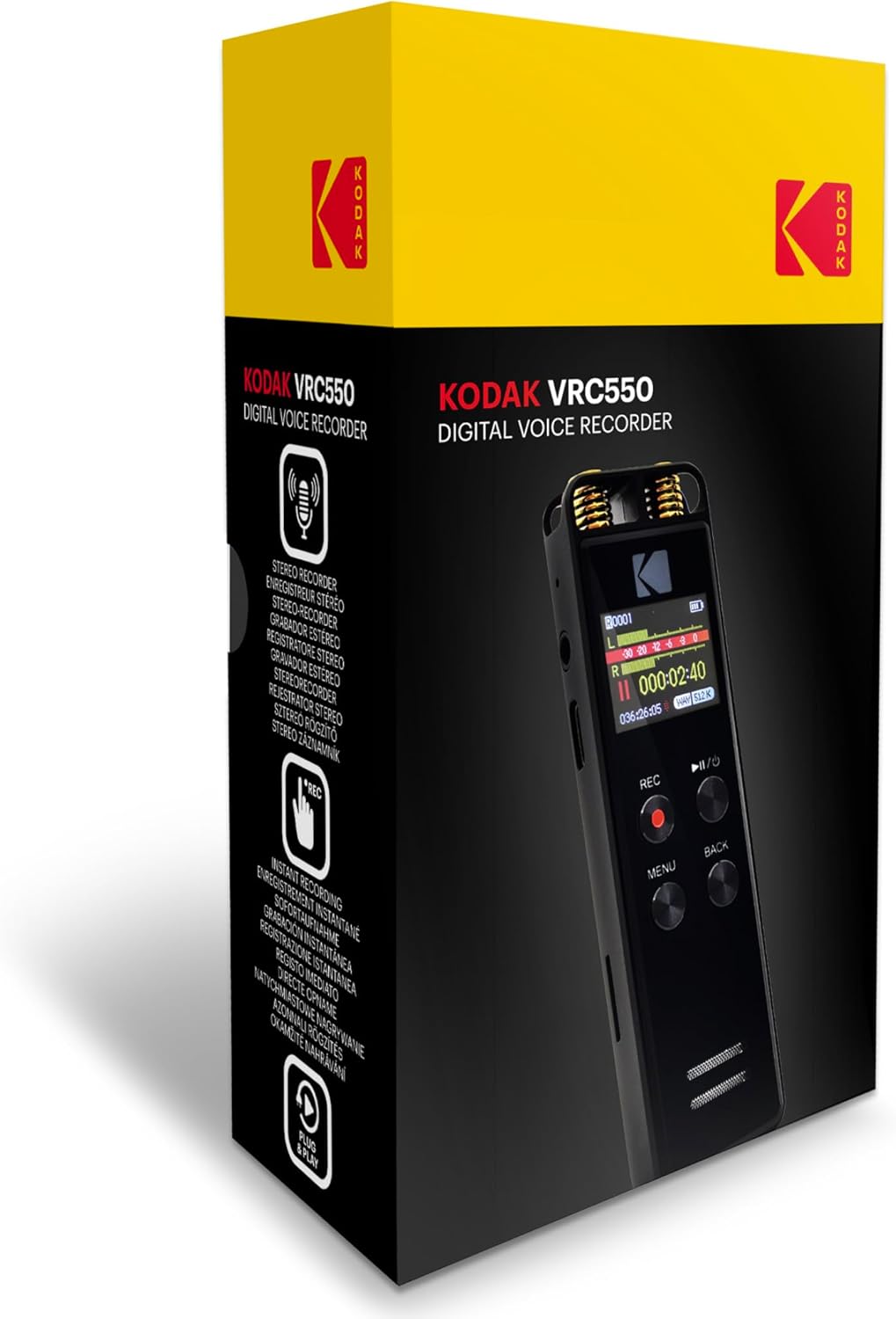
Image: The retail packaging for the Kodak Dictaphone VRC550, showing the device and key features on the box.
Product Features
- Display: 1.4-inch backlit LCD display for clear visibility.
- Internal Memory: 16GB built-in memory, providing ample storage for recordings.
- Battery: Integrated lithium battery for portable use.
- Recording Quality: Stereo sound recording capability.
- Expandable Storage: Memory card slot for additional storage (supports up to 32GB MicroSD cards).
- Audio Enhancement: Noise reduction feature for clearer recordings.
- Recording Formats: Supports MP3 and WAV formats.
- Voice Activation: Voice Activated Recording (VAR) capability.
- Construction: Durable metal casing.

Image: Visual representation of key features including Plug & Play functionality, Noise Reduction, support for up to 32GB Micro-memory cards, and a built-in Lithium Battery.

Image: The Kodak Dictaphone VRC550 highlighting its 16GB internal memory, which allows for approximately 1162 hours of recording time.
Setup Guide
1. Initial Charge
Before first use, fully charge the device. Connect the supplied USB cable to the recorder's USB port and the other end to a computer's USB port or a compatible USB wall adapter (not included). The battery indicator on the LCD will show charging status.
2. Powering On/Off
To power on, press and hold the Power/Play/Pause button until the screen illuminates. To power off, press and hold the same button until the screen turns off.
3. Language Settings
Upon first power-on, you may be prompted to select a language. Navigate using the directional buttons and confirm with the MENU button. If not prompted, access language settings via the main menu.
4. Date and Time Setting
It is recommended to set the correct date and time for accurate timestamping of your recordings. Access this option through the system settings in the main menu.
Operating Instructions
1. Basic Recording
To start recording, press the REC button. The recording indicator will illuminate, and the timer will begin. To pause recording, press the Play/Pause button. Press Play/Pause again to resume. To stop and save the recording, press the REC button again.
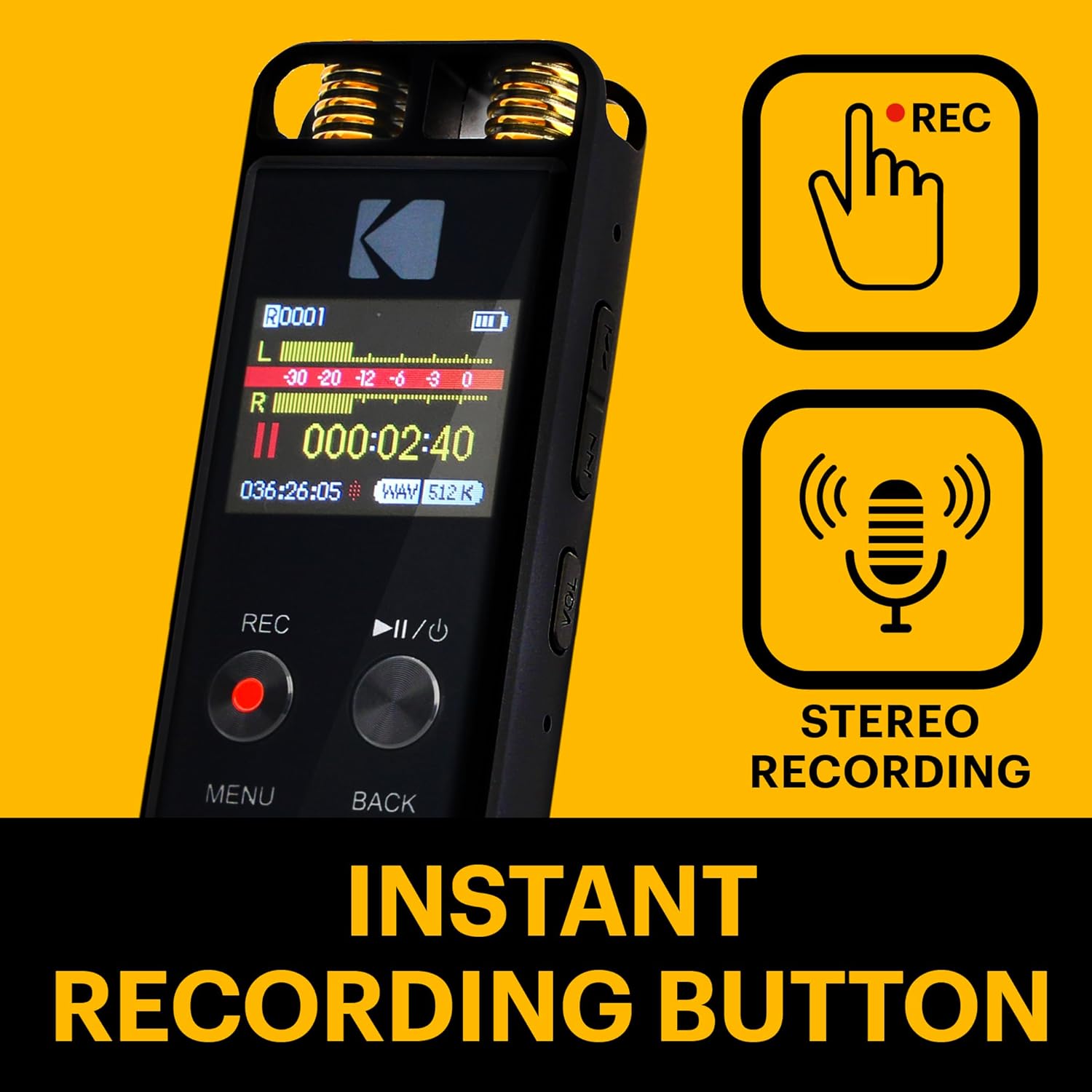
Image: Illustration showing the Instant Recording Button (REC) and the Stereo Recording capability of the device.
2. Voice Activated Recording (VAR)
The VRC550 features Voice Activated Recording. When enabled, the recorder will automatically start recording when sound is detected and pause when silence occurs. To activate VAR, navigate to the recording settings in the menu and select the VAR option. Adjust sensitivity as needed.

Image: A visual depicting the Voice Activated Recording function, where the device automatically records when sound is present.
3. Playback
From the main screen, navigate to the file list. Select the desired recording using the directional buttons and press the Play/Pause button to begin playback. Use the Forward/Rewind buttons to skip through recordings or fast-forward/rewind within a track. Adjust volume using the dedicated volume buttons on the side of the device.
4. Connecting to a Computer
Connect the recorder to your computer using the supplied USB cable. The device will appear as a removable disk. You can then drag and drop recorded files to your computer or transfer other audio files to the recorder's memory.

Image: The Kodak Dictaphone VRC550 in use, illustrating its capability for extended recording times, up to 1162 hours.
Maintenance
- Cleaning: Use a soft, dry cloth to clean the device. Do not use liquid cleaners or solvents.
- Storage: Store the recorder in a cool, dry place away from direct sunlight and extreme temperatures.
- Battery Care: To prolong battery life, avoid fully discharging the battery frequently. Charge the device regularly, even if not in use for extended periods.
- Data Backup: Regularly back up important recordings to your computer to prevent data loss.
Troubleshooting
| Problem | Possible Cause | Solution |
|---|---|---|
| Device does not power on. | Battery is depleted. | Charge the device using the supplied USB cable. |
| Cannot record. | Memory is full. | Delete old files or insert a microSD card. |
| Poor recording quality. | Microphone obstructed; high ambient noise; incorrect settings. | Ensure microphone is clear; enable noise reduction; adjust recording sensitivity. |
| Device not recognized by computer. | Faulty USB cable or port; driver issue. | Try a different USB port or cable; restart computer and device. |
Specifications
- Model: VRC550
- Internal Memory: 16GB
- Expandable Memory: MicroSD card slot (up to 32GB)
- Display: 1.4-inch (3.56 cm) Backlit LCD
- Recording Formats: MP3, WAV
- Microphone: Stereo
- Headphones Jack: 3.5mm
- Battery: Built-in Lithium Battery
- Dimensions (L x W x H): 3.94 x 1.18 x 0.39 inches (10 x 3 x 1 cm)
- Weight: 2.29 ounces (65 grams)
- Compatible Devices: MP3 Player, Personal Computer
Warranty and Support
For warranty information and technical support, please refer to the official AgfaPhoto website or contact their customer service. Keep your purchase receipt as proof of purchase for warranty claims.
Manufacturer: KODAK
Brand: AgfaPhoto
Ask a question about this manual
Ask about setup, troubleshooting, compatibility, parts, safety, or missing instructions. Manuals+ will review the question and use this page’s manual context to help answer it.