
1. Introduction
Thank you for choosing the Hysnox HY-02 Motorcycle Helmet Communication System. This device is designed to provide seamless communication, entertainment, and navigation assistance while riding. Featuring advanced Bluetooth 5.0 technology, CVC noise reduction, and universal pairing, the HY-02 ensures a clear and reliable connection for up to 6 riders over a distance of 2 kilometers. Please read this manual carefully before use to ensure proper operation and to maximize your riding experience.
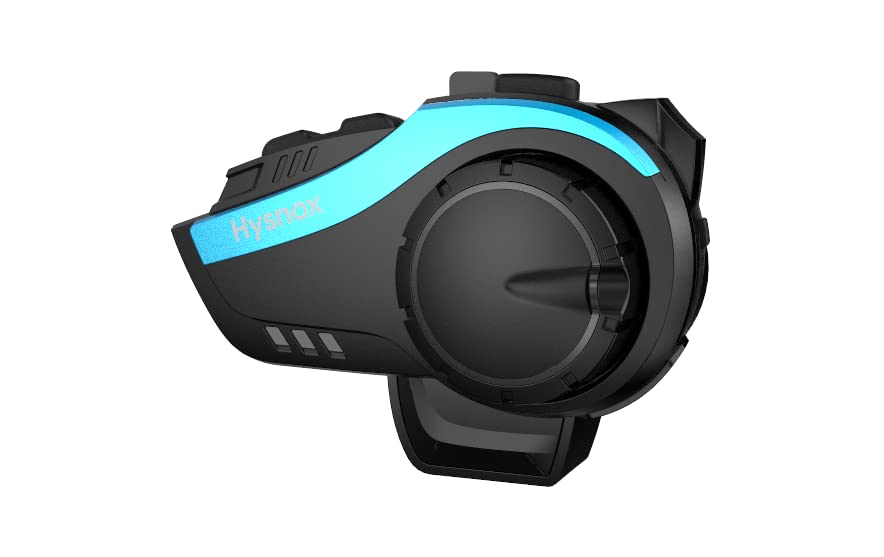
Image: The Hysnox HY-02 communication system, showcasing its sleek design and compact form factor.
2. Key Features
- Advanced Bluetooth 5.0: Equipped with a Qualcomm Bluetooth 5.0 chip for stable connection, dual intelligence, and low power consumption.
- 6-Rider Group Intercom: Supports simultaneous intercom for up to 6 riders with a maximum range of 2 kilometers.
- One-Step Pairing: Simplified pairing process for quick and easy connection.
- CVC Noise Reduction: Advanced intelligent CVC noise reduction technology ensures crystal-clear audio for calls and music, even at high speeds.
- Universal Pairing: Compatible with Bluetooth devices from various brands, allowing seamless integration with existing motorcycle intercoms.
- Long Battery Life: Powerful 900mAh battery provides up to 30 hours of talk time, 33 hours of music listening, or 500 hours of standby time.
- Hands-Free Operation: Supports hands-free calls and voice assistant commands (Siri/S Voice) for safe riding.
- Hi-Fi Stereo Sound: High-quality 40mm speakers deliver rich stereo music and clear audio prompts.
- FM Radio: Built-in FM radio for entertainment and traffic updates during your ride.
- IP65 Waterproof: Designed with IP65 waterproof technology to withstand various weather conditions.
- Multi-Language Support: Supports 8 languages for tone operation: English, German, French, Spanish, Italian, Korean, Japanese, Chinese.
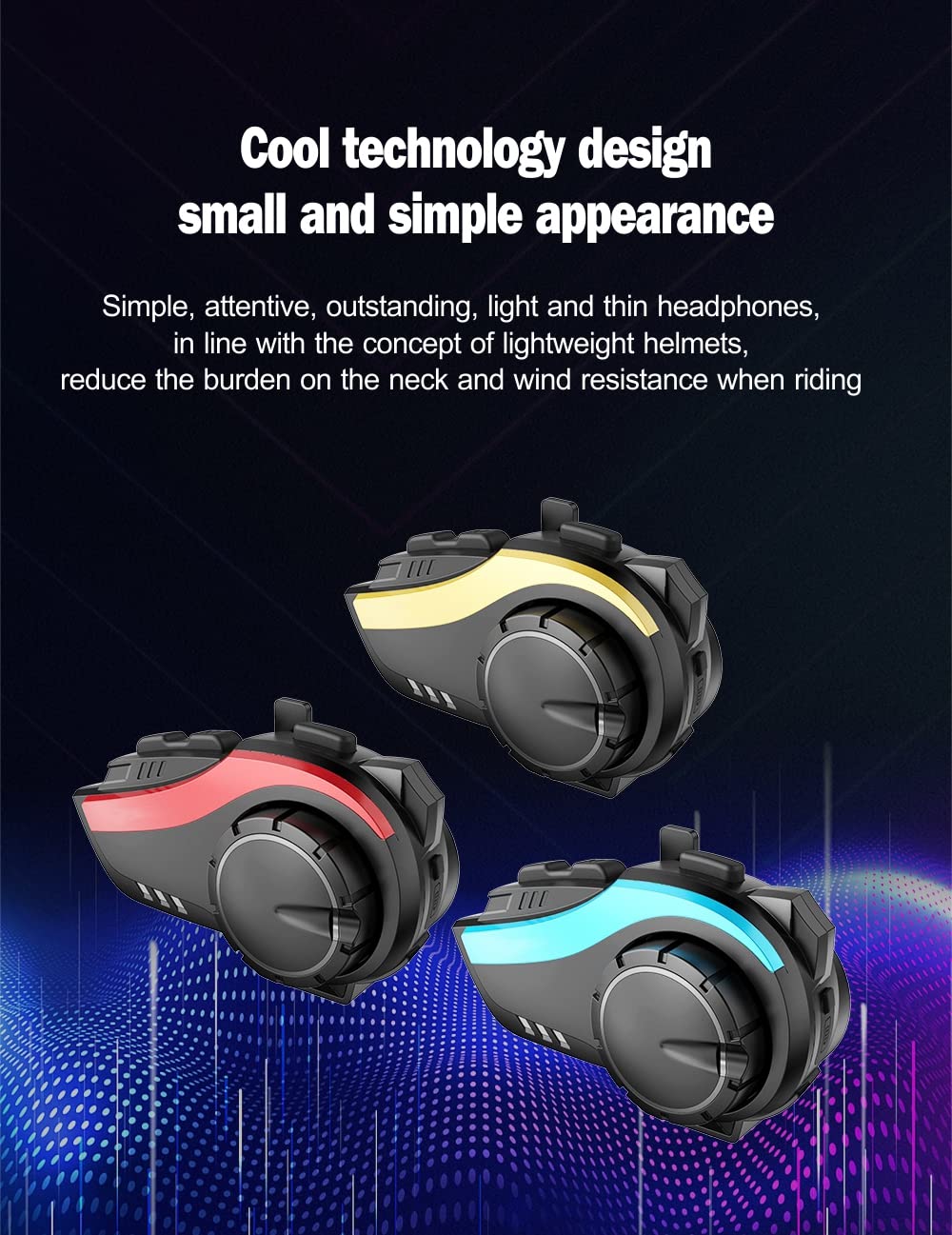
Image: The HY-02 unit displayed in blue, red, and gold color options, highlighting its cool technology design and simple appearance.
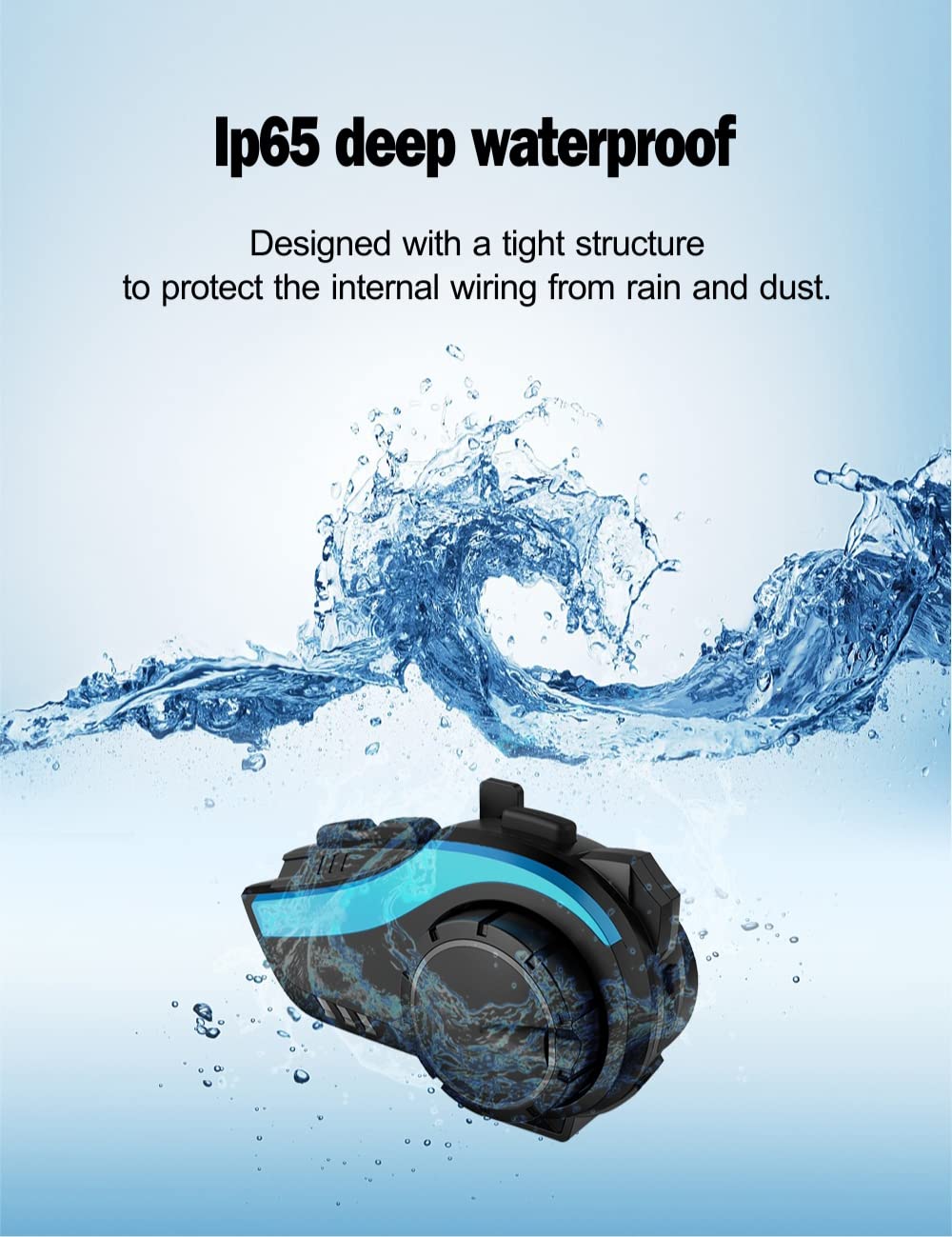
Image: The HY-02 unit shown with water splashing, illustrating its IP65 deep waterproof capability, designed to protect internal wiring from rain and dust.

Image: A visual representation of the intelligent microphone filtering interference, ensuring clear voice communication by eliminating noise.

Image: A graph illustrating the effect of Intelligent DSP audio processing and 12th generation CVC noise reduction, showing significant noise reduction for clear calls and perfect sound quality.
3. Setup Guide
3.1. Package Contents
- Bluetooth Host × 1
- Headset and Microphone × 1
- Velcro Clip × 2
- Clip × 1
- Velcro Horn × 4
- Data Cable × 1
- Screwdriver × 1
- Instructions × 1
- Changeable Panels (Gold/Blue/Red) × 3
3.2. Installation
- Choose Mounting Method: Decide between the Velcro clip or the standard clip for attaching the HY-02 unit to your helmet.
- Attach Unit: Securely attach the HY-02 main unit to the side of your helmet using the chosen clip. Ensure it is firmly in place.
- Install Speakers: Place the 40mm speakers inside the helmet's ear pockets. Use the provided Velcro pads to secure them. Ensure speakers are positioned directly over your ears for optimal sound.
- Position Microphone: Attach the microphone to the inside of the helmet, positioning it close to your mouth for clear voice pickup. Route the cable neatly along the helmet's interior.
- Connect Cables: Plug the speaker and microphone cables into the corresponding ports on the HY-02 main unit.
- Charge Device: Before first use, fully charge the HY-02 using the provided data cable. The charging indicator will change when charging is complete.
4. Operating Instructions
4.1. Power On/Off
- Power On: Press and hold the Power button for approximately 3 seconds until you hear a voice prompt.
- Power Off: Press and hold the Power button for approximately 3 seconds until you hear a voice prompt.
4.2. Bluetooth Pairing (Mobile Phone)
- Ensure the HY-02 is powered off.
- Press and hold the Power button for about 5-7 seconds until the LED indicator flashes red and blue alternately, indicating pairing mode.
- On your mobile phone, enable Bluetooth and search for "HY-02".
- Select "HY-02" from the list of available devices to connect. Once connected, the LED will flash blue slowly.
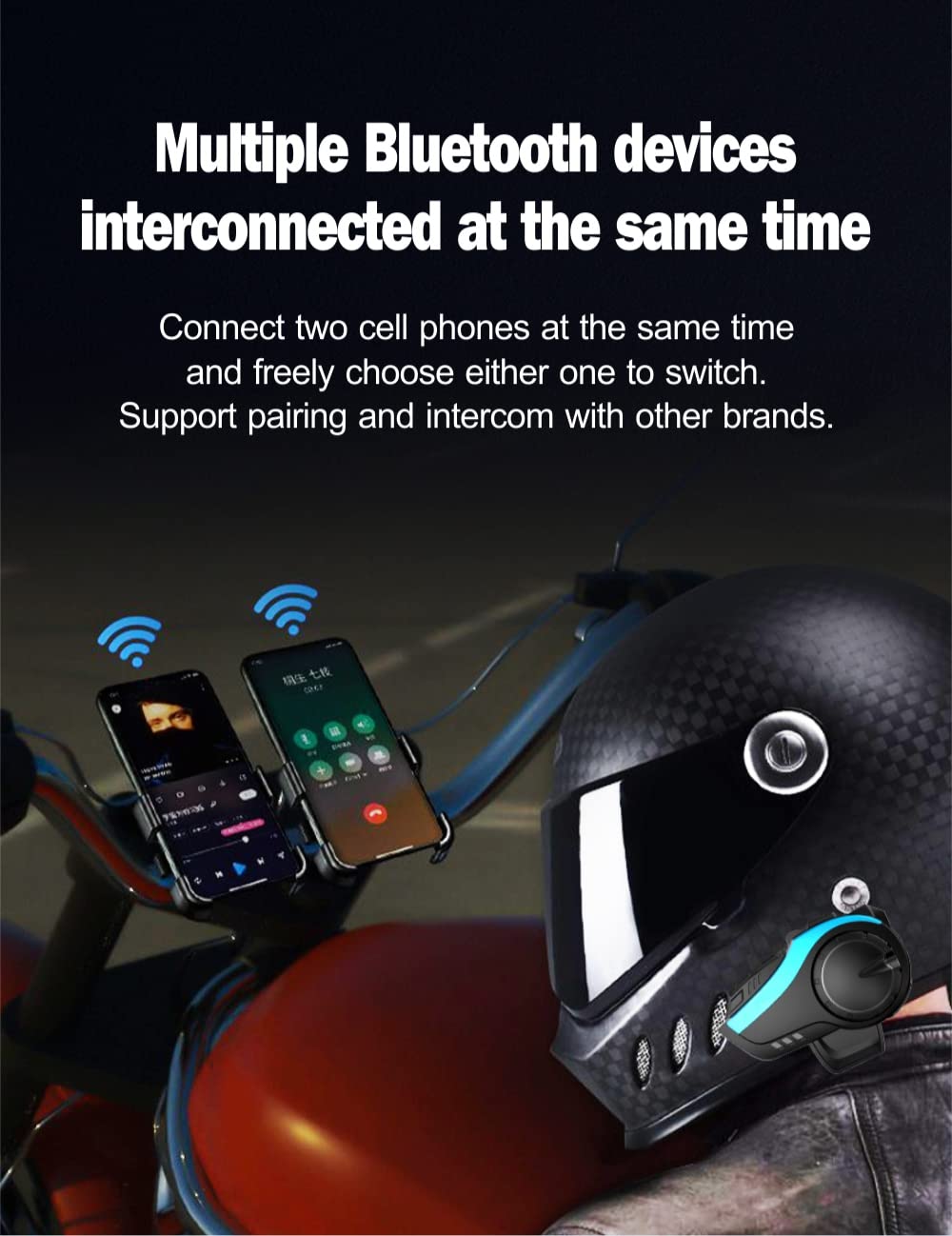
Image: The HY-02 connected to multiple Bluetooth devices simultaneously, demonstrating its ability to connect to two cell phones and switch between them freely, supporting pairing and intercom with other brands.
4.3. Intercom Pairing (Group Intercom)
The HY-02 supports one-step pairing for group intercom. For detailed instructions on multi-unit pairing, refer to the specific intercom pairing section in the full manual (if available) or the manufacturer's website.

Image: Riders on motorcycles, illustrating the one-step easy pairing for a 6-person group intercom within a 2km range, breaking traditional complex networking modes.
4.4. Phone Calls
- Answer Call: Press the Multi-function button once.
- End Call: Press the Multi-function button once during a call.
- Reject Call: Press and hold the Multi-function button for 2 seconds.
- Redial Last Number: Double-press the Multi-function button.
4.5. Music Playback
- Play/Pause: Press the Multi-function button once.
- Next Track: Press the Volume Up button.
- Previous Track: Press the Volume Down button.
- Volume Up: Rotate the jog dial clockwise.
- Volume Down: Rotate the jog dial counter-clockwise.
4.6. FM Radio
- Turn On/Off FM: Press the FM button.
- Scan Stations: Press the Volume Up/Down buttons to scan for the next/previous station.
4.7. Voice Assistant (Siri/S Voice)
- Activate Voice Assistant: Double-press the Voice Assistant button (if available) or refer to your phone's specific voice assistant activation method while connected.
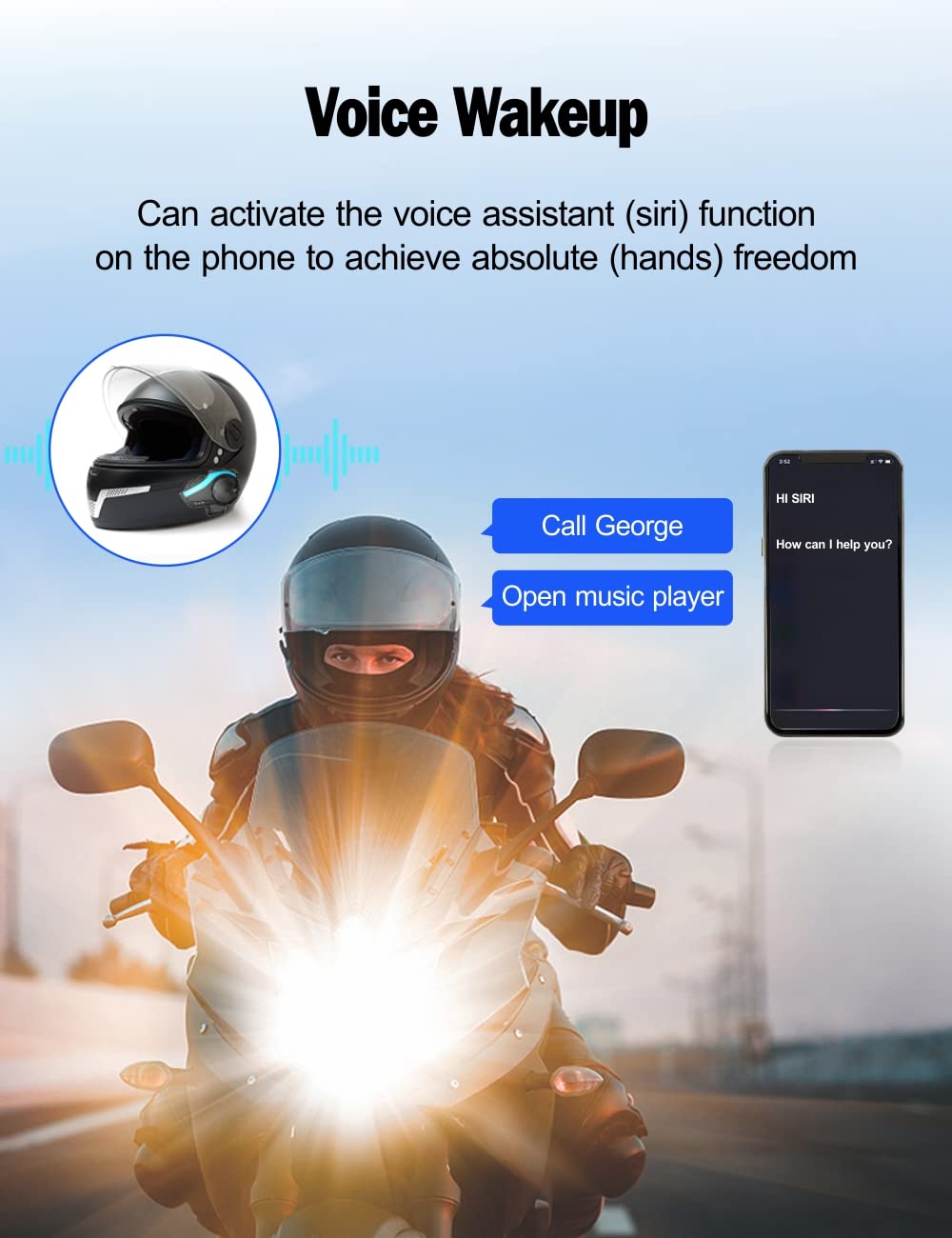
Image: A motorcyclist on the road, with an illustration of the voice wakeup feature, showing how to activate the voice assistant (Siri) for hands-free commands like making calls or opening music players.
5. Maintenance
- Cleaning: Use a soft, damp cloth to clean the unit. Do not use harsh chemicals or abrasive cleaners.
- Storage: Store the device in a cool, dry place when not in use. Avoid extreme temperatures.
- Battery Care: To prolong battery life, charge the device regularly, even if not in frequent use. Avoid fully discharging the battery for extended periods.
- Water Exposure: While IP65 waterproof, avoid submerging the device in water. Ensure all ports are sealed when exposed to rain.
6. Troubleshooting
| Problem | Possible Cause | Solution |
|---|---|---|
| Device does not power on | Low battery; Device frozen | Charge the device; Perform a hard reset (refer to full manual for specific steps). |
| No sound from speakers | Volume too low; Speakers not connected properly; Device not paired | Increase volume; Check speaker connections; Re-pair the device. |
| Cannot pair with phone/intercom | Device not in pairing mode; Bluetooth off on phone; Too many devices connected | Ensure device is in pairing mode; Turn on phone's Bluetooth; Disconnect other Bluetooth devices. |
| Intercom range is short | Obstructions; Environmental interference | Ensure clear line of sight between units; Avoid areas with high electromagnetic interference. |
7. Specifications
| Feature | Detail |
|---|---|
| Model Name | HY-02 |
| Brand | Hysnox |
| Connectivity Technology | Bluetooth 5.0, Wireless |
| Ear Placement | On-Ear |
| Headphones Form Factor | On-Ear |
| Headphone Jack | No Jack |
| Battery Capacity | 900mAh |
| Talk Time | Up to 30 hours |
| Music Playback Time | Up to 33 hours |
| Standby Time | Up to 500 hours |
| Intercom Range | Up to 2 KM (group intercom) |
| Waterproof Rating | IP65 |
| Product Dimensions | 2 x 0.5 x 1.2 cm |
| Weight | 481.94 grams |
| Manufacturer | Shenzhen Hysnox Technology Co., Ltd |
| First Available Date | February 25, 2024 |
8. Warranty and Support
For warranty information and technical support, please refer to the official Hysnox website or contact their customer service directly. Keep your purchase receipt as proof of purchase for any warranty claims.
Online Support: Visit the Hysnox official website for FAQs, updated manuals, and software downloads.
Customer Service: Contact details for customer service can typically be found on the product packaging or the official website.