
Philips Lighting 929003195801
Philips MAUVE PIR CL252 Functional Ceiling Light
Model: 929003195801
1. Introduction
Thank you for choosing the Philips MAUVE PIR CL252 Functional Ceiling Light. This manual provides essential information for the safe installation, operation, and maintenance of your new lighting fixture. This LED ceiling light features an integrated motion sensor and provides warm white illumination, ideal for functional areas within your home.
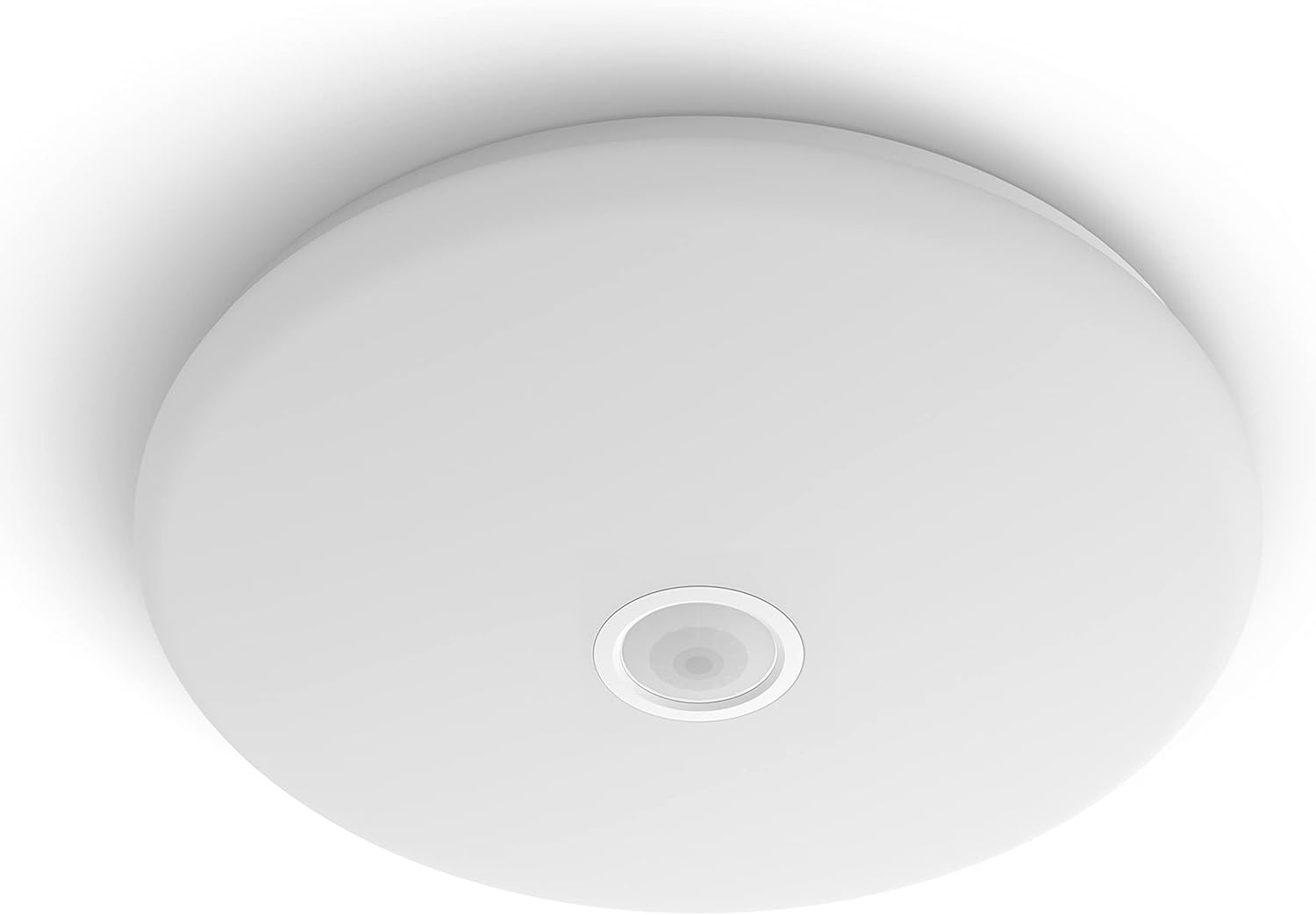
Figure 1.1: Top-down view of the Philips MAUVE PIR CL252 ceiling light, highlighting the central motion sensor.

Figure 1.2: Two Philips MAUVE PIR CL252 ceiling lights installed in a modern hallway, demonstrating their illumination in a functional area.
2. Safety Information
Please read all safety instructions carefully before installation and use. Keep this manual for future reference.
- Electrical Safety: Installation should only be performed by a qualified electrician or competent person in accordance with local electrical codes and regulations. Always disconnect power at the main circuit breaker before installation, maintenance, or cleaning.
- Handling: Do not handle the product with wet hands. Avoid touching the light source directly when the fixture is powered on.
- Indoor Use Only: This product is designed for indoor use (Innenbereich) only. Do not expose it to water or high humidity.
- Ventilation: Ensure adequate ventilation around the fixture. Do not cover the light fixture with any materials.
- Damage: Do not use the product if it is damaged. Contact customer support for assistance.
3. Package Contents
Verify that all components are present and undamaged before proceeding with installation.
- Philips MAUVE PIR CL252 Ceiling Light fixture
- Mounting hardware (screws, wall plugs)
- Instruction Manual (this document)

Figure 3.1: The retail packaging for the Philips MAUVE PIR CL252 LED ceiling light, showing key features.
4. Setup and Installation
This ceiling light requires placement and electrical connection. Follow these steps carefully.
- Preparation: Ensure the power supply to the installation area is turned off at the main circuit breaker.
- Mounting Location: Choose a suitable location on the ceiling. The fixture is designed for indoor ceiling installation.
- Marking and Drilling: Use the mounting bracket (if separate) or the fixture itself as a template to mark the drilling points on the ceiling. Drill holes of appropriate size for the provided wall plugs.
- Wiring: Connect the electrical wires from the ceiling to the terminals on the light fixture. Ensure correct polarity (Live, Neutral, Earth) as indicated on the fixture or in the wiring diagram. Secure all connections.
- Mounting the Fixture: Secure the light fixture to the ceiling using the provided screws and wall plugs. Ensure it is firmly attached and stable.
- Power On: Once installation is complete and all connections are secure, restore power at the main circuit breaker.

Figure 4.1: Technical diagram illustrating the dimensions of the Philips MAUVE PIR CL252 ceiling light (Ø320mm diameter, 72mm height).
5. Operating Instructions
The Philips MAUVE PIR CL252 features an integrated motion sensor for automatic illumination.
- Motion Sensor Activation: The light will automatically turn on when motion is detected within its sensing range.
- Automatic Shut-off: The light is designed to turn off approximately 30 seconds after motion is no longer detected. This duration is fixed and cannot be adjusted.
- Light Conditions: The PIR (Passive Infrared) sensor also incorporates a dusk-to-dawn sensor, meaning the light will primarily activate in low-light conditions to conserve energy.
- Smart Lighting Control: This luminaire supports smart lighting control, potentially via an application. Refer to the Philips website or additional documentation for details on app compatibility and features.

Figure 5.1: The Philips MAUVE PIR CL252 ceiling light with an overlay icon indicating its integrated motion sensor functionality.

Figure 5.2: The Philips MAUVE PIR CL252 ceiling light illuminated, demonstrating its warm white light output at 2700K.

Figure 5.3: The Philips EyeComfort logo, indicating that the product is designed for visual comfort. Consult product details for more information on flicker and stroboscopic effects.
6. Maintenance
Regular cleaning and proper care will ensure the longevity and optimal performance of your ceiling light.
- Cleaning: Always disconnect power before cleaning. Use a soft, dry, or slightly damp cloth to wipe the surface of the fixture. Do not use abrasive cleaners, solvents, or harsh chemicals, as these can damage the finish or electronic components.
- Bulb Replacement: This fixture uses integrated LED technology, meaning the LED light source is not user-replaceable. If the light source fails, the entire fixture may need to be replaced.
- Disposal of Broken Bulbs: In case of accidental breakage or damage to the light source, exercise caution. Do not touch broken glass or components with bare hands. Refer to local regulations for proper disposal of broken or deteriorated light bulbs and electronic waste.
7. Troubleshooting
If you encounter issues with your Philips MAUVE PIR CL252, refer to the following common problems and solutions.
| Problem | Possible Cause | Solution |
|---|---|---|
| Light does not turn on. | No power supply. | Check circuit breaker and wall switch. Ensure proper electrical connection. |
| Light turns on but immediately turns off. | Motion sensor obstructed or faulty. | Ensure the motion sensor is clear of obstructions. If problem persists, contact support. |
| Light stays on continuously. | Constant motion detected or sensor malfunction. | Ensure no continuous motion is within the sensor's range. If problem persists, contact support. |
| Motion sensor is not detecting movement. | Sensor sensitivity issue or incorrect placement. | Ensure the sensor is not blocked. Verify the light conditions are suitable for activation (e.g., not too bright). |
If the problem persists after attempting these solutions, please contact Philips customer support.
8. Specifications
Detailed technical specifications for the Philips MAUVE PIR CL252 Functional Ceiling Light.
| Feature | Detail |
|---|---|
| Model Number | 929003195801 |
| Brand | Philips Lighting |
| Product Dimensions | 32 x 32 x 8.2 cm (Diameter x Height) |
| Weight | 481 g |
| Color | White |
| Material | Plastic (Kunststoff) |
| Luminaire Form | Ceiling |
| Style | Mauve with Motion Sensor |
| Power Source | AC/DC |
| Specific Uses | Indoor Use (Innenbereich) |
| Light Type | Integrated LED |
| Color Temperature | 2700K (Warm White) |
| Special Features | Integrated Motion Sensor, EyeComfort Technology |
| Country of Origin | Spain |
9. Recycling and Disposal
This product contains electronic components and should be disposed of responsibly. Do not dispose of the product with general household waste.
- Recycling: Please refer to local regulations for information on recycling electronic products and light fixtures. Many regions have collection points for electrical and electronic equipment.
- End-of-Life: At the end of its life, the product should be taken to an authorized collection point for recycling to prevent potential harm to the environment and human health from uncontrolled waste disposal.
10. Warranty and Support
For warranty information, technical support, or service inquiries, please refer to the documentation included with your purchase or visit the official Philips Lighting website. Keep your proof of purchase for warranty claims.
Philips Lighting Customer Support: www.philips.com/support
Related documents929003195801


Ask a question about this manual
Ask about setup, troubleshooting, compatibility, parts, safety, or missing instructions. Manuals+ will review the question and use this page’s manual context to help answer it.