1. Introduction
This manual provides essential instructions for the safe and efficient use of your EASDMN 45W Super Fast Charger Type C. Please read this guide thoroughly before using the product to ensure optimal performance and longevity.
2. Package Contents
Verify that all items listed below are included in your package:
- 2x EASDMN 45 Watt USB-C Charger Blocks
- 2x 6.6ft USB C to USB C Charging Cables (5A)
- 1x Welcome Guide

Image: Two EASDMN 45W USB-C charger blocks and two 6.6ft USB-C to USB-C braided cables.
3. Product Specifications
| Feature | Specification |
|---|---|
| Model Number | EM-CB03 |
| Wattage | 45 Watts |
| Amperage | 5 Amps |
| Connector Type | USB Type C |
| Special Feature | Fast Charging (PD/PPS) |
| Cable Length | 6.6 feet (2 meters) |
| Product Dimensions | 3.94 x 3.15 x 1.18 inches |
| Item Weight | 0.176 ounces |

Image: The charger block with its dimensions displayed, alongside a laptop, tablet, and smartphone, illustrating its compact size.
4. Setup Guide
Follow these steps to set up your EASDMN 45W Super Fast Charger:
- Unpack Components: Carefully remove the charger blocks and USB-C cables from the packaging.
- Connect Cable to Charger: Insert one end of the USB-C to USB-C cable into the USB-C port on the charger block.
- Connect Charger to Power Outlet: Plug the charger block into a standard wall power outlet.
- Connect Device to Cable: Insert the other end of the USB-C cable into the charging port of your compatible device (e.g., smartphone, tablet, laptop).
- Verify Charging: Confirm that your device indicates it is charging. For compatible devices, a "Super Fast Charging" notification may appear.
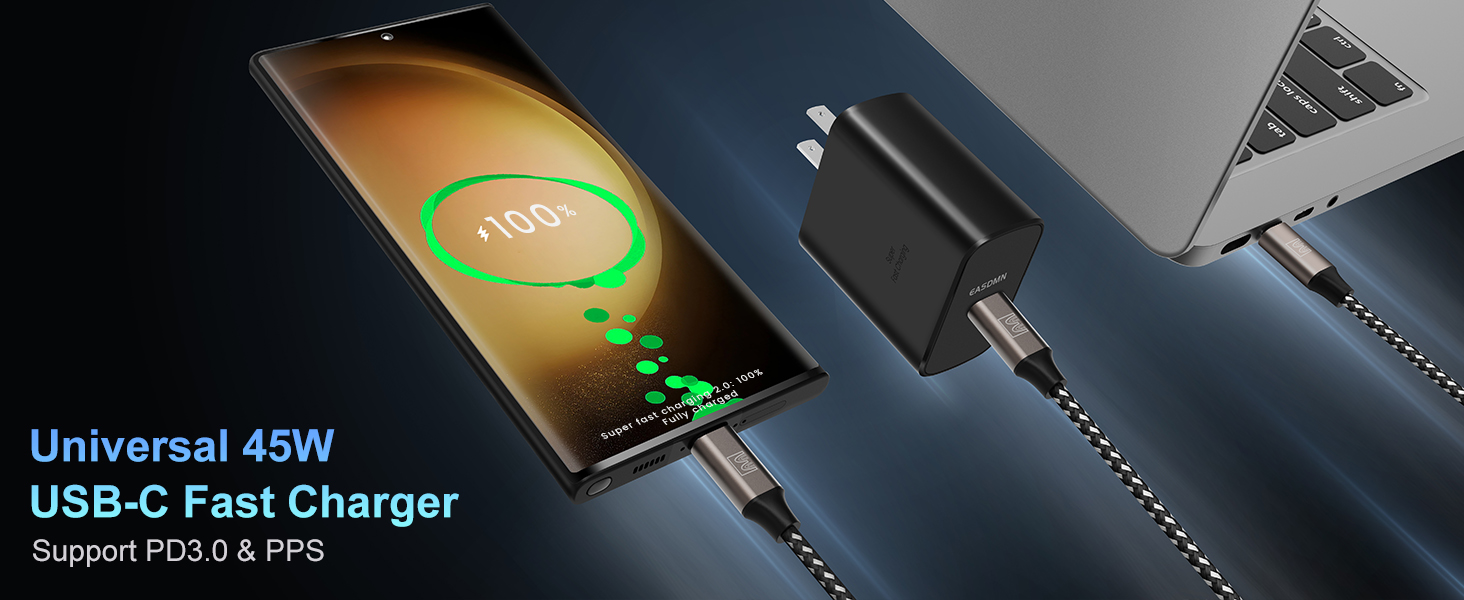
Image: A 45W USB-C charger block connected to a wall outlet, with its braided USB-C cable connected to a smartphone and a laptop, demonstrating universal compatibility.
5. Operating Instructions
The EASDMN 45W Super Fast Charger is designed to provide efficient power delivery to a wide range of USB-C compatible devices. It supports various fast charging protocols, including PPS (Programmable Power Supply) for optimized Samsung device charging.
5.1. Fast Charging Capabilities
- 45W Super Fast Charging 2.0: Delivers up to 45W for compatible Samsung devices, such as Galaxy S25 Ultra, S25+, S24 Ultra, S24+, S23 Ultra, S23+, S22 Ultra, S22+, S20 Ultra, Note 10+, and Tab S8 series. This can charge devices up to 50% in approximately 20 minutes.
- 25W Super Fast Charging 1.0: Provides 25W charging for devices like Samsung Galaxy S25, S24, S23, S22, S21+, S21 Ultra, FE, and S20+.
- PD Fast Charging: Compatible with other USB-C devices including MacBooks, iPads, iPhones (with appropriate USB-C to Lightning cable, not included), Nintendo Switch, and Steam Deck.
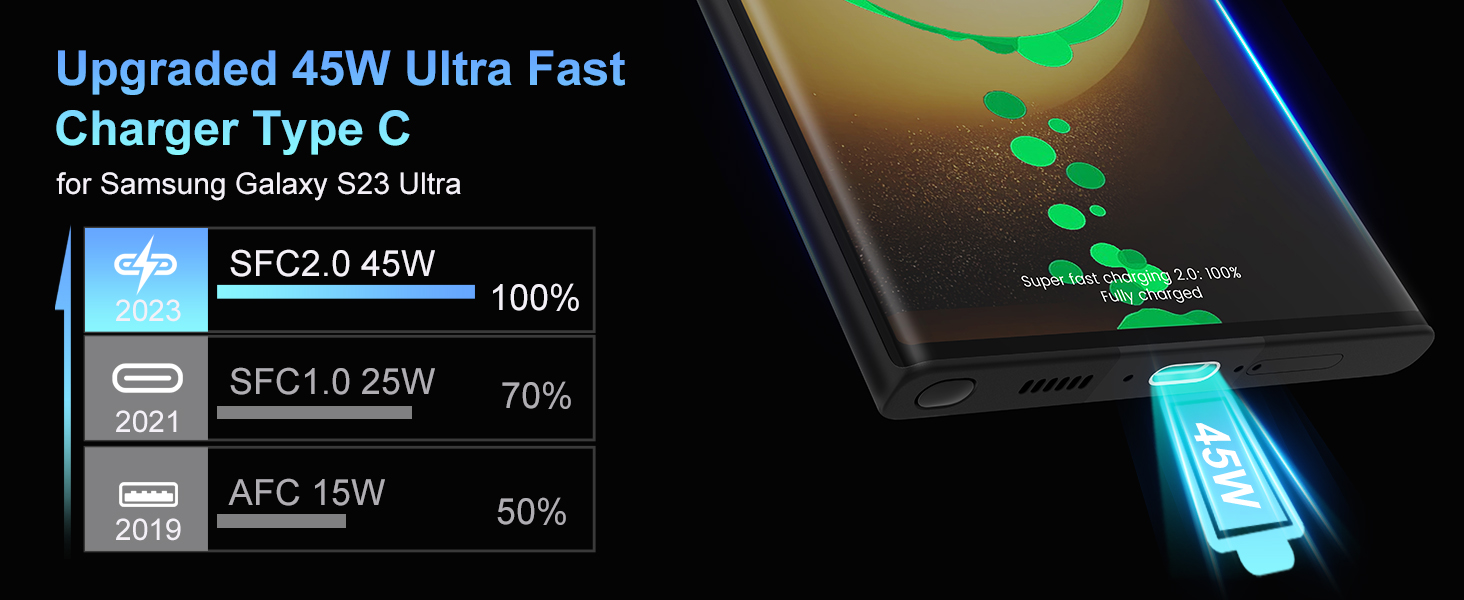
Image: A graphic illustrating the charging speed of the 45W charger (SFC2.0) compared to 25W (SFC1.0) and 15W (AFC) chargers, showing faster charging times for the 45W unit.
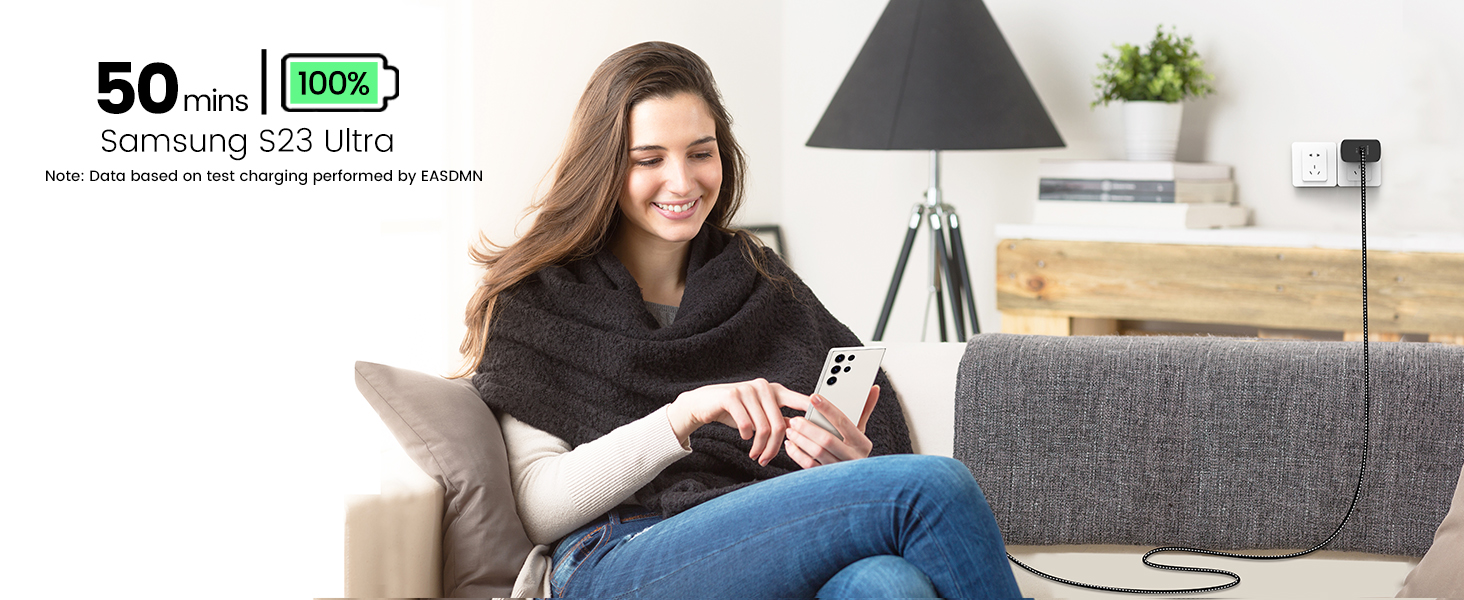
Image: A woman sitting on a couch, using her Samsung S23 Ultra phone which is connected to the 45W charger, indicating a 100% charge in 50 minutes.
5.2. Cable Features
The included 6.6ft USB-C to USB-C cables are designed for high performance and durability:
- 100W Power Delivery: Supports up to 100W power delivery, ensuring compatibility with the 45W charger and future-proofing for higher power devices.
- 5A Super Speed: Enables rapid data transfer and charging.
- E-Marker Chip: Built-in E-Marker chip ensures safe and efficient power delivery.
- Durable Construction: Features strong braided nylon material for enhanced durability and flexibility, tested for over 12,000 bends.
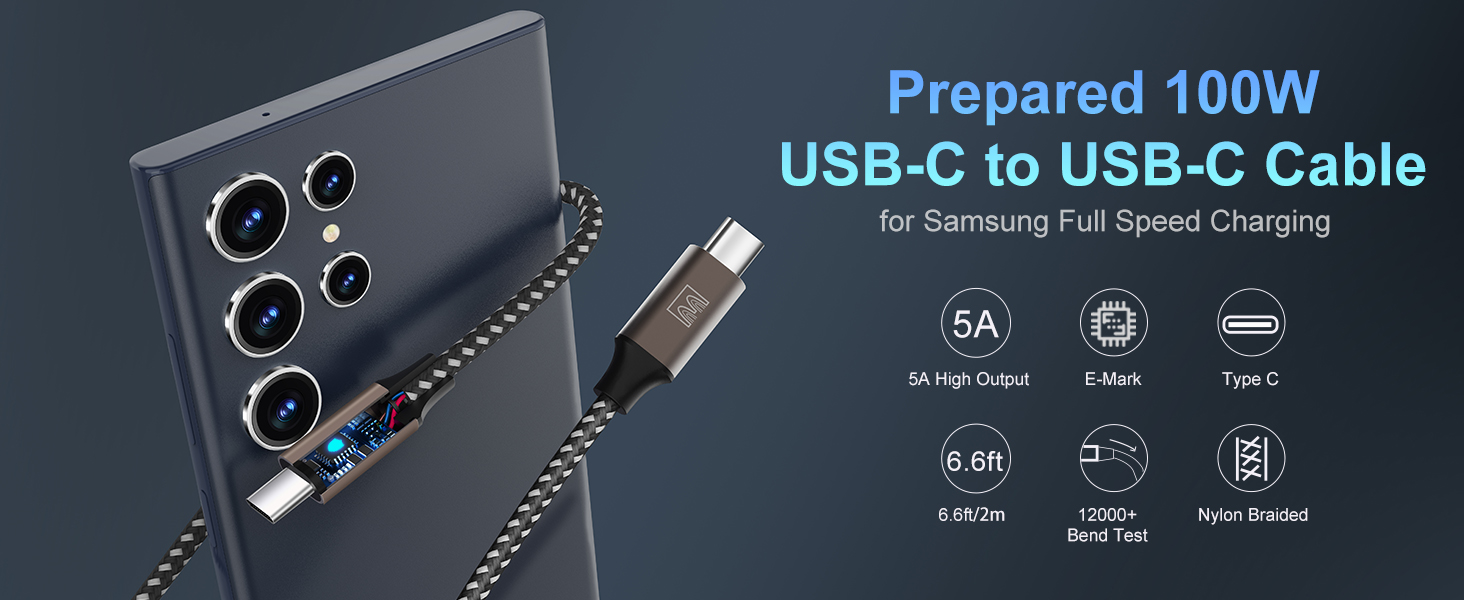
Image: A detailed view of the USB-C to USB-C cable, highlighting its 5A high output, E-Marker chip, Type-C connector, 6.6ft length, 12000+ bend test rating, and nylon braided construction.
6. Safety and Protection Features
The EASDMN 45W Super Fast Charger incorporates multiple safeguards to protect your devices and ensure safe charging:
- Over-current Protection: Prevents damage from excessive current flow.
- Over-voltage Protection: Shields devices from voltage spikes.
- Over-heating Protection: Monitors and regulates temperature to prevent overheating.
- Short-circuit Protection: Automatically cuts off power in case of a short circuit.
- Intelligent Chip: Auto-detects device power requirements and adjusts output accordingly.
- Trickle Charging: As the battery approaches full charge, the charger gradually decreases power to reduce heat and prolong battery life.
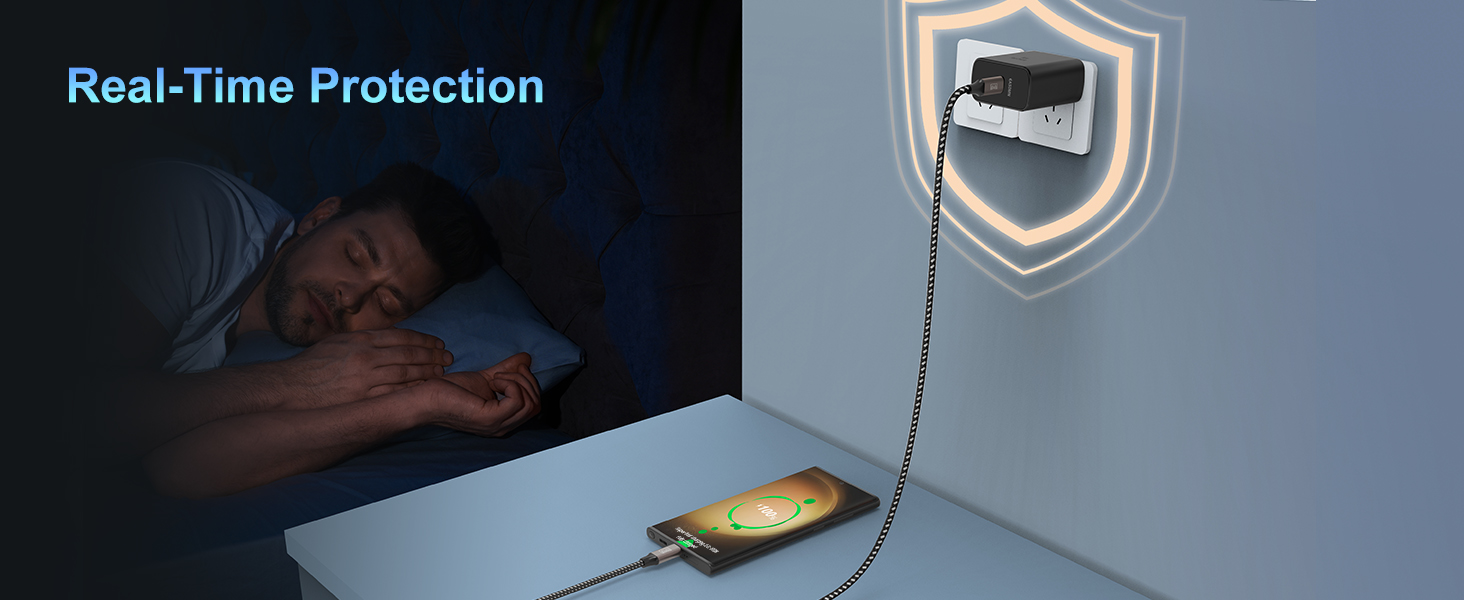
Image: A graphic depicting a person sleeping while their phone charges, with a shield icon overlaying the charger, symbolizing real-time protection against electrical hazards.
7. Maintenance and Care
To ensure the longevity and optimal performance of your charger, follow these maintenance guidelines:
- Keep Dry: Avoid exposing the charger and cables to water or excessive moisture.
- Clean Gently: Use a soft, dry cloth to clean the charger and cables. Do not use harsh chemicals or abrasive materials.
- Store Properly: When not in use, store the charger and cables in a cool, dry place, away from direct sunlight and extreme temperatures.
- Handle Cables with Care: Avoid bending or twisting the cables excessively, especially near the connectors, to prevent internal damage.
- Unplug When Not in Use: Disconnect the charger from the power outlet when not actively charging a device.
8. Troubleshooting
If you encounter issues with your EASDMN 45W Super Fast Charger, refer to the following common problems and solutions:
| Problem | Possible Solution |
|---|---|
| Device not charging |
|
| Slow charging speed |
|
| Charger or device gets hot |
|
9. Warranty and Support
Your EASDMN 45W Super Fast Charger is backed by our commitment to quality. For any questions, concerns, or technical support, please refer to the contact information provided in the included Welcome Guide or reach out to our customer support team. We are available 24/7 to assist you.
Please retain your proof of purchase for warranty claims.


