
1. Product Overview
The Rollerhouse AM25MEL Smart WiFi Blinds Motor is designed to automate your existing blinds, offering convenient control via smartphone apps and voice commands. This motor is compatible with 1.5-inch (38mm) diameter tubes, commonly found in Zebra, Roman, and Roller Shades.
- Smart Voice & App Control: Seamlessly control your blinds using the Tuya Smart App, Amazon Alexa, or Google Home with voice commands or scheduled routines. No additional hub is required for WiFi connectivity.
- Universal 38mm Fit: Specifically designed for blinds with 1.5-inch (38mm) diameter tubes, allowing for easy conversion of manual blinds to smart automated blinds.
- Easy Plug & Play Setup: Features a 110-240V AC plug-in design for straightforward installation without complex wiring.
- Customizable Automation: Set schedules, create scenes, and control your blinds remotely via the Tuya app, enhancing energy efficiency, privacy, and convenience.
- Ultra-Quiet Operation: Operates at a low noise level of 30dB for smooth and discreet adjustments.
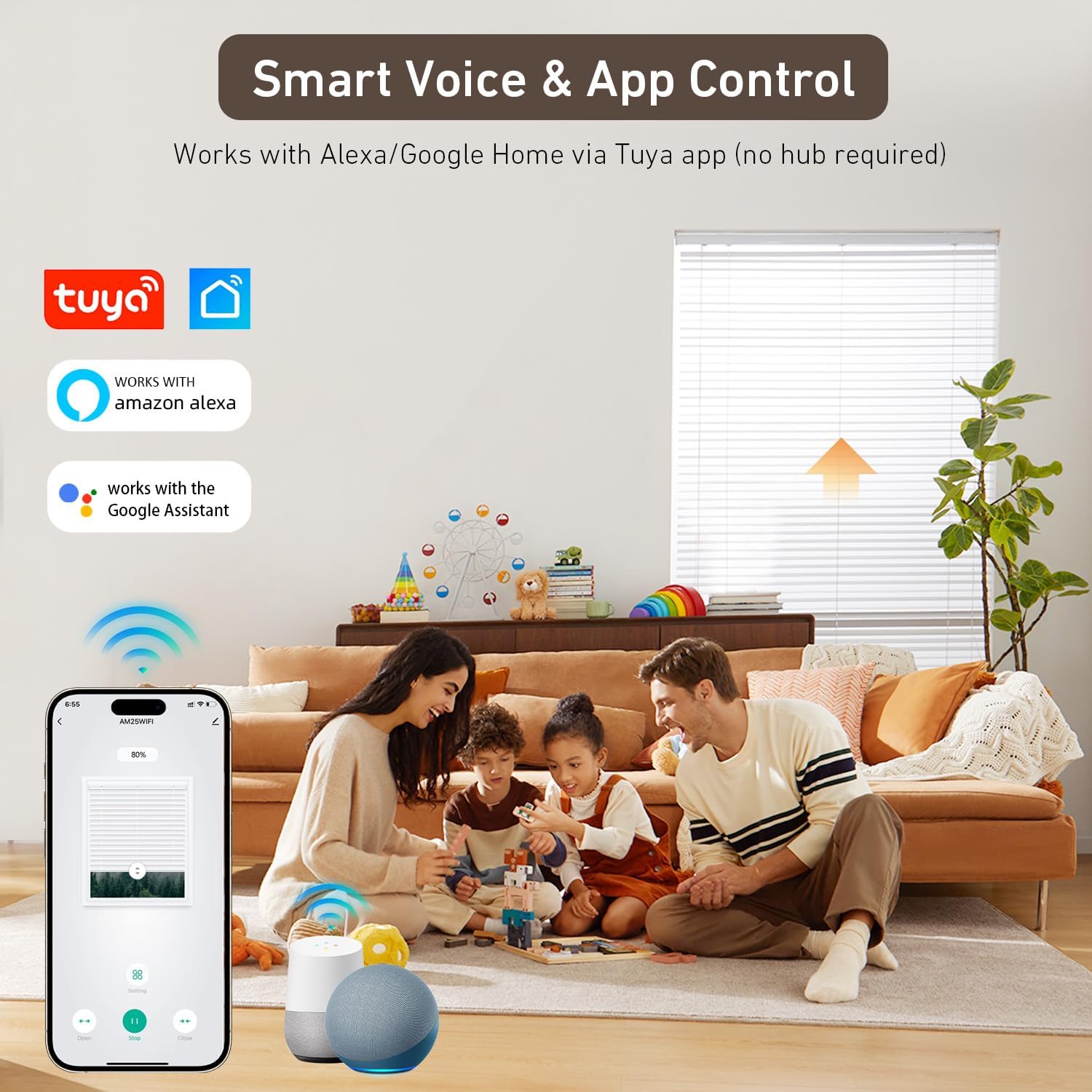
Image: Smart Voice & App Control with Tuya, Alexa, and Google Assistant.
2. Package Contents
Please verify that all components are included in your package:
- 1x 110V Wired Shade Motor
- 1x 38mm Shade Bracket
- 1x Installation Instruction Manual
- 1x Remote Control
- Rubber Fittings
- Crown & Adapter

Image: All included components: motor, remote, brackets, crown, adapter, and rubber fittings.
3. Product Compatibility
This motor is designed for blinds with a 1.5-inch (38mm) outer diameter tube. It is crucial to measure your existing blind tube before purchase to ensure compatibility. The motor works with various types of blinds including Zebra, Roman, and Roller Shades.

Image: Visual guide for measuring blind tube diameter (ID and OD) to ensure compatibility with the 1.5-inch (38mm) motor.
4. Safety Information
- Ensure the power supply is disconnected before installation or maintenance.
- Keep children and pets away from the blinds during operation.
- Do not expose the motor to moisture or extreme temperatures.
- Only use the provided power adapter and accessories.
- If any damage is observed, discontinue use and contact support.
5. Setup and Installation
The Rollerhouse AM25MEL motor offers a plug-and-play installation process. The following steps outline how to replace a manual chain drive with the smart motor.
- Remove Existing Chain Drive: Carefully unclip your blind and remove the existing chain drive mechanism from the blind housing.
- Prepare the Motor: Ensure the correct crown and drive adapter are fitted to the motor for your 38mm tube.
- Insert Motor: Gently hold the blinds up and insert the motor into the shade tube. Ensure a perfect fit. The charging port on the motor should face upwards for easy access to the adapter or solar charger.
- Reassemble Housing: Reinstall the bracket metal piece and the end cap to secure the motor and blind system. Ensure the antenna wire is not cut or pinched.
- Power On: Plug the motor into a standard 110-240V AC outlet.
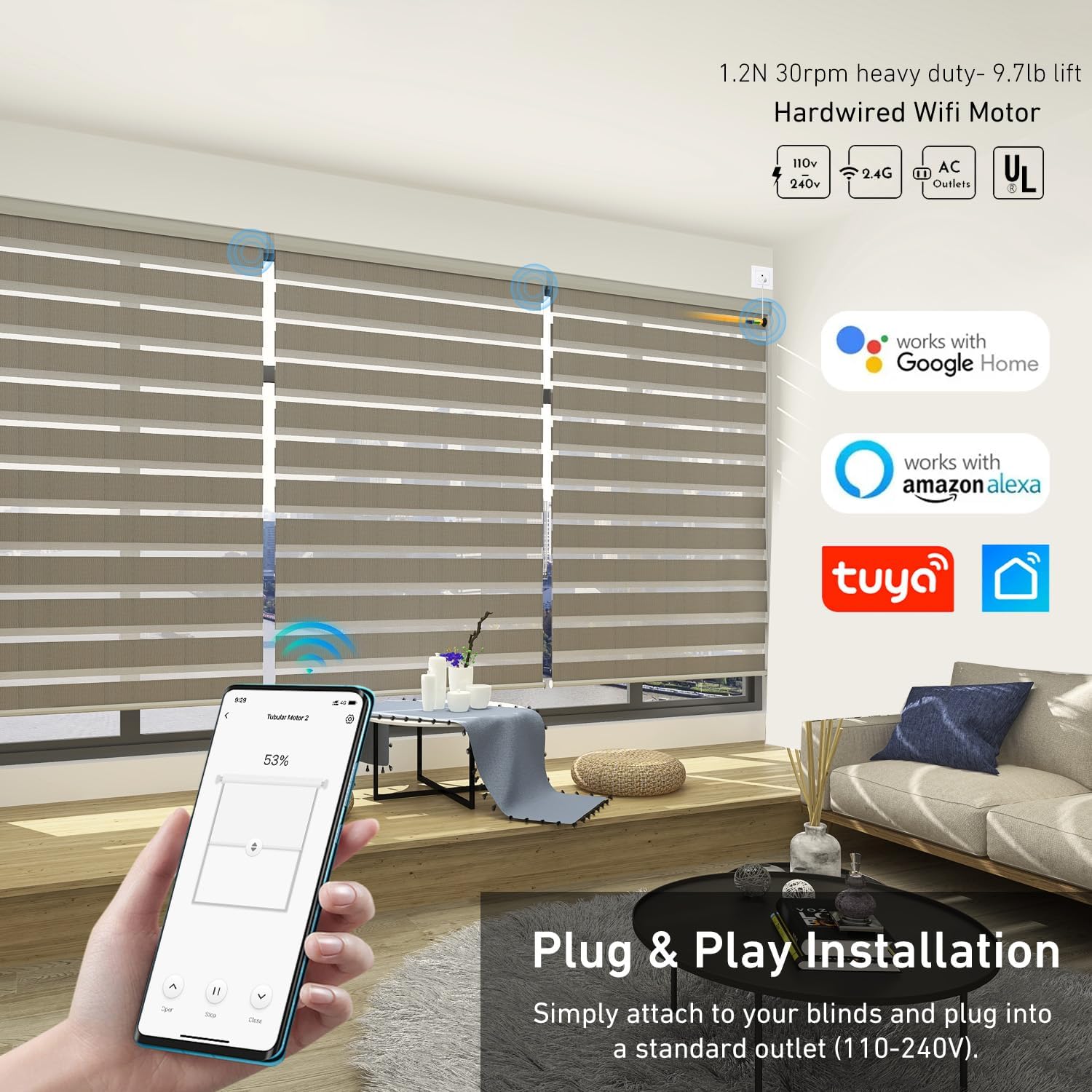
Image: Plug & Play Installation showing the motor being inserted into the blind tube and connected to power.
Video: Detailed guide on how to motorize existing blinds, shades, and draperies by replacing the manual chain system with the Rollerhouse motor.
6. Operating Instructions
The Rollerhouse AM25MEL motor offers multiple control options:
6.1. Remote Control
Use the included remote control to raise, lower, and stop your blinds. Refer to the remote's specific instructions for pairing and setting limits.
6.2. Tuya Smart App Control
Download the Tuya Smart or Smart Life app from your smartphone's app store. Follow the in-app instructions to add your AM25MEL motor. Once connected, you can control your blinds from anywhere, set custom limits, and create schedules for automated operation.

Image: Overview of control methods including mobile app, remote, custom limits, scheduled open/close, and voice control.
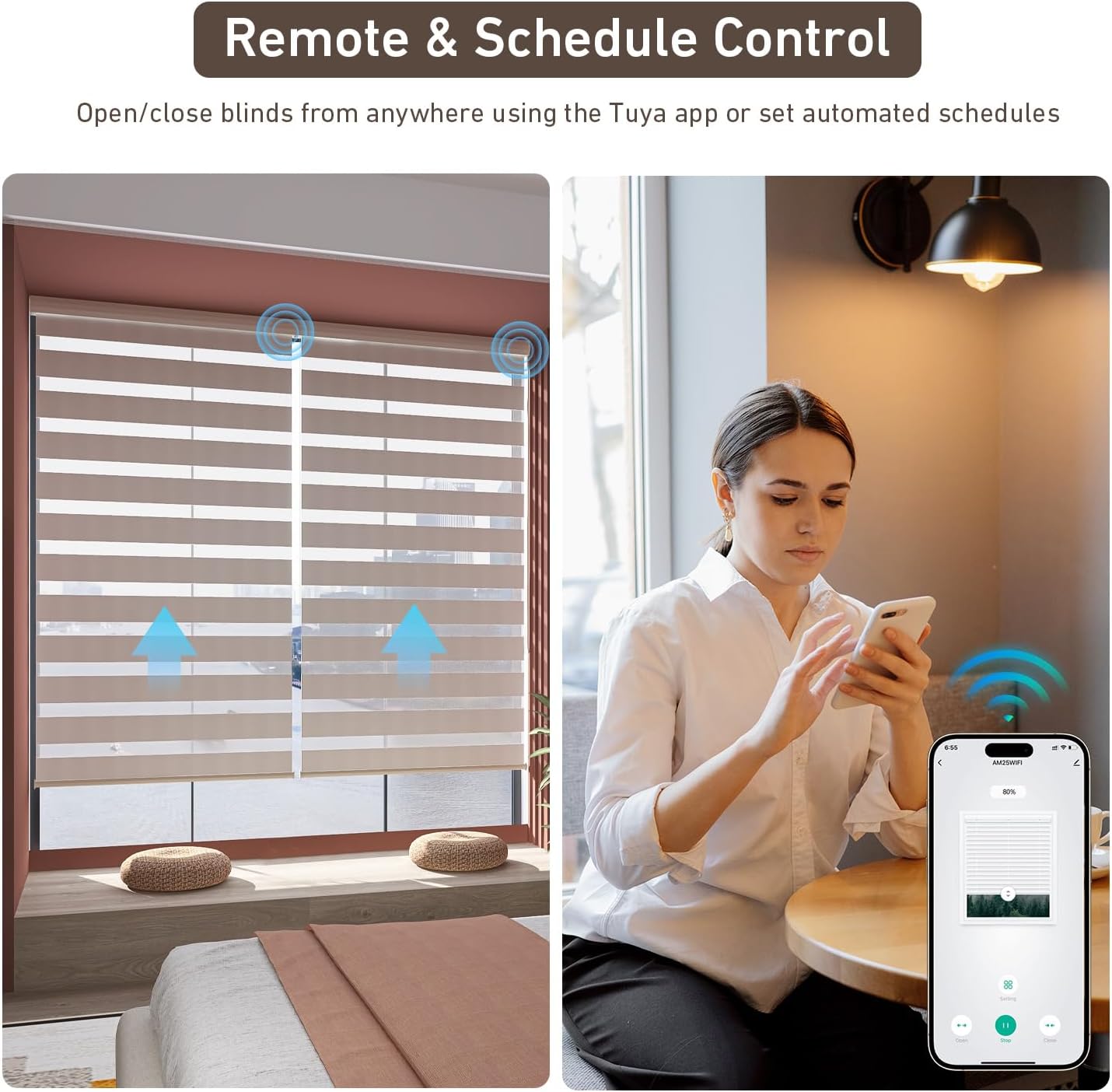
Image: Remote and schedule control in action, showing a user operating blinds via a smartphone app.
6.3. Voice Control (Alexa/Google Home)
After connecting your motor to the Tuya Smart app, enable the Tuya Smart skill in your Amazon Alexa or Google Home app. You can then use voice commands such as "Alexa, open the blinds" or "Hey Google, close the living room shades."

Image: Voice control setup showing integration with Alexa and Google Home for hands-free operation.
7. Smart Home Integration (RF Hub)
For users with an RF hub, the Rollerhouse AM25MEL motor can also be integrated. This allows for centralized control and advanced automation scenarios within your existing smart home ecosystem.
Video: Instructions on how to connect an RF shade motor to an RF hub, such as Broadlink, for expanded smart home control.
8. Maintenance
To ensure the longevity and optimal performance of your Rollerhouse AM25MEL Smart WiFi Blinds Motor, follow these simple maintenance guidelines:
- Cleaning: Spot clean the motor and surrounding areas with a dry or slightly damp cloth. Avoid using harsh chemicals or abrasive cleaners.
- Regular Checks: Periodically inspect the power cable and connections for any signs of wear or damage.
- Software Updates: Keep the Tuya Smart app updated to the latest version to benefit from new features and security enhancements.
9. Troubleshooting
If you encounter issues with your Rollerhouse AM25MEL motor, refer to the following common solutions:
| Problem | Possible Cause | Solution |
|---|---|---|
| Motor not responding to remote/app. | No power, remote battery low, motor not paired, WiFi disconnected. | Check power connection. Replace remote battery. Re-pair remote/motor. Verify WiFi connection (2.4GHz). |
| Blinds not moving smoothly. | Obstruction, incorrect limit settings. | Check for any physical obstructions. Reset and re-set upper and lower limits via the app or remote. |
| Voice control not working. | Tuya skill not enabled, incorrect device name, internet connectivity issue. | Ensure Tuya Smart skill is enabled in Alexa/Google Home app. Use the exact device name. Check internet connection. |
| Motor making unusual noise. | Internal issue, obstruction. | Ensure no obstructions. If noise persists, contact customer support. |
10. Specifications
| Feature | Detail |
|---|---|
| Model Number | AM25MEL-38mm Tube |
| Power Supply | 110-240V AC Plug-in |
| Tube Compatibility | 1.5-inch (38mm) OD Tubes |
| Noise Level | Ultra Quiet (30dB) |
| Control Methods | Tuya Smart App, Alexa, Google Home, Remote Control |
| Connectivity | 2.4GHz WiFi (No Hub Needed) |
| Item Weight | 1.44 pounds |
| Package Dimensions | 17.68 x 3.39 x 2.64 inches |
| Manufacturer | Rollerhouse |
11. Warranty and Support
For any product inquiries, technical assistance, or warranty claims, please contact Rollerhouse customer support. The product includes 24-hour service support.
For further assistance, please visit the official Rollerhouse store or contact your retailer.