
Yansoo X88 Dash Cam
Yansoo Dual Dash Cam User Manual
Model: X88 Dash Cam
Introduction
Thank you for choosing the Yansoo Dual Dash Cam. This manual provides detailed instructions for the installation, operation, and maintenance of your dash camera. Please read this manual thoroughly before use to ensure proper functionality and to maximize your driving safety and recording capabilities.

The Yansoo Dual Dash Cam captures both front and interior views of your vehicle with high-definition clarity.
Safety Information
- Do not operate the dash cam while driving. Adjust settings only when the vehicle is safely parked.
- Ensure the dash cam is securely mounted and does not obstruct your view of the road.
- Avoid exposing the device to extreme temperatures, direct sunlight for prolonged periods, or excessive moisture.
- Use only the original power adapter provided to prevent damage to the device.
- Keep the lens clean for optimal recording quality.
Package Contents
- Yansoo Dual Dash Cam (X88)
- Suction Cup Mount
- Car Charger (with USB-A port)
- Cable Clips
- User Manual
Note: A Micro Memory Card (up to 64GB) is NOT included and must be purchased separately.
Product Overview
The Yansoo X88 Dash Cam features a compact design with dual cameras for front and interior recording. It includes a 2.0-inch LCD display for real-time viewing and playback.

The main unit of the Yansoo X88 Dash Cam, showing the front camera, interior camera, and suction cup mount.

The X88 model is designed for both front and cabin recording, offering dual 1080P resolution and an F1.8 aperture.
Key Features:
- Dual 1080P FHD Recording (Front 170°, Interior 140°)
- Super Infrared Night Vision with 4 IR LEDs
- Wide Dynamic Range (WDR) Technology
- Built-in G-Sensor for Emergency Lock
- Seamless Loop Recording
- 24-Hour Parking Monitor (requires hardwire kit, sold separately)
- 2.0" LCD Display
- Super Capacitor for enhanced durability and temperature resistance

Overview of the dash cam's primary functions and capabilities.
Setup
1. Inserting the Memory Card
Before first use, insert a Micro Memory Card (Class 10 or higher, up to 64GB) into the dash cam's memory card slot. Ensure the card is inserted correctly until it clicks into place. Format the card within the dash cam's settings for optimal performance.
2. Mounting the Dash Cam
- Clean the windshield area where you intend to mount the dash cam.
- Attach the suction cup mount to the dash cam.
- Press the suction cup firmly against the windshield and rotate the locking mechanism clockwise until it is securely attached. Ensure the protective film is removed from the suction cup.
- Adjust the camera angle to ensure a clear view of the road ahead and the vehicle's interior. The camera offers flexible rotation for optimal positioning.

The dash cam features a flexible mount and rotatable cameras for various viewing angles.
3. Power Connection
- Connect the car charger to the dash cam's power input port.
- Plug the car charger into your vehicle's cigarette lighter socket.
- Route the power cable neatly along the windshield and dashboard using the provided cable clips to avoid obstruction and ensure safety.
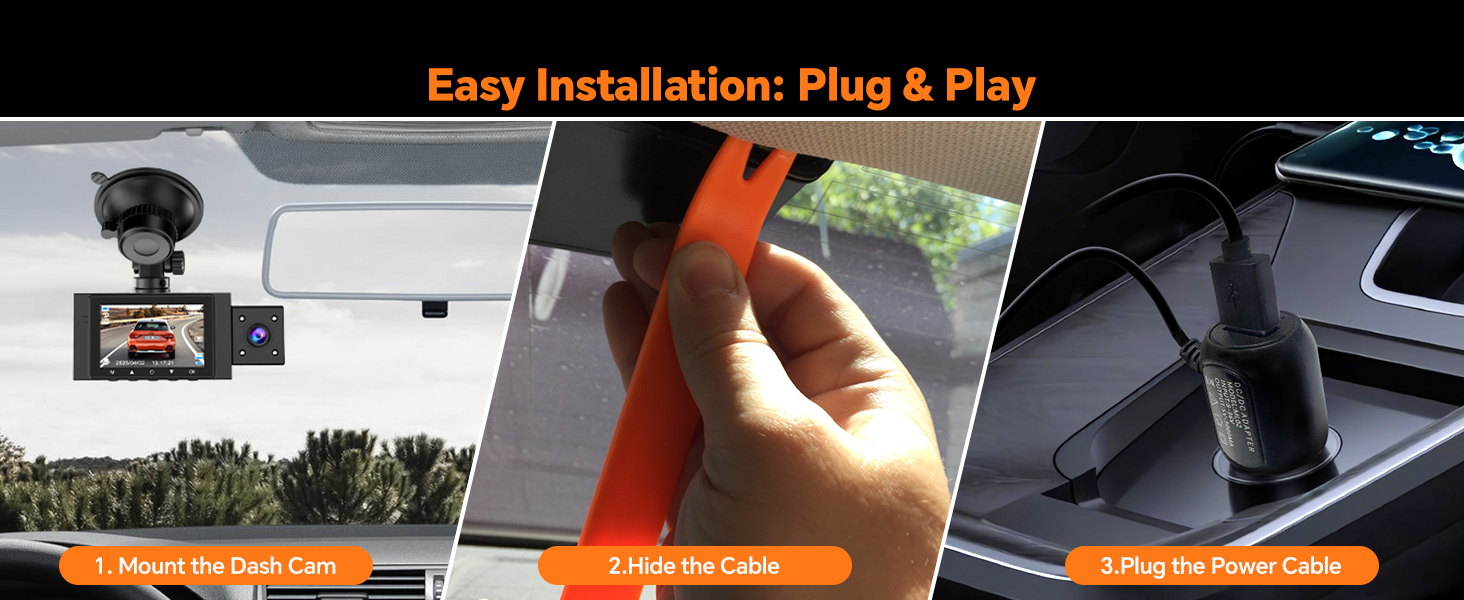
The installation process is designed to be plug-and-play for user convenience.
The dash cam will automatically power on and begin recording when your car engine starts. It will power off automatically when the engine is turned off.
Operating Instructions
Basic Operation
- Power On/Off: The device powers on/off automatically with the vehicle's ignition. You can also manually power on/off by pressing and holding the power button.
- Recording: Recording starts automatically when the device is powered on. Press the 'OK' button to stop or start recording manually.
- Menu Navigation: Use the menu buttons to navigate through settings.
Loop Recording
The dash cam supports seamless loop recording, which means it continuously records video. When the memory card is full, the oldest unlocked video files are automatically overwritten to make space for new recordings. This ensures uninterrupted recording.
- You can set loop recording intervals (e.g., 1, 2, or 3 minutes) in the settings. The default is 3 minutes.
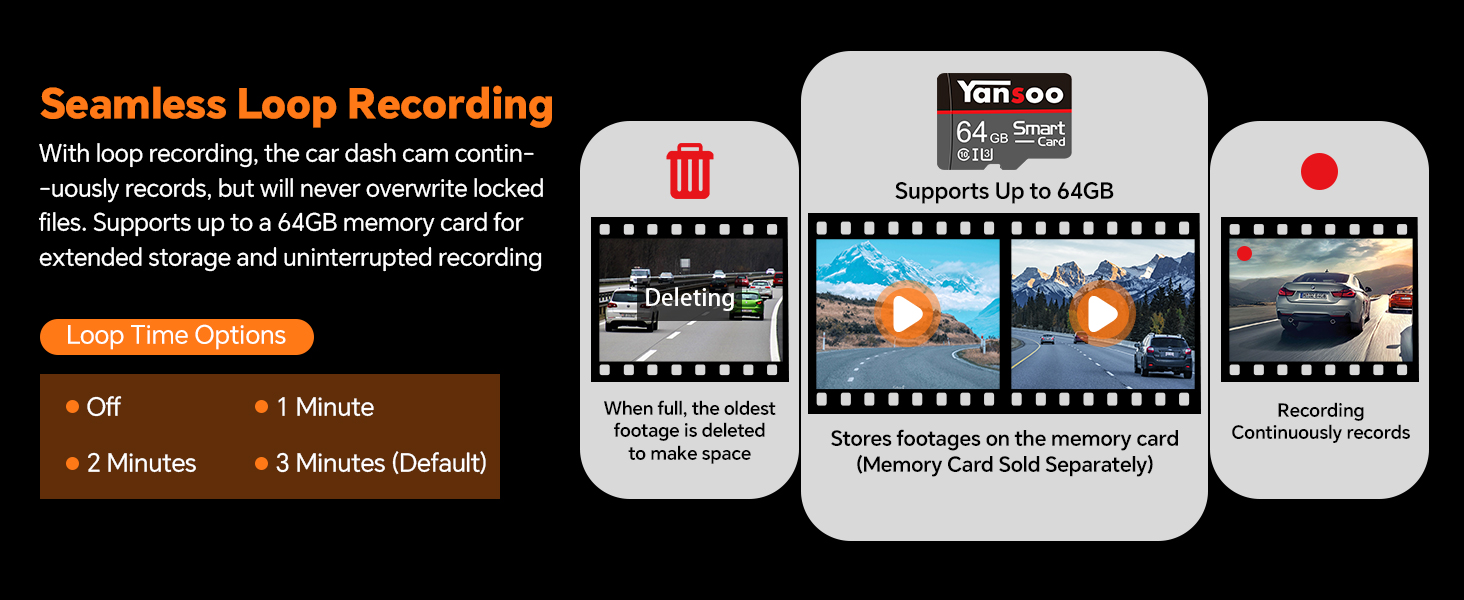
Seamless loop recording ensures continuous footage by overwriting the oldest files when the memory card is full.
G-Sensor (Emergency Lock)
The built-in G-sensor detects sudden shakes or collisions. When activated, it automatically locks the current video footage, preventing it from being overwritten by loop recording. These locked files are crucial for evidence in case of an accident.

The G-Sensor automatically locks video files upon detecting a collision, preserving important evidence.
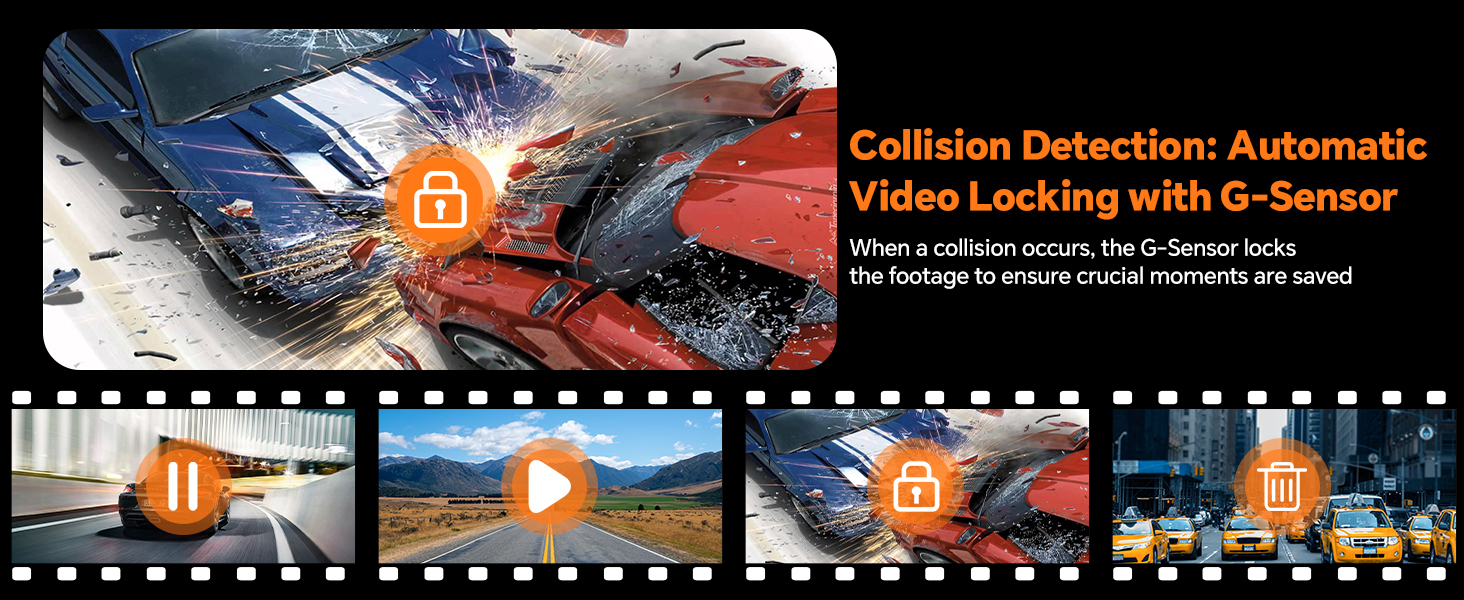
Visual representation of the G-Sensor locking footage during a collision.
24-Hour Parking Monitor & Motion Detection
When enabled, the parking monitor function protects your car even when parked. If the camera detects shocking or motion, it will automatically turn on and record a short video (e.g., 30 seconds) before shutting down again.
- For continuous 24-hour parking monitoring, a hardwire kit is required (sold separately, ASIN: B0CP7J78M5).

The dash cam provides 24-hour parking monitoring to protect your vehicle when parked.
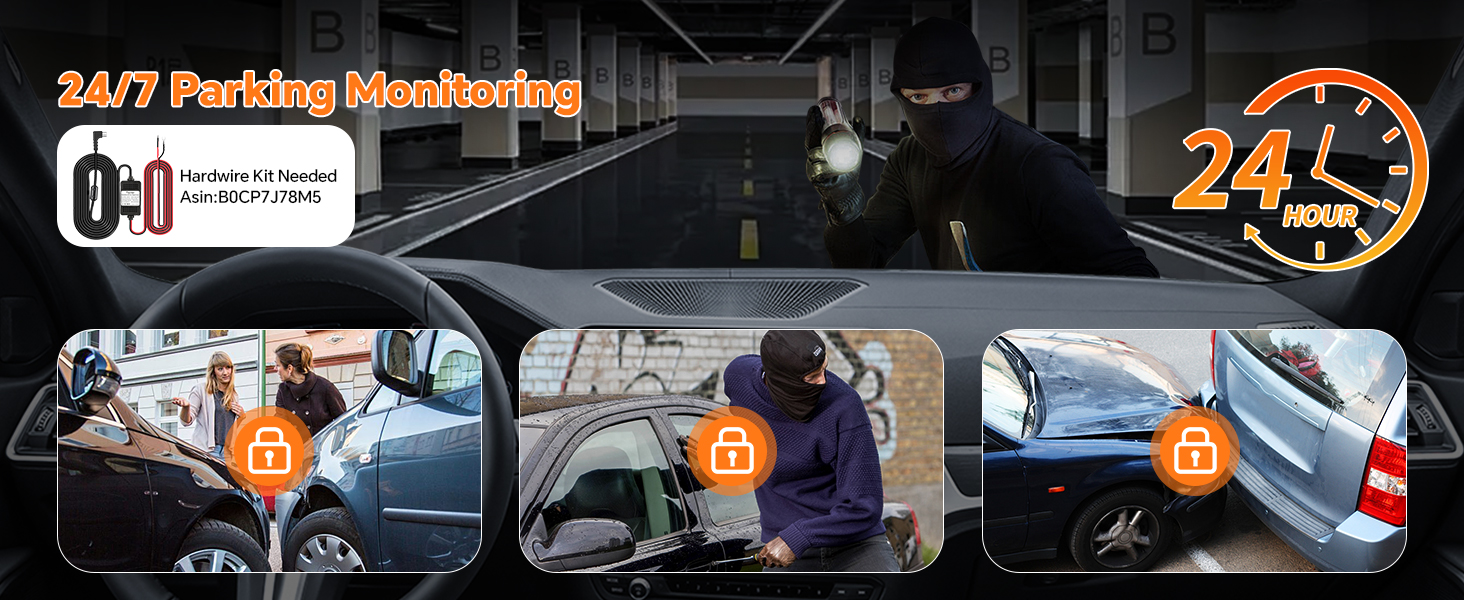
The 24/7 parking monitoring feature captures incidents like bumps, theft attempts, or vandalism.
Infrared Night Vision & WDR
Equipped with 4 unique infrared LED fill lights and F1.8 aperture, the dash cam performs optimally in low light conditions, ensuring clear high-definition recording day and night. Wide Dynamic Range (WDR) technology balances exposure for clear footage in challenging lighting, such as strong backlighting or dark tunnels.

The interior camera's 4 infrared LED lights ensure clear footage in low-light or night-time conditions.
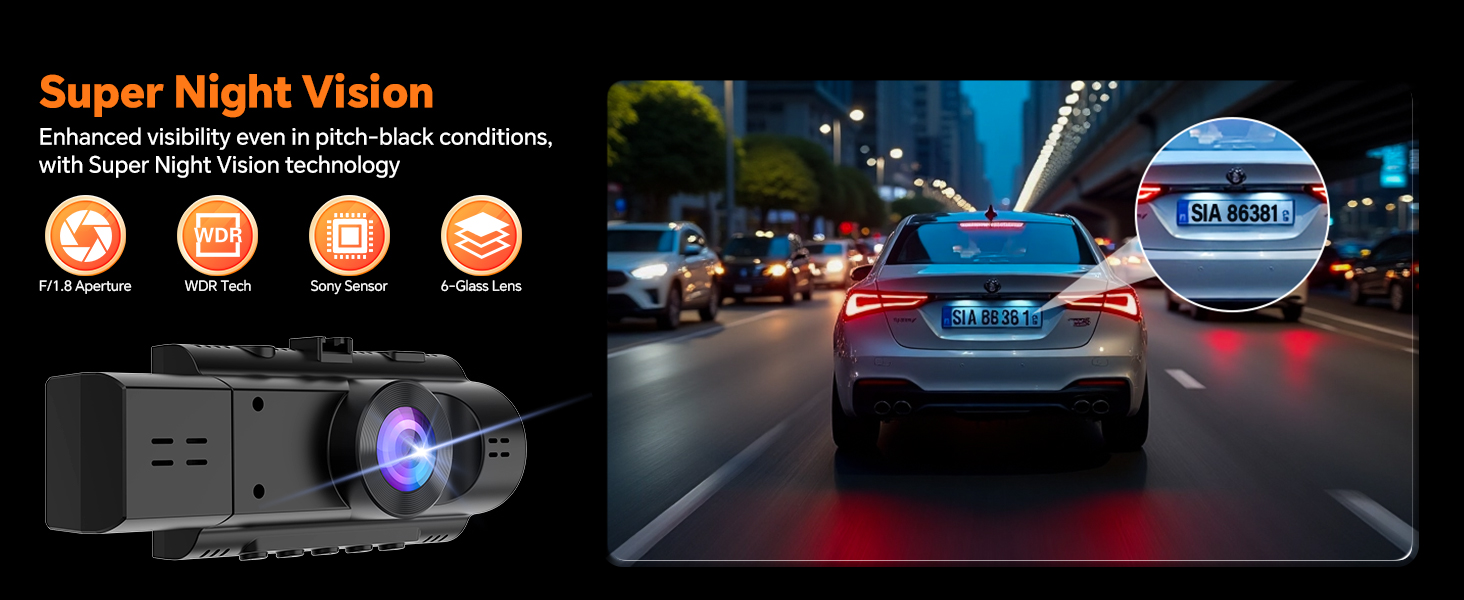
Super Night Vision enhances visibility even in pitch-black conditions, capturing details like license plates.
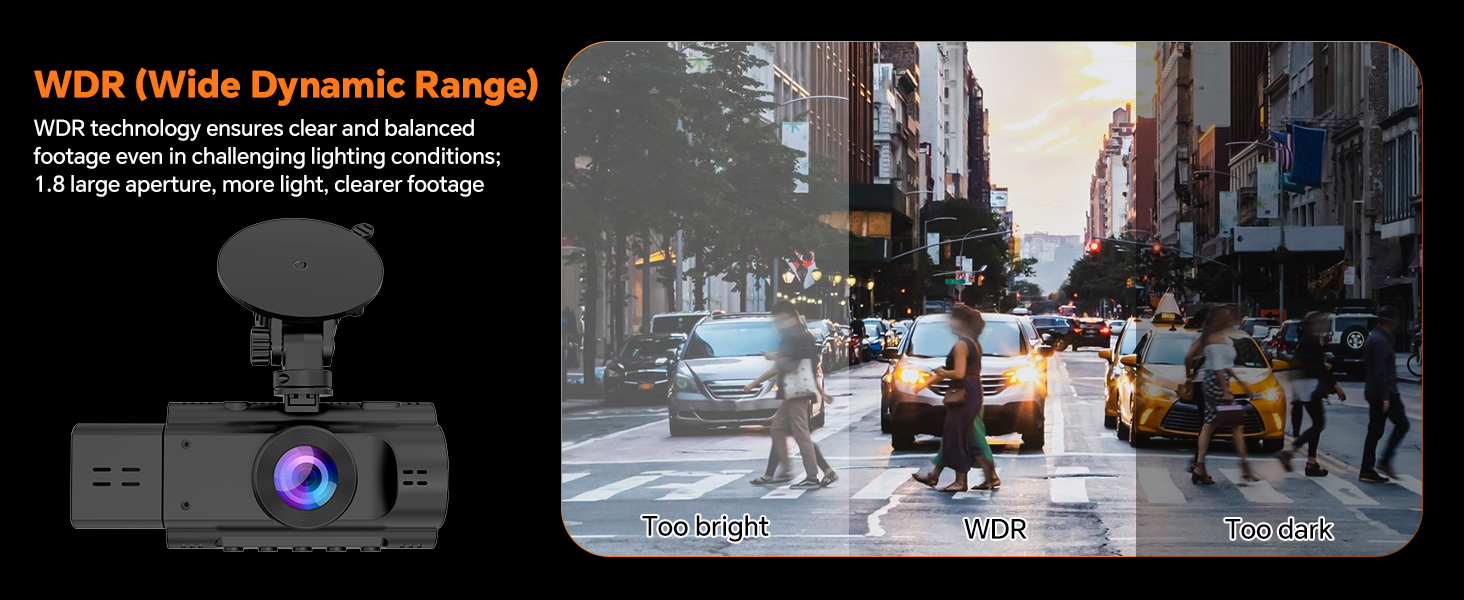
WDR technology ensures clear and balanced footage in challenging lighting conditions, preventing over or underexposure.
Display Modes (Split Screen)
The dash cam offers four display modes to monitor both front and interior views simultaneously or individually:
- Front View
- Inside View
- Picture-in-Picture (PIP) View
- Split Screen View
Use the 'Up Arrow' button to switch between these display modes.

The dash cam supports four different display modes for flexible viewing.
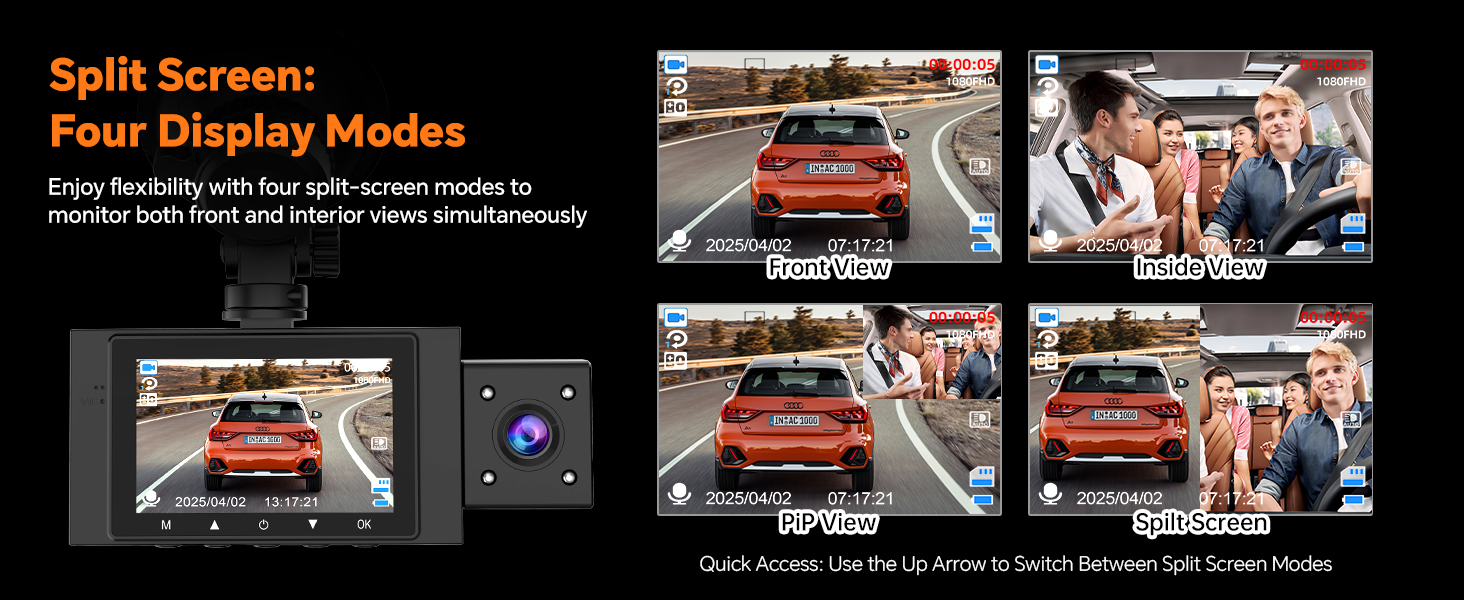
Enjoy flexibility with four split-screen modes to monitor both front and interior views simultaneously.
Privacy Protection (Screen Saver & Audio/Camera Off)
To maintain privacy, you can switch off the interior camera and microphone whenever needed. The screen saver mode can also be activated to turn off the LCD display while recording continues.
- Use the 'Down Arrow' button to toggle audio recording on/off.
- The screen saver can be set to activate automatically after a period of inactivity.
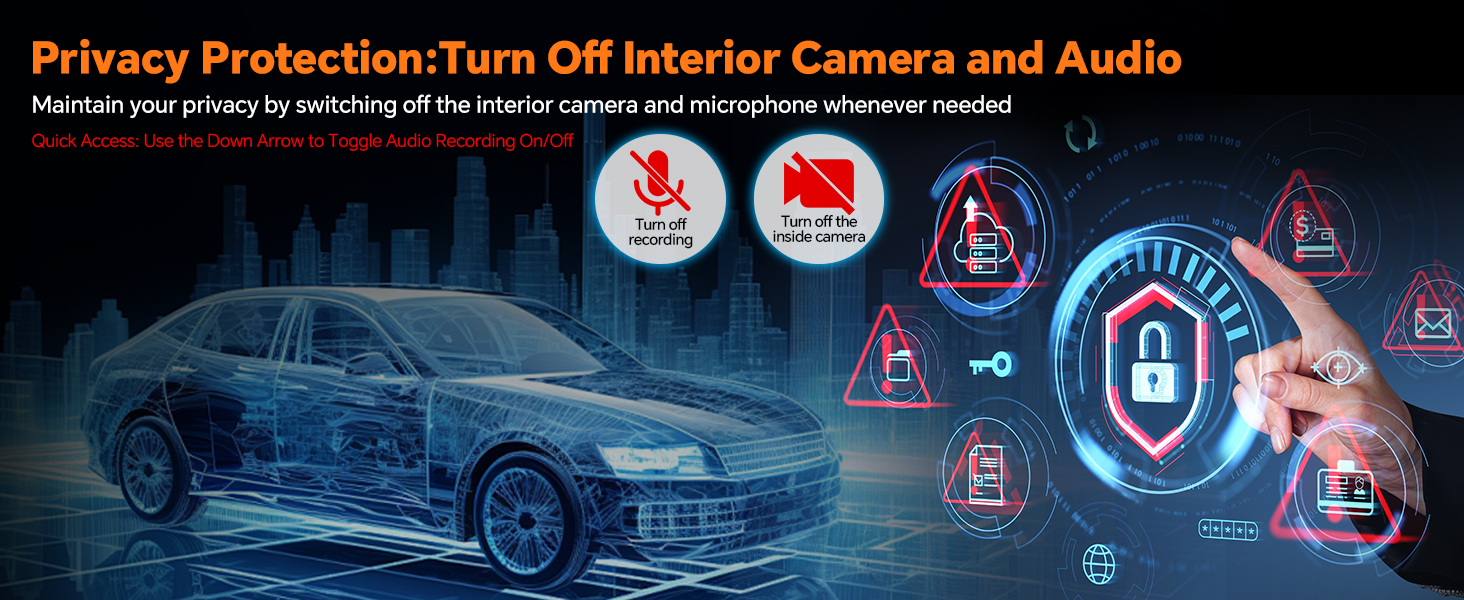
Maintain your privacy by switching off the interior camera and microphone when not needed.
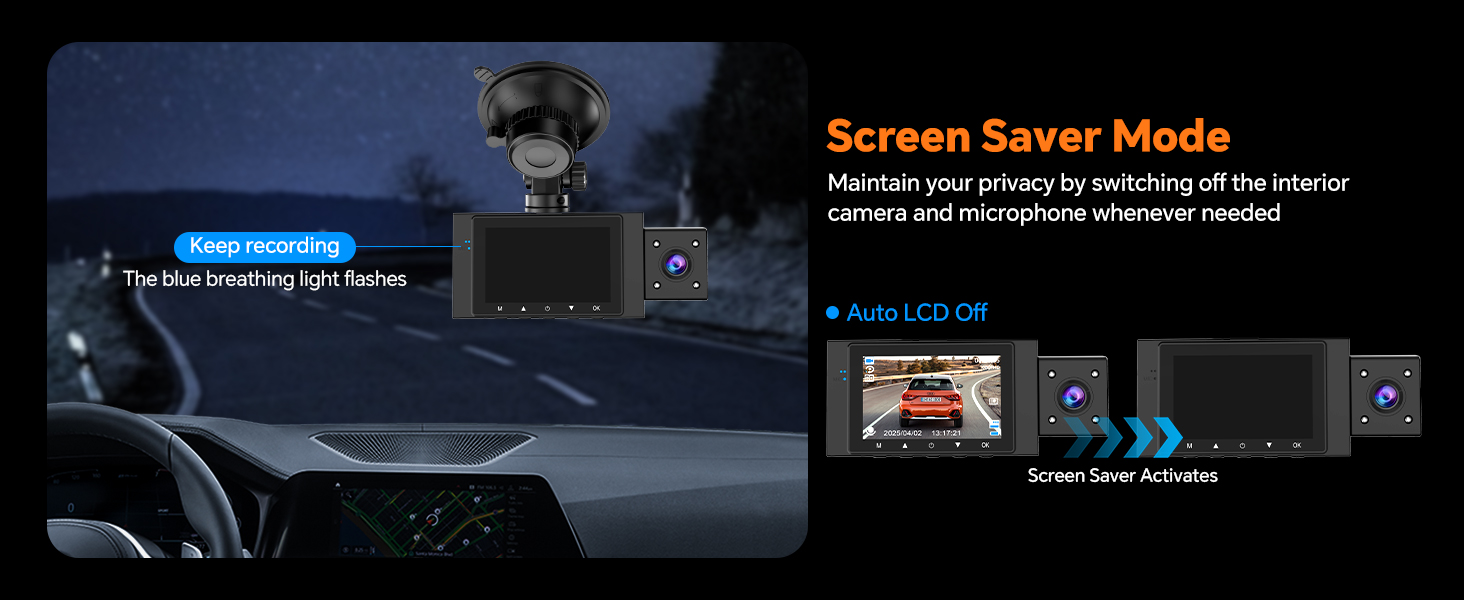
Screen Saver Mode allows the display to turn off while recording continues, indicated by a blue breathing light.
Reviewing Footage
You can review recorded footage using several methods:
- Directly on Dashcam: Navigate to the playback mode on the device's LCD screen.
- Via USB Data Cable: Connect the dash cam to a computer using a USB data cable (not included) to access files.
- Via Card Reader: Remove the memory card and insert it into a card reader connected to a computer.
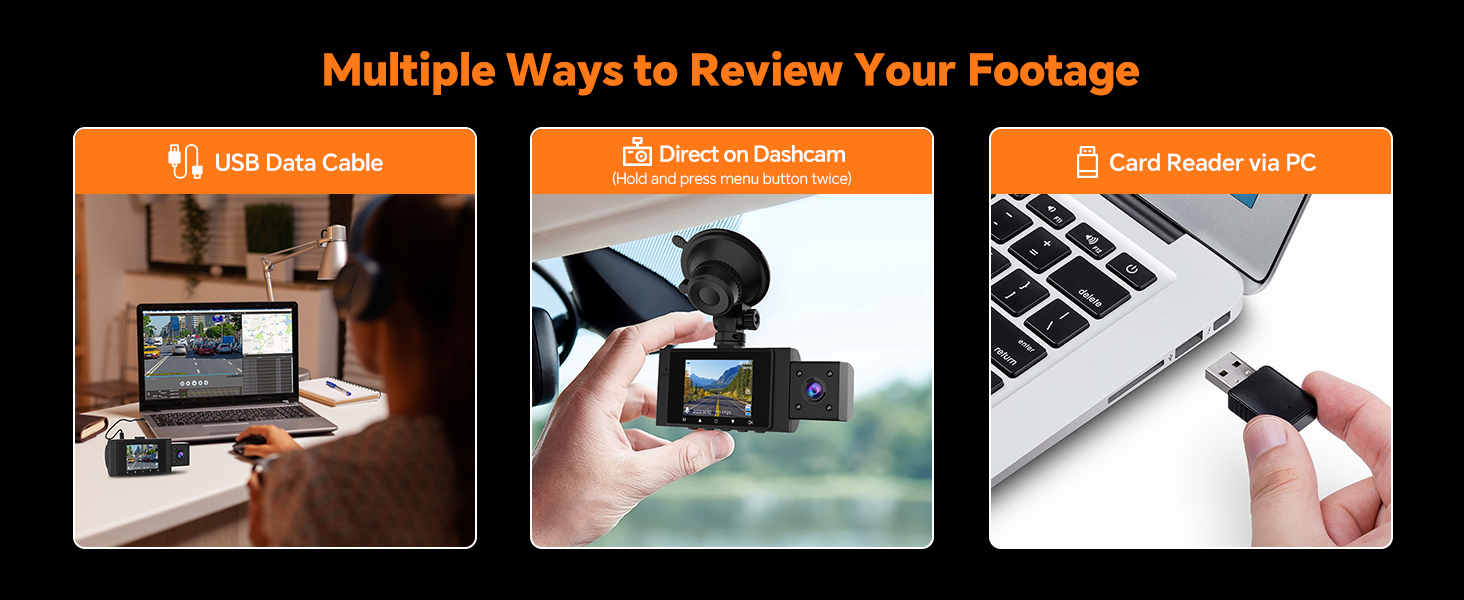
Various methods are available for reviewing your recorded footage.
Maintenance
- Cleaning: Use a soft, dry cloth to clean the dash cam body and lenses. Do not use abrasive cleaners or solvents.
- Memory Card: Regularly format the memory card (every 2-4 weeks) to prevent data corruption and ensure smooth operation. Back up important files before formatting.
- Firmware Updates: Check the Yansoo official website periodically for any available firmware updates to improve performance and add new features.
Troubleshooting
| Problem | Possible Cause / Solution |
|---|---|
| Camera keeps turning on and off. |
|
| Suction cup mount does not stick. |
|
| Device freezes or malfunctions. | Insert a needle into the 'RE' (Reset) button hole to restart the device. |
| Memory card full / Recording stops. |
|
| Video quality is poor. | Clean the camera lenses. Ensure the protective film is removed from the lenses. Check resolution settings. |
Specifications
| Feature | Detail |
|---|---|
| Model Name | X88 Dash Camera for Cars Front and Inside |
| Product Dimensions | 4.13 x 1.57 x 1.77 inches |
| Item Weight | 10.9 ounces |
| Video Capture Resolution | Front and Inside: 1080P |
| Lens Aperture | F1.8 |
| Viewing Angle | Front: 170°, Interior: 140° |
| Display | 2.0" LCD |
| Storage | Supports up to 64GB Micro Memory Card (not included) |
| Special Features | Built-In Speaker, Loop Recording, G-Sensor, Infrared Night Vision, WDR, Parking Monitor |
| Power Source | Car Charger (Cigarette Lighter Interface) |
| Battery Type | Super Capacitor (for reliable performance in extreme temperatures) |
| Connectivity Technology | Type-C |
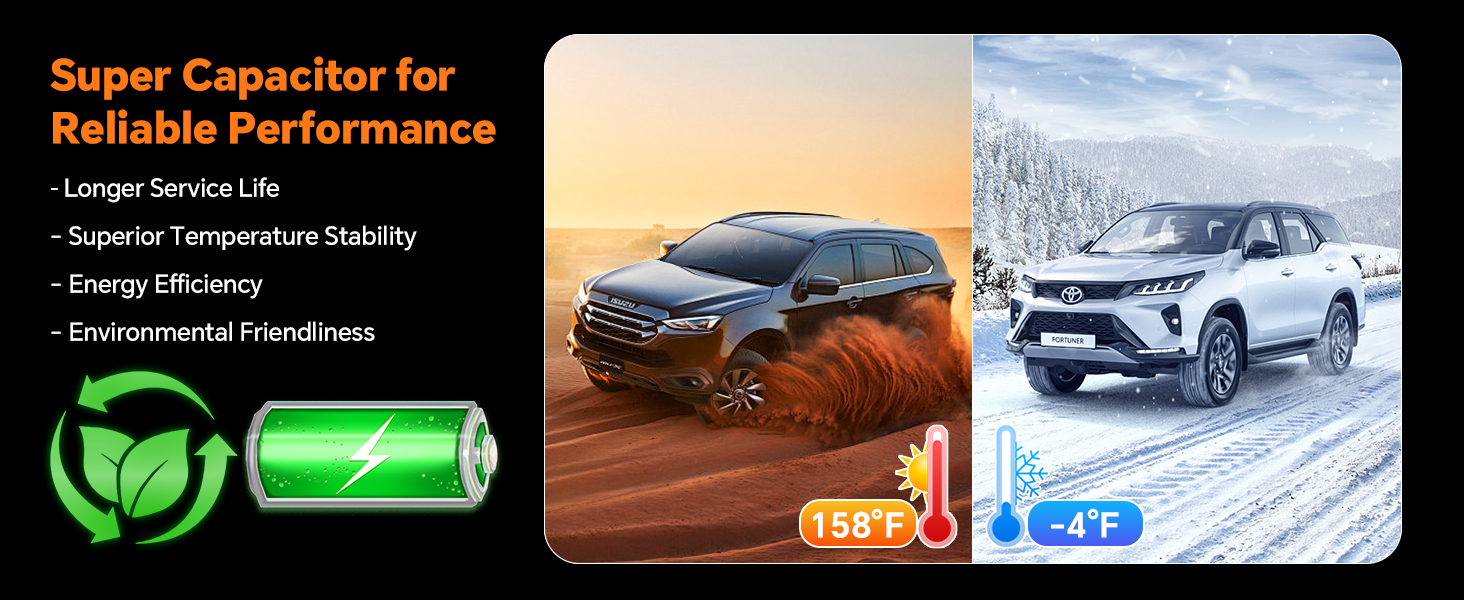
The super capacitor ensures reliable performance and longer service life across a wide temperature range (-4°F to 158°F).
Warranty and Support
Yansoo provides lifetime after-sales support and a 1-year warranty for this product. For any questions or technical assistance regarding your dash cam, please contact our customer service team via Amazon or the after-sales email provided in the original product packaging.
Our customer service team is available 7 days a week, 24 hours a day, to assist you.
Related documentsX88 Dash Cam


Ask a question about this manual
Ask about setup, troubleshooting, compatibility, parts, safety, or missing instructions. Manuals+ will review the question and use this page’s manual context to help answer it.