
AOSU C6P
AOSU 2K Wireless Outdoor Security Camera User Manual
Model: C6P | Brand: AOSU
1. Introduction
Thank you for choosing the AOSU 2K Wireless Outdoor Security Camera. This camera is designed to provide high-definition surveillance for your home or property with advanced features such as 2K QHD resolution, intelligent motion detection, and long-lasting battery life. Please note: This camera is an add-on unit and requires an existing AOSU Homebase (e.g., 6Pro/6S/7Pro/7S) to function. It cannot operate independently.
This manual will guide you through the setup, operation, maintenance, and troubleshooting of your camera to ensure optimal performance and security.
2. Package Contents
Please check the package for the following items:
- 1 x AOSU 2K Wireless Outdoor Security Camera
- 1 x Mounting Bracket
- 1 x Micro USB Charging Cable
- 1 x User Manual

Image: AOSU 2K Wireless Outdoor Security Camera (Model C6P).
3. Product Overview
Camera Features:
- 2K QHD Resolution: Provides clear and sharp images, 60% more powerful than 1080p.
- 166° Wide Angle View: Utilizes 7 advanced ultra-clear wide-angle lenses for extensive coverage without rotation.
- PIR Motion Detection: Intelligent motion sensors for faster and more accurate detection of people.
- Color Night Vision & Spotlight: Automatically activates spotlight upon detection for full-color night images.
- Two-Way Audio: Communicate with visitors or deter intruders. Includes voice change feature for privacy.
- Long Battery Life: Up to 240 days (8 months) on a single charge under typical usage (40 events/day, 10s recording).
- IP67 Weatherproof: Designed to withstand extreme weather conditions.
Homebase Features (Required):
- 32GB Local Storage: Built-in encrypted local storage for up to 6 months of motion detection videos. No monthly fees.
- Multi-Camera Support: One Homebase can connect up to 4 cameras.
- Smart Notifications: Sends intelligent alerts to your app with image previews.
- Compatibility: Works with Amazon Alexa and Google Assistant.

Image: Illustrates the camera's long battery life, up to 8 months per charge.

Image: Demonstrates the 166° ultra-wide angle view, showing a broader coverage area compared to standard cameras.

Image: Shows the AOSU Homebase, highlighting its built-in 32GB local storage for recordings without monthly fees.
4. Setup Guide
4.1 Charging the Camera
Before initial use, fully charge the camera using the provided micro USB cable. The charging indicator light will show charging status (e.g., red for charging, green for fully charged).
4.2 Setting Up the AOSU Homebase
If you haven't already, set up your AOSU Homebase according to its dedicated user manual. Ensure it is connected to your home network and powered on.
4.3 Installing the AOSU App
- Download the AOSU app from the App Store (iOS) or Google Play Store (Android).
- Register for a new account or log in with your existing credentials.
- Follow the in-app instructions to add your Homebase to the app.
4.4 Pairing the Camera with Homebase
- Open the AOSU app and navigate to your Homebase device.
- Select the option to add a new camera or accessory.
- Follow the on-screen prompts to put the camera into pairing mode (usually by pressing a sync button on the camera).
- The Homebase will detect and pair with the camera. A confirmation message will appear in the app once pairing is successful.
4.5 Mounting the Camera
Choose a suitable location for your camera, ensuring it has a clear field of view and good Wi-Fi signal strength from the Homebase. The camera is IP67 rated for outdoor use.
- Secure the mounting bracket to a wall or ceiling using the provided screws.
- Attach the camera to the mounting bracket.
- Adjust the camera angle to cover the desired area.
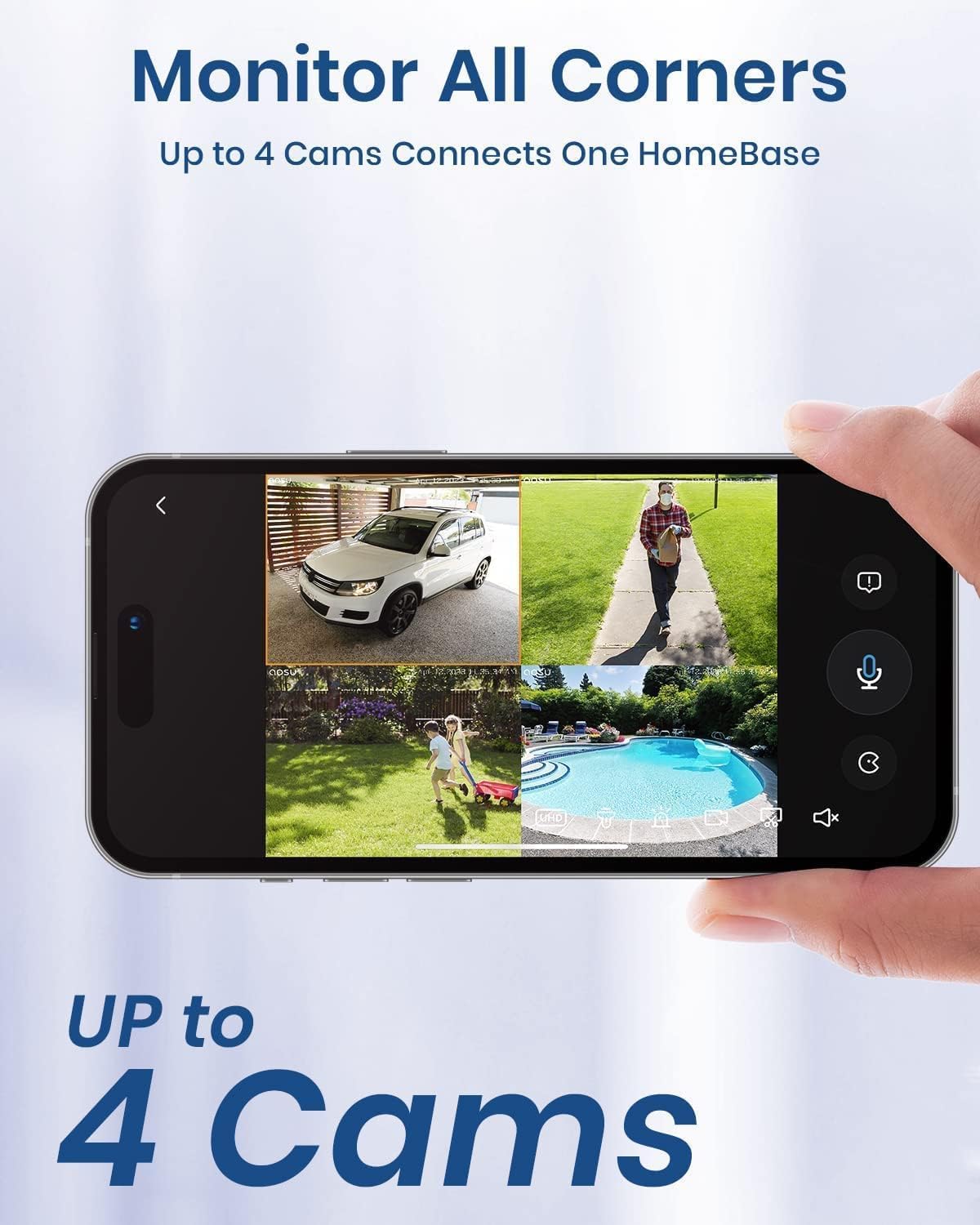
Image: Illustrates how one Homebase can monitor multiple areas by connecting up to four cameras, providing comprehensive coverage.
5. Operating Instructions
5.1 Live View
Open the AOSU app and select your camera to view the live feed. You can monitor your property in real-time from anywhere.
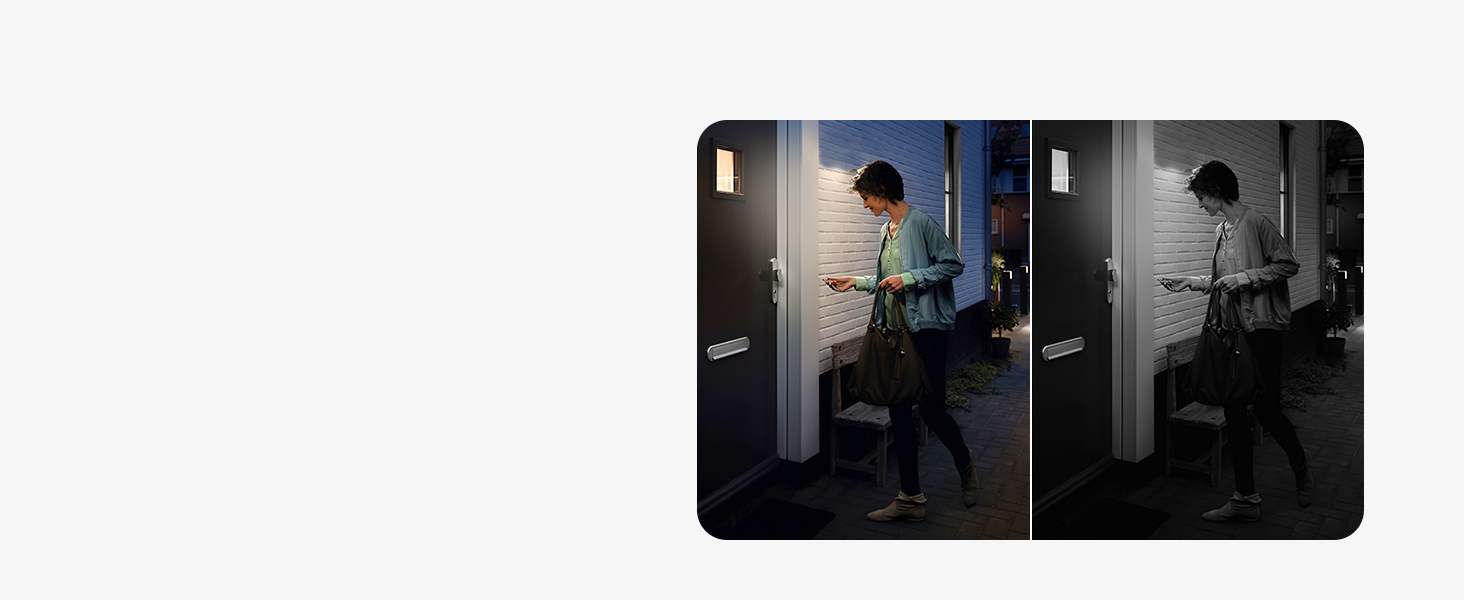
Image: A smartphone displaying the live view from an AOSU camera, showing real-time monitoring capabilities.
5.2 Motion Detection Settings
The camera uses PIR and motion sensors for intelligent detection. You can customize detection zones and sensitivity in the app.
- Intelligent Alerts: Receive notifications like "movement detected," "someone stayed," or "someone passed by."
- Activity Zones: Set specific areas for motion detection to reduce false alarms.

Image: Depicts the camera's automatic defense feature, where light and sound are used to deter intruders upon detection.
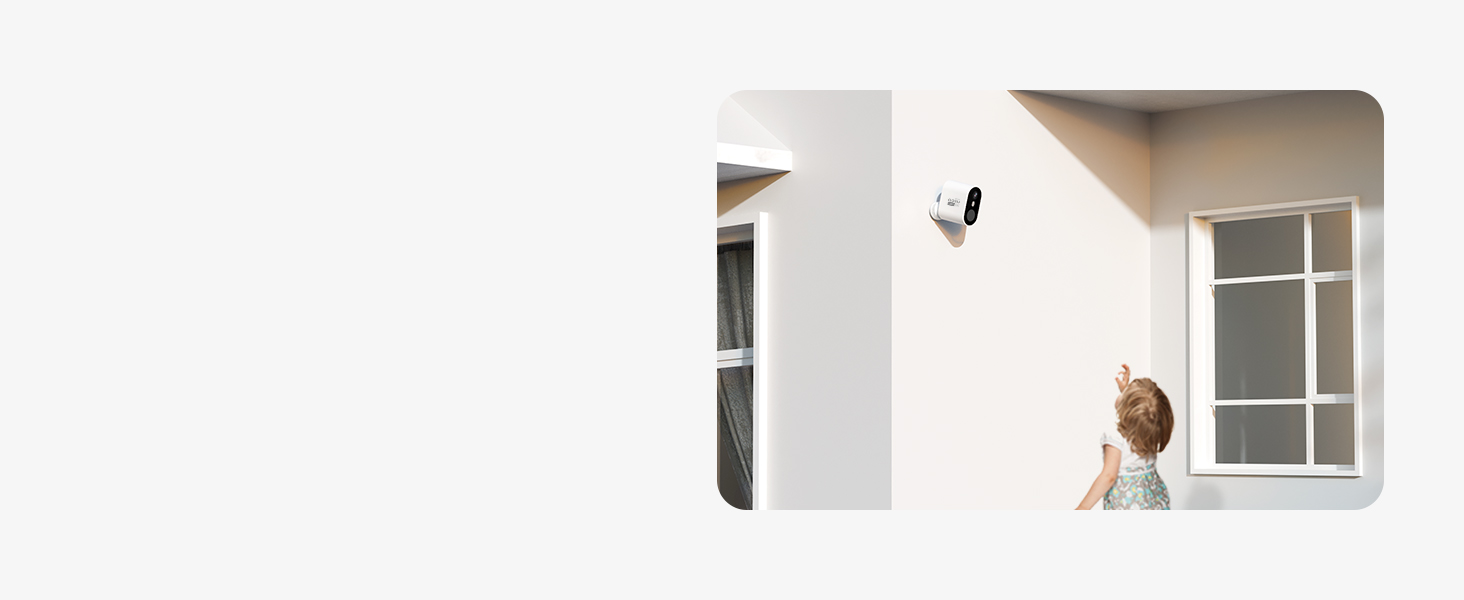
Image: A smartphone screen showing a smart notification from the AOSU camera, including an image preview of detected activity.
5.3 Two-Way Audio
Use the microphone and speaker icons in the live view to engage in two-way communication. You can also enable a voice change feature for added privacy.
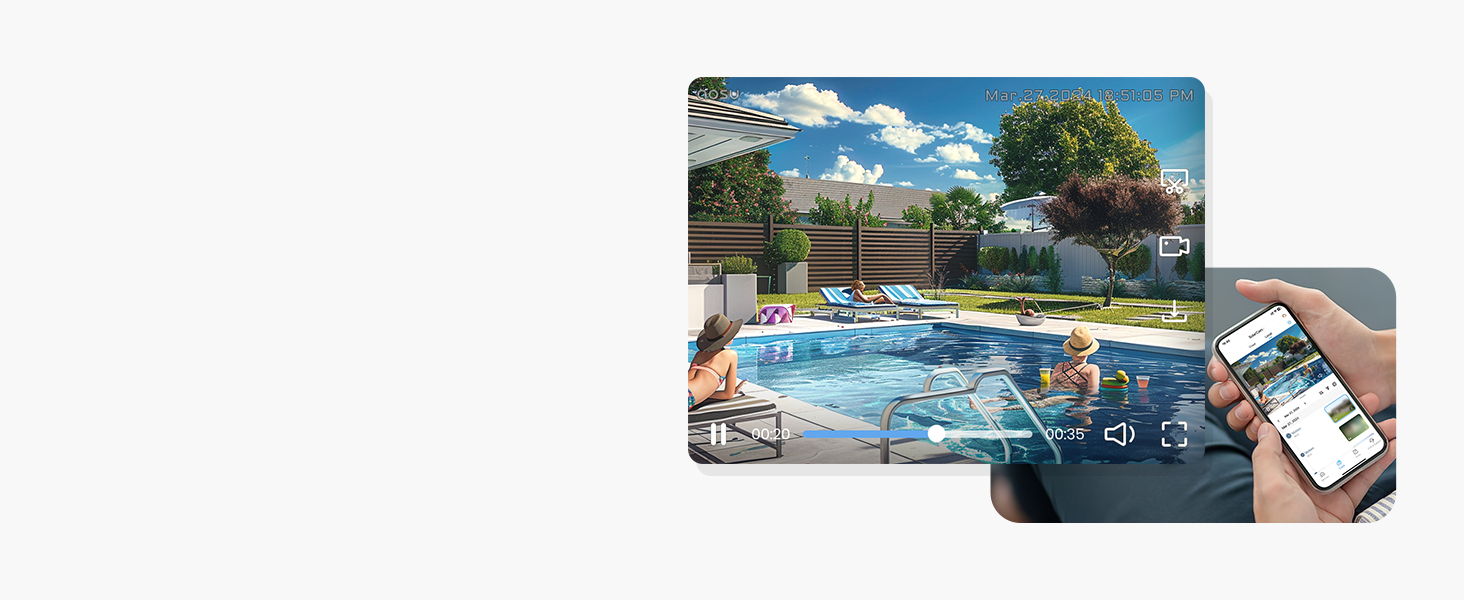
Image: Illustrates the two-way audio functionality, allowing communication through the camera.
5.4 Night Vision & Spotlight
The camera automatically switches to night vision in low-light conditions. The integrated spotlight activates upon person detection to provide full-color night images.
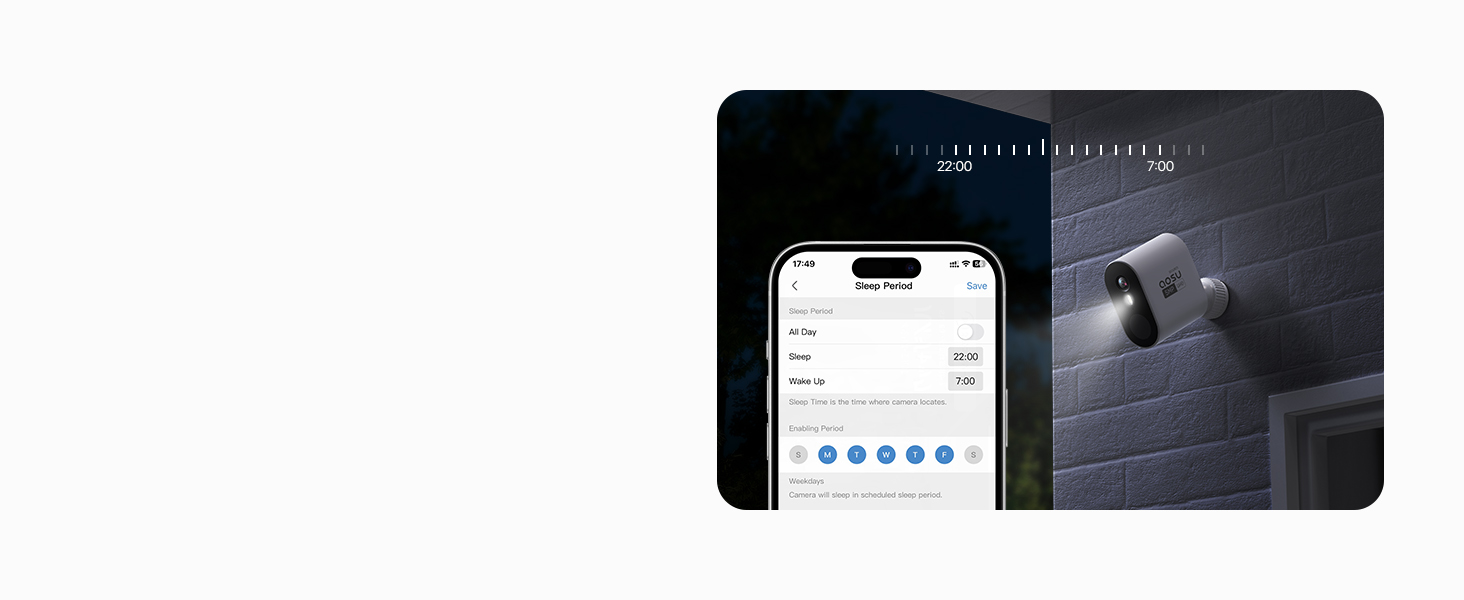
Image: Compares standard night vision with the AOSU camera's color night vision, enabled by its spotlight feature.
5.5 Recording and Playback
All motion-triggered videos are recorded and stored locally on the Homebase's 32GB encrypted storage. You can access and download these videos from the app for up to 6 months.
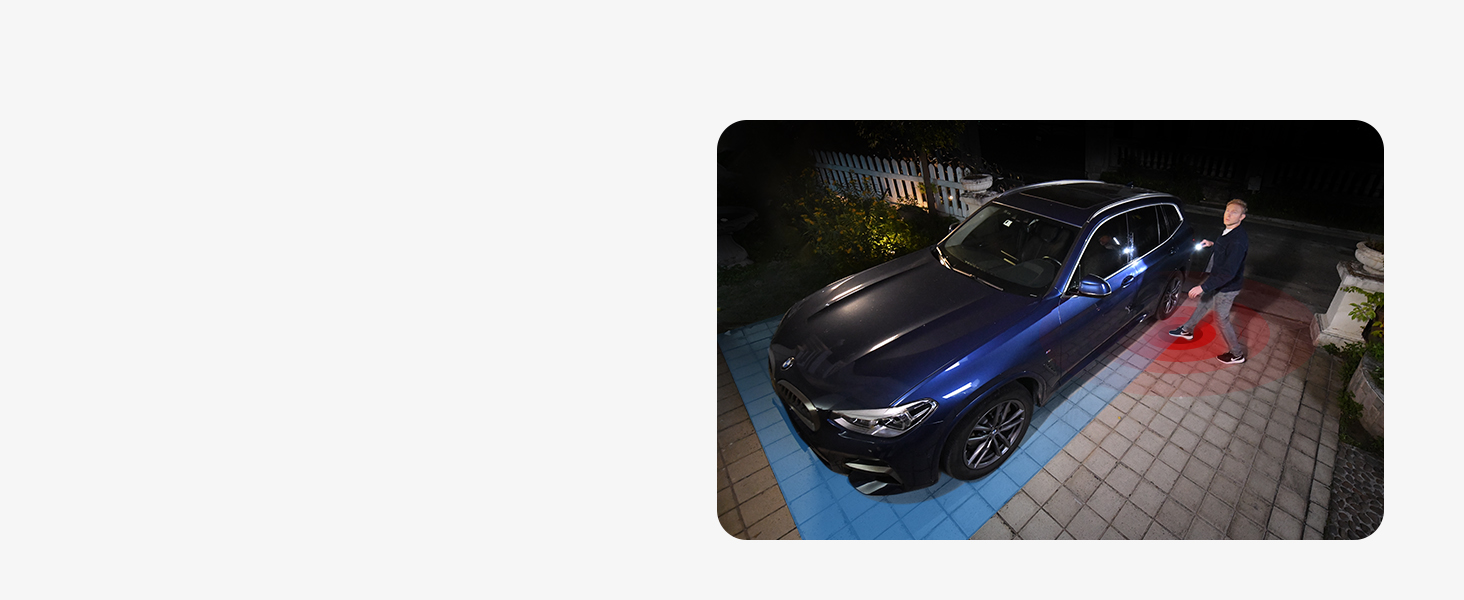
Image: Illustrates the process of video recording and playback, showing how recorded events are stored on the Homebase and accessible via the app.
5.6 Privacy Zones
Set up privacy zones within the camera's field of view to exclude certain areas from recording, ensuring personal space and privacy.
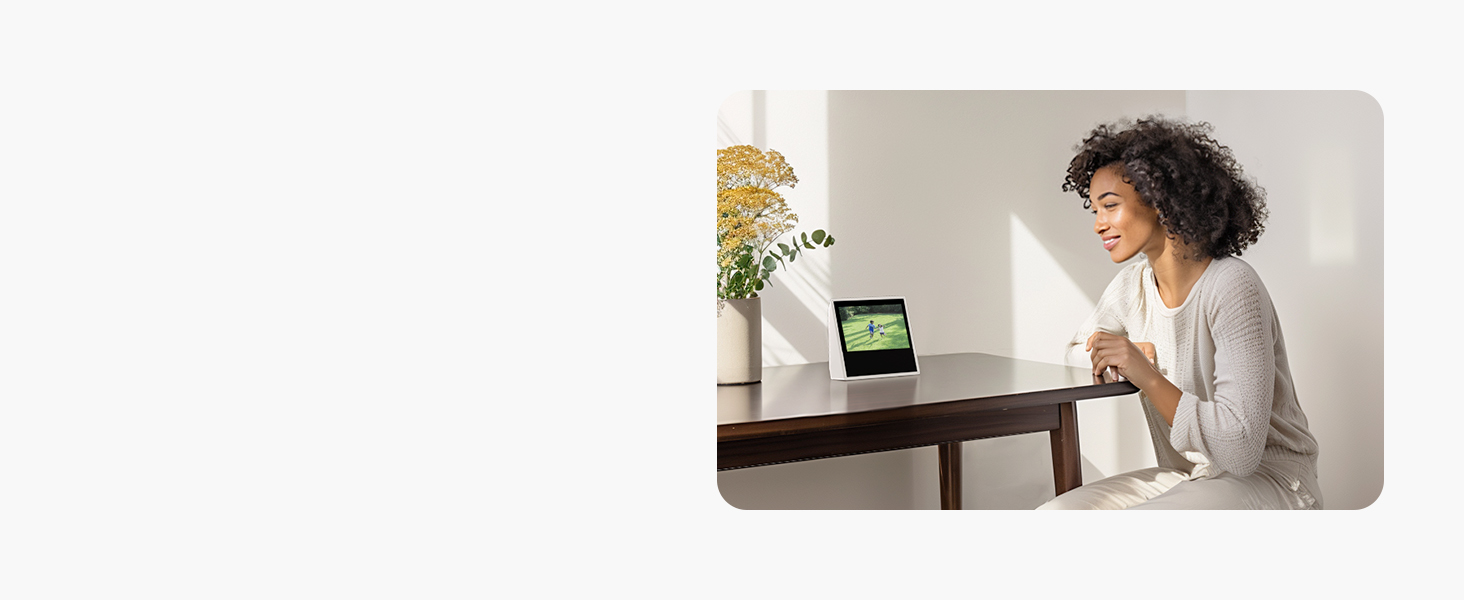
Image: Shows how privacy zones can be set up to block out specific areas from the camera's view, protecting sensitive areas.
5.7 Smart Home Integration
The AOSU system is compatible with Amazon Alexa and Google Assistant. Follow the instructions in your smart home app to link your AOSU account and control your camera with voice commands.
6. Maintenance
6.1 Battery Charging
Recharge the camera battery when prompted by the app or when the battery level is low. Use the provided micro USB cable and a compatible power adapter (not included). A full charge can last up to 8 months depending on usage.
6.2 Cleaning
Wipe the camera lens and body with a soft, damp cloth. Do not use harsh chemicals or abrasive cleaners, as they may damage the device.
6.3 Firmware Updates
Periodically check the AOSU app for firmware updates. Keeping your camera's firmware up-to-date ensures optimal performance, new features, and security enhancements.
7. Troubleshooting
| Problem | Possible Cause | Solution |
|---|---|---|
| Camera not connecting to Homebase. | Out of range; Homebase offline; pairing failed. | Ensure camera is within Homebase range. Check Homebase power and network connection. Re-attempt pairing process. |
| Poor image quality. | Dirty lens; low light; network interference. | Clean the camera lens. Ensure adequate lighting. Check Wi-Fi signal strength. |
| Short battery life. | Frequent motion detection; high live view usage; extreme temperatures. | Adjust motion detection sensitivity/zones. Reduce live view time. Ensure camera is not in extreme temperatures. |
| No motion detection alerts. | Detection disabled; incorrect settings; app notifications off. | Enable motion detection in app. Check detection zone and sensitivity settings. Ensure app notifications are enabled on your phone. |
| Two-way audio not working. | Microphone/speaker muted; app permissions. | Check audio settings in app. Ensure app has microphone permissions on your device. |
8. Specifications
| Feature | Specification |
|---|---|
| Brand | AOSU |
| Model Number | C6P |
| Color | 1 Camera Battery (White) |
| Material | Metal |
| Item Dimensions (L x W x H) | 10 x 10 x 10 millimeters |
| Product Dimensions (L x W x H) | 1 x 1 x 1 cm; 400 grams |
| Effective Video Resolution | 2048 (2K QHD) |
| Video Recording Resolution | 2K |
| Viewing Angle | 166 degrees |
| Wireless Communication Technology | Wi-Fi |
| Connectivity Technology | Wireless |
| Power Source | Battery Powered |
| Battery Type | Lithium-ion (1 included) |
| Power | 5 Watt-hours |
| Special Features | Motion Detector, Night Vision |
| Mounting Type | Wall Mount |
| Compatible Devices | Smartphone |
| Controller Type | Amazon Alexa, Google Assistant |
| Recommended Uses | Surveillance, Outdoor Security, Indoor Security |
9. Warranty and Support
AOSU products come with a standard manufacturer's warranty. For detailed warranty information, product support, or technical assistance, please refer to the warranty card included in your package or visit the official AOSU website. You can also contact AOSU customer service directly through the contact information provided on their website or within the AOSU app.
Please retain your proof of purchase for warranty claims.
Related documentsC6P


Ask a question about this manual
Ask about setup, troubleshooting, compatibility, parts, safety, or missing instructions. Manuals+ will review the question and use this page’s manual context to help answer it.