Introduction
Thank you for choosing the Audiocrazy Retro Boombox Cassette Player. This manual provides essential information for the safe and optimal operation of your device. Please read it thoroughly before use and retain it for future reference.

The Audiocrazy Retro Boombox Cassette Player, featuring a classic gold finish.
Product Features
- Retro Cassette Player/Recorder: Enjoy your cherished tapes with rich sound quality. Features an advanced Japanese Cassette Mechanism to prevent tape damage. Can record radio or USB audio sources to cassette.
- Multi-Band Radio: Excellent AM/FM/SW reception (FM 87.5-108MHZ, AM 520-1710KHZ, SW 3-23MHZ) for a wide range of broadcasts.
- Bluetooth Wireless Streaming: Easily connect and stream music from your phone, tablet, or laptop.
- USB Playback: Supports audio playback from USB flash drives.
- High-Quality Sound: Equipped with a large speaker for clear audio and adjustable bass for personalized listening.
- 3.5mm Headphone Jack: For private listening.
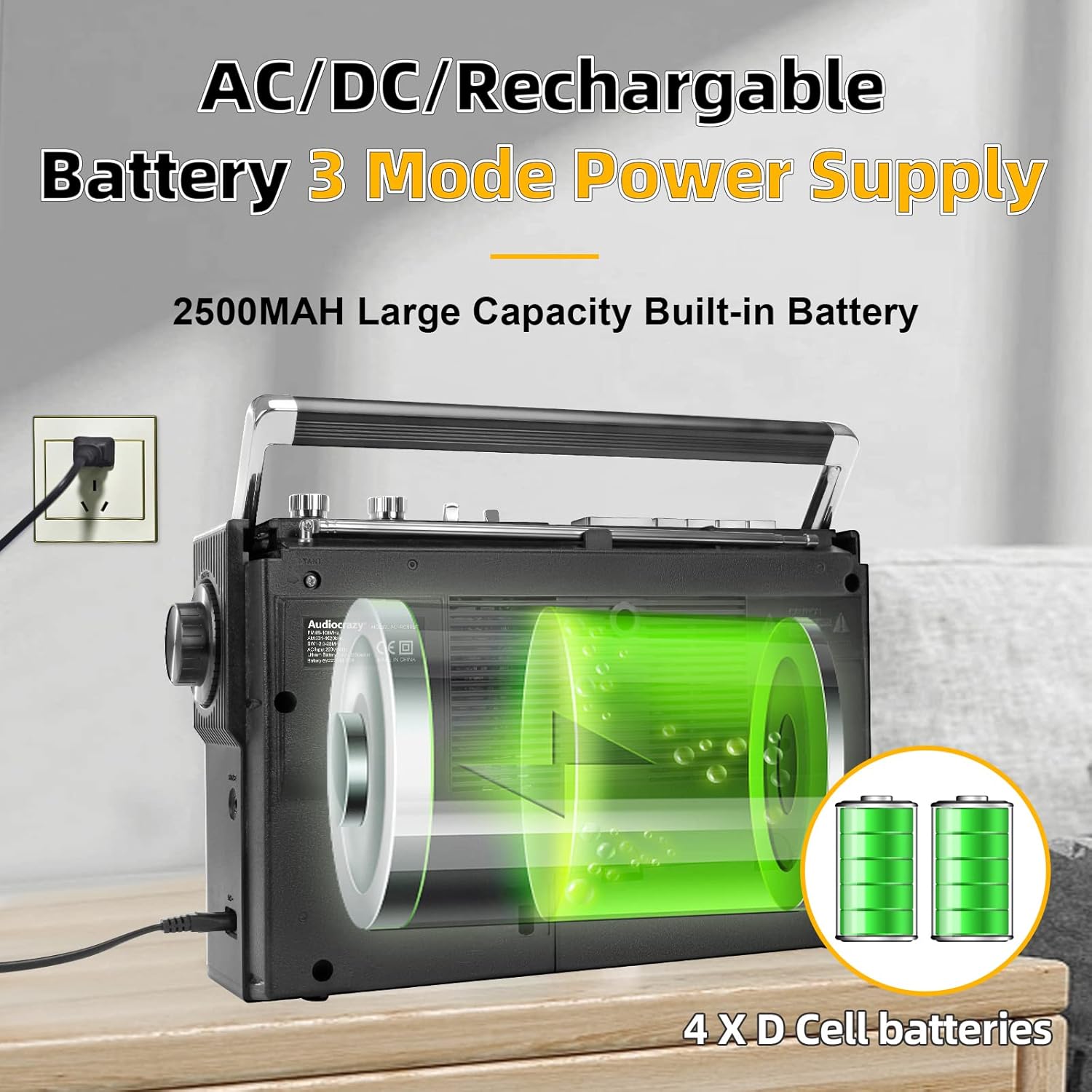
- Versatile Power Supply: Operates via AC 120V (cable included), 4 x (UM-1) D batteries (not included), or a 2500MAH rechargeable battery (included).
Package Contents
- Audiocrazy Retro Boombox Cassette Player (Model: AC-RC86BT)
- AC Power Cable
- Built-in 2500MAH Rechargeable Battery
- Instruction Manual
Note: 4 x (UM-1) D batteries are not included and must be purchased separately for battery operation.
Controls and Components
Familiarize yourself with the various controls and ports on your boombox:

Front and side view highlighting key controls and ports.
- Tape Gate: Insert cassette tapes here.
- Function Key: Select between Bluetooth, Radio, Tape, or Off modes.
- Band Key: Switch between FM, AM, SW1, and SW2 radio bands.
- Volume Knob: Adjust the overall sound volume.
- Bass Knob: Adjust the bass level for desired sound output.
- Tuning Knob: Tune into radio stations.
- USB Port: For USB flash drive playback.
- Headphone Port (3.5mm): Connect headphones for private listening.
- Built-in Microphone: For recording audio to cassette.
- Cassette Player Options: Play, Stop/Eject, Fast Forward, Rewind, Pause, Record.
Setup
Power Supply
Your boombox offers three power options:
- AC Power: Connect the included AC power cable to the AC input jack on the back of the unit and plug it into a standard 120V AC wall outlet.
- D Batteries: Open the battery compartment on the back of the unit and insert 4 x (UM-1) D batteries, ensuring correct polarity. Close the compartment securely.
- Rechargeable Battery: The unit comes with a built-in 2500MAH rechargeable battery. To charge, connect the AC power cable. The charging indicator will illuminate.
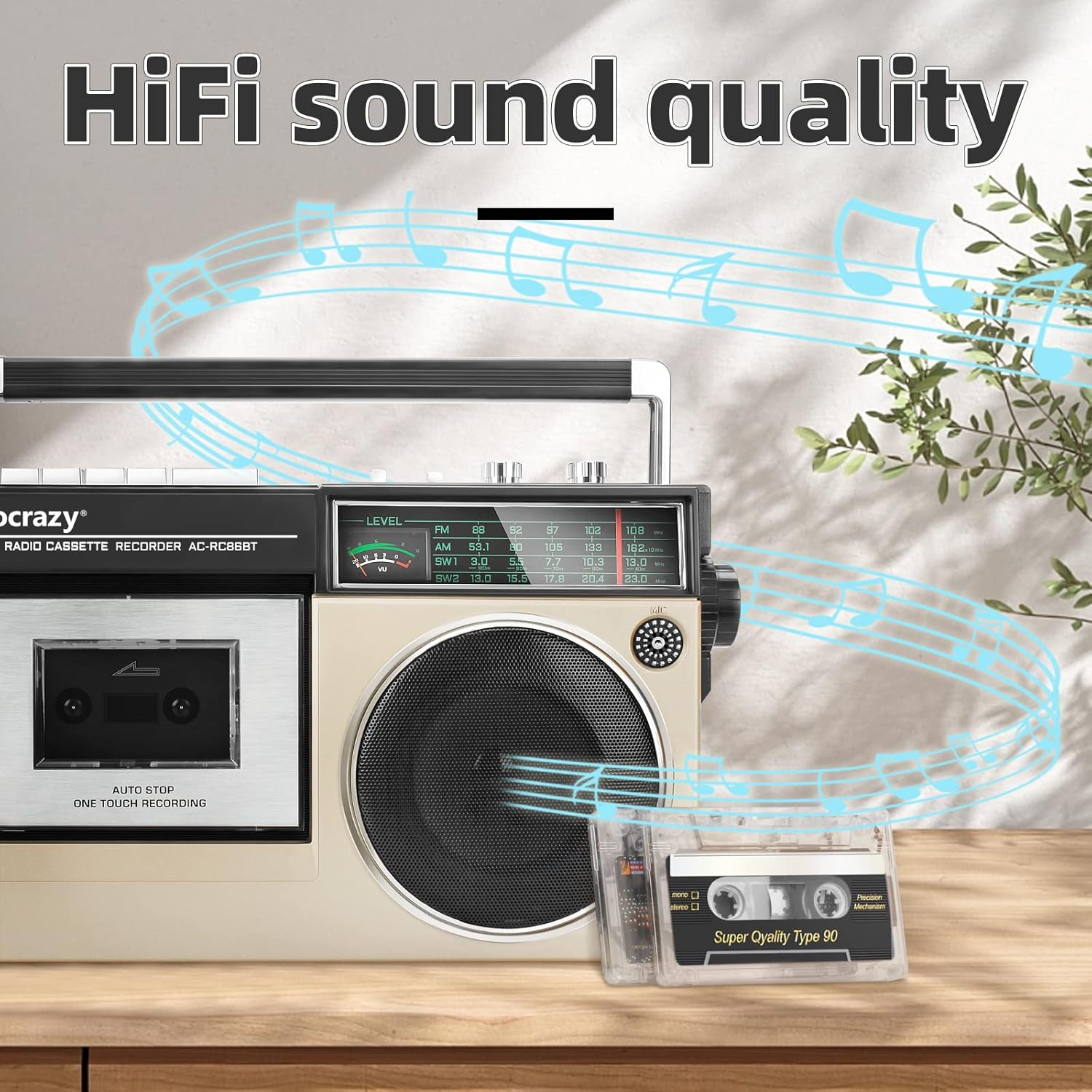
Illustration of the three power supply modes: AC, D batteries, and rechargeable battery.
Antenna Setup
For optimal radio reception, extend the telescopic antenna fully when listening to FM or SW bands. For AM reception, the unit has a built-in ferrite bar antenna, so antenna adjustment is not typically required.
Operating Instructions
Radio Operation
1. Set the FUNCTION switch to the 'RADIO' position.
2. Select the desired band (FM, AM, SW1, SW2) using the BAND switch.
3. Rotate the TUNING knob to find your desired station. Extend the telescopic antenna for better FM/SW reception.
4. Adjust the VOLUME and BASS knobs to your preferred listening level.
Official product video demonstrating the radio and cassette player functions of the boombox.
Cassette Player/Recorder
1. Set the FUNCTION switch to the 'TAPE' position.
2. Press the STOP/EJECT button to open the tape gate.
3. Insert a cassette tape with the open edge facing you and the side to be played facing up. Close the tape gate.
4. Press the PLAY button to start playback.
5. Use FAST FORWARD or REWIND to navigate the tape.
6. Press STOP/EJECT to stop playback and eject the tape.
7. To RECORD: With the tape inserted and in 'TAPE' mode, press the REC button (usually simultaneously with PLAY) while playing audio from the radio or USB. The built-in microphone will record ambient sound if no other source is selected.
Bluetooth Wireless Streaming
1. Set the FUNCTION switch to the 'BT' (Bluetooth) position. The unit will enter pairing mode, indicated by a flashing light or audible prompt.
2. On your mobile device (smartphone, tablet, etc.), enable Bluetooth and search for available devices.
3. Select 'AC-RC86BT' from the list of devices. Once paired, you will hear a confirmation sound.
4. Play audio from your device, and it will stream wirelessly to the boombox.
The boombox supports seamless Bluetooth connection for wireless audio streaming.
USB Playback
1. Insert a USB flash drive into the USB Port on the side of the unit.
2. Set the FUNCTION switch to the 'USB' position (if available, or it may automatically switch).
3. The unit will automatically detect and begin playing compatible audio files (e.g., MP3) from the USB drive.
4. Use the playback control buttons (Play/Pause, Next/Previous Track) to navigate your music.
Headphone Use
Plug any standard 3.5mm headphones into the headphone jack on the side of the unit for private listening. The main speaker will automatically mute when headphones are connected.
Maintenance
- Cleaning: Wipe the exterior of the unit with a soft, dry cloth. Do not use abrasive cleaners or solvents.
- Tape Head Cleaning: Regularly clean the tape heads, pinch roller, and capstan with a cotton swab lightly dampened with isopropyl alcohol to ensure optimal sound quality and prevent tape damage.
- Battery Care: If using D batteries, remove them if the unit will not be used for an extended period to prevent leakage. For the rechargeable battery, avoid fully discharging it frequently to prolong its lifespan.
- Storage: Store the unit in a cool, dry place away from direct sunlight and extreme temperatures.
Troubleshooting
| Problem | Possible Cause | Solution |
|---|---|---|
| No power | AC cable not connected, batteries depleted/incorrectly inserted, rechargeable battery low. | Check AC connection, replace D batteries, or charge the built-in battery. |
| Poor radio reception | Antenna not extended, weak signal, interference. | Extend telescopic antenna, try repositioning the unit, or move away from electronic devices. |
| Cassette playback issues (e.g., muffled sound, tape eating) | Dirty tape heads, worn tape, tape mechanism issue. | Clean tape heads, try a different tape, ensure tape is not damaged. |
| Bluetooth not pairing | Unit not in pairing mode, device too far, previously paired device connected. | Ensure unit is in BT mode, move device closer, disconnect from other Bluetooth devices. |
| USB playback not working | Incompatible file format, corrupted USB drive, USB not fully inserted. | Ensure files are MP3, try reformatting USB drive (backup data first), reinsert USB. |
Specifications
| Feature | Specification |
|---|---|
| Brand | Audiocrazy |
| Model | AC-RC86BT |
| Connectivity Technology | Bluetooth, USB |
| Color | Gold |
| Speaker Type | Stereo |
| Power Source | AC 120V, 4 x (UM-1) D batteries, 2500MAH Rechargeable Battery |
| Radio Frequencies | FM 87.5-108MHZ, AM 520-1710KHZ, SW 3-23MHZ |
| Item Weight | 3.74 pounds |
| Package Dimensions | 13.82 x 9.13 x 5.75 inches |
Warranty and Support
This product comes with a One Year Warranty from the date of purchase, covering manufacturing defects. Please retain your proof of purchase for warranty claims.
For technical support, troubleshooting assistance, or warranty inquiries, please contact Audiocrazy customer service through the retailer's platform or visit the official Audiocrazy website for contact information.
Please note that the warranty does not cover damage caused by misuse, accidents, unauthorized modifications, or normal wear and tear.