Electric Suction Cup for Massage User Manual
Model: ShanryaChs | Brand: Shanrya
1. Introduction
This manual provides detailed instructions for the safe and effective use of your Electric Suction Cup for Massage. This device is designed to provide constant temperature hot compress, dehumidification, and massage, aiding in the absorption of toxins and promoting overall well-being. It is particularly beneficial for individuals who experience fatigue, sedentary lifestyles, or lack of exercise, targeting areas such as the shoulder, neck, back, and limbs.

Figure 1.1: The Electric Suction Cup for Massage, featuring a black top with control buttons and a red body, attached to a clear suction cup base.
2. Product Components
Please ensure all components listed below are present in your package:
- 1 x Scraping Instrument (Main Device)
- 2 x Filter Cottons
- 1 x USB Charging Cable
- 1 x User Manual (this document)
- 1 x Storage Bag

Figure 2.1: Overview of all included components: the main device, USB charging cable, filter cottons, and storage bag, alongside the product packaging.
3. Specifications
| Feature | Detail |
|---|---|
| Item Type | Cupping Therapy Massager |
| Built-in Battery | 1500mAh Lithium Ion Battery |
| Functions | Constant temperature hot compress, dehumidification, toxin absorption, massage |
| Applicable Symptoms | Often staying up late, sedentary in office, tired, lack of exercise |
| Applicable Parts | Shoulder and neck, back, arms, legs |
| Power Source | Battery Powered, Electric |
| Special Feature | Heat, Rechargeable, Speed Control |
| Model Number | ShanryaChs |
| Package Dimensions | 7.09 x 5.12 x 3.54 inches |
4. Setup
Before first use, ensure the device is fully charged. Connect the provided USB charging cable to the device's charging port and a suitable USB power source. The charging indicator will provide feedback on the charging status.
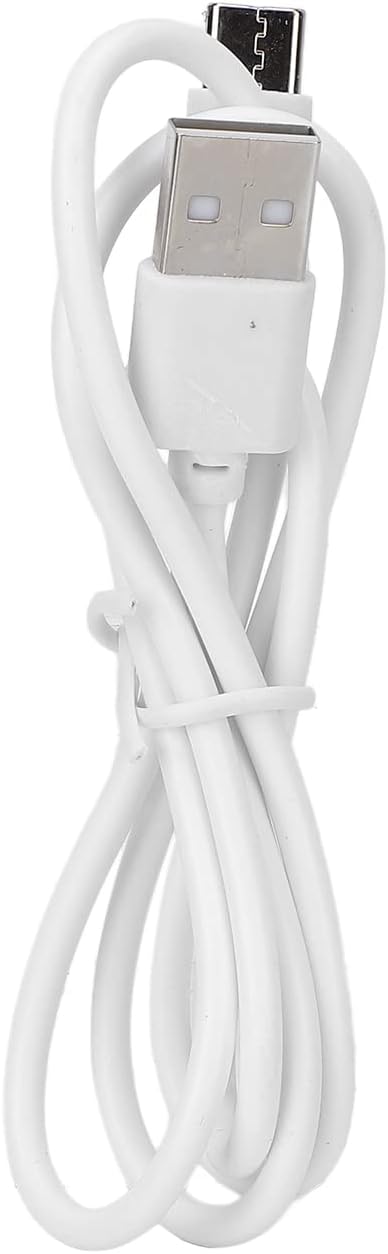
Figure 4.1: The USB charging cable included with the device, used for recharging the internal battery.
After charging, you may store the device and its accessories in the provided storage bag for protection and portability.

Figure 4.2: The black storage bag, designed to protect the device and its accessories when not in use or during travel.
5. Operating Instructions
5.1 Power On/Off
To turn the device on or off, press and hold the power button for approximately 1.5 seconds. The device features a smart shutdown function, automatically turning off after approximately 15 minutes of continuous operation.
5.2 Suction Strength Adjustment
The default suction strength setting is the 1st gear. To adjust the strength of the cupping adsorption, short press the suction strength key. The suction strength indicator lights will illuminate to display the current strength level.
5.3 Temperature Control
While the device is powered on, short press the temperature control key to adjust the temperature. The default temperature setting upon power-on is strength 1. The temperature gear indicator lights correspond to the different temperature levels.

Figure 5.1: The top panel of the device showing the power button, suction strength indicator, and temperature control button.
When applying the device, ensure it is placed firmly on the skin. For best results, apply essential oils to the skin before use and move the device evenly along the same direction or in an arc.

Figure 5.2: The Electric Suction Cup for Massage in use on the neck area, demonstrating its application.
6. Maintenance
To ensure the longevity and hygienic operation of your device, regular maintenance is recommended:
- Cleaning: After each use, wipe the suction cup and the device's surface with a soft, damp cloth. Do not immerse the device in water or use abrasive cleaners.
- Filter Cottons: Replace the filter cottons as needed to maintain optimal suction performance and hygiene.
- Charging Port: Keep the charging port free of dust and debris to ensure proper charging.
- Storage: Store the device in a cool, dry place, away from direct sunlight and extreme temperatures. Use the provided storage bag for protection.

Figure 6.1: A close-up view of the USB charging port, highlighting the area to keep clean for effective charging.
7. Troubleshooting
If you encounter any issues with your device, please refer to the following common solutions:
- Device not turning on: Ensure the device is fully charged. Press and hold the power button for 1.5 seconds.
- Weak suction: Check if the suction cup is clean and free of debris. Ensure the device is placed firmly on the skin. Verify that the filter cottons are clean and properly installed.
- No heat: Ensure the device is powered on and the temperature control setting is active.
- Device shuts off unexpectedly: The device has a smart shutdown feature after 15 minutes of continuous use. If it shuts off before this, ensure it is fully charged.
If the problem persists after attempting these solutions, please contact customer support.
8. Important Safety Information
Statements regarding dietary supplements have not been evaluated by the FDA and are not intended to diagnose, treat, cure, or prevent any disease or health condition. Always consult with a healthcare professional before using this device, especially if you have pre-existing medical conditions or are pregnant.
- Do not use on broken, irritated, or infected skin.
- Keep out of reach of children.
- Do not use while sleeping.
- Avoid using on sensitive areas or over bony prominences.
- If you experience any discomfort or adverse reactions, discontinue use immediately.
9. Warranty and Support
For warranty information or technical support, please refer to the contact details provided with your purchase or visit the official Shanrya website. Please have your model number (ShanryaChs) and purchase date ready when contacting support.