
1. Introduction
This manual provides instructions for the safe and proper operation of your Veridian Healthcare Forehead Touch-Free Infrared Thermometer. Please read all instructions thoroughly before use and keep this manual for future reference.
The Veridian Healthcare Forehead Touch-Free Infrared Thermometer is designed for non-contact measurement of body temperature and object surface temperature. It provides instant results and includes a fever indicator for quick assessment.
2. Product Features
- Non-Contact Measurement: Measures temperature from approximately 0.5 to 1 inch (1.27 to 2.54 cm) from the forehead.
- Dual Mode: Capable of measuring both body and object temperatures.
- Fever Alert: Visual display icons (smiling/frowning face) indicate potential fever.
- Memory Recall: Stores up to 10 previous readings.
- Unit Switch: Easily switch between Fahrenheit (°F) and Celsius (°C).
- Backlit Display: For easy reading in various lighting conditions.
- Automatic Shut-off: Conserves battery life.
3. Setup
3.1. Unpacking and Contents
Carefully remove the thermometer from its packaging. Ensure all components are present:
- Veridian Healthcare Forehead Touch-Free Infrared Thermometer
- 2 AAA batteries
- Instruction Manual
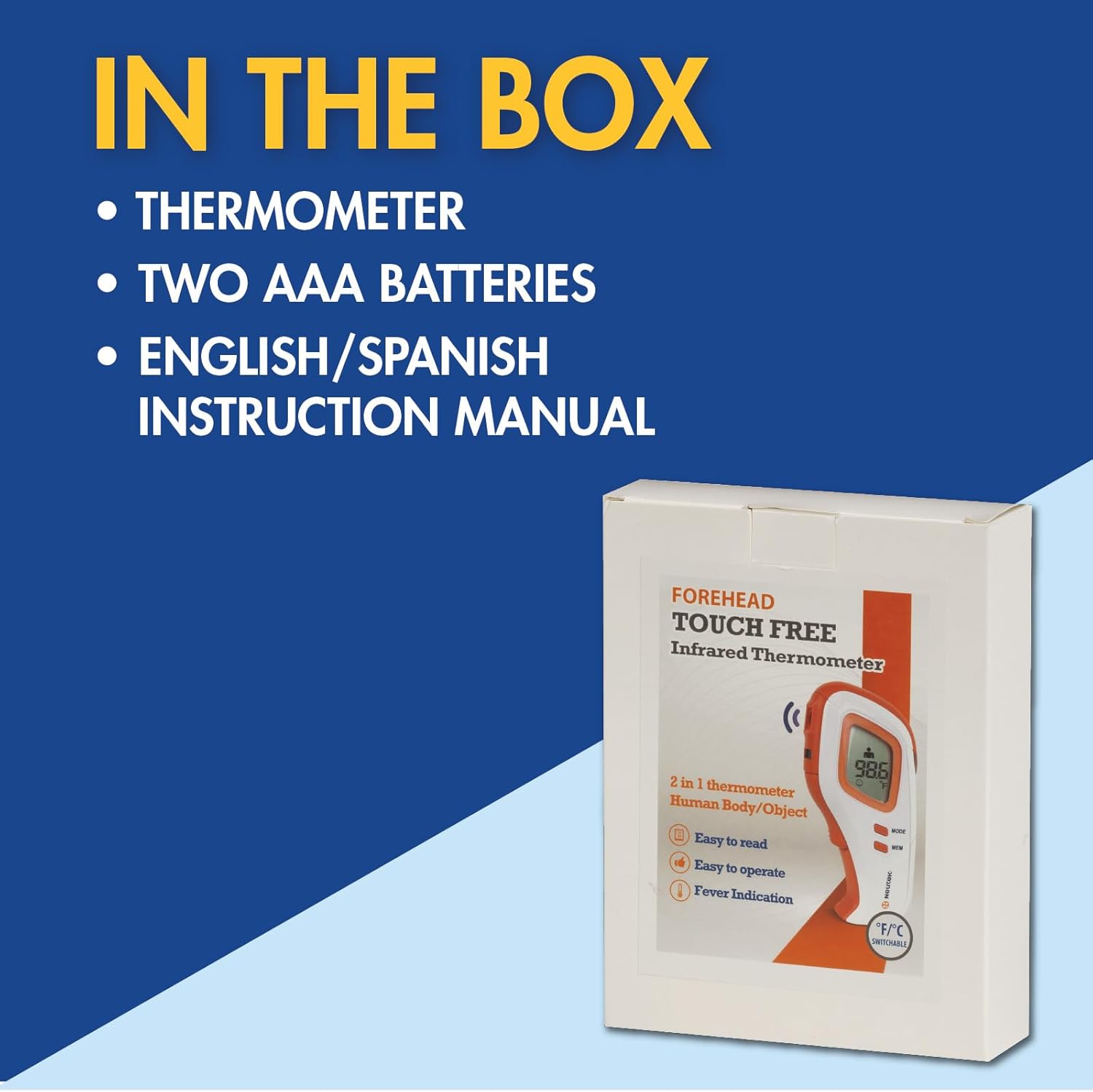
Figure 3.1: Contents included in the box.
3.2. Battery Installation
- Locate the battery compartment cover on the back of the thermometer.
- Slide the cover open.
- Insert the two AAA batteries, ensuring correct polarity (+ and -).
- Close the battery compartment cover securely.
The thermometer will perform a self-test and display the current temperature unit.
3.3. Switching Temperature Units (°F/°C)
To switch between Fahrenheit (°F) and Celsius (°C):
- With the thermometer powered on, press the "MODE" button.
- The display will show the current unit. Press "MODE" again to toggle between °F and °C.
- The selected unit will be saved for future use.

Figure 3.3: Thermometer display showing temperature unit.
4. Operating Instructions
4.1. Selecting Measurement Mode (Body/Object)
The thermometer has two measurement modes: Body Mode and Object Mode.
- Turn on the thermometer by pressing the power button.
- Press the "MODE" button repeatedly until the desired icon appears on the display:
- Person icon: For measuring body temperature.
- House/Object icon: For measuring surface temperature of objects or liquids.

Figure 4.1: Selecting Body or Object measurement mode.
4.2. Taking a Body Temperature Reading
- Ensure the thermometer is in Body Mode (person icon displayed).
- Hold the thermometer approximately 0.5 to 1 inch (1.27 to 2.54 cm) from the center of the forehead.
- Press the "SCAN" button once.
- The temperature reading will appear on the display within one second, accompanied by a beep.
- A smiling face icon indicates a normal temperature, while a frowning face icon indicates a potential fever.
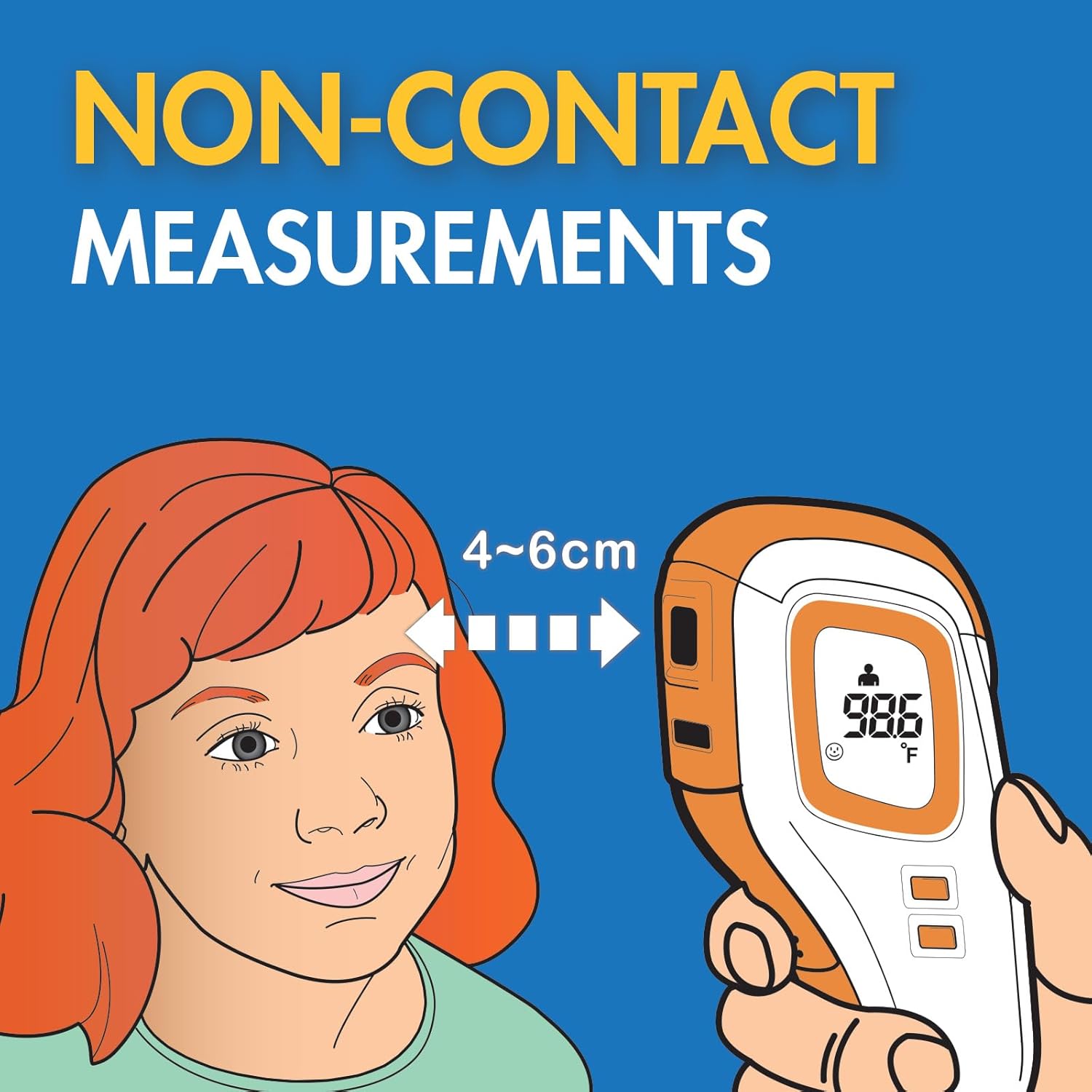
Figure 4.2a: Proper distance for non-contact body temperature measurement.

Figure 4.2b: Visual fever indicator icons.
Important: Level of activity, time of day, and other factors may affect body temperature. Keep records of individual body temperature to use as a reference when judging a fever. Consult with a medical professional for concerns or before adjusting medication or other medical care.
4.3. Taking an Object Temperature Reading
- Ensure the thermometer is in Object Mode (house/object icon displayed).
- Point the thermometer at the surface of the object or liquid you wish to measure.
- Press the "SCAN" button once.
- The temperature reading will appear on the display.
Note: Object mode measures surface temperature and is not indicative of internal temperature. The thermometer will display "Hi" if the temperature is above 212°F (100°C) and "Lo" if below the measurable range.
4.4. Memory Recall
The thermometer stores up to 10 previous temperature readings.
- With the thermometer powered on, press the "MEM" button.
- The last reading will be displayed. Press "MEM" repeatedly to cycle through previous readings.
- The memory will show the reading number (e.g., "M1", "M2").

Figure 4.4: Memory recall feature for tracking temperatures.
5. Maintenance and Care
5.1. Cleaning the Thermometer
To ensure accurate readings and hygiene, clean the thermometer after each use:
- Wipe the probe and body of the thermometer with a soft cloth dampened with isopropyl alcohol (70% concentration) or an alcohol swab.
- Do not immerse the thermometer in water or any other liquid.
- Allow the thermometer to air dry completely before storing.
5.2. Storage
Store the thermometer in a dry place, away from direct sunlight, extreme temperatures, and humidity. Keep it out of reach of children.
5.3. Battery Replacement
When the low battery indicator appears on the display, replace the batteries as described in Section 3.2. Always use two new AAA batteries.
6. Troubleshooting
- Inaccurate Readings:
- Ensure the thermometer is held at the correct distance (0.5-1 inch) from the forehead.
- Verify the correct mode (Body or Object) is selected.
- Ensure the sensor lens is clean and free from dirt or debris.
- Allow the thermometer to acclimate to room temperature for at least 30 minutes if it has been in a significantly different environment.
- Avoid taking measurements immediately after physical activity, bathing, or eating.
- "Lo" or "Hi" Display:
- In Body Mode, "Lo" or "Hi" indicates a temperature outside the measurable human body range (e.g., below 90°F/32°C or above 109.2°F/42.9°C).
- In Object Mode, "Lo" or "Hi" indicates a temperature outside the measurable object range (e.g., below 32°F/0°C or above 212°F/100°C).
- Ensure the thermometer is functioning correctly and the environment is within operating conditions.
- No Display/Does Not Turn On:
- Check if batteries are installed correctly with proper polarity.
- Replace with new AAA batteries.
If issues persist, consult the manufacturer or a qualified service technician. Always consult a medical professional for health concerns.
7. Specifications
| Feature | Description |
|---|---|
| Model Number | 09-NT1 |
| Product Dimensions | 5 x 3 x 1 inches |
| Weight | 6 ounces (with batteries) |
| Batteries | 2 AAA batteries (included) |
| Display Type | Digital |
| Connectivity Technology | Infrared |
| Special Feature | Non-Contact |
| Measurement Range (Body) | 90°F - 109.2°F (32°C - 42.9°C) |
| Measurement Range (Object) | 32°F - 212°F (0°C - 100°C) |
| Memory Capacity | 10 readings |
| Care Instructions | Wipe Clean |
| Standard Met | ASTM |
8. Warranty Information
This Veridian Healthcare Forehead Touch-Free Infrared Thermometer comes with a 1-year limited warranty from the date of purchase. This warranty covers manufacturing defects under normal use. It does not cover damage resulting from misuse, accidents, unauthorized alterations, or failure to follow operating instructions.
Please retain your proof of purchase for warranty claims.
9. Support and Contact
For further assistance, questions, or to report issues with your Veridian Healthcare Forehead Touch-Free Infrared Thermometer, please refer to the contact information provided with your product packaging or visit the official Veridian Healthcare website.
Always consult a healthcare professional for medical advice or concerns regarding temperature readings and health conditions.


