Introduction
Thank you for choosing the MuveAcoustics Core Wireless On-Ear Headphones. This manual provides essential information for the safe and efficient use of your device. Please read it thoroughly before use and retain it for future reference.
The MuveAcoustics Core headphones offer an immersive audio experience with their stereo sound and noise reduction technology. Designed for comfort and portability, they feature a foldable design, long battery life, and dual wireless/wired connectivity, making them suitable for various activities from gaming to travel.

Image: MuveAcoustics Core headphones, highlighting their suitability for travel.
Package Contents
- MuveAcoustics Core Wireless On-Ear Headphones
- Charging Cable
- Audio Cable (3.5mm Jack)
- Instruction Manual
Product Overview
Familiarize yourself with the components and key features of your MuveAcoustics Core headphones.
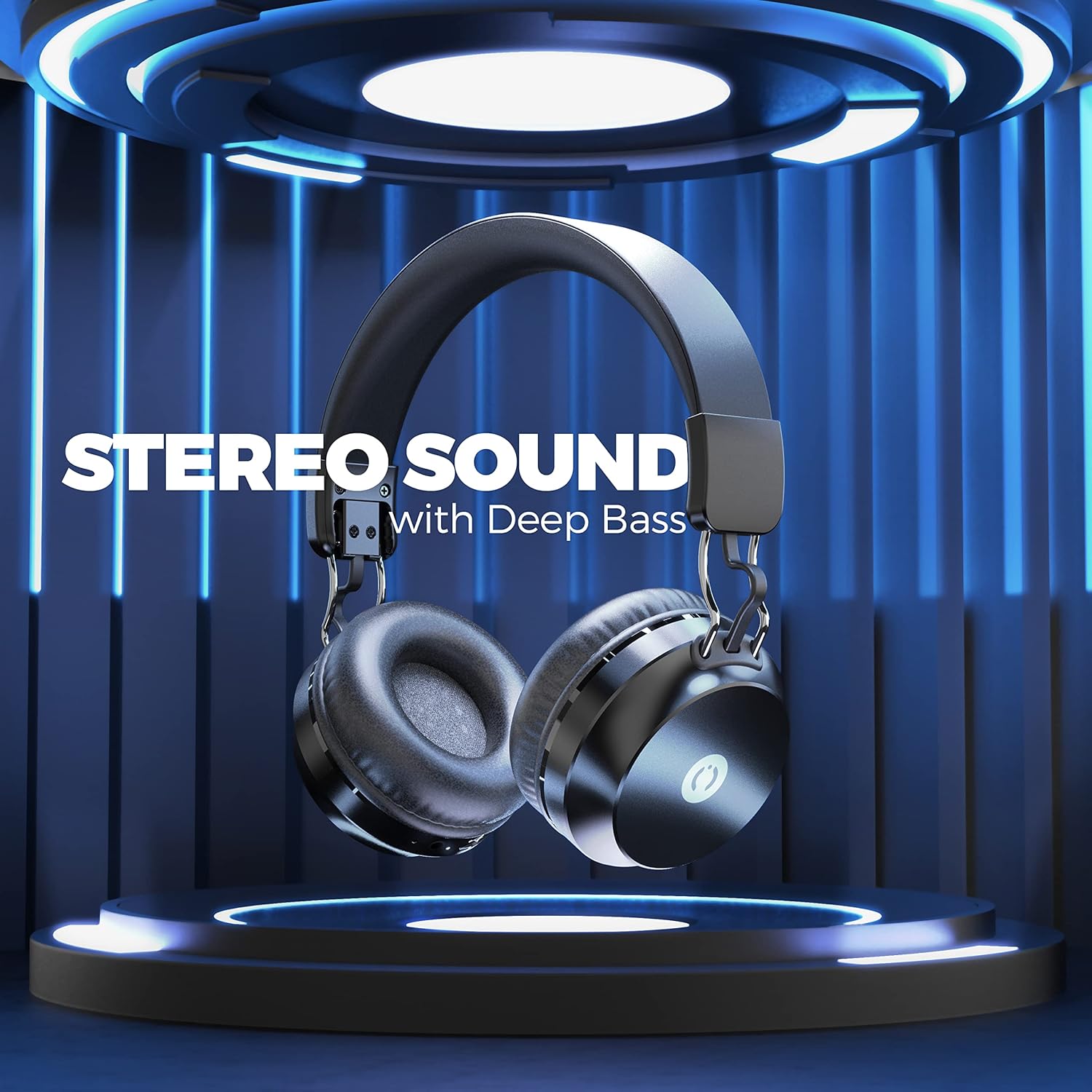
Image: MuveAcoustics Core Wireless On-Ear Headphones, showcasing the overall design.
Key Features:
- Incredible Stereo Sound: Designed with noise reduction isolation technology for an immersive audio experience.
- Comfortable On-Ear Fit: Foldable and easily adjustable earcups for extended wear.
- Easy Control: Integrated microphone for calls and playback controls.
- Long Battery Life and Dual Mode: Up to 20 hours of wireless playback, with an option to switch to wired mode for continuous audio.
- Portable Design: Ergonomic and foldable design for easy transport.
Setup
1. Charging the Headphones
Before first use, fully charge your headphones. Connect the provided charging cable to the charging port on the headphones and the other end to a USB power source (e.g., computer, wall adapter).
- The LED indicator will show charging status.
- A full charge takes approximately 2 hours.
- The LED indicator will change color or turn off once charging is complete.
2. Powering On/Off
- To Power On: Press and hold the Power button for a few seconds until the LED indicator lights up.
- To Power Off: Press and hold the Power button for a few seconds until the LED indicator turns off.
3. Bluetooth Pairing
To connect your headphones wirelessly to a device:
- Ensure the headphones are charged and powered off.
- Press and hold the Power button until the LED indicator flashes, indicating pairing mode.
- On your device (smartphone, laptop, tablet), enable Bluetooth and search for available devices.
- Select "MuveAcoustics Core" from the list of found devices.
- Once paired, the LED indicator will stop flashing and remain solid.

Image: MuveAcoustics Core headphones illustrating wide connectivity with multiple device types.
4. Wired Connection (Dual Mode)
You can use the headphones in wired mode even if the battery is depleted. Connect the provided 3.5mm audio cable to the headphone's audio jack and the other end to your device's audio output.

Image: MuveAcoustics Core headphones illustrating the flexibility of both wireless and wired modes.
Operating Instructions
Music Playback
- Play/Pause: Press the Multi-function button once.
- Next Track: Press and hold the Volume Up button.
- Previous Track: Press and hold the Volume Down button.
- Volume Up: Short press the Volume Up button.
- Volume Down: Short press the Volume Down button.
Call Management
- Answer/End Call: Press the Multi-function button once.
- Reject Call: Press and hold the Multi-function button for 2 seconds.
- Redial Last Number: Double-press the Multi-function button.
Voice Assistant
- Activate Voice Assistant: Triple-press the Multi-function button (if supported by your device).
Maintenance
- Cleaning: Use a soft, dry cloth to clean the headphones. Do not use abrasive cleaners or solvents.
- Storage: When not in use, store the headphones in a cool, dry place. The foldable design allows for compact storage.
- Battery Care: To prolong battery life, avoid fully discharging the headphones frequently. Charge regularly, even if not used for extended periods.
- Avoid Extreme Conditions: Do not expose the headphones to extreme temperatures, humidity, or direct sunlight.
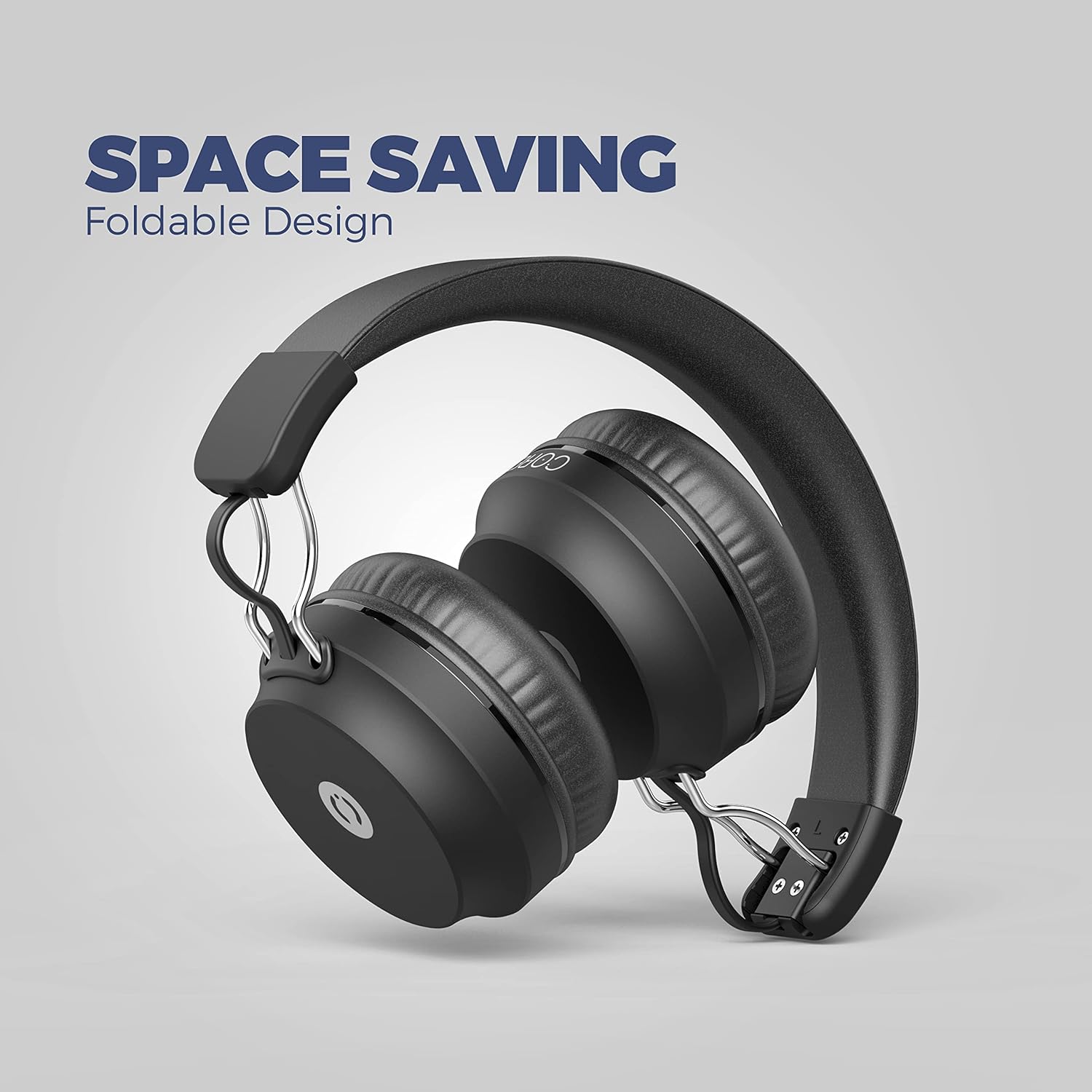
Image: MuveAcoustics Core headphones demonstrating their foldable design for easy storage and portability.
Troubleshooting
| Problem | Possible Cause | Solution |
|---|---|---|
| Headphones do not power on. | Battery is depleted. | Charge the headphones for at least 30 minutes. |
| Cannot pair via Bluetooth. | Headphones not in pairing mode; Bluetooth disabled on device; device too far. | Ensure headphones are in pairing mode (flashing LED). Enable Bluetooth on your device. Move device closer to headphones (within 10 meters). |
| No sound in wireless mode. | Volume too low; headphones not connected; incorrect audio output selected on device. | Increase volume on headphones and device. Re-pair headphones. Check device's audio output settings. |
| Microphone not working. | Microphone muted; incorrect input device selected on computer/app. | Ensure microphone is not muted. Check audio input settings on your connected device or application. |
| Sound quality is poor. | Weak Bluetooth signal; audio source quality; headphones not fully charged. | Move closer to the connected device. Try a different audio source. Ensure headphones are fully charged. |
Specifications
| Feature | Detail |
|---|---|
| Brand | MuveAcoustics |
| Model Name | Core (Studio) |
| Item Model Number | MA-1500ASB |
| Connectivity Technology | Wireless (Bluetooth) |
| Wireless Communication Technology | Bluetooth |
| Form Factor | Circum-Aural (On-Ear) |
| Ear Placement | On-Ear |
| Special Features | Microphone included |
| Control Type | Volume Control |
| Control Method | Tactile |
| Noise Isolation | Acoustic Isolation |
| Headphone Jack | 3.5 mm Jack |
| Compatible Devices | Smartphones, Laptops, Tablets, Gaming Consoles, Desktop Computers, Smart Speakers |
| Recommended Uses | Calling, Running, Cycling, Recording, Exercise, Video Gaming, DJing, Skateboarding, Snowboarding, Audio Monitoring |
| Specific Product Uses | Gaming, Music, Sport |
| Material | Plastic |
| Item Weight | 200 Grams |
| Battery Composition | Lithium-Polymer |
| Rechargeable Battery | Yes |
| Charging Time | 2 hours |
| Included Components | Cable |
| Manufacturer | Zeeva International |
Warranty and Support
For warranty information or technical support, please refer to the documentation included with your purchase or visit the official MuveAcoustics website. Keep your proof of purchase for warranty claims.
If you encounter any issues not covered in this manual, please contact MuveAcoustics customer service for assistance.
Safety Information
- Do not disassemble or modify the headphones.
- Avoid prolonged listening at high volumes to prevent hearing damage.
- Keep out of reach of children.
- Dispose of the product and battery responsibly according to local regulations.


