
DOOGEE X95
DOOGEE X95 4G Smartphone User Manual
Model: X95
1. Introduction
This manual provides detailed instructions for the safe and efficient use of your DOOGEE X95 4G Smartphone. Please read this manual thoroughly before operating your device and retain it for future reference.

Figure 1.1: DOOGEE X95 Smartphone (Green variant)
2. What's in the Box
Verify that all items are present in your product package:
- 1 x DUAL SIM 4G smartphone DOOGEE X95
- 1 x Charger
- 1 x USB Cable
- 1 x Screen protector
- 1 x TPU protective sleeve
- 1 x User Manual (this document)
3. Setup Guide
3.1 Inserting SIM Cards and SD Card
The DOOGEE X95 supports dual SIM cards and an external SD card for expanded storage up to 256GB. Locate the SIM tray on the side of the device.
- Power off the phone before inserting or removing SIM/SD cards.
- Use the provided SIM ejector tool to open the SIM tray.
- Carefully place your Nano-SIM cards and/or microSD card into the designated slots on the tray. Ensure correct orientation as indicated on the tray.
- Gently push the tray back into the phone until it is flush with the device body.
3.2 Initial Power On and Setup
- Press and hold the Power button (located on the right side) until the DOOGEE logo appears.
- Follow the on-screen prompts to complete the initial setup, including language selection, Wi-Fi connection, Google account setup, and security settings (PIN, pattern, fingerprint, face recognition).
4. Operating Your DOOGEE X95
4.1 Display Features
The DOOGEE X95 features a 6.52-inch HD+ waterdrop full screen with a 19:9 aspect ratio and over 90% screen-to-body ratio, providing an immersive visual experience. The display offers 450 nits brightness for clear visibility.

Figure 4.1: The 6.52-inch HD+ Waterdrop Display of the DOOGEE X95.
4.2 Design and Ergonomics
The DOOGEE X95 features a carefully crafted design with a balance of square and circular elements, covered in a glass-like PC material for a sophisticated and elegant appearance.

Figure 4.2: The carefully crafted design of the DOOGEE X95, emphasizing its balance and elegance.
4.3 Camera System
The X95 is equipped with a versatile camera system:
- Rear Camera: 13MP ultra clear main camera, 2MP portrait camera, and 2MP 2X telephoto camera. These work together to achieve clear photography and bokeh effects, including a dedicated Night mode.
- Front Camera: 5MP front camera designed to enhance facial features and smooth skin tones.

Figure 4.3: Illustration of the DOOGEE X95's 13MP+2MP+2MP AI Triple Rear Camera.
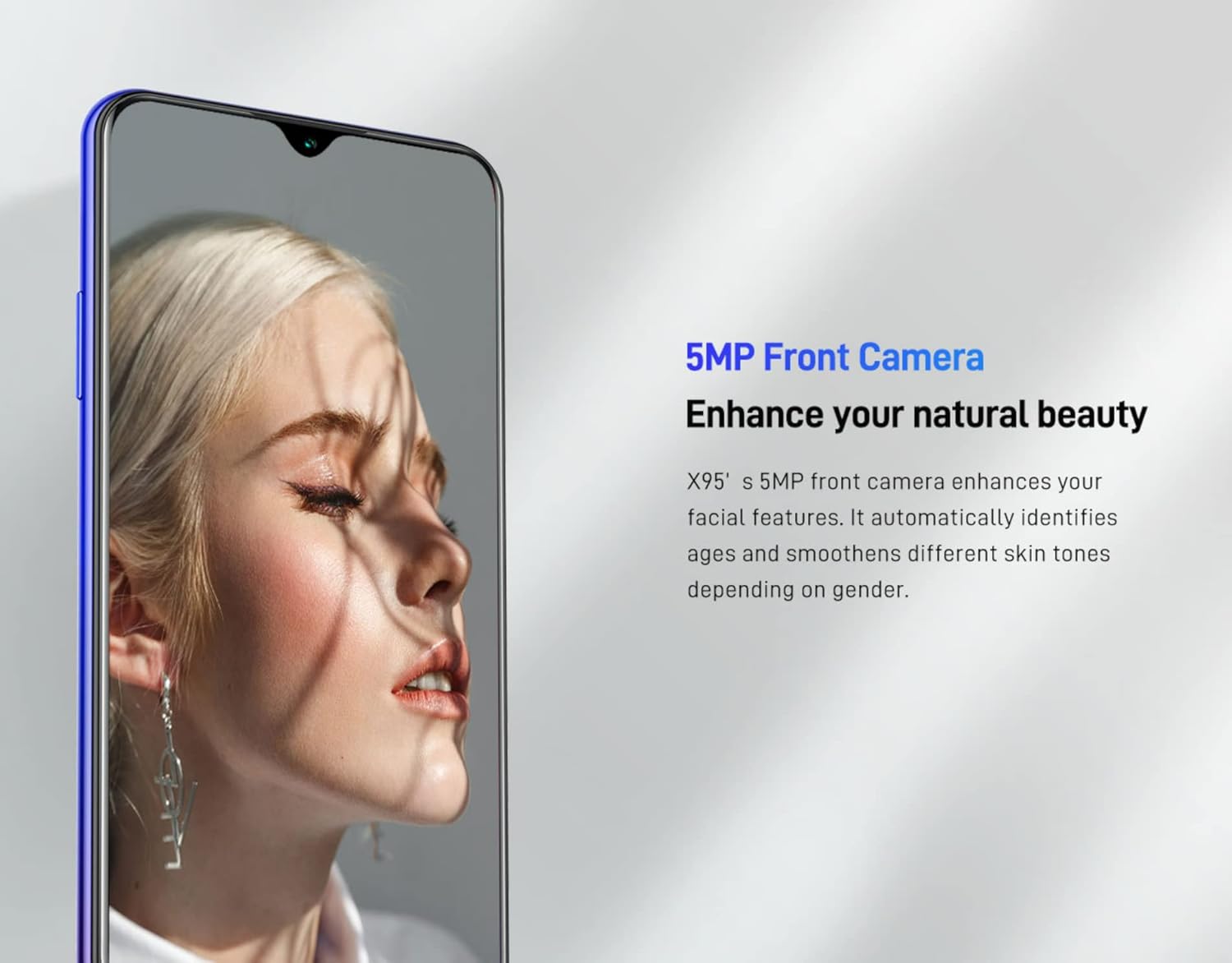
Figure 4.4: The 5MP Front Camera of the DOOGEE X95.
4.4 Battery and Charging
The DOOGEE X95 is powered by a 4350mAh high-capacity battery, managed by a power management chip for extended usage. It supports 10W fast charging via Micro USB and OTG (On-The-Go) functionality.

Figure 4.5: Internal view highlighting the 4350mAh battery of the DOOGEE X95.
4.5 Performance and Storage
The device is equipped with an MT6761 quad-core 64-bit CPU based on ARM Cortex-A53, clocked at 1.8GHz, and an IMG GE8300 GPU. This configuration provides sufficient performance for smooth operation of Android applications and 3D games. It comes with 3GB RAM and 16GB internal storage, expandable up to 256GB via an external SD card.

Figure 4.6: Illustration of the MT6761 Quad-core processor within the DOOGEE X95.

Figure 4.7: The DOOGEE X95 demonstrating smooth performance during 3D gaming.
4.6 Network Connectivity
The DOOGEE X95 supports 4G network connectivity, ensuring speedy internet access for browsing, streaming, and social media. It is designed for global use.

Figure 4.8: Comparison showing faster 4G network performance on DOOGEE X95 versus 3G networks.
4.7 Operating System
The DOOGEE X95 runs on the latest stock Android 10, offering features such as a system-wide dark theme, enhanced privacy controls, and a smooth user experience.

Figure 4.9: Examples of the Android 10 interface and features on the DOOGEE X95.
5. Maintenance
To ensure the longevity and optimal performance of your DOOGEE X95, follow these maintenance guidelines:
- Cleaning: Use a soft, lint-free cloth to clean the screen and body. Avoid abrasive materials or harsh chemicals.
- Temperature: Operate the phone within recommended temperature ranges. Avoid extreme heat or cold.
- Water Exposure: The DOOGEE X95 is not waterproof. Avoid exposure to water or high humidity.
- Software Updates: Regularly check for and install system updates to ensure your device has the latest security patches and performance improvements.
- Storage Management: Periodically clear unnecessary files and apps to maintain optimal performance. Utilize the external SD card for large media files.
6. Troubleshooting
This section addresses common issues you might encounter with your DOOGEE X95.
| Problem | Possible Cause | Solution |
|---|---|---|
| Phone does not power on | Low battery; System crash | Charge the phone for at least 30 minutes. If unresponsive, perform a force restart by holding the Power button for 10-15 seconds. |
| SIM card not recognized | Improper SIM insertion; Damaged SIM card; Network issue | Ensure SIM card is correctly seated in the tray. Try reinserting the SIM. Test with another SIM card if possible. Contact your network provider. |
| Slow performance | Too many apps running; Low storage; Outdated software | Close background apps. Clear cache and unnecessary files. Update the operating system. Consider a factory reset as a last resort (back up data first). |
| Battery drains quickly | High screen brightness; Background apps; Network signal issues | Adjust screen brightness. Close unused apps. Disable Wi-Fi/Bluetooth when not in use. Check for apps consuming excessive battery in settings. |
7. Specifications
Detailed technical specifications for the DOOGEE X95 Smartphone:
| Feature | Detail |
|---|---|
| Model Name | X95 |
| Product Dimensions | 7.74 x 0.89 x 16.7 cm; 180 g |
| Operating System | Android 10.0 |
| RAM Memory Installed Size | 3 GB |
| Memory Storage Capacity | 16 GB (expandable up to 256GB with SD card) |
| CPU Model | MT6761 Quad-core (1.8 GHz) |
| Screen Size | 6.52 Inches |
| Resolution | 720 x 1520 pixels |
| Battery Capacity | 4350mAh |
| Charging | 10W Fast Charge, Micro USB, OTG support |
| Rear Camera | 13MP + 2MP + 2MP Triple Camera |
| Front Camera | 5MP |
| Wireless Carrier | Unlocked (compatible with various carriers) |
| Manufacturer | DOOGEE |
| ASIN | B0B1PSWJXZ |
| Date First Available | 19 May 2022 |
8. Warranty and Support
For warranty information and customer support, please refer to the warranty card included in your product packaging or visit the official DOOGEE website. You can also visit the DOOGEE Store on Amazon for additional product information and support resources.
Product UPC: 6924351631635
Related documentsX95


Ask a question about this manual
Ask about setup, troubleshooting, compatibility, parts, safety, or missing instructions. Manuals+ will review the question and use this page’s manual context to help answer it.