
1. Introduction
This manual provides detailed instructions for the proper use and maintenance of your ORICO PSSD 512GB Portable Solid State Drive. Please read this manual thoroughly before using the device to ensure optimal performance and longevity.
2. Package Contents
Verify that all items are present in your package:
- ORICO PSSD Portable SSD (512GB)
- USB-C to USB-A/USB-C Data Cable (0.3 meter)
- User Manual
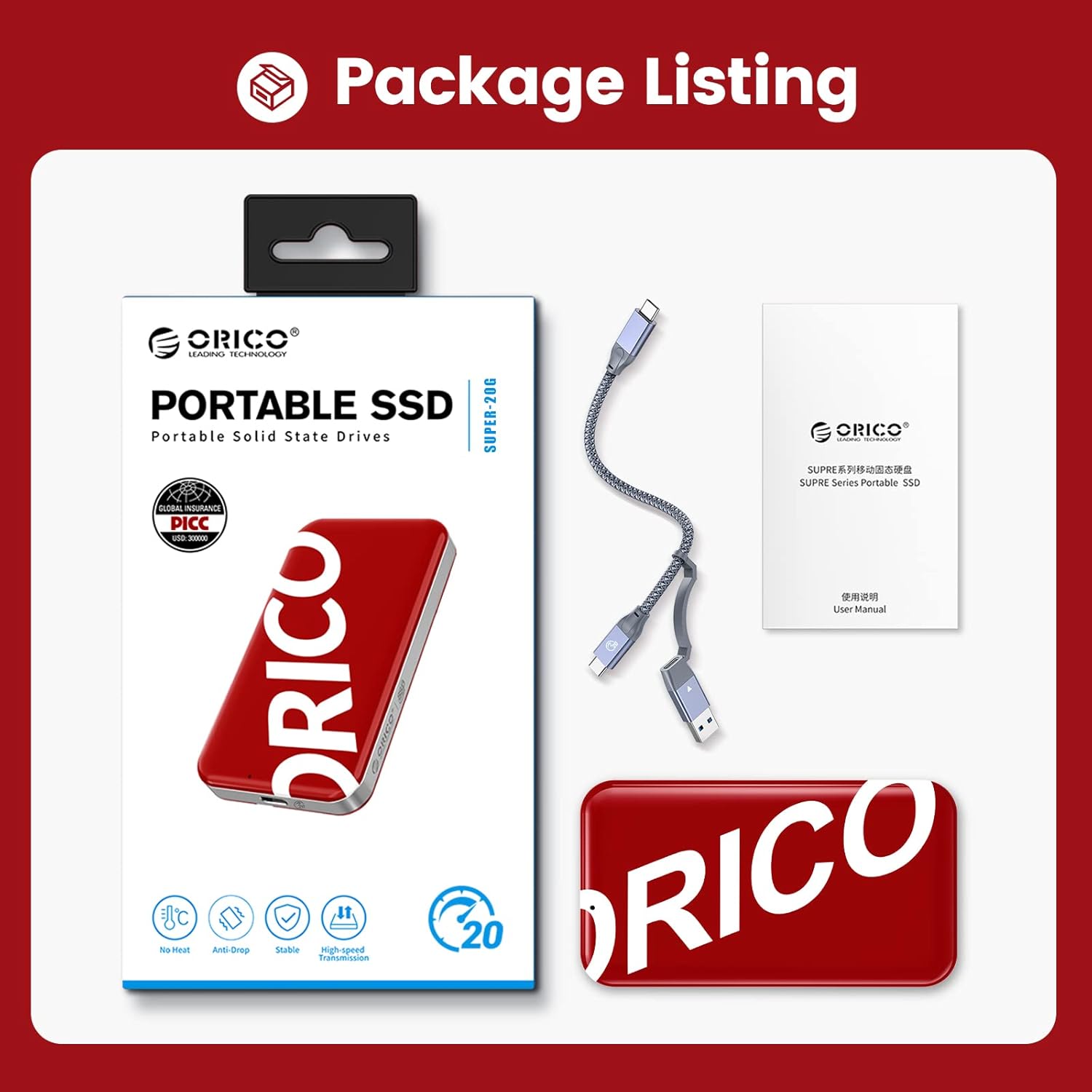
Image: The ORICO PSSD package showing the portable SSD, the included data cable, and the user manual.
3. Setup and Connection
The ORICO PSSD is designed for simple plug-and-play operation. Follow these steps to connect your SSD:
- Identify the correct port: Locate an available USB-C or USB-A port on your computer, laptop, smartphone, game console, or router.
- Connect the cable: Use the provided 0.3-meter two-in-one USB-C to USB-A and USB-C data cable. Connect the USB-C end to the ORICO PSSD.
- Connect to host device: Connect the other end of the cable (either USB-A or USB-C, depending on your device's port) to your host device.
- Automatic Recognition: The ORICO PSSD should be automatically recognized by your operating system. No additional drivers are typically required.
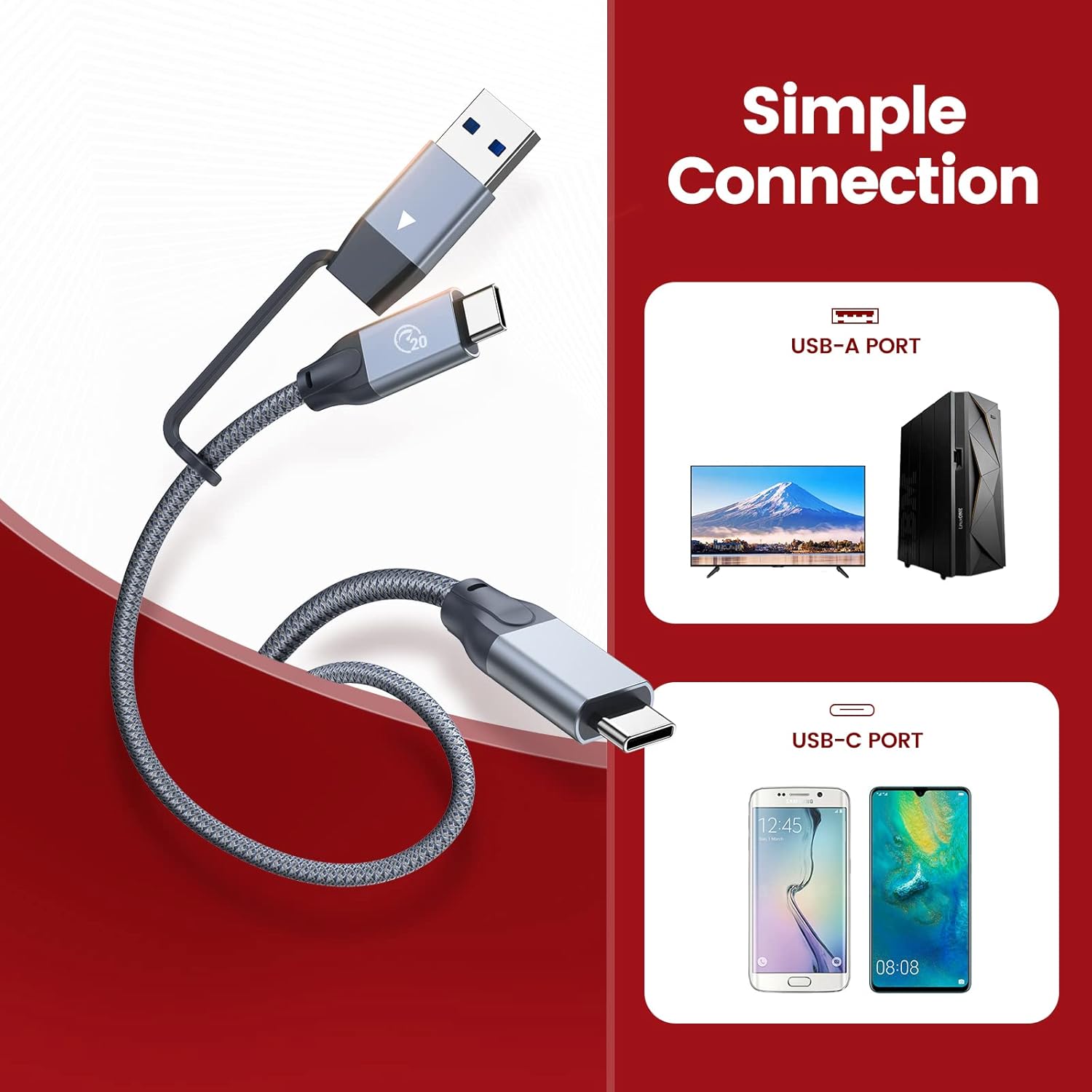
Image: A diagram illustrating how to connect the ORICO PSSD using the included USB-C to USB-A/USB-C cable to both USB-A and USB-C host devices.
4. Operating Instructions
The ORICO PSSD offers high-speed data transfer and broad compatibility.
4.1 Data Transfer
Once connected, the SSD will appear as an external storage device. You can drag and drop files, copy, or move data as you would with any other external drive. For optimal performance, ensure your host device supports USB 3.2 Gen 2X2 (20Gbps) and UASP acceleration protocol.
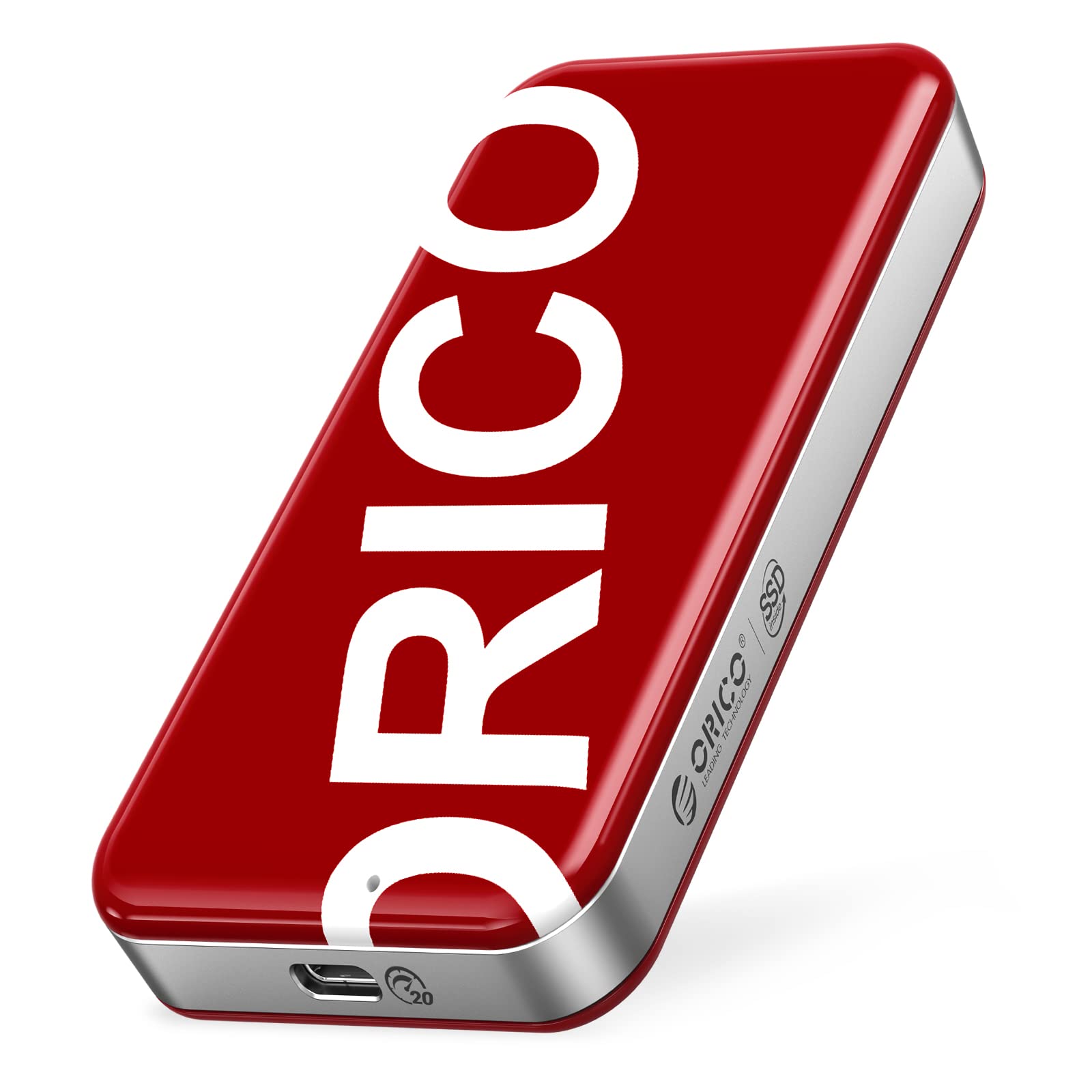
Image: A visual representation of the ORICO PSSD connected to a laptop, demonstrating ultra-fast read and write speeds (up to 2060 MB/s read, 1822 MB/s write) via a speed test application.
4.2 Compatibility
The ORICO PSSD is compatible with a wide range of operating systems and devices:
- Operating Systems: Windows, Mac OS, Linux, Android, iPad OS.
- Devices: PCs, notebooks, smartphones, game consoles (e.g., Xbox), routers, cameras, and smart TVs.
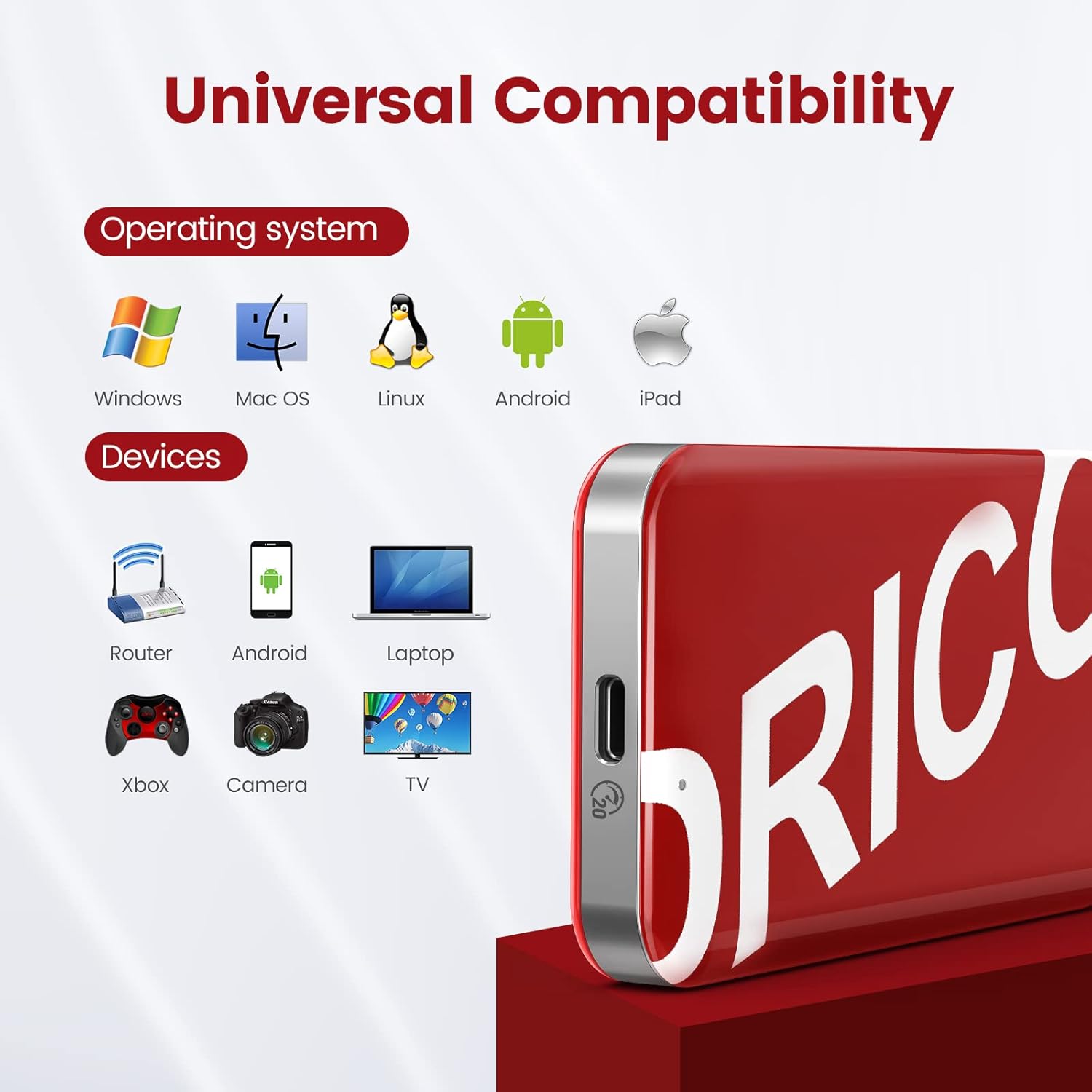
Image: An illustration showing the ORICO PSSD's compatibility with various operating systems (Windows, Mac OS, Linux, Android, iPad) and devices (Router, Android phone, Laptop, Xbox, Camera, TV).

Image: A close-up of the ORICO PSSD's USB-C port, highlighting its USB3.2 Gen2X2 20Gbps capability with UASP support, and a visual comparison of USB3.2 vs USB2.0 speeds.
5. Maintenance and Care
To ensure the longevity and optimal performance of your ORICO PSSD, follow these maintenance guidelines:
- Physical Protection: The SSD features an IML high-end technology plastic shell and zinc alloy middle frame, providing scratch resistance, strong corrosion resistance, and durability against shocks and drops. While robust, avoid excessive force or impact.
- Temperature: The device is designed to operate without excessive heat, ensuring stable data transmission. Store and operate within recommended environmental temperatures.
- Safe Ejection: Always safely eject the SSD from your operating system before disconnecting it to prevent data corruption.
- Cleaning: Use a soft, dry cloth to clean the exterior of the SSD. Avoid liquid cleaners or abrasive materials.
6. Troubleshooting
If you encounter issues with your ORICO PSSD, refer to the following common solutions:
- Device Not Recognized:
- Ensure the cable is securely connected to both the SSD and the host device.
- Try connecting to a different USB port on your host device.
- Test with a different USB cable if available.
- Restart your host device.
- Slow Data Transfer Speed:
- Verify that your host device's USB port supports USB 3.2 Gen 2X2 (20Gbps) or at least USB 3.2 Gen 2 (10Gbps) for optimal speeds. Older USB 2.0 ports will significantly limit performance.
- Ensure your operating system and drivers are up to date.
- Confirm that UASP (USB Attached SCSI Protocol) is enabled on your system, if supported.
- Avoid transferring many small files simultaneously, as this can reduce overall transfer rates compared to large files.
- Data Corruption or Errors:
- Always safely eject the SSD before disconnecting.
- Check the SSD for errors using your operating system's disk utility tools.
7. Specifications
Detailed technical specifications for the ORICO PSSD 512GB Portable SSD:
| Feature | Specification |
|---|---|
| Digital Storage Capacity | 512 GB |
| Hard Disk Interface | USB 3.2 |
| Connectivity Technology | USB |
| Brand | ORICO |
| Special Feature | Portable |
| Hard Disk Description | Solid State Drive |
| Compatible Devices | Desktop, Laptop, Smartphone |
| Installation Type | External Hard Drive |
| Color | Black |
| Read Speed | Up to 2060 MB/s |
| Data Transfer Rate | Up to 2060 Megabits Per Second (20Gbps) |
| Form Factor | Portable |
| Model Number | ORICO PSSD |
| Built-In Media | External SSD |
| Enclosure Material | NAND flash, IML plastic shell, zinc alloy frame |
8. Warranty Information
The ORICO PSSD comes with a 3-year warranty from the date of purchase. This warranty covers manufacturing defects and malfunctions under normal use. Please retain your proof of purchase for warranty claims. The warranty does not cover damage caused by misuse, accidents, unauthorized modifications, or natural disasters.
9. Support
For further assistance, technical support, or warranty inquiries, please visit the official ORICO website or contact their customer service. You can find more information and resources on the ORICO Brand Store on Amazon.

