
1. Introduction
The Duracell Coppertop AA alkaline batteries are engineered with POWER BOOST Ingredients to provide long-lasting, dependable power for a wide range of everyday devices. These batteries are built in the USA with US and global parts, ensuring quality and reliability. They are guaranteed to maintain power for up to 12 years in storage, making them a reliable choice for household needs and emergency preparedness.
This manual provides essential information for the safe and effective use, maintenance, and storage of your Duracell Coppertop AA batteries.
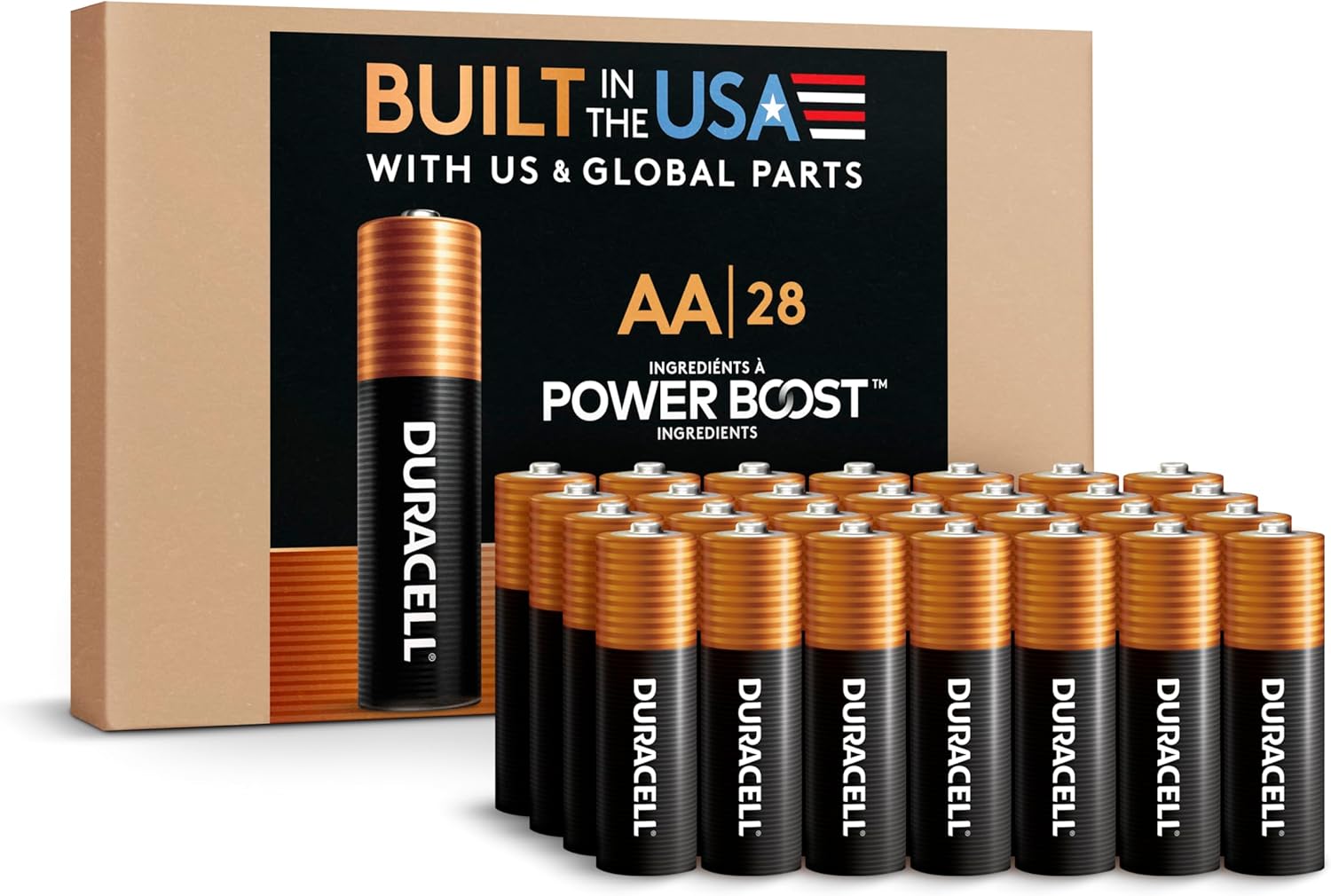
Image 1.1: A 28-count pack of Duracell Coppertop AA Alkaline Batteries with POWER BOOST Ingredients.
2. Setup and Installation
To install Duracell Coppertop AA batteries into your device, follow these general steps:
- Identify Battery Compartment: Locate the battery compartment on your device. This is typically found on the back, bottom, or side of the device and may be secured with a latch, screw, or sliding cover.
- Open Compartment: Open the battery compartment cover. If a screwdriver is required, use the appropriate size.
- Observe Polarity: Note the positive (+) and negative (-) terminals inside the compartment. These markings indicate the correct orientation for battery insertion.
- Insert Batteries: Insert the Duracell AA batteries according to the polarity markings. The flat end of the battery is typically the negative (-) terminal, and the raised button is the positive (+) terminal.
- Close Compartment: Securely close the battery compartment cover. Ensure it is latched or screwed tightly to prevent batteries from dislodging.
Always refer to your device's instruction manual for specific battery installation guidelines.
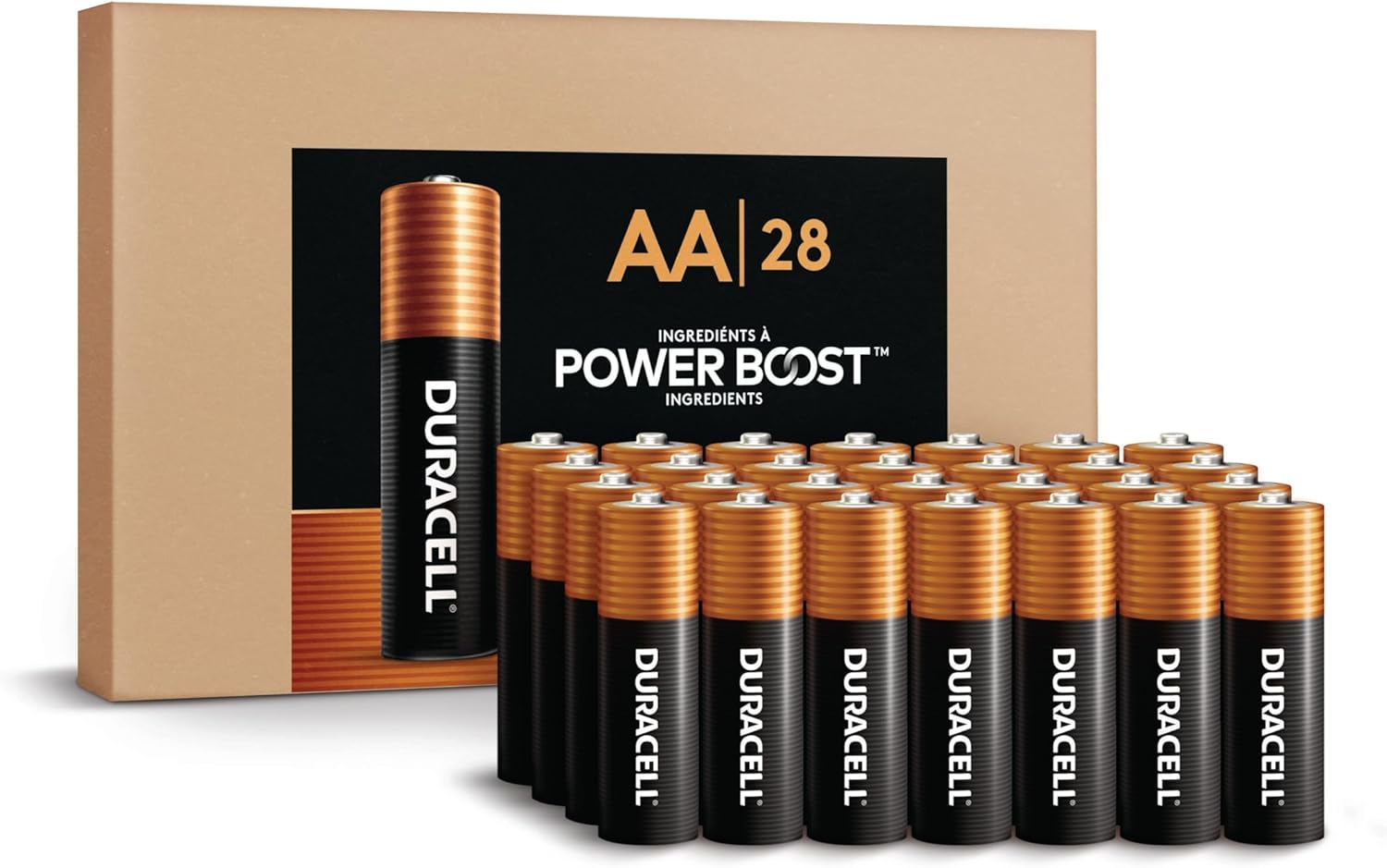
Image 2.1: A close-up view of the Duracell Coppertop AA Alkaline Batteries in their re-closable packaging, ready for use.
3. Operating Instructions
Duracell Coppertop AA alkaline batteries are designed for immediate and reliable power. Once correctly installed in a compatible device, the device should function as intended. These batteries are suitable for a wide range of devices including:
- Toys
- Baby devices
- Home and kitchen accessories
- Flashlights
- Medical devices
- Clocks
- Remote controls
The POWER BOOST Ingredients ensure lasting performance, reducing the frequency of battery changes in frequently used items.

Image 3.1: Visual representation highlighting Duracell's exclusive POWER BOOST Ingredients for enhanced performance.
4. Maintenance and Storage
Proper maintenance and storage extend the life and ensure the safety of your Duracell Coppertop AA batteries:
- Storage: Store unused batteries in their original re-closable packaging in a cool, dry place at normal room temperature. Avoid extreme temperatures, direct sunlight, and high humidity.
- Shelf Life: These batteries are guaranteed for 12 years in storage. Check the 'Best Before' date printed on the battery or packaging.
- Handling: Do not carry loose batteries in your pocket or purse with metal objects like coins or keys, as this can short-circuit the battery, leading to heat or leakage.
- Mixing Batteries: Do not mix old and new batteries, or batteries of different types or brands, as this can cause leakage or rupture.
- Disposal: Dispose of used batteries responsibly according to local regulations. Do not dispose of batteries in fire.
- Cleaning: If battery terminals become dirty, clean them with a dry cloth before insertion to ensure good electrical contact.

Image 4.1: The re-closable packaging of Duracell Coppertop AA batteries, designed for quick access and organized storage.
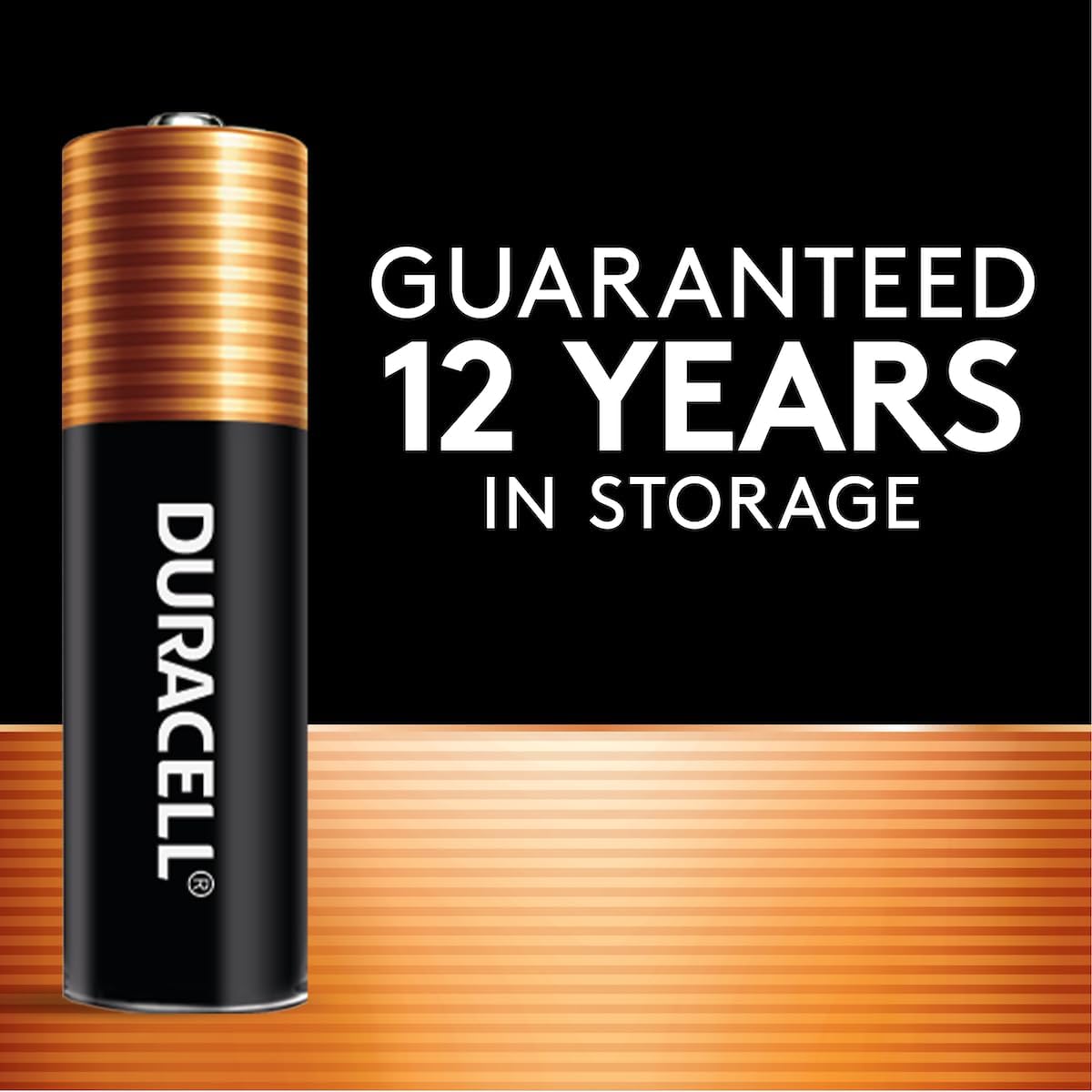
Image 4.2: Duracell's guarantee for 12 years of power in storage.
5. Troubleshooting
If your device is not functioning correctly after installing new Duracell Coppertop AA batteries, consider the following:
- Check Polarity: Ensure batteries are inserted with the correct positive (+) and negative (-) orientation. Incorrect insertion is a common cause of device malfunction.
- Verify Battery Type: Confirm that the device requires AA batteries and not another size (e.g., AAA, C, D, 9V).
- Clean Contacts: Inspect the battery and device contacts for dirt or corrosion. Gently clean them with a dry cloth or a pencil eraser if necessary.
- Test Batteries: If possible, test the batteries in another compatible device to confirm they are functional.
- Device Malfunction: If batteries are correctly installed and confirmed functional, the issue may lie with the device itself. Refer to the device's instruction manual or contact its manufacturer for support.
6. Specifications
| Feature | Detail |
|---|---|
| Brand | DURACELL |
| Model Number | Boyeb |
| Battery Size | AA |
| Count | 28 |
| Battery Cell Composition | Alkaline |
| Voltage | 1.5V (typical for AA alkaline) |
| Guaranteed in Storage | 12 Years |
| Product Dimensions | 8.88 x 5.5 x 0.88 inches |
| Item Weight | 1.65 pounds |
| Manufacturer | Duracell |
| Recommended Uses | Camera, Remotes, TV, Toys, Medical Devices, Clocks |
7. Warranty and Support
Duracell guarantees these batteries against defects in material and workmanship. Should any device be damaged due to a battery defect, Duracell will repair or replace it at their option. For warranty claims or support, please refer to the contact information provided on the product packaging or visit the official Duracell website.
For customer service, you may contact Duracell directly. Contact details are typically found on the product packaging or the official Duracell website.
8. Product Videos
Duracell Power Boost
Video 8.1: A short overview highlighting the POWER BOOST technology in Duracell batteries. This video is 14 seconds long.
Product Overview Video
Video 8.2: A brief product overview of the Duracell AA batteries. This video is 27 seconds long.