
Introduction
Welcome to the Sudio A2 True Wireless Earbuds user manual. The Sudio A2 is an everyday listening companion designed to simplify your audio experience, offering crystal clear calls and an enhanced music experience with active noise cancellation. These earbuds feature Hybrid Active Noise Cancelling technology, dual microphones for clear phone calls, long battery life, and IPX4 splash-proof rating for durability.

Image: Sudio A2 True Wireless Earbuds in their open purple charging case.
What's in the Box
Your Sudio A2 package includes the following items:
- Sudio A2 True Wireless Earbuds
- Charging Case
- USB-C Charging Cable
- Multiple Sizes of Eartips

Image: The Sudio A2 product packaging, indicating the contents.
Setup
1. Charging the Earbuds and Case
Before first use, ensure both the earbuds and the charging case are fully charged.
- Place the earbuds into the charging case. Ensure they are correctly seated in their respective L (left) and R (right) slots.
- Connect the provided USB-C charging cable to the charging port on the case and the other end to a USB power source.
- The LED indicators on the charging case will show the charging status. A full charge typically takes approximately 2 hours.
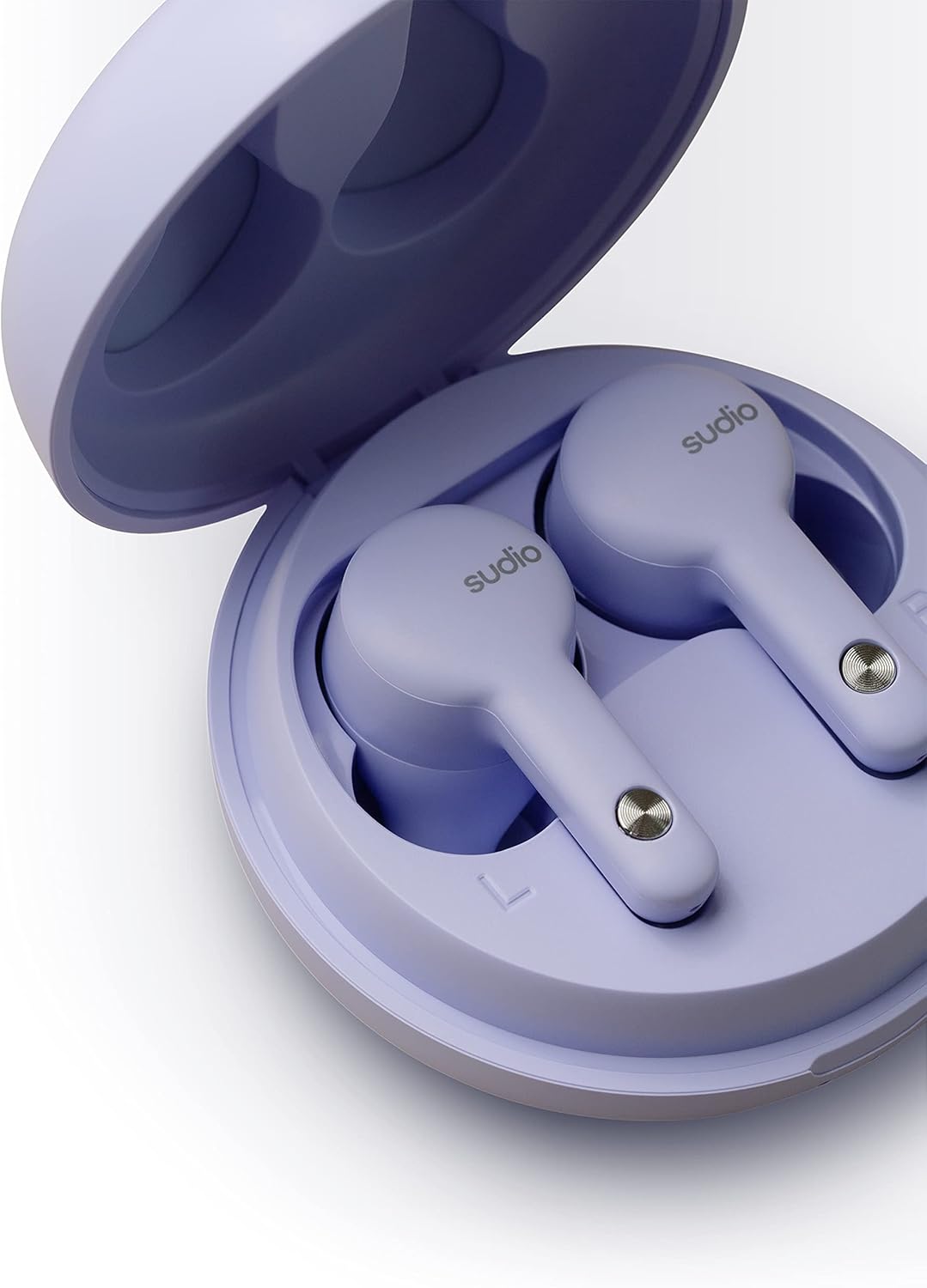
Image: Close-up view of the earbuds correctly placed in the charging case.
2. Pairing with Your Device
The Sudio A2 earbuds use Bluetooth 5.2 for a stable wireless connection.
- Open the charging case. The earbuds will automatically enter pairing mode, indicated by a flashing LED light on the earbuds.
- On your device (smartphone, tablet, computer), go to the Bluetooth settings.
- Select "Sudio A2" from the list of available devices.
- Once connected, a voice prompt will confirm successful pairing, and the LED lights on the earbuds will turn off.
Operating Instructions
The Sudio A2 earbuds feature touch controls for easy management of audio playback, calls, and noise cancellation.
Wearing the Earbuds
For optimal sound quality and comfort, choose the eartips that provide the best seal in your ear canal. Gently insert the earbuds into your ears and twist slightly to secure them.

Image: A person wearing a Sudio A2 earbud, demonstrating the in-ear fit.
Touch Controls
| Action | Control |
|---|---|
| Play/Pause | Single tap on either earbud |
| Next Track | Double tap right earbud |
| Previous Track | Double tap left earbud |
| Answer/End Call | Single tap on either earbud |
| Reject Call | Press and hold either earbud for 2 seconds |
| Activate/Deactivate ANC | Press and hold either earbud for 2 seconds (during music playback) |
| Volume Up | Triple tap right earbud |
| Volume Down | Triple tap left earbud |
Active Noise Cancelling (ANC)
The Sudio A2 features Hybrid Active Noise Cancelling technology. This function actively reduces ambient noise, providing a more immersive listening experience. To toggle ANC on or off, press and hold either earbud for 2 seconds during audio playback.
Battery Life
The Sudio A2 provides up to 9 hours of playtime on a single charge. With the included charging case, the total playtime extends to up to 30 hours.
Maintenance
Proper care and maintenance will extend the lifespan of your Sudio A2 earbuds.
Cleaning
- Regularly clean the earbuds and charging case with a soft, dry, lint-free cloth.
- Remove eartips and clean them separately with mild soap and water if necessary. Ensure they are completely dry before reattaching.
- Gently clean the charging contacts on both the earbuds and inside the case using a dry cotton swab to ensure proper charging.
Water Resistance (IPX4)
The Sudio A2 earbuds are rated IPX4 water resistant, meaning they are protected against splashing water from any direction. This makes them suitable for workouts or light rain. However, they are not waterproof and should not be submerged in water.
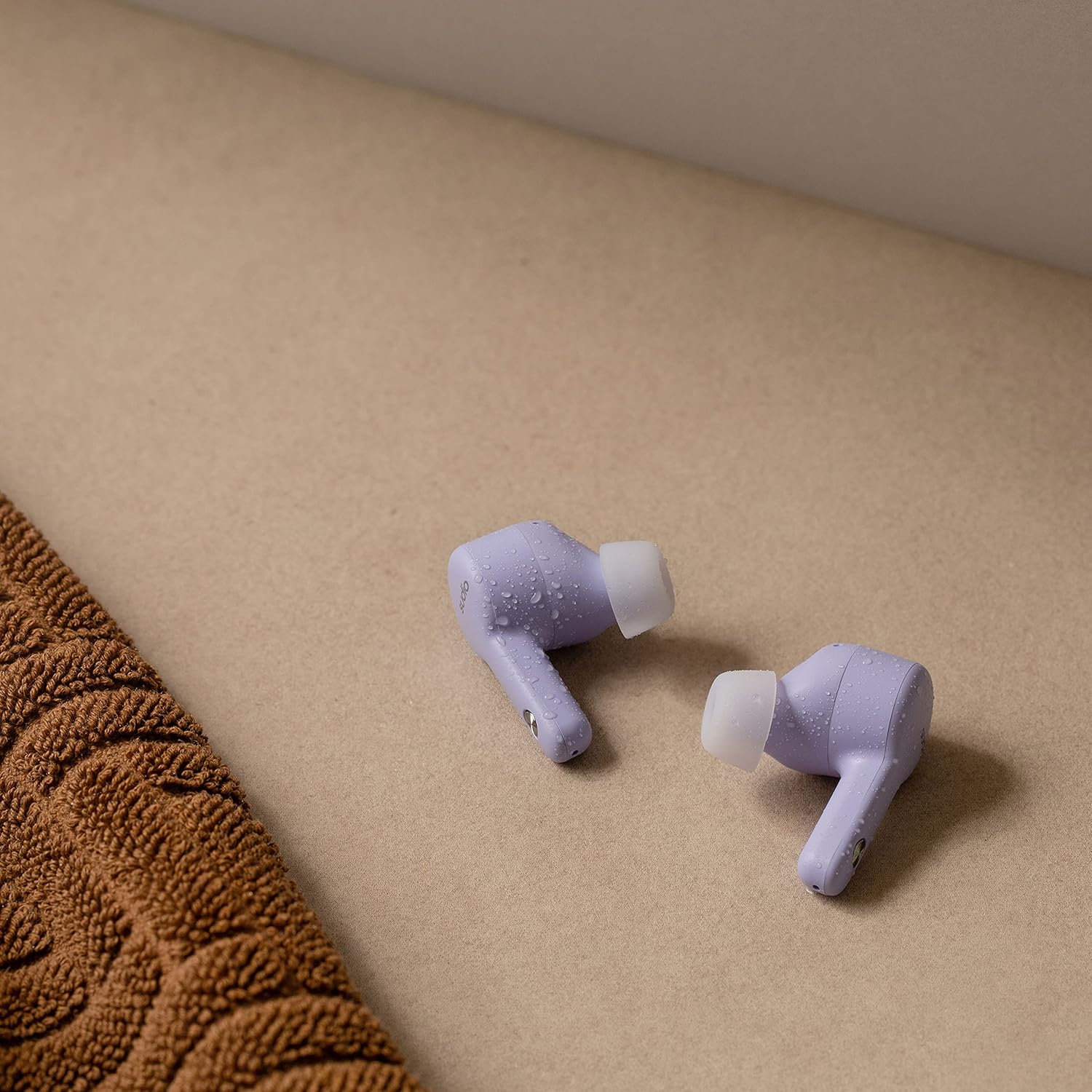
Image: Sudio A2 earbuds with visible water droplets, highlighting their splash-proof design.
Storage
When not in use, store the earbuds in their charging case to protect them and keep them charged.
Troubleshooting
If you encounter issues with your Sudio A2 earbuds, refer to the following common problems and solutions:
| Problem | Possible Solution |
|---|---|
| Earbuds not pairing | Ensure earbuds are charged. Turn off and on Bluetooth on your device. Forget "Sudio A2" in your device's Bluetooth settings and re-pair. |
| Only one earbud has sound | Place both earbuds back into the charging case, close the lid, wait a few seconds, then open the lid and try again. Ensure both earbuds are charged. |
| Low volume or poor sound quality | Adjust volume on your device. Ensure eartips provide a good seal. Clean earbud mesh and eartips. |
| ANC not working effectively | Ensure ANC is activated via touch control. Check earbud fit for a proper seal. |
| Charging issues | Ensure charging cable is securely connected. Clean charging contacts on earbuds and case. Try a different USB power source. |
If the issue persists, please refer to the Sudio official support channels.
Specifications
| Feature | Detail |
|---|---|
| Model Name | A2 |
| Item Model Number | SD-1614 |
| Noise Control | Active Noise Cancellation |
| Connectivity Technology | Wireless (Bluetooth 5.2) |
| Battery Life | Up to 9 hours (earbuds), up to 30 hours (with charging case) |
| Water Resistance Level | IPX4 (Water Resistant) |
| Frequency Range | 20Hz - 20kHz |
| Impedance | 32 Ohm |
| Control Type | Touch panel |
| Item Weight | 1.87 ounces (53 Grams) |
| Product Dimensions | 2.36 x 2.36 x 1.3 inches |
| Compatible Devices | Android, iOS, Mac OS, Windows, Linux |
Warranty and Support
Sudio products are designed for durability and performance. For information regarding warranty coverage, product registration, or further technical assistance, please visit the official Sudio website or contact their customer support directly.
For the most up-to-date support resources, please visit: www.sudio.com/support


