
Introduction
Thank you for choosing the Bewinner Wireless Neckband Bluetooth Headset. This manual provides essential information for the safe and efficient use of your new device. Please read it thoroughly before operation and retain it for future reference. This headset features a neckband design with retractable earbuds, Bluetooth 5.0 connectivity, and a vibration alert for incoming calls.
Product Overview
The Bewinner Wireless Neckband Bluetooth Headset is designed for convenience and clear communication. Its ergonomic design ensures comfort during extended wear.

Image: Components of the Bewinner Wireless Neckband Bluetooth Headset. This image highlights the retractable earbuds, lapel clip, Type-C charging port, volume controls, and multifunction keys.
Key Features:
- Retractable Earbuds: One-touch automatic cord winding for tangle-free storage.
- Bluetooth 5.0: Ensures stable connection, faster speeds, and wider range.
- Vibration Alert: Notifies you of incoming calls, preventing missed calls in noisy environments.
- Ergonomic Design: Comfortable fit for prolonged use.
- Voice Assistant Support: Activate your smart assistant with a simple press.
- Real-time Battery Display: Monitor battery level on compatible devices (iOS and some Android systems).
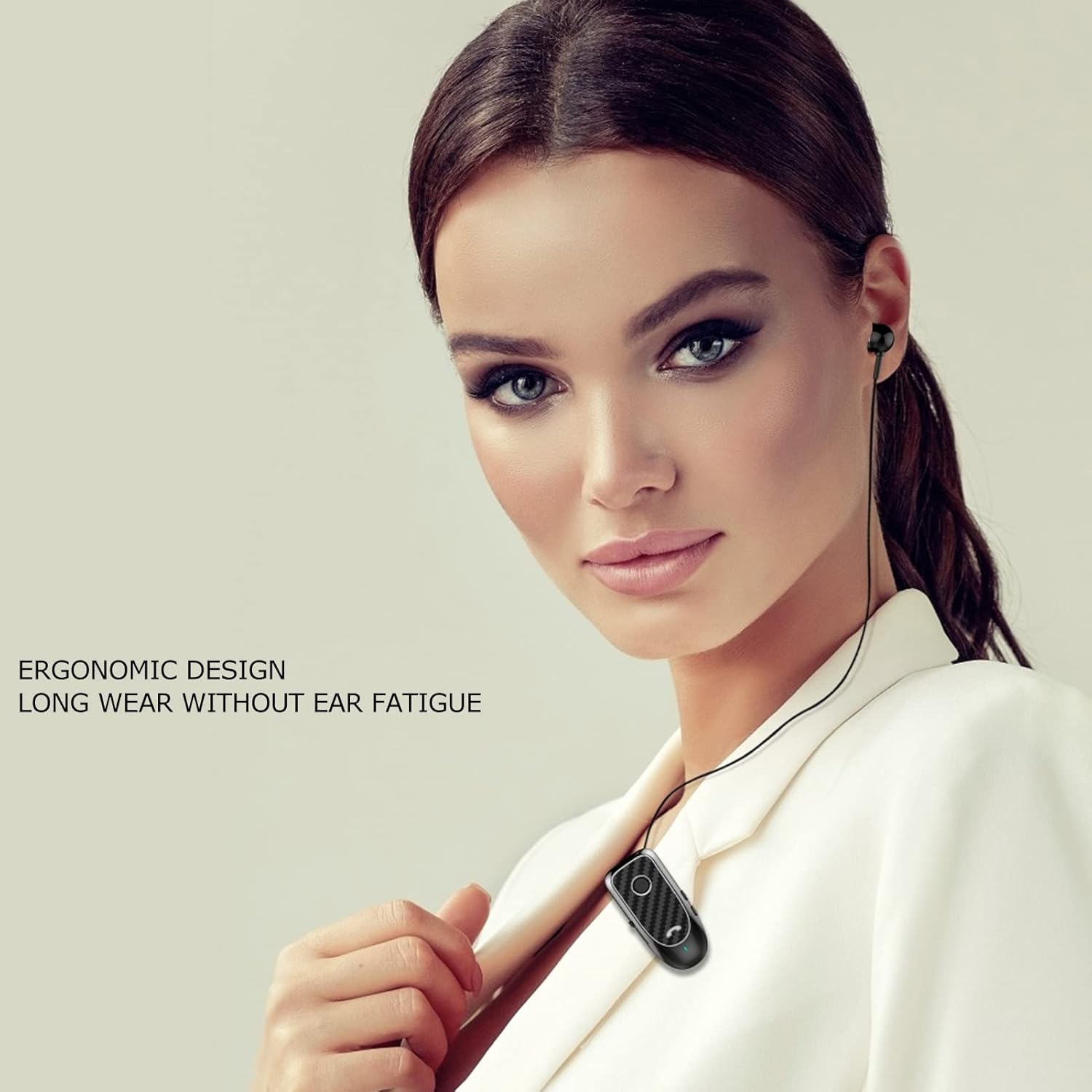
Image: Feature icons illustrating the headset's capabilities, including long standby time, HD call quality, clip-on wearability, single-ear design, and one-touch retractable function.
Setup
1. Charging the Headset
Before first use, fully charge the headset. Use the provided USB Type-C cable to connect the headset to a compatible USB power source (e.g., computer USB port, wall adapter). The charging indicator light will show the charging status and turn off or change color once fully charged. A full charge takes approximately 1.5 hours.

Image: Headset with included accessories: USB Type-C charging cable and ear tips.
2. Pairing with a Bluetooth Device
- Ensure the headset is charged and turned off.
- Press and hold the multifunction button until the indicator light flashes blue and red alternately, indicating pairing mode.
- On your smartphone or other Bluetooth-enabled device, go to the Bluetooth settings and enable Bluetooth.
- Search for available devices. Select "Bewinner Headset" (or similar name) from the list.
- Once connected, the indicator light will flash blue slowly. You are now ready to use your headset.
Operating Instructions
Power On/Off
- Power On: Press and hold the multifunction button for approximately 3 seconds until the blue indicator light flashes.
- Power Off: Press and hold the multifunction button for approximately 5 seconds until the red indicator light flashes and then turns off.
Call Handling
- Answer/End Call: Press the multifunction button once.
- Reject Call: Press and hold the multifunction button for 2 seconds.
- Redial Last Number: Double-press the multifunction button.

Image: The headset vibrates to alert you of incoming calls, ensuring you don't miss important communication.
Music Playback
- Play/Pause: Press the multifunction button once.
- Next Track: Press the Volume + button for 2 seconds.
- Previous Track: Press the Volume - button for 2 seconds.
- Volume Up: Short press the Volume + button.
- Volume Down: Short press the Volume - button.
Voice Assistant
To activate your device's voice assistant (e.g., Siri, Google Assistant), simply press the multifunction button twice quickly.
Retractable Earbuds

Image: Demonstrating the one-touch automatic cord winding for the retractable earbuds, ensuring neat storage.
To retract the earbuds, press the dedicated retractable headset buttons located on the side of the device. The cords will automatically wind back into the headset, preventing tangles.
Maintenance
Cleaning
- Wipe the headset with a soft, dry cloth.
- Do not use abrasive cleaners or solvents.
- Clean the ear tips regularly with a damp cloth and allow them to dry completely before reattaching.
Storage
- Store the headset in a cool, dry place away from direct sunlight and extreme temperatures.
- Ensure earbuds are retracted before storing to prevent cord damage.
Troubleshooting
| Problem | Possible Cause | Solution |
|---|---|---|
| Headset does not power on. | Low battery. | Charge the headset fully. |
| Cannot pair with device. | Headset not in pairing mode; Bluetooth off on device; device too far. | Ensure headset is in pairing mode (flashing blue/red). Turn on Bluetooth on your device. Move device closer to headset (within 10 meters). |
| No sound or poor sound quality. | Volume too low; headset not connected; interference. | Adjust volume on headset and device. Reconnect headset. Move away from other wireless devices. |
| Earbuds do not retract smoothly. | Debris in mechanism; cord tangled. | Gently clear any visible debris. Ensure cord is not manually pulled or twisted. |
Specifications
- Model Number: Bewinnert82zyqnkga864
- Bluetooth Version: 5.0
- Wireless Communication Technology: Bluetooth
- Connectivity Technology: Wireless
- Wireless Range: Up to 10 meters (33 feet)
- Earbud Placement: In-Ear
- Form Factor: In-Ear
- Control Method: Voice (via connected device's assistant)
- Charging Port: USB Type-C
- Charging Time: Approximately 1.5 hours
- Average Battery Life: Up to 108 hours (standby), 10 hours (talk time)
- Frequency Range: 20 Hz - 20 kHz
- Audio Driver Type: Dynamic
- Noise Control: None (Insonorisation: Aucun)
- Item Weight: 98 Grams
- Material: Acrylonitrile Butadiene Styrene (ABS)
- Water Resistance Level: Waterproof (Imperméable)
- Compatible Devices: Smartphones, tablets, laptops, desktop computers, smart speakers, cars (with Bluetooth support)
- Included Components: Headset, USB Type-C Cable, User Manual, Charging Case (Note: Charging case is listed in components, but product images suggest a neckband style without a separate case for earbuds. Please refer to actual product packaging.)
Warranty and Support
Bewinner products are designed for reliability and performance. For warranty information, please refer to the documentation included with your purchase or contact your retailer. For technical support or further assistance, please visit the official Bewinner website or contact their customer service department.
Please note that product specifications and appearance are subject to change without prior notice. Keep this manual for future reference.