
Introduction
This manual provides detailed instructions for the installation, operation, and maintenance of your LAMPAOUS 24 Inch FixtureSmart RGBCW Hardwired Smart Under Cabinet Light. This versatile LED light fixture offers adjustable white light (2700-6500K) and a full spectrum of RGB colors, controllable via voice commands (Alexa, Google Assistant), a dedicated app, or the included remote control. Please read this manual thoroughly before installation and use to ensure proper function and safety.
What's Included
Carefully unpack the box and ensure all items are present:
- FixtureSmart™ Lighting Fixture (24 Inch)
- User Manual
- Remote Controller
- Power Cord (for plug-in option)
- Connectors, Screws, Wiring Caps, End Caps (Mounting Hardware)

Image: Contents of the LAMPAOUS FixtureSmart LED Cabinet Light package, including the light fixture, user manual, remote control, power cord, and various mounting accessories.
Safety Information
Please observe the following safety precautions:
- Always disconnect power before installation, maintenance, or cleaning.
- Ensure proper grounding to prevent electrical shock.
- Do not attempt to modify the fixture. Any modifications may void the warranty and pose safety risks.
- This product is designed for indoor use only and is not water-resistant. Avoid exposure to moisture.
- Consult a qualified electrician if you are unsure about any part of the installation process.
Setup and Installation
The LAMPAOUS FixtureSmart light offers both hardwired and plug-in installation options, and multiple units can be linked together.
Installation Guide Video
Video: Official LAMPAOUS FixtureSmart Installation Guide. This video demonstrates the unboxing, hardwired installation, plug-in installation, and linking options for the light fixture.
1. Hardwired Installation
- Prepare the Fixture: Use a screwdriver to remove the small cover plate on the side of the fixture where the wires will enter.
- Connect Wires: Carefully pull out the internal wires (typically white, black, and green/ground). Connect the fixture's wires to your household wiring: white to neutral, black to live, and green/yellow to ground. Use the provided wiring caps to secure connections.
- Secure Wiring: Push the connected wires back into the fixture and reattach the cover plate securely with the screw.
- Mount the Fixture: Use the included mounting hardware to secure the light fixture to your desired surface (e.g., under a cabinet).

Image: Detailed view of the hardwired installation process, illustrating the connection of the light fixture's internal wires to the main power supply using wire nuts.
2. Plug-in Installation
- Attach End Cap: If not already installed, attach the end cap to one end of the light fixture.
- Connect Power Cord: Insert the provided power cord into the designated port on the other end of the fixture.
- Mount and Plug In: Mount the fixture using the provided hardware, then plug the power cord into a standard 120V wall outlet.
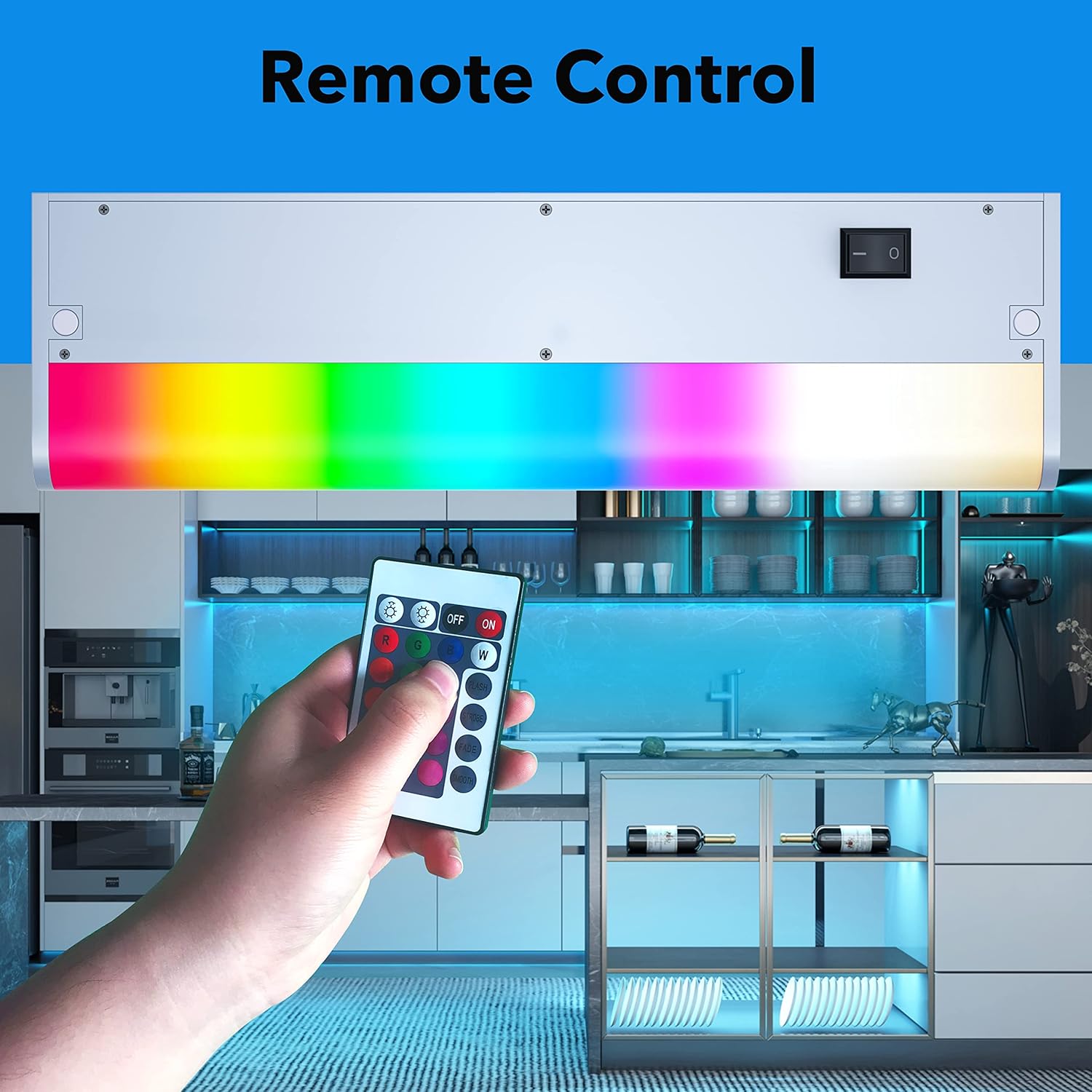
Image: The light fixture connected to a power cord for plug-in operation, demonstrating the simplicity of this installation method.
3. Linking Multiple Lights
Multiple FixtureSmart lights can be linked together for extended coverage:
- Direct Connector: For seamless connection between two adjacent fixtures, use the small direct connector to join them end-to-end.
- Jumper Cord: For spacing between fixtures or to navigate corners, use the jumper cord to connect two lights.
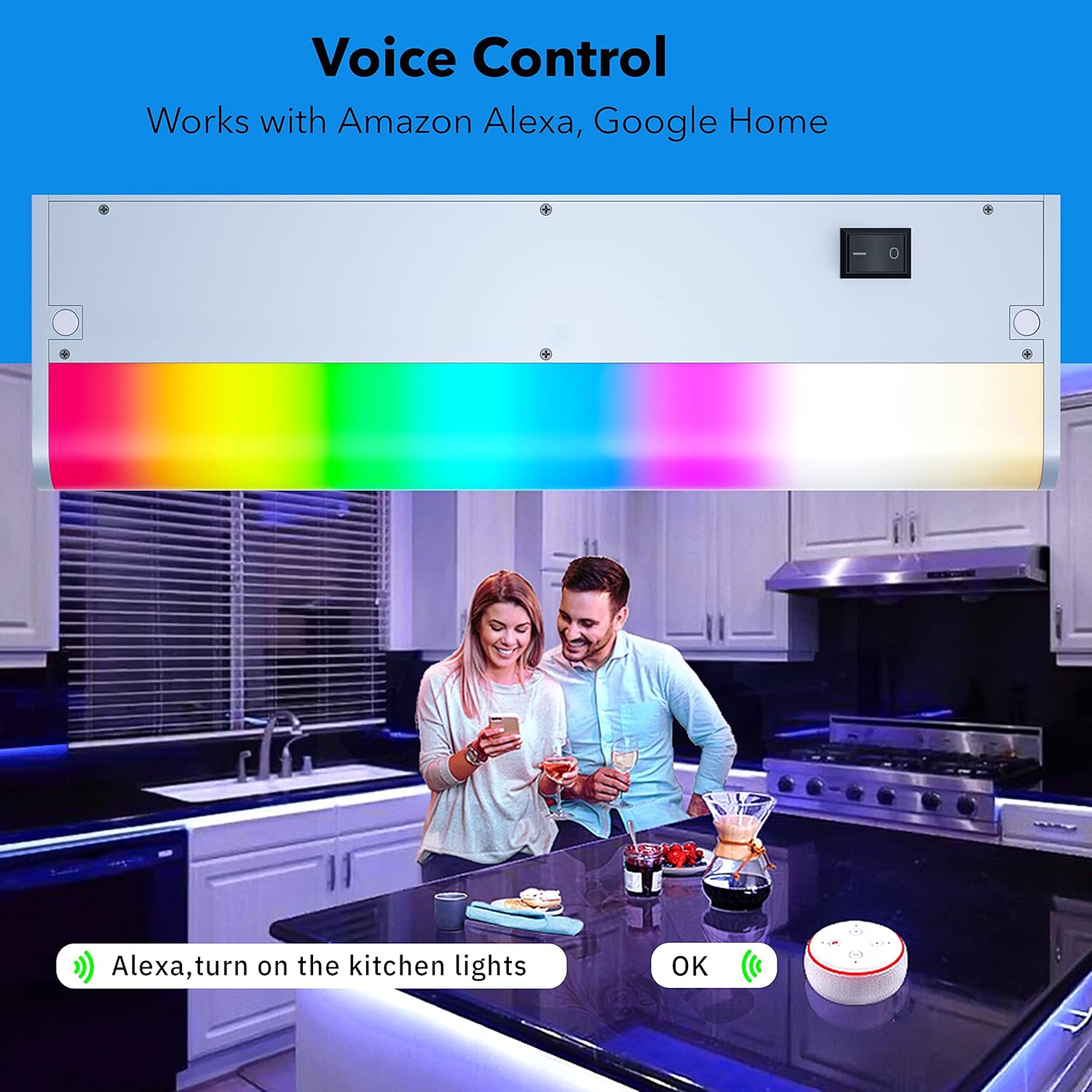
Image: An example of several under cabinet lights connected in a series, showcasing how direct connectors and jumper cords can be used to create a continuous lighting solution.
Operating Instructions
1. Voice Control (Alexa & Google Assistant)
The FixtureSmart light is compatible with Amazon Alexa and Google Assistant for convenient voice control. Ensure your light is connected to your Wi-Fi network and linked to your smart home assistant app (e.g., Smart Life app).
- Turn On/Off: "Alexa, turn on the kitchen lights."
- Adjust Brightness: "Hey Google, dim the cabinet light to 50%."
- Change Color: "Alexa, set the kitchen lights to blue."

Image: A kitchen setting where the under cabinet lights are being controlled by voice commands through Amazon Alexa and Google Home, illustrating smart home integration.
2. App Control
Download the Smart Life app (available on iOS and Android) to unlock advanced features and control your light from anywhere.
- Custom Scenes: Create and save personalized lighting scenes.
- Scheduling: Set timers to automatically turn lights on or off.
- Music Sync: Synchronize light colors with music for dynamic effects.
- Remote Access: Control your lights even when you're away from home.

Image: A smartphone displaying the Smart Life app, showing options for color selection and other controls for the under cabinet lighting.
3. Remote Control
Use the included remote control for quick adjustments without needing your phone or voice commands.
- On/Off: Power the light on or off.
- Brightness: Adjust the light intensity.
- Color Selection: Choose from preset colors or white light options.
- Mode Selection: Cycle through various dynamic lighting modes.

Image: A remote control for the light fixture, featuring buttons for power, brightness adjustment, and a wide range of color options.
4. Color Changing and Dimmable Features
The FixtureSmart light offers extensive control over its illumination:
- White Light (CCT): Adjust color temperature from warm white (2700K) to cool daylight (6500K) to suit your task or mood.
- RGB Colors: Select from millions of colors to create vibrant ambient lighting.
- Dimmable: Smoothly adjust brightness from 1% to 100% for optimal lighting levels.

Image: A demonstration of the light's ability to change white color temperature, showing settings from 2700K (warm) to 6500K (cool).

Image: The light fixture displaying a range of vibrant RGB colors, highlighting its capability for mood lighting and customization.
Maintenance
To ensure the longevity and optimal performance of your LAMPAOUS FixtureSmart light, follow these simple maintenance guidelines:
- Cleaning: Gently wipe the fixture with a soft, dry cloth. For stubborn marks, a slightly damp cloth can be used, but ensure the fixture is completely dry before reconnecting power. Do not use abrasive cleaners or solvents.
- Inspection: Periodically check for any loose connections or visible damage to the wiring or fixture housing. Address any issues promptly.
- Dust Removal: Dust accumulation can affect light output and heat dissipation. Regularly dust the fixture to maintain brightness and efficiency.
Troubleshooting
If you encounter issues with your FixtureSmart light, refer to the following common problems and solutions:
| Problem | Possible Cause | Solution |
|---|---|---|
| Light does not turn on. | No power, loose connection, switch off. | Check power source, ensure all wiring connections are secure, verify the fixture's power switch is in the 'ON' position. |
| Cannot connect to Wi-Fi/App. | Incorrect Wi-Fi password, weak signal, light not in pairing mode. | Ensure correct 2.4GHz Wi-Fi network, move closer to router, reset the light to enter pairing mode (refer to app instructions for specific reset steps). |
| Remote control not working. | Battery depleted, remote not paired, obstruction. | Replace remote battery, ensure line of sight to the fixture, re-pair remote if necessary (refer to remote instructions). |
| Colors are incorrect or inconsistent. | Software glitch, interference. | Restart the light by cycling power. If using multiple lights, ensure they are properly grouped in the app. |
If the problem persists after attempting these solutions, please contact LAMPAOUS customer support for further assistance.
Specifications
| Brand | LAMPAOUS |
| Model Number | 24 FixtureSmart RGBCW Hardwired |
| Size | 24 Inch (24"L x 3.5"W x 1.02"H) |
| Color (Housing) | Silver Housing |
| Light Color | 2700-6500K Adjustable CCT & RGB Multi Color |
| Material | Aluminum (Housing), Plastic (Shade) |
| Power Source | Corded Electric |
| Voltage | 120 Volts |
| Wattage | 24 watts |
| Brightness | 2000 Lumen |
| Control Method | App, Remote, Voice (Alexa, Google Assistant, SmartThings) |
| Connectivity Protocol | Wi-Fi |
| Installation Type | Flush Mount |
| Indoor/Outdoor Usage | Indoor |
| Item Weight | 2 Pounds |
Warranty and Support
LAMPAOUS products are designed for quality and reliability. This product comes with a standard manufacturer's warranty. For specific warranty details, claims, or technical support, please refer to the warranty card included in your package or visit the official LAMPAOUS website. You may also contact LAMPAOUS customer service directly through the retailer where the product was purchased.
For additional resources and product information, visit the LAMPAOUS Store on Amazon.