
Important Safety Information
Please read this instruction manual carefully before installing or operating your Brilliant Dody Outdoor Wall Light. Keep this manual for future reference. Improper installation or use can lead to electric shock, fire, or other hazards.
- Ensure the power supply is disconnected before installation, maintenance, or bulb replacement.
- Installation should be performed by a qualified electrician if you are unsure about electrical wiring.
- This product is designed for outdoor use with an IP44 rating, providing protection against splashing water.
- Do not exceed the maximum wattage specified for the bulb.
Package Contents
Verify that all components are present before beginning installation:
- 1 x Brilliant Dody Outdoor Wall Light fixture
- Mounting material (screws, wall plugs)
- Instruction Manual
Note: The E27 bulb is not included and must be purchased separately.
Setup and Installation
- Prepare the Installation Area: Choose a suitable wall location for mounting. The recommended mounting height for optimal motion detection is 1.8 meters. Ensure the power supply to the installation area is switched off at the main circuit breaker.
- Mark Drilling Points: Hold the light fixture against the wall at the desired mounting height. Mark the positions for the drilling holes using a pencil.
- Drill Holes: Drill holes at the marked positions. Insert the provided wall plugs into the drilled holes.
- Connect Wiring: Carefully connect the electrical wires from your mains supply to the terminal block inside the light fixture. Ensure correct polarity (Live, Neutral, Earth). If you are unsure, consult a qualified electrician.
- Mount the Fixture: Secure the light fixture to the wall using the provided screws. Ensure it is firmly attached.
- Install the Bulb: Insert an E27 bulb (max 20W, LED compatible) into the lamp holder. Ensure the bulb is securely screwed in.
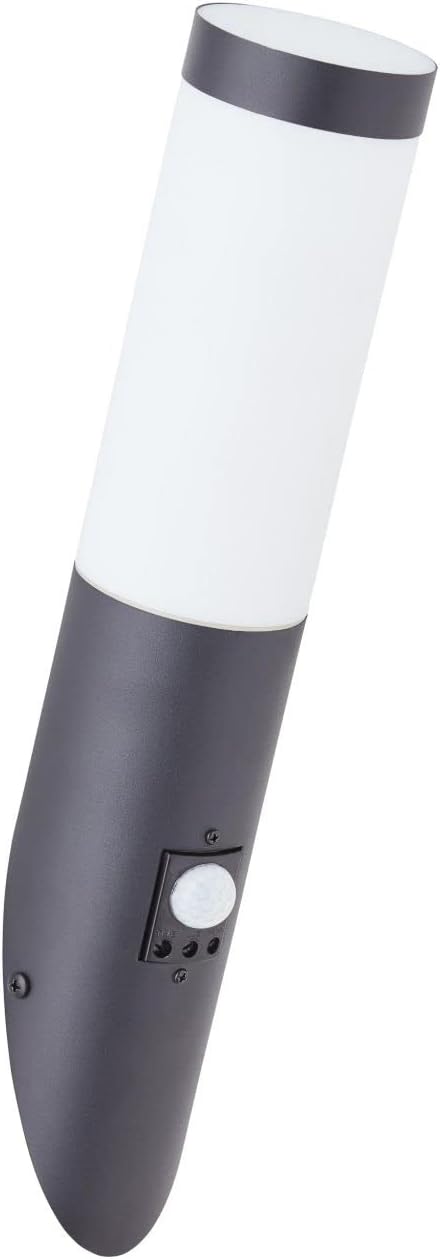
Image: Front view of the Brilliant Dody Outdoor Wall Light, showing its sleek black and white design. This image illustrates the overall appearance of the fixture before installation.
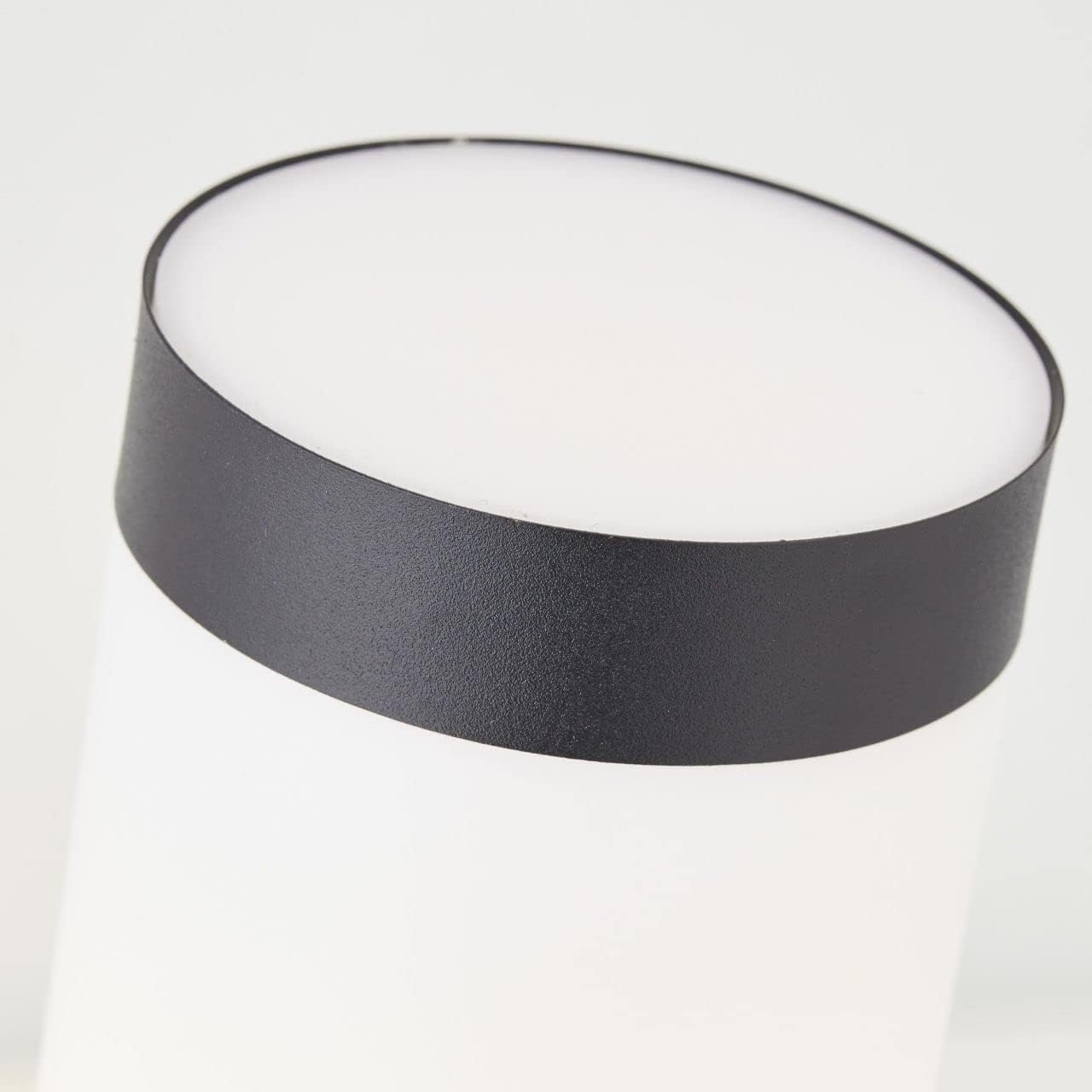
Image: Close-up of the top section of the Brilliant Dody Outdoor Wall Light, highlighting the white diffuser and black trim. This view helps in understanding the bulb housing area.
Operating Instructions
The Brilliant Dody Outdoor Wall Light features an integrated motion detector for automatic operation. After installation, restore power to the fixture.
Motion Detector Settings:
The motion sensor has adjustable settings for 'TIME' and 'LUX'. These controls are typically located on the sensor unit itself.

Image: Detailed view of the motion sensor and its adjustment dials (TIME and LUX) on the Brilliant Dody Outdoor Wall Light. This image shows where to find and adjust the sensor settings.
- TIME: This dial controls how long the light remains on after motion is detected and no further motion is sensed. Rotate the dial to increase or decrease the duration.
- LUX: This dial determines the ambient light level at which the sensor becomes active. Rotate towards the sun icon for the sensor to activate in brighter conditions (daytime), or towards the moon icon for it to activate only in darker conditions (nighttime).
Detection Area:
- Detection Angle: 120°
- Detection Range: Up to 8 meters on both sides, with a maximum detection range of 10 meters.
- Optimal Mounting Height: 1.8 meters for best performance.
Maintenance
- Cleaning: To clean the fixture, ensure the power is off. Wipe with a soft, damp cloth. Do not use abrasive cleaners or solvents, as these can damage the stainless steel finish or plastic diffuser.
- Bulb Replacement: Before replacing the bulb, ensure the power supply is disconnected. Allow the old bulb to cool down completely. Unscrew the old E27 bulb and replace it with a new E27 bulb (max 20W, LED compatible).
- Inspection: Periodically inspect the fixture for any signs of damage, loose connections, or wear.
Troubleshooting
| Problem | Possible Cause | Solution |
|---|---|---|
| Light does not turn on. | No power supply. Faulty bulb. Incorrect LUX setting. | Check circuit breaker. Replace bulb. Adjust LUX dial towards the moon icon for darker conditions. |
| Light stays on continuously. | Constant motion detected. Incorrect TIME setting. | Ensure no objects are constantly moving in the detection zone. Adjust TIME dial to a shorter duration. |
| Motion sensor not detecting. | Obstruction in detection path. Incorrect LUX setting. Sensor dirty. | Clear any obstructions. Adjust LUX dial towards the sun icon for brighter conditions, or ensure it's not set too low for current ambient light. Clean the sensor lens gently. |
Product Specifications
- Brand: Brilliant
- Model Number: 1000134854
- ASIN: B0B11KYHSW
- Dimensions (L x W x H): 17 x 7.6 x 40 cm
- Weight: 490 grams
- Material: Stainless Steel
- Shade Material: Plastic
- Color: Black
- Bulb Type: E27 (Bulb not included)
- Max Wattage: 20W (LED compatible)
- Number of Bulbs: 1
- Power Source: Electric Cable
- Installation Type: Wall Mount
- Special Feature: Motion Detector
- IP Rating: IP44 (Protection against splashing water)
- Motion Detector Angle: 120°
- Motion Detector Range: Up to 8m (both sides), max 10m
- Optimal Mounting Height: 1.8m
Warranty and Support
Information regarding specific warranty terms and customer support for Brilliant products may vary by region and retailer. Please refer to the documentation provided at the time of purchase or visit the official Brilliant website for detailed warranty information and support contacts.
For technical assistance or inquiries, please contact Brilliant customer service through their official channels.