
Razor C35
Razor C35 Electric Scooter User Manual
Model: C35
1. Product Overview
The Razor C35 electric scooter is designed for daily commutes, quick errands, and recreational use. It features a SuperCushion™ 12.5-inch (318 mm) front pneumatic tire and an 8.5-inch (216 mm) rear pneumatic tire for a smooth ride. Powered by a 350-watt brushless hub-driven motor, it can reach speeds of up to 18 mph (29 km/h) in Sport Mode and offers a range of up to 18 miles (29 km) on a single charge from its 37V rechargeable lithium-ion battery pack.

Figure 1: Razor C35 Electric Scooter
2. Key Features
- Smoother Ride: Innovative offset wheel design with a 12.5-inch (318 mm) front pneumatic tire and an 8.5-inch (216 mm) rear pneumatic tire for comfort over uneven surfaces.
- Long Range at High Speeds: Two speed modes (Sport Mode up to 18 mph / 29 km/h, Normal Mode up to 10 mph / 16 km/h) and up to 18 miles (29 km) range on a single charge.
- Rear-Wheel Drive: Enhances drive traction and ease of steering.
- Sturdy and Durable: High-quality steel construction for rugged use.
- UL2272 Certified: Electrical system certified compliant with UL2272 by Guangdong UTL Co., LTD.

Figure 2: SuperCushion Front Tire for a Smoother Commute

Figure 3: Powerful 350 Watt Brushless Hub Motor

Figure 4: LED Headlight and Digital Display for Better Visibility

Figure 5: Regenerative Electric Brake and Rear Fender Brake Light
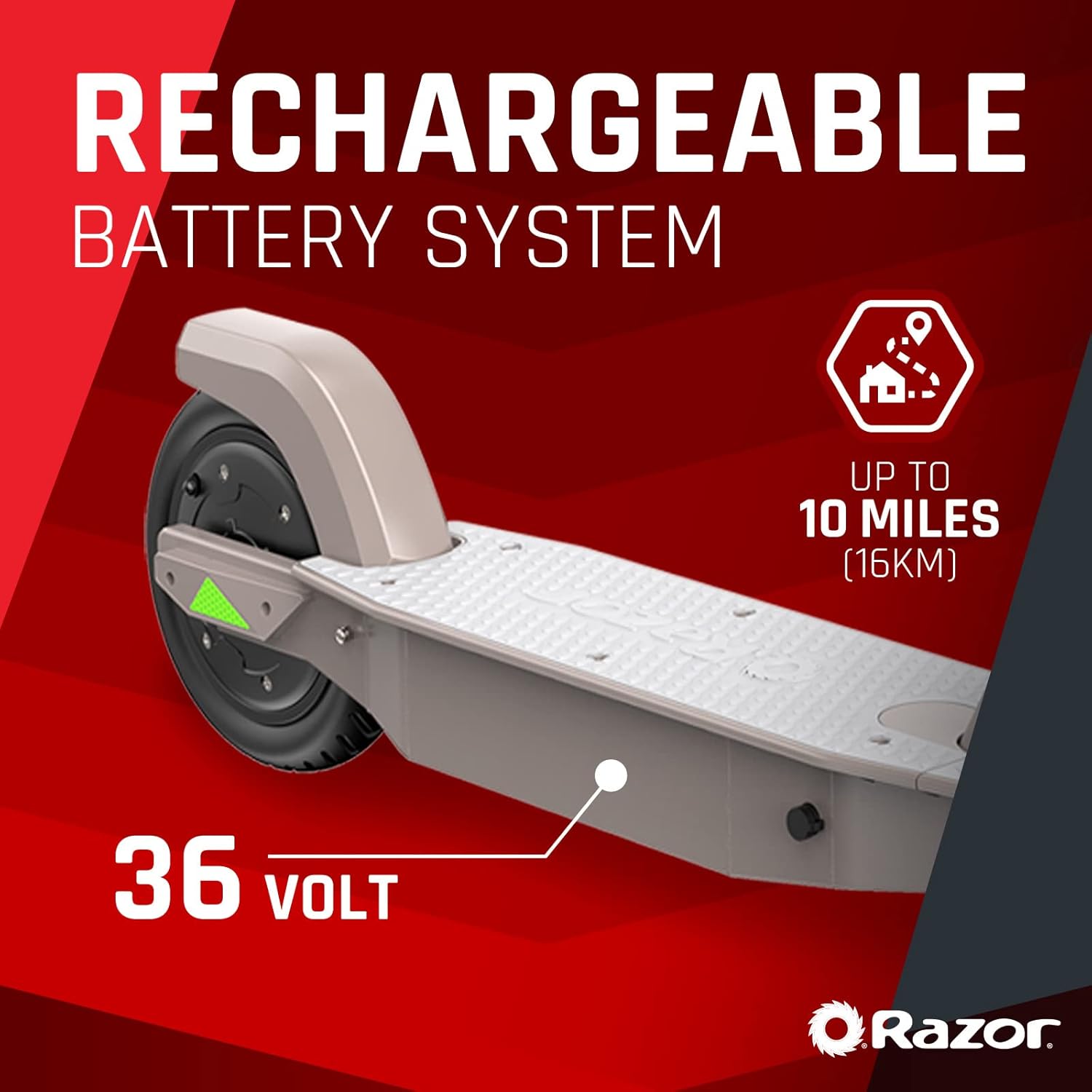
Figure 6: Rechargeable 36V Lithium-Ion Battery System

Figure 7: UL 2272 Certification for Electrical System Safety
3. Setup
3.1 Unpacking and Initial Assembly
- Carefully remove the scooter and all components from the packaging.
- Unfold the scooter by releasing the quick-release latch. Ensure the handlebar stem is securely locked into the upright position.
- Adjust the handlebar height to a comfortable position and secure it using the provided mechanism.

Figure 8: Easy Fold and Carry Design
3.2 Initial Charging
Before first use, fully charge the scooter's battery. Connect the charger to the charging port located on the scooter's deck and then to a standard wall outlet. The charging indicator light will change when charging is complete. Refer to the specifications for estimated charging time.
4. Operating Instructions
4.1 Powering On/Off
- To power on, press and hold the power button on the handlebar display until the screen illuminates.
- To power off, press and hold the power button again until the display turns off.
4.2 Speed Modes
The C35 offers two speed modes:
- Normal Mode: Up to 10 mph (16 km/h) for casual riding.
- Sport Mode: Up to 18 mph (29 km/h) for higher performance.
Switch between modes by double-pressing the power button while the scooter is on.
4.3 Acceleration and Braking
- Acceleration: Use the thumb-activated accelerator on the right handlebar to control your speed.
- Braking: The scooter features dual braking systems: a thumb-activated electronic brake on the left handlebar and a foot-activated rear-fender brake. Use both for optimal stopping power.
4.4 Cruise Control
To activate cruise control, maintain a consistent speed for a few seconds. The scooter will automatically hold this speed. To disengage, simply press the accelerator or brake.
Video 1: C35 Ride Video. This video demonstrates the Razor C35 Electric Scooter in use, showcasing its two speed modes (Normal and Sport), cruise control, and overall ride experience in an outdoor park setting.
5. Maintenance
5.1 Tire Care
Regularly check the tire pressure of both pneumatic tires. Proper inflation is crucial for ride quality and preventing flats. Refer to the tire sidewall for recommended PSI. Inspect tires for wear, cuts, or punctures before each ride.
5.2 Battery Care
- Always fully charge the battery after each use, especially if storing for extended periods.
- Avoid completely draining the battery, as this can reduce its lifespan.
- Store the scooter in a cool, dry place away from direct sunlight and extreme temperatures.
5.3 Cleaning and Storage
Clean the scooter with a damp cloth. Do not use harsh chemicals or abrasive cleaners. Ensure the scooter is dry before storing. When storing, especially for long periods, ensure the battery is charged and the scooter is in a protected environment.
6. Troubleshooting
6.1 Scooter Not Powering On
- Check if the battery is charged. Connect the charger and observe the charging indicator.
- Ensure all connections, especially around the handlebar and deck, are secure.
6.2 Reduced Range or Speed
- Verify tire pressure. Under-inflated tires can significantly impact performance.
- Ensure the battery is fully charged before each ride. Battery performance can degrade over time with improper charging habits.
- Consider rider weight and terrain. Steep inclines or heavier loads will reduce range and speed.
6.3 Flat Tire
Due to the pneumatic tires, occasional flats may occur. If a tire goes flat, it will need to be repaired or replaced. This often involves disassembling the wheel and potentially the motor assembly for the rear wheel. It is recommended to consult a professional or refer to detailed repair guides if you are not experienced with such repairs.
If issues persist after basic troubleshooting, please contact Razor customer support for further assistance.
7. Specifications
| Attribute | Detail |
|---|---|
| Brand | Razor |
| Model Name | C35 |
| Color | Black |
| Age Range (Description) | Adult |
| Special Feature | Lights |
| Weight Limit | 220 Pounds |
| Product Dimensions | 45"L x 17.4"W x 44.2"H |
| Number of Wheels | 2 |
| Wheel Material | Polyurethane |
| Frame Material | Alloy Steel |
| Item Weight | 32.4 Pounds |
| Handlebar Type | Adjustable |
| Wheel Size | Front: 12.5 inches (318 mm), Rear: 8.5 inches (216 mm) |
| Wheel Type | Pneumatic (Front), Solid (Rear) |
| Suspension Type | Front Suspension |
| Brake Style | Rear Braking (Electronic & Fender) |
| Maximum Distance Range | 18 Miles |
| Manufacturer | RAZOR USA |
| UPC | 845423025458 |
8. Warranty and Support
8.1 Warranty Information
The Razor C35 Electric Scooter comes with a 90-day limited warranty. This warranty covers manufacturing defects and issues arising from normal use within the specified period. Please retain your proof of purchase for warranty claims.
8.2 Additional Resources
For detailed instructions, safety guidelines, and further support, you may refer to the official User Manual PDF available at: Razor C35 User Manual (PDF).
For direct customer support, please visit the official Razor website or contact their customer service department using the contact information provided on their website or product packaging.
Related documentsC35


Ask a question about this manual
Ask about setup, troubleshooting, compatibility, parts, safety, or missing instructions. Manuals+ will review the question and use this page’s manual context to help answer it.