
1. Introduction
Thank you for choosing the WANBO MINI XS01 Projector. This manual provides essential information for the safe and efficient operation of your device. Please read it thoroughly before use and retain it for future reference.
2. Safety Information
- Power Supply: Use only the specified power adapter. Ensure the voltage matches the projector's requirements.
- Ventilation: Do not block the ventilation openings. Ensure adequate space around the projector for proper airflow to prevent overheating.
- Eye Safety: Do not look directly into the projector lens when the lamp is on. The bright light can cause eye damage.
- Placement: Place the projector on a stable, level surface. Avoid placing it in direct sunlight, near heat sources, or in environments with high humidity or dust.
- Cleaning: Disconnect the power before cleaning. Use a soft, dry cloth. Do not use liquid or aerosol cleaners.
- Disassembly: Do not attempt to disassemble or repair the projector yourself. Refer all servicing to qualified personnel.
3. Package Contents
Please check that all items are present in your package:
- WANBO MINI XS01 Projector
- Power Adapter
- Remote Control
- User Manual
4. Product Overview
Familiarize yourself with the components of your WANBO MINI XS01 Projector.
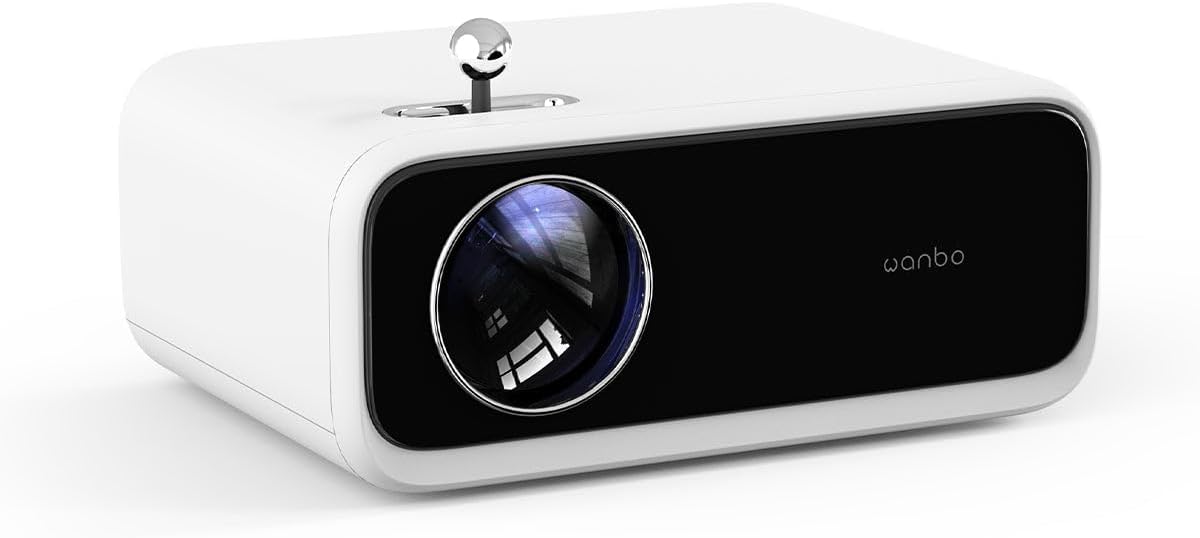
Image: Front view of the WANBO MINI XS01 Projector, highlighting the projection lens and brand logo.
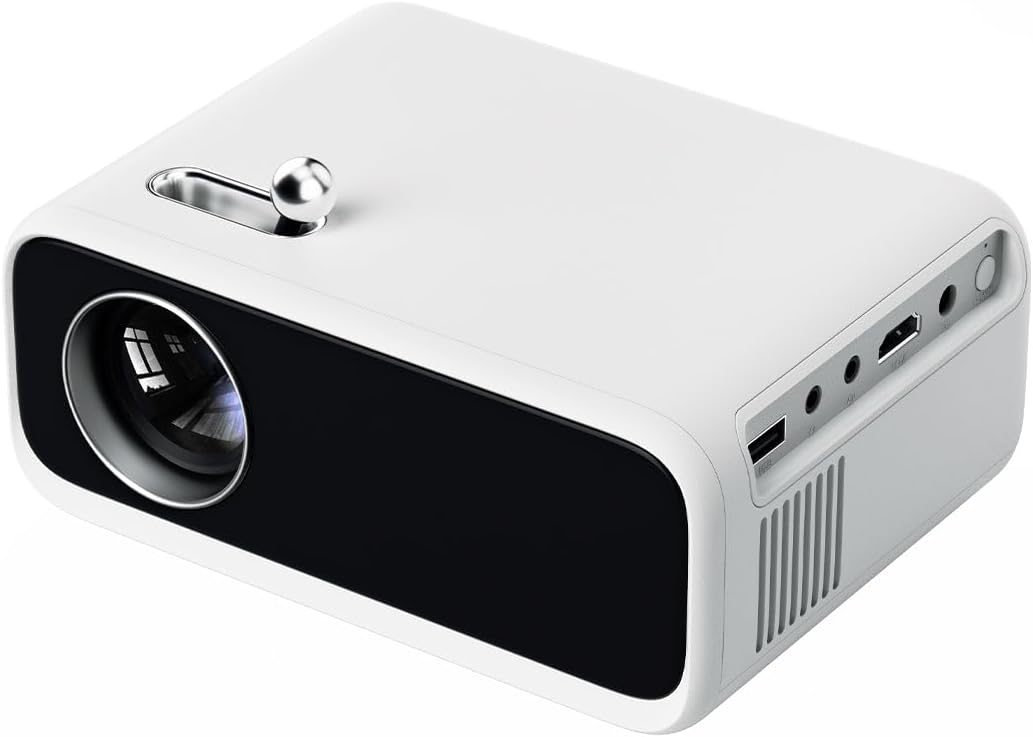
Image: Side view of the WANBO MINI XS01 Projector, illustrating the available input/output ports such as USB, HDMI, and audio jack.
Key Components:
- Projection Lens: Emits the image onto the screen.
- Focus Adjustment Wheel: Used to sharpen the projected image.
- HDMI Port: Connects to devices like laptops, gaming consoles, or media players.
- USB Port: Connects to USB storage devices for media playback.
- Audio Out Port: Connects to external speakers or headphones.
- Power Input: Connects to the power adapter.
- Ventilation Grilles: Essential for heat dissipation.
5. Setup
5.1 Placement
- Place the projector on a flat, stable surface.
- Ensure the projection path is clear of obstructions.
- For optimal image quality, project onto a white wall or a dedicated projector screen.
- Adjust the distance from the screen to achieve the desired image size.
5.2 Power Connection
- Connect the power adapter to the projector's power input port.
- Plug the power adapter into a suitable electrical outlet.
- The power indicator light will illuminate.
5.3 Connecting Devices
The WANBO MINI XS01 supports various input sources:
- HDMI: Connect your laptop, game console, or streaming device using an HDMI cable.
- USB: Insert a USB flash drive into the USB port to play media files directly.
- Audio Out: Connect external speakers or headphones to the 3.5mm audio jack for enhanced sound.
5.4 Focus Adjustment
After powering on and selecting an input source, adjust the focus:
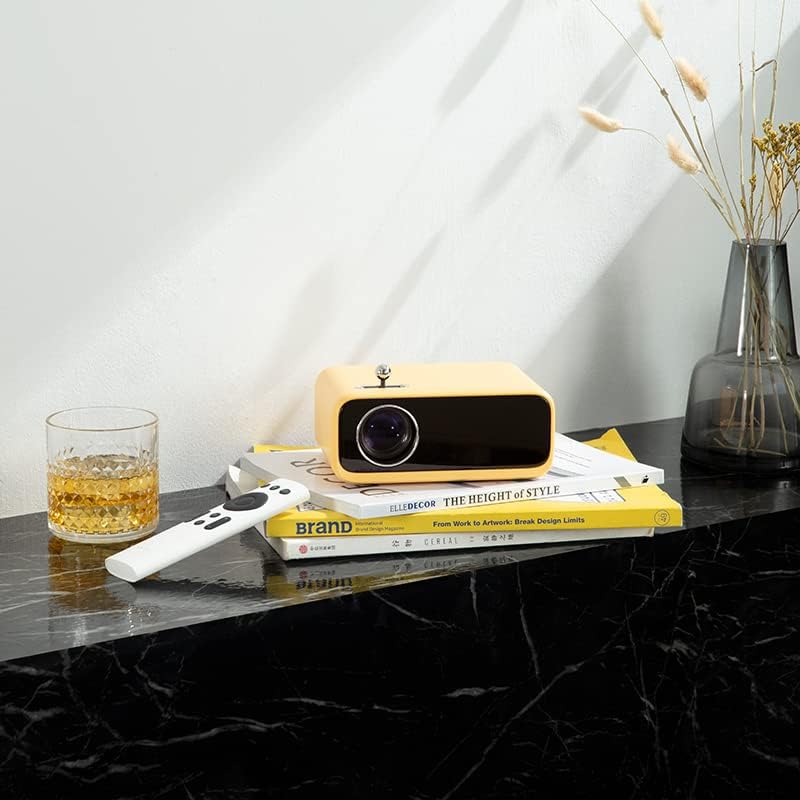
Image: The yellow WANBO MINI XS01 Projector positioned on a surface with its remote, illustrating a typical setup scenario.
- Turn on the projector and display an image.
- Rotate the focus adjustment wheel, typically located near the lens, until the image appears sharp and clear on the screen.
6. Operating
6.1 Powering On/Off
- To Power On: Press the power button on the projector or the remote control.
- To Power Off: Press the power button again. Confirm shutdown if prompted.
6.2 Input Source Selection
Use the 'Source' button on the remote control or the projector's control panel to cycle through available input sources (HDMI, USB).
6.3 Basic Projection
- Ensure your connected device is powered on and sending a signal.
- Adjust the focus as described in Section 5.4.
- Use the remote control to navigate menus and adjust settings such as picture mode, aspect ratio, and volume.
7. Maintenance
7.1 Cleaning the Lens
Use a soft, lint-free cloth specifically designed for optical lenses. Gently wipe the lens surface. Do not use abrasive materials or harsh chemicals.
7.2 Cleaning Ventilation Grilles
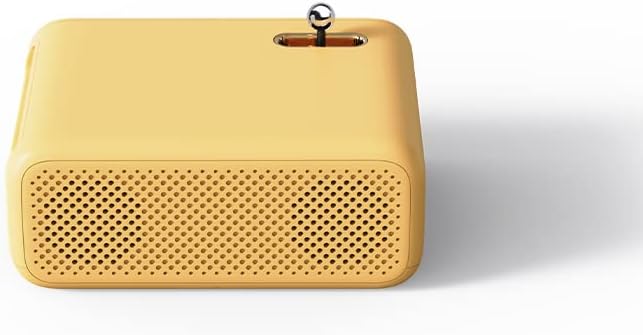
Image: Side view of the yellow WANBO MINI XS01 Projector, highlighting the perforated ventilation grilles for heat dissipation.
Regularly check and clean the ventilation grilles to prevent dust buildup, which can lead to overheating. Use a soft brush or a can of compressed air to remove dust.
7.3 Storage
When not in use, store the projector in a cool, dry, and dust-free environment. If storing for an extended period, consider using the original packaging or a protective case.
8. Troubleshooting
| Problem | Possible Cause | Solution |
|---|---|---|
| No image displayed | Power not connected; Incorrect input source; Device not sending signal. | Check power connection; Select correct input source; Ensure source device is on. |
| Image is blurry | Focus not adjusted; Projector too close/far. | Adjust the focus wheel; Adjust projector distance. |
| No sound | Volume too low; External speakers not connected; Source device audio settings. | Increase volume; Connect external speakers; Check audio output settings on source device. |
| Projector overheats | Blocked ventilation; Prolonged use. | Ensure ventilation grilles are clear; Allow projector to cool down. |
9. Specifications
| Feature | Specification |
|---|---|
| Brand | Wanbo |
| Model Number | XS01 (Mini) |
| Display Resolution | 800 x 480 pixels |
| Maximum Display Resolution | 1280 x 720 pixels |
| Brightness | 200 ANSI lumens |
| Connectivity Technology | HDMI, USB |
| Special Feature | Portability |
| Recommended Uses | Home cinema, Gaming |
| Manufacturer | XIAOMI |
| Color | Yellow (Note: Product images may show other colors) |
10. Warranty and Support
The WANBO MINI XS01 Projector comes with a standard manufacturer's warranty. Please refer to the warranty card included in your package for specific terms and conditions, including warranty period and coverage details.
For technical support, service, or warranty claims, please contact your retailer or the official Wanbo customer service channels. Contact information can typically be found on the product packaging or the official Wanbo website.


