
CHiQ L32H7SX
CHiQ L32H7SX Smart LED TV User Manual
Model: L32H7SX
1. Introduction
This manual provides essential information for the safe and efficient operation of your CHiQ L32H7SX Smart LED TV. Please read it thoroughly before using the product and retain it for future reference.

Image: The CHiQ L32H7SX Smart LED TV, displaying a vibrant image on its screen.
2. Safety Information
Always adhere to the following safety precautions to prevent electric shock, fire, or damage to the product:
- Do not expose the TV to rain or moisture.
- Ensure proper ventilation around the TV.
- Do not block ventilation openings with items such as newspapers, table-cloths, curtains, etc.
- Do not place the TV on an unstable cart, stand, tripod, bracket, or table.
- Unplug the TV during lightning storms or when unused for long periods.
- Refer all servicing to qualified service personnel.
3. Package Contents
Verify that all items are present in the package:
- CHiQ L32H7SX Smart LED TV
- Remote Control
- TV Stand (2 pieces)
- Screws for TV Stand
- Power Cable
- User Manual (this document)
4. Setup
4.1 Attaching the TV Stand
- Carefully place the TV face down on a soft, clean surface to prevent screen damage.
- Align each stand piece with the corresponding slots on the bottom of the TV.
- Secure the stands using the provided screws.

Image: Technical drawing illustrating the dimensions of the CHiQ L32H7SX TV, including width, height, and depth with and without the stand.
Image: The CHiQ L32H7SX TV positioned on a wooden entertainment unit, showcasing its design with the attached stand.
4.2 Wall Mounting (Optional)
If you choose to wall mount your TV, ensure you use a compatible VESA mount and follow the mount manufacturer's instructions. Professional installation is recommended.

Image: The CHiQ L32H7SX TV securely mounted on a wall, presenting a clean, minimalist setup above a wooden cabinet.
4.3 Connecting Power
Plug the power cable into the TV's power input, then into a wall outlet. The TV will enter standby mode.
4.4 Initial Setup
Upon first power-on, the TV will guide you through initial setup steps, including language selection, network connection (Wi-Fi or Ethernet), and Google account sign-in for Smart TV features.
5. Operating Your TV
5.1 Basic Controls
- Power: Press the power button on the remote or TV to turn on/off or enter standby.
- Volume: Use the Volume +/- buttons to adjust audio level.
- Channel: Use the Channel +/- buttons to change channels.
- Source: Press the Source button to select input sources (HDMI, AV, USB, etc.).
- Navigation: Use the directional pad and OK button to navigate menus.
5.2 Smart TV Features
Your CHiQ L32H7SX TV runs on Android TV, providing access to a wide range of applications and services.
- Google Assistant: Use voice commands to search for content, control smart home devices, and get information.
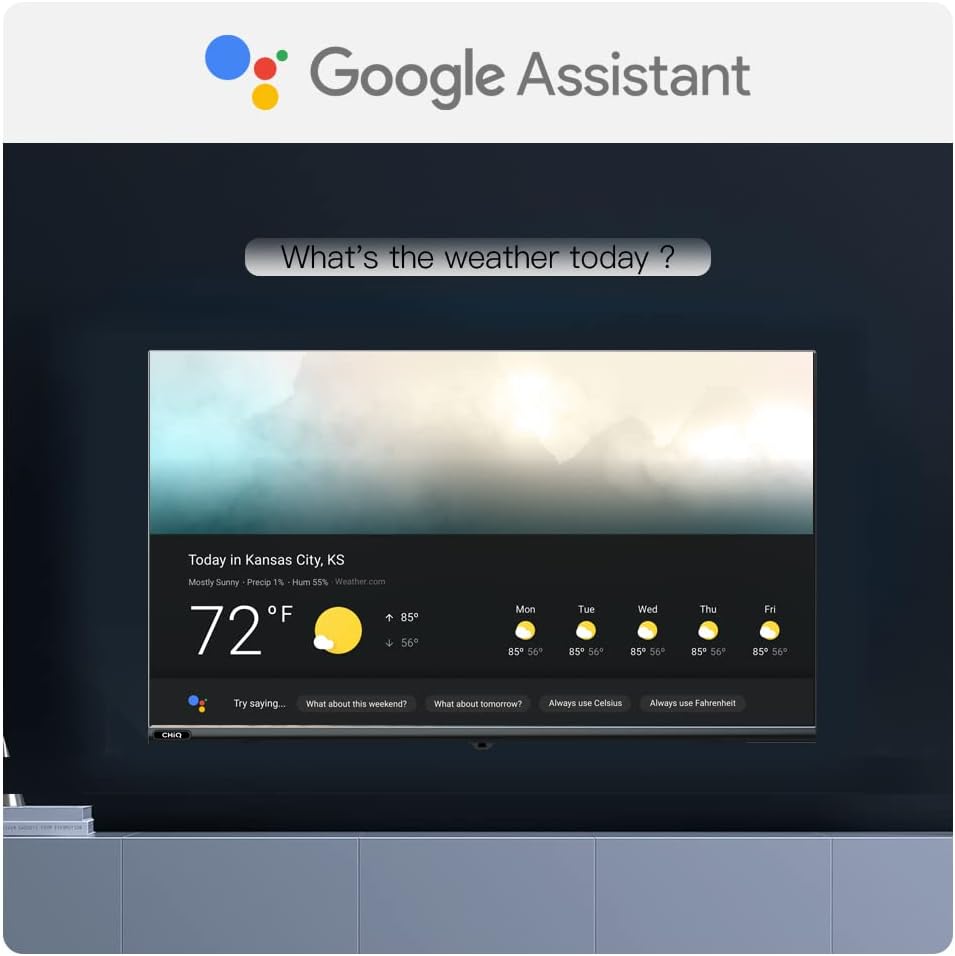
Image: The Google Assistant logo prominently displayed, with a TV screen below showing a weather forecast, demonstrating voice command capabilities.
- Pre-installed Apps: Enjoy popular streaming services like Netflix and Amazon Prime Video.

Image: A dark background with the logos of Netflix, YouTube, and Amazon Prime Video, indicating supported streaming services.
- Google Play Store: Download additional apps, games, and content from the Google Play Store.

Image: A visual representation of the Android 9 Pie interface, showcasing a grid of popular application icons available through Google Play.
- Screen Mirroring: Cast content from your compatible mobile devices to the TV.

Image: A smartphone displaying a soccer match, with the same content mirrored onto a larger TV screen, illustrating the screen mirroring feature.
5.3 Picture and Audio Enhancements
- HDR10: Experience enhanced contrast and color with HDR10 content.
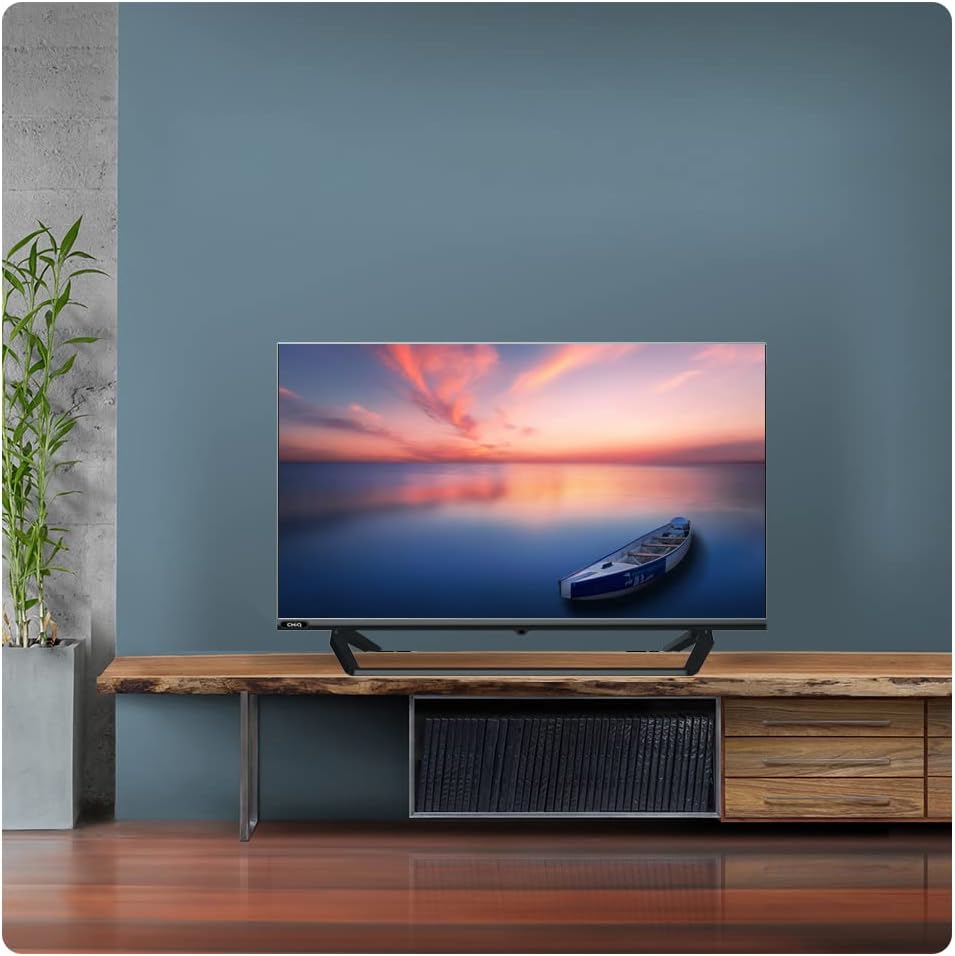
Image: A split image demonstrating the visual difference between HDR10 and non-HDR content, highlighting improved detail and color in the HDR10 section.

Image: A side-by-side comparison showing the enhanced visual quality of HDR10 compared to a standard image.
- Dolby Audio: Enjoy rich, clear, and powerful sound.

Image: The Dolby Audio logo positioned above a TV screen displaying a serene waterfall scene, emphasizing the immersive sound experience.

Image: A close-up of audio equalizer sliders with the Dolby Audio logo, indicating professional sound adjustment capabilities.
5.4 Performance
- Quad Core CPU: Ensures smooth performance and quick app loading.

Image: A detailed view of a Quad Core CPU chip embedded on a circuit board, highlighting the TV's processing power.

Image: A stylized image of a processor chip on a circuit board, representing the TV's internal processing capabilities.

Image: A TV screen displaying a vibrant, colorful image of various fruits, showcasing the display's ability to render rich colors.
5.5 Connectivity
The TV offers multiple connectivity options:
- HDMI: Connect external devices like game consoles, Blu-ray players, or set-top boxes.
- USB: Play media files from USB drives.
- Bluetooth: Connect wireless headphones or speakers.
- Wi-Fi/Ethernet: Connect to your home network for internet access.

Image: A close-up view of the rear panel of the TV, showing various input ports such as HDMI, USB, and AV connections.
6. Maintenance
6.1 Cleaning the TV
- Always unplug the TV before cleaning.
- Use a soft, dry cloth to wipe the screen and cabinet.
- For stubborn marks, use a screen cleaner specifically designed for TVs, applied to the cloth, not directly to the screen.
- Avoid using abrasive cleaners, waxes, or solvents.
6.2 Storage
If storing the TV for an extended period, ensure it is kept in a cool, dry place, away from direct sunlight and extreme temperatures. Use the original packaging if available.
7. Troubleshooting
Before contacting customer support, try the following solutions for common issues:
| Problem | Possible Cause / Solution |
|---|---|
| No Power | Check if the power cable is securely plugged into the TV and the wall outlet. Test the outlet with another device. |
| No Picture / No Sound | Ensure the correct input source is selected. Check cable connections to external devices. |
| Remote Control Not Working | Replace batteries. Ensure no obstructions between the remote and the TV's IR sensor. |
| Wi-Fi Connection Issues | Restart your router and TV. Ensure the TV is within range of your Wi-Fi signal. |
| Apps Not Loading / Slow Performance | Check internet connection. Clear app cache or reinstall the app. Restart the TV. |
8. Specifications
Below are the key technical specifications for the CHiQ L32H7SX Smart LED TV:
| Feature | Value |
|---|---|
| Brand | CHiQ |
| Model Year | 2018 |
| Product Dimensions | 72.43 x 42.5 x 8.42 cm; 5.92 kg |
| Installed Flash Memory Capacity | 8 GB |
| Hardware Interface | Bluetooth, HDMI, USB |
| Scanner Resolution | 1080p |
| Other Features | DLNA, Internet |
| Display Technology | LED |
| Screen Size | 32 Inches |
| Screen Resolution | 1366 x 768 pixels |
| Maximum Resolution | 720p |
| Connector Type | Bluetooth, HDMI, USB, Wi-Fi |
| Mounting Compatibility | Table Stand |
| Compatible Internet Services | Amazon Prime Video, Google Assistant, Netflix |

Image: Official product information sheet detailing various specifications and energy efficiency data for the CHiQ L32H7SX TV.

Image: The EU Energy Label for the CHiQ L32H7SX TV, indicating its energy efficiency class F and power consumption. For more details, visit the official EPREL database: https://eprel.ec.europa.eu/qr/458057
9. Warranty and Support
For warranty information and customer support, please refer to the warranty card included with your product or visit the official CHiQ website. Keep your proof of purchase for warranty claims.
Online Support: Visit the CHiQ official website for FAQs, software updates, and contact information.
Related documentsL32H7SX


Ask a question about this manual
Ask about setup, troubleshooting, compatibility, parts, safety, or missing instructions. Manuals+ will review the question and use this page’s manual context to help answer it.