
CLP Sotira
CLP Sotira Real Leather Office Chair Instruction Manual
Introduction
Thank you for choosing the CLP Sotira Real Leather Office Chair. This manual provides essential information for the safe assembly, operation, and maintenance of your new office chair. Please read these instructions carefully before use and retain them for future reference.
Safety Warnings
- Maximum Weight Capacity: The chair is designed to support a maximum weight of 120 kg (approximately 265 lbs). Exceeding this limit may compromise the chair's stability and safety.
- Stability: Always ensure the chair is stable before sitting. Avoid leaning excessively to one side or standing on the chair.
- Children: Keep children away from the chair during assembly. Do not allow children to play with the chair or its components.
- Moving Parts: Be cautious of moving parts during adjustment to prevent pinching.
- Maintenance: Regularly check all screws and connections to ensure they are tight. Loose parts can affect stability and safety.
Setup and Assembly
The CLP Sotira office chair requires some assembly. Please follow these general steps. For detailed visual instructions, refer to the included assembly guide (if provided in the packaging).
- Unpack Components: Carefully remove all parts from the packaging and lay them out on a clean, soft surface to prevent scratches. Verify all components are present against the parts list.
- Attach Casters: Insert the casters into the base of the chair. Ensure they are securely clicked into place.
- Install Gas Lift: Place the gas lift cylinder into the center hole of the chair base.
- Assemble Seat and Backrest: Attach the backrest to the seat mechanism using the provided screws. Ensure all screws are tightened securely.
- Attach Armrests: Secure the armrests to the seat and backrest assembly using the designated screws.
- Connect Seat to Gas Lift: Carefully place the assembled seat and backrest onto the gas lift cylinder. The chair should settle into place.
- Final Check: Before use, ensure all screws are tightened and the chair is stable.


Operating Instructions
Your CLP Sotira office chair is designed for comfort and adjustability. Familiarize yourself with its functions for optimal use.
- Height Adjustment: To adjust the seat height, pull the lever located under the seat upwards while taking your weight off the chair (to raise) or while seated (to lower). Release the lever at the desired height.
- Tilt Function: The chair features a tilt mechanism. Pull the lever (often the same as the height adjustment lever, or a separate one) outwards to unlock the tilt. Lean back to recline and push the lever inwards to lock the chair in an upright position.
- Tilt Tension: A knob located under the seat (usually at the front) allows you to adjust the tension of the tilt mechanism. Turn it clockwise to increase tension (making it harder to recline) or counter-clockwise to decrease tension (making it easier to recline).
- Casters: The light casters allow for easy movement across various floor surfaces. Ensure the path is clear before moving the chair.


Maintenance
Proper maintenance will extend the life and appearance of your CLP Sotira office chair.
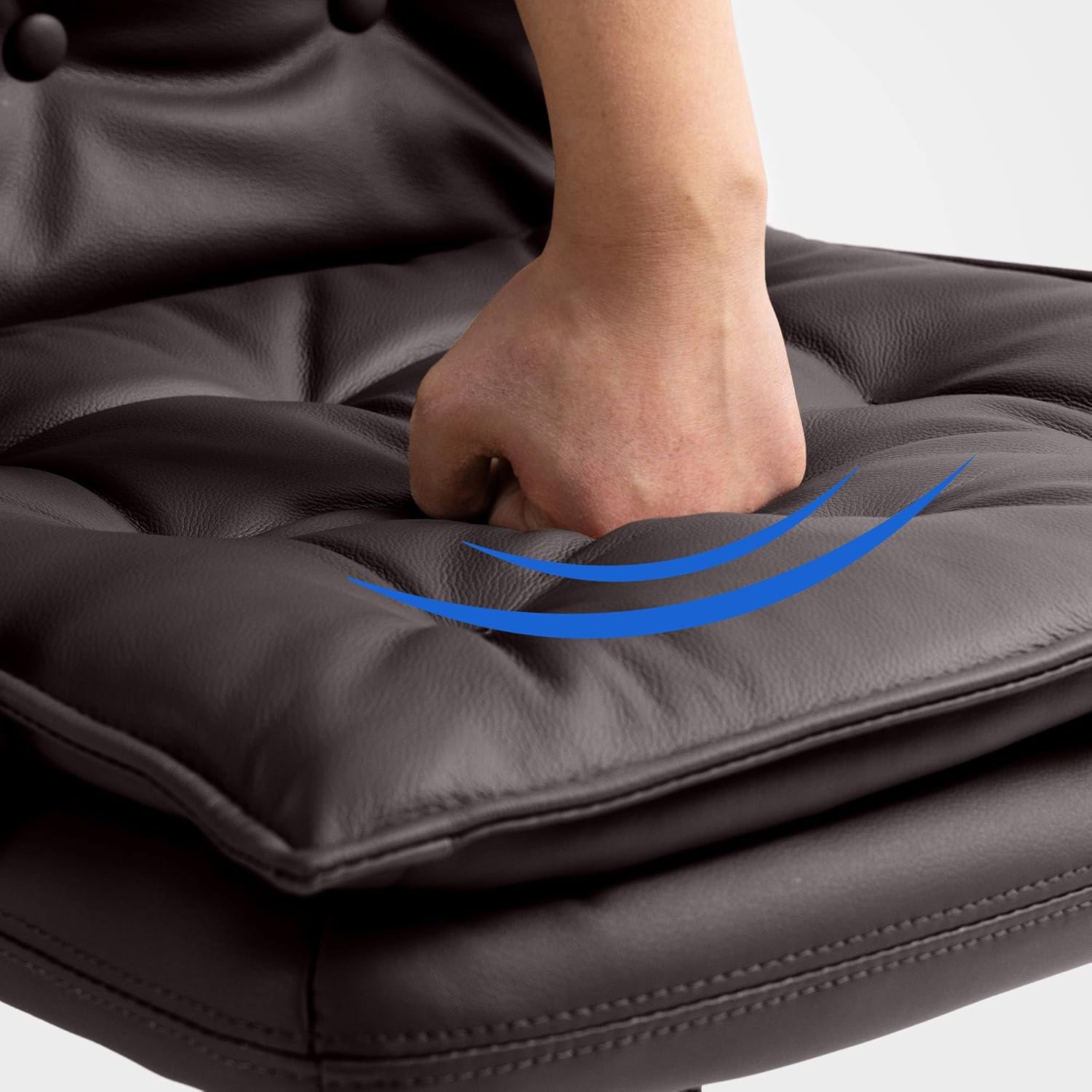
- Cleaning Leather: For general cleaning, wipe the leather surface with a soft, damp cloth. For deeper cleaning, use a specialized leather cleaner according to its instructions. Avoid harsh chemicals, abrasive cleaners, or excessive moisture.
- Dusting: Regularly dust the chair with a dry, soft cloth to prevent dust buildup.
- Check Connections: Periodically check all screws and bolts to ensure they are tight. Re-tighten if necessary to maintain stability.
- Caster Care: Keep casters free of hair and debris to ensure smooth rolling.

Troubleshooting
Here are solutions to common issues you might encounter with your office chair:
- Chair Squeaks: Check all bolts and screws and tighten them. A small amount of silicone spray on moving metal parts (avoiding the gas lift cylinder) can also help.
- Chair Wobbles: Ensure all connections are securely tightened. Check if the casters are fully inserted into the base.
- Height Adjustment Not Working: Verify that the gas lift lever is fully engaged. If the gas lift cylinder is faulty, it may need replacement.
- Casters Not Rolling Smoothly: Remove any hair, dust, or debris from the caster wheels.
Specifications
| Feature | Detail |
|---|---|
| Brand | CLP |
| Model Name | Sotira |
| Model Number | 314993 |
| Material | Real Leather (seat type), Metal (frame) |
| Product Dimensions (L x W x H) | 65 x 60 x 111 cm |
| Item Weight | 18 Kilograms |
| Maximum Weight Capacity | 120 kg |
| Special Features | Stable, Tufted Back |
| Recommended Use | Office |
Warranty and Support
For information regarding warranty coverage or technical support, please refer to the documentation provided with your purchase or contact the retailer where the chair was acquired. Keep your proof of purchase for any warranty claims.
Related documentsSotira


Ask a question about this manual
Ask about setup, troubleshooting, compatibility, parts, safety, or missing instructions. Manuals+ will review the question and use this page’s manual context to help answer it.