
Introduction
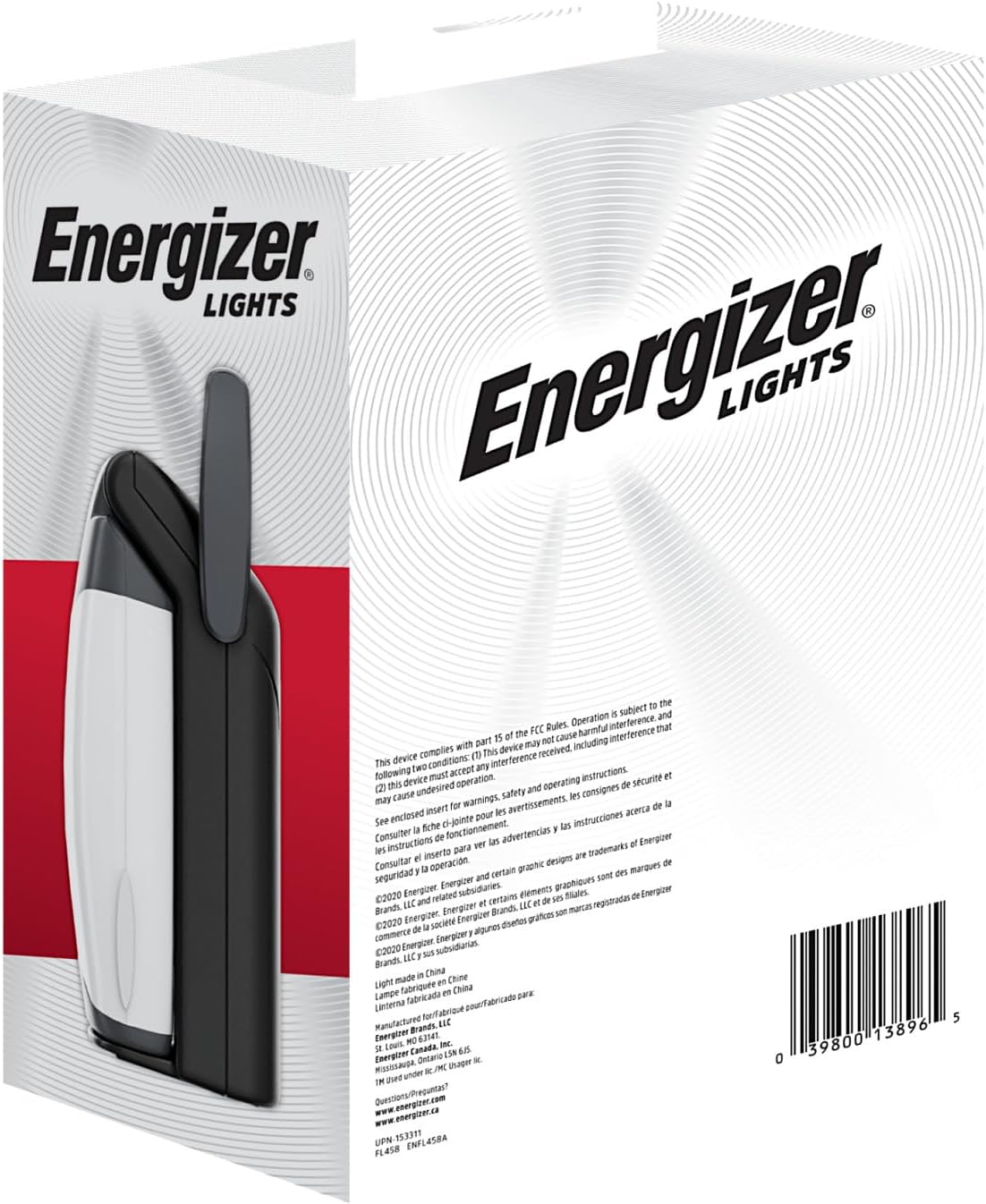
The Energizer Weatheready Folding LED Portable Lantern is designed to provide versatile and reliable illumination for various situations, including camping, emergencies, and general outdoor or indoor use. Its patented pivoting function allows for 360-degree area lighting when unfolded and a compact, portable form factor when folded. This lantern features multiple light modes, water resistance, and a USB port for charging devices.
Safety Information
- Always use the correct size and type of batteries as specified.
- Do not mix old and new batteries, or different types of batteries.
- Remove batteries if the lantern will not be used for an extended period.
- Keep out of reach of children.
- Do not look directly into the LED light source to avoid eye injury.
- Ensure the USB port cover is securely closed when not in use, especially in wet conditions, to maintain water resistance.
Package Contents
- 1 x Energizer Weatheready Folding LED Portable Lantern (Model: 039800138965)
- Note: 4 D batteries are required and not included. USB charging cable not included.
Setup
Battery Installation
- Locate the battery compartment on the base of the lantern.
- Open the battery compartment cover.
- Insert 4 D-size alkaline batteries, ensuring correct polarity (+/-) as indicated inside the compartment.
- Close the battery compartment cover securely.

Operating Instructions
Power On/Off and Light Modes
The lantern features a power button and a mode selector to cycle through different brightness settings and a night light mode.
- To turn on the lantern, press the power button. It will typically start in High mode.
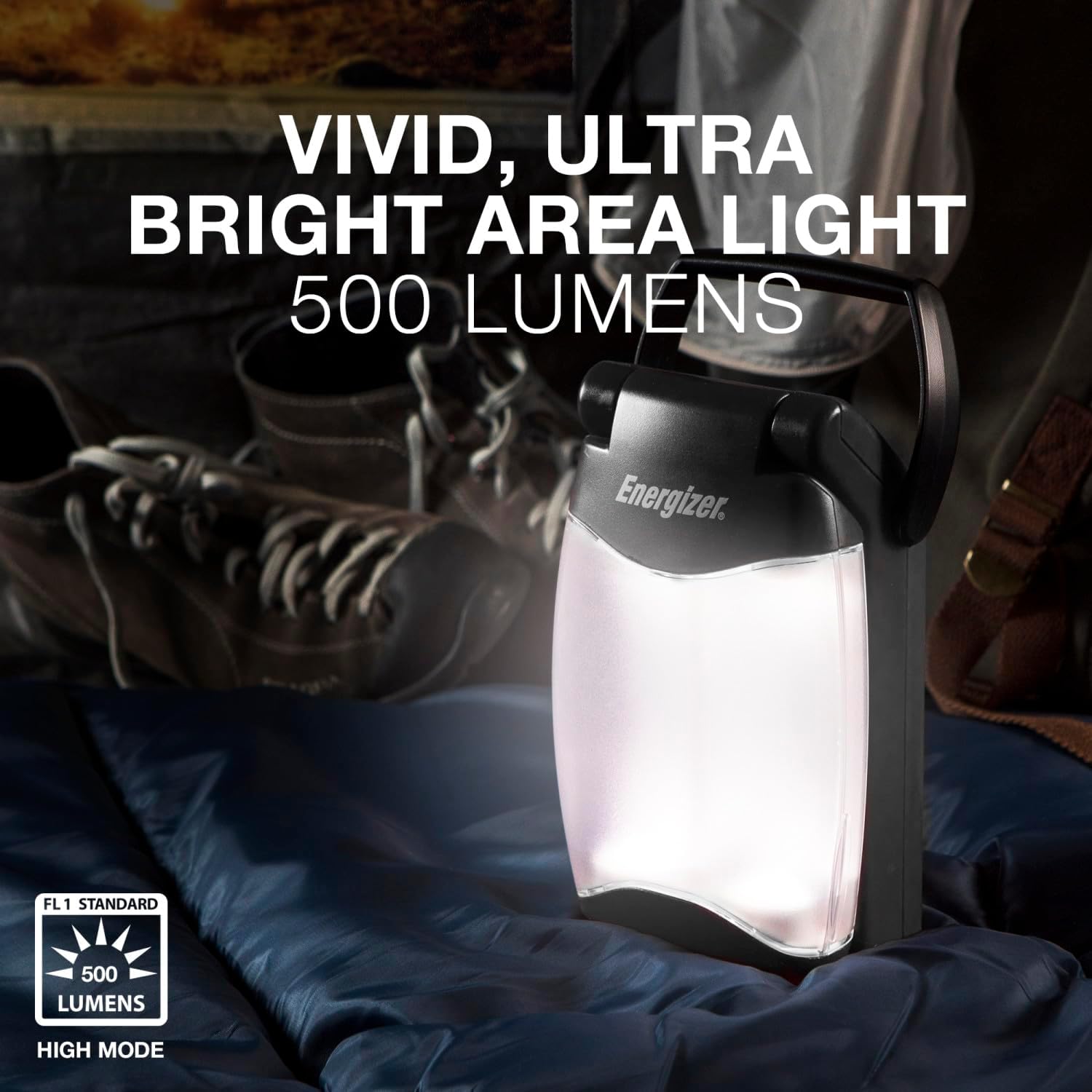
- Press the power button repeatedly to cycle through the light modes: High (500 lumens), Low, and Night Light (amber illumination).
- To turn off the lantern, press the power button after cycling through all modes, or hold the button down for a few seconds.


Folding and Unfolding for 360-Degree Light
The lantern features a patented pivoting design for versatile lighting options:
- To achieve 360-degree area lighting, gently pull the two light panels apart until they are fully extended and locked into an upright position.
- To return to a compact form, push the light panels back together until they click into place.

Using the USB Port for Device Charging
The lantern includes a USB-A output port to charge small electronic devices. This feature is active when the lantern is powered on.
- Locate the USB output port on the side of the lantern.
- Open the protective cover of the USB port.
- Connect your device's USB charging cable (not included) to the lantern's USB port.
- Ensure the lantern is powered on for charging to begin.
- When finished charging, disconnect your device and securely close the USB port cover to maintain water resistance.
Maintenance
- Clean the exterior of the lantern with a soft, damp cloth. Do not use abrasive cleaners or solvents.
- Regularly check the battery compartment for any signs of corrosion. Clean contacts if necessary.
- Store the lantern in a cool, dry place when not in use. Remove batteries for long-term storage.
Troubleshooting
Lantern Not Turning On
- Check if the batteries are inserted correctly with the proper polarity.
- Replace old or depleted batteries with fresh D-size alkaline batteries.
- Ensure the battery compartment cover is securely closed.
Device Not Charging via USB
- Confirm the lantern is powered on.
- Ensure your device's charging cable is fully inserted into both the lantern and your device.
- Check if your device is compatible with USB-A charging.
- Verify that the lantern's batteries have sufficient charge.
Specifications
| Model Number | 039800138965 |
| Light Output (Max) | 500 Lumens |
| Battery Type | 4 x D Alkaline Batteries (not included) |
| Battery Life (High Mode) | Up to 15 Hours |
| Water Resistance Level | IPX4 (Water Resistant) |
| Product Dimensions | 3.39"L x 4.96"W x 9.25"H |
| Item Weight | 1.19 pounds (0.54 Kilograms) |
| Material | Plastic |

Warranty Information
The manufacturer's warranty information is not explicitly provided in the product details. Please refer to the product packaging or contact Energizer customer support for specific warranty terms and conditions.
Support
For further assistance or inquiries, please visit the official Energizer website or contact their customer service department. You can find more information at the Energizer Store on Amazon.


