
AcuRite 00754W5
AcuRite Digital Indoor/Outdoor Thermometer User Manual
Model: 00754W5
Introduction
The AcuRite Digital Indoor/Outdoor Thermometer provides accurate temperature readings for both your indoor environment and the outdoor conditions. This device features a self-setting clock, daily high/low temperature records, and a strong wireless signal for reliable data transmission. This manual will guide you through the setup, operation, and maintenance of your thermometer to ensure optimal performance.
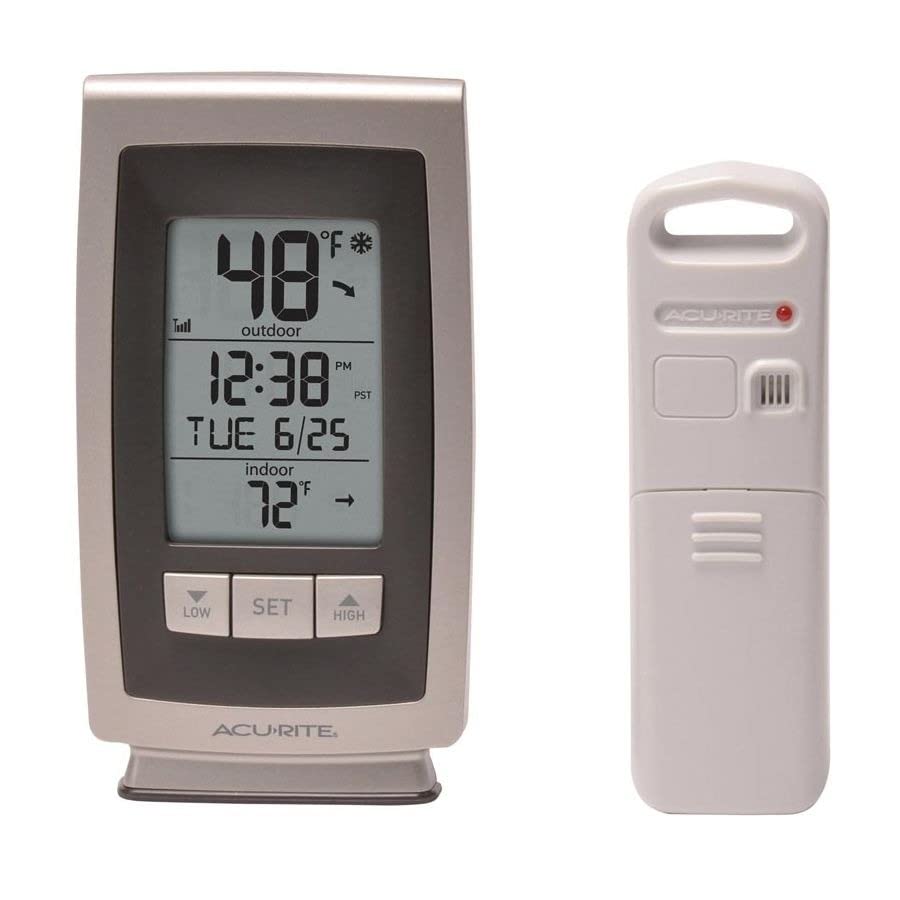
Image: The AcuRite indoor display unit and its accompanying wireless outdoor sensor. The display shows 48°F outdoor temperature, 12:38 PM, Tuesday, June 25, and 72°F indoor temperature.
Setup
Follow these steps to set up your AcuRite Digital Indoor/Outdoor Thermometer:
- Install Batteries:
- Open the battery compartment on the back of the main display unit. Insert 3 'AA' alkaline or lithium batteries (not included), observing the correct polarity (+/-).
- Open the battery compartment on the wireless outdoor sensor. Insert 1 'CR2032' lithium coin cell battery (included), observing the correct polarity (+/-). Lithium batteries are recommended for temperatures below -4°F (-20°C).
- Select Time Zone: Once batteries are installed in the main unit, the Intelli-Time clock will automatically set itself. You may need to select your specific time zone using the 'SET' button.
- Placement of Units:
- Indoor Display Unit: Place the display unit on a flat surface using its integrated stand or mount it on a wall using the integrated hang hole. Ensure it is away from direct sunlight or heat sources that could affect indoor temperature readings.
- Outdoor Sensor: Choose a location for the outdoor sensor that is at least 4 feet (1.2 meters) off the ground, in a shaded area to avoid direct sunlight, and protected from direct precipitation. The sensor should be within 100 meters (330 feet) of the main display unit.
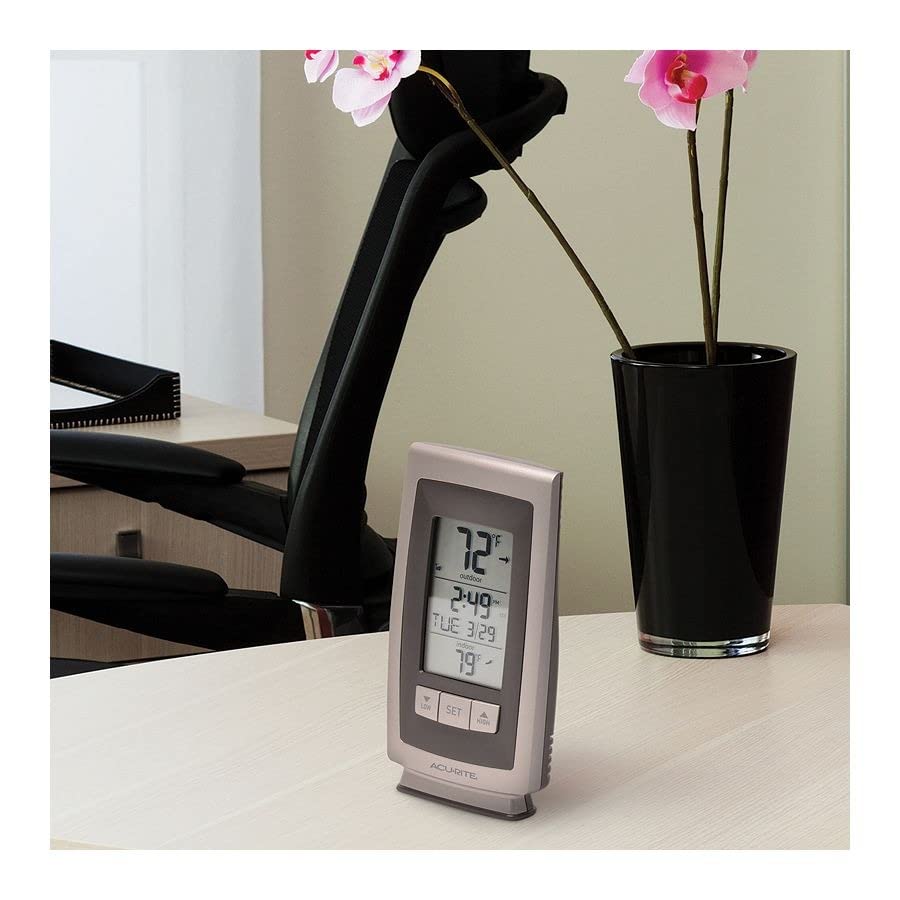
Image: The AcuRite indoor display unit placed on a desk next to a plant. The display shows 72°F indoor temperature, 2:49 PM, Tuesday, March 29, and 79°F outdoor temperature.
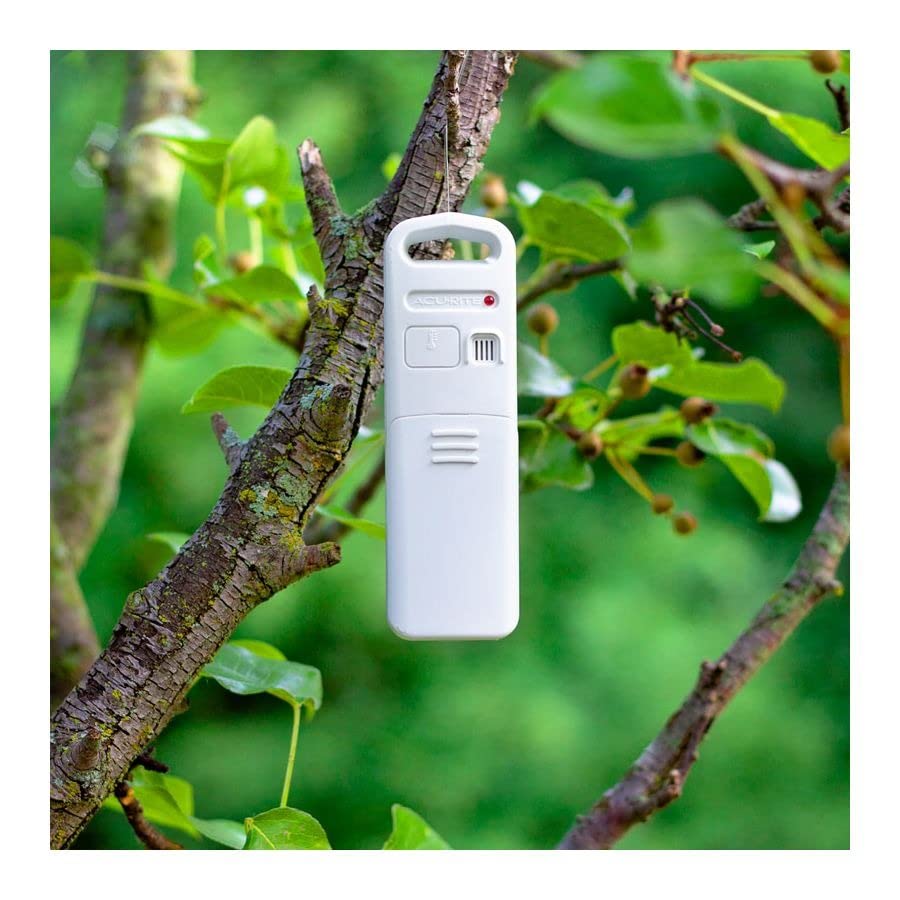
Image: The AcuRite wireless outdoor sensor mounted on a tree branch, demonstrating its outdoor placement capability.
Operating Instructions
Your AcuRite thermometer is designed for ease of use. Here's how to operate its main functions:
- Display Overview: The main display shows indoor temperature, outdoor temperature, current time, date (month/day/day of week), and daily high/low records. A trend arrow indicates if the temperature is rising, falling, or steady.
- Viewing Daily High/Low Records: Press the 'HIGH' button to view the highest recorded indoor and outdoor temperatures for the current day. Press the 'LOW' button to view the lowest recorded indoor and outdoor temperatures for the current day. These records automatically reset every 24 hours.
- Changing Temperature Units (°F/°C): Locate the small switch or button, usually on the back of the display unit, to toggle between Fahrenheit (°F) and Celsius (°C) temperature display.
- Intelli-Time Clock: The clock automatically adjusts for Daylight Saving Time and maintains accurate time.
- Wireless Signal Indicator: The display unit shows a signal strength icon for the outdoor sensor. If the signal is weak or lost, reposition the sensor or main unit.
Maintenance
Proper maintenance ensures the longevity and accuracy of your thermometer:
- Battery Replacement: Replace batteries in both the display unit and the outdoor sensor when the low battery indicator appears on the display. Always use fresh batteries of the recommended type.
- Cleaning: Clean the display unit and sensor with a soft, damp cloth. Do not use abrasive cleaners or chemicals that could damage the plastic components or electronic parts.
- Storage: If storing the unit for an extended period, remove all batteries to prevent leakage.
Troubleshooting
If you encounter issues with your thermometer, try these common solutions:
| Problem | Possible Solution |
|---|---|
| No outdoor temperature reading or flashing dashes |
|
| Inaccurate temperature reading |
|
| Display screen not working |
|
Specifications
| Feature | Detail |
|---|---|
| Indoor Temperature Range | 32°F to 122°F (0°C to 50°C) |
| Outdoor Temperature Range | -40°F to 158°F (-40°C to 70°C) |
| Wireless Range | Up to 330 ft (100 m) depending on home construction materials |
| Data Transmission | Every 16 seconds |
| Display Unit Power | 3 x 'AA' alkaline or lithium batteries (not included) |
| Outdoor Sensor Power | 1 x 'CR2032' lithium coin cell battery (included) |
| Dimensions (Package) | 24.4 x 20.7 x 7.9 cm; 545 g |
| Model Number | 00754W5 |
| UPC | 0072397007542 |
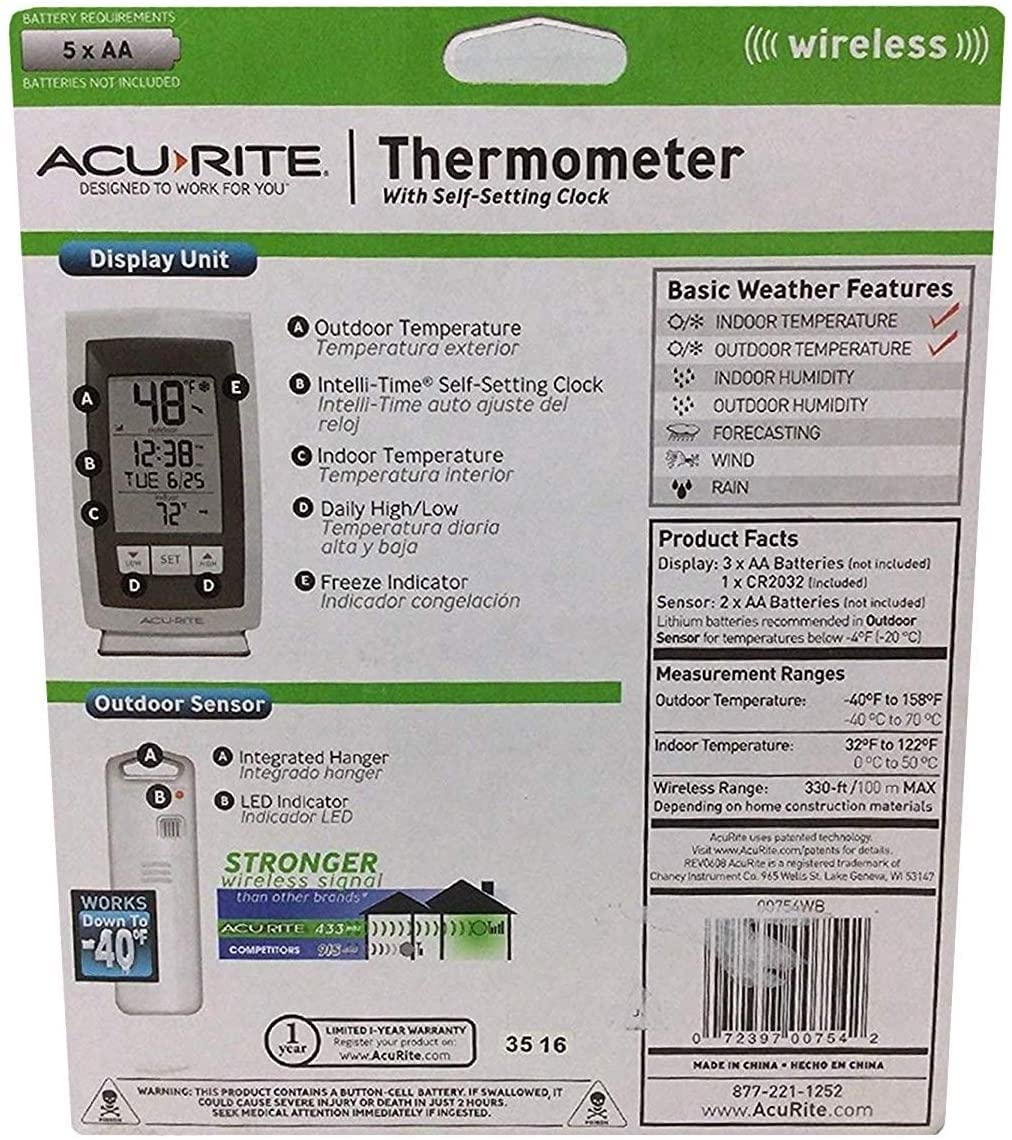
Image: Back view of the AcuRite Digital Indoor/Outdoor Thermometer packaging, detailing basic weather features, product facts, measurement ranges, and warranty information.
Warranty and Support
This AcuRite product is backed by a Limited 1-Year Warranty. For detailed warranty information, product registration, or technical support, please visit the official AcuRite website:
You can also find FAQs and additional resources on their website to help you get the most out of your product.
Related documents00754W5


Ask a question about this manual
Ask about setup, troubleshooting, compatibility, parts, safety, or missing instructions. Manuals+ will review the question and use this page’s manual context to help answer it.