
Introduction
Welcome to the user manual for your LEKATO Cube Baby Multi-Effects Guitar Pedal. This compact and versatile pedal is designed to enhance your guitar playing experience with a wide range of effects and features, offering professional-grade sound in a portable package.
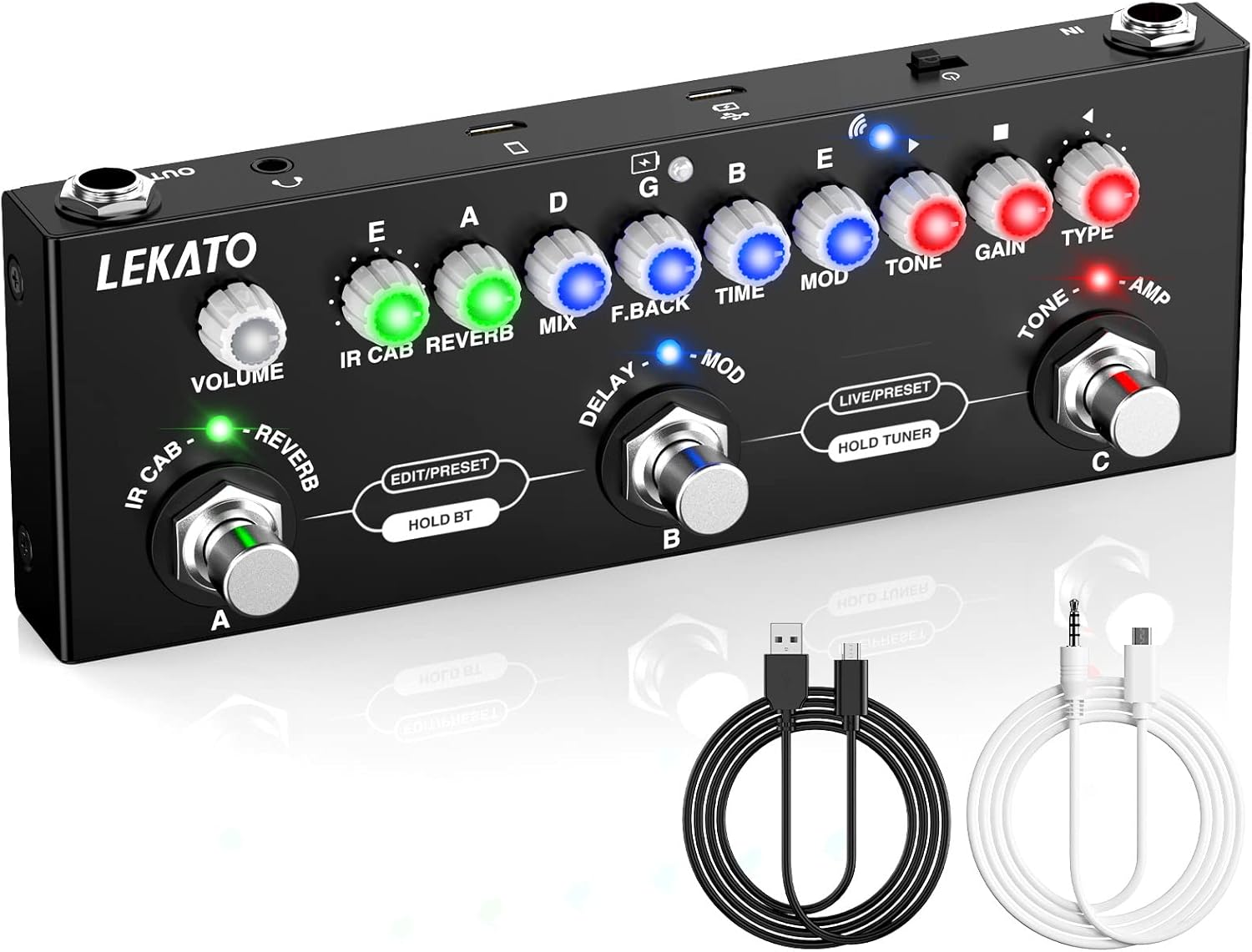
A black multi-effects guitar pedal with various knobs and footswitches, accompanied by a USB cable and a 3.5mm audio cable.
Key Features
- Multi-Effects Pedal: Offers 9 preset preamplifiers and 8 IR-CAB models, along with essential effects including Delay, Reverb, Phaser, Chorus, Distortion, and Overdrive.
- Third-Party IR File Support: Easily import up to 8 third-party IR files using the included USB cable and the dedicated "Cube Suite" software.
- LIVE and PRESET Modes: Switch between Live mode for real-time effect chain modification and Preset mode for quick access to three predefined (and customizable) presets (Lead, Rhythm, Clean).
- Headphone Monitoring: Features a 3.5mm headphone jack for clear, private practice sessions without disturbing others.
- Recording and Playback: Supports direct music recording to a PC or mobile phone via cable. Enjoy accompaniment playback wirelessly via Bluetooth 5.0.
- Rechargeable Battery: Equipped with a built-in battery that provides 6-8 hours of continuous use after a full 2-hour charge. The pedal can be used while charging.
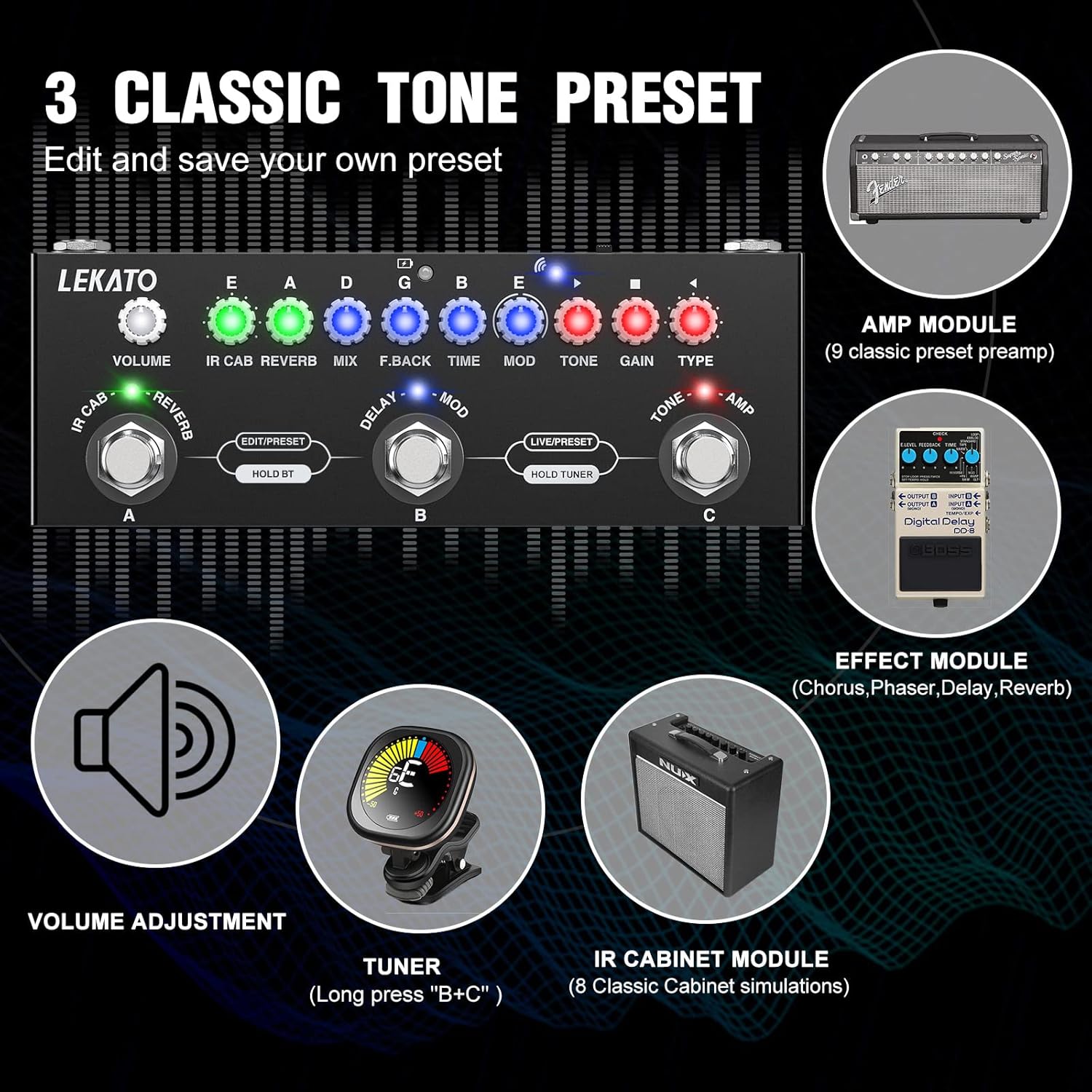
Diagram illustrating the pedal's features including AMP Module (9 classic preset preamp), Effect Module (Chorus, Phaser, Delay, Reverb), Volume Adjustment, Tuner, and IR Cabinet Module (8 Classic Cabinet simulations).
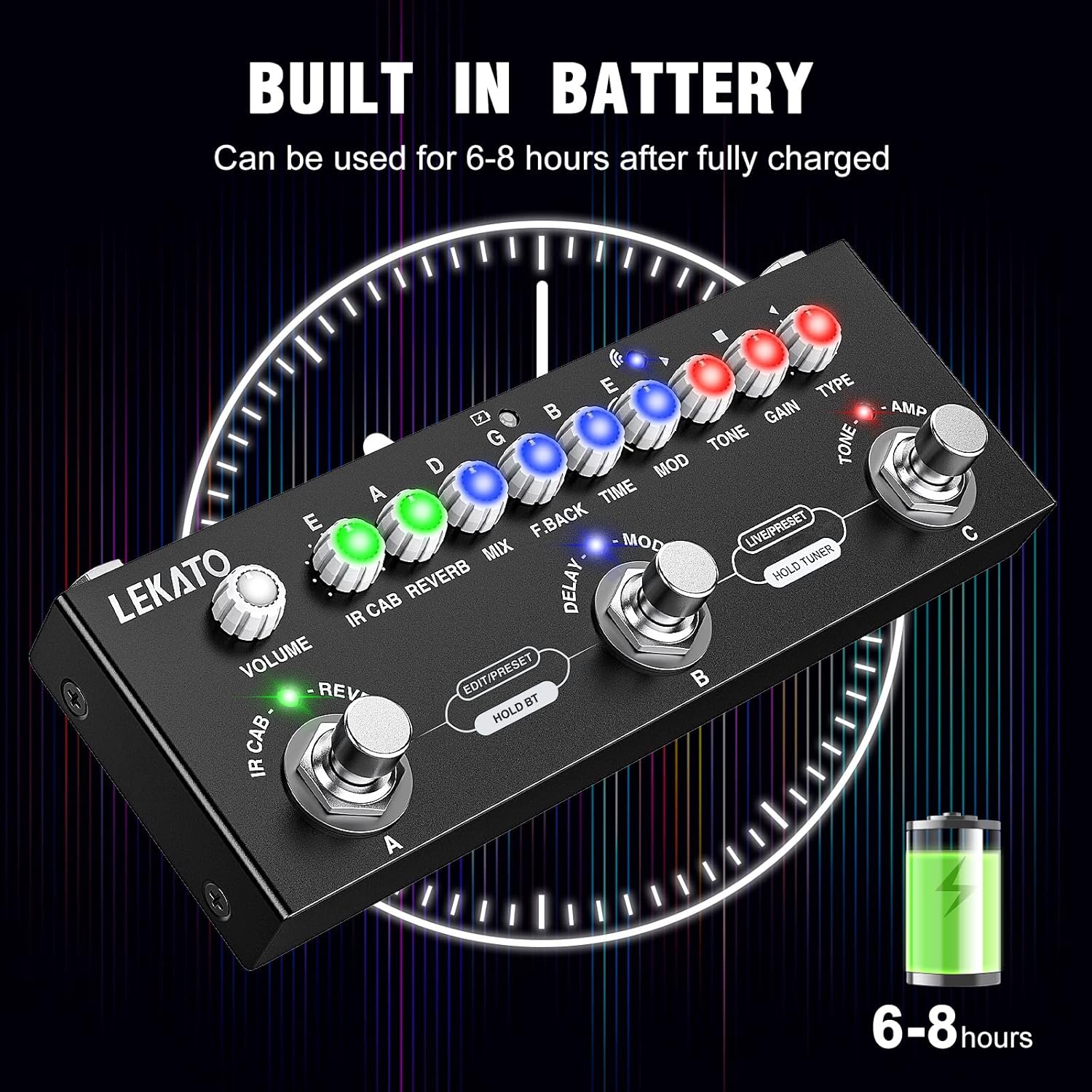
An image of the pedal with a clock graphic and battery icon, indicating 6-8 hours of battery life after full charge.
Setup
Powering On
The Cube Baby pedal features a built-in rechargeable lithium-polymer battery for convenient, portable use.
- To charge the pedal, connect it to a power bank or mobile phone adapter using the included USB cable. A full charge typically takes approximately 2 hours.
- Once fully charged, the pedal provides 6-8 hours of continuous operation.
- The pedal can be used simultaneously while it is charging.
Connections
- Connect your guitar to the IN jack on the pedal.
- Connect the OUT jack to your guitar amplifier or audio interface.
- For private practice, connect your headphones to the 3.5mm headphone jack.
- Use the USB port to connect the pedal to a PC for IR file management or direct recording.
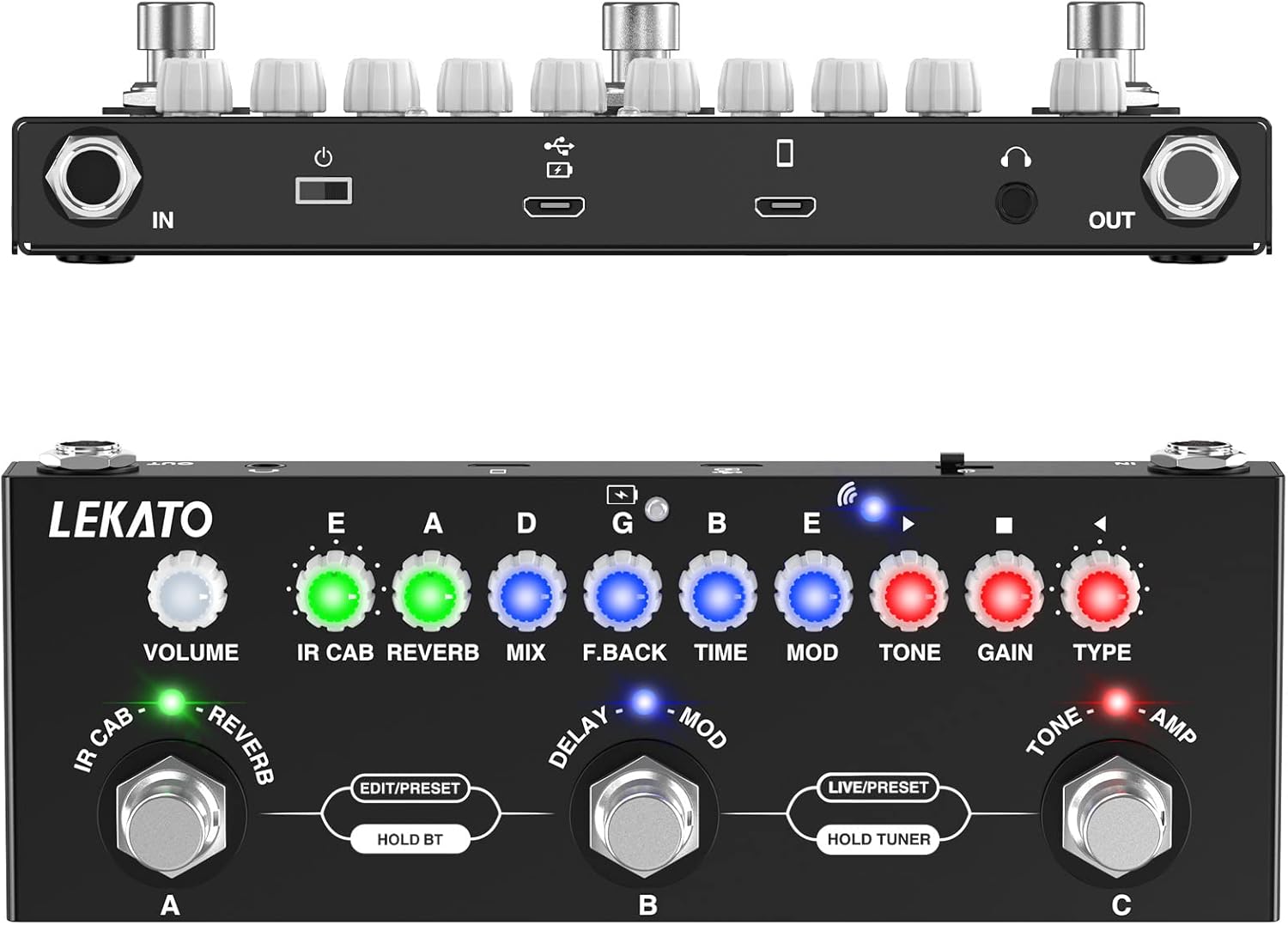
Top-down and front views of the LEKATO Cube Baby pedal, highlighting the IN, OUT, USB, and headphone ports.
Operating Instructions
Controls Overview
The LEKATO Cube Baby pedal features a series of knobs and footswitches for controlling various effects and functions. Familiarize yourself with the layout below:

A detailed diagram of the pedal's controls, labeling each knob and footswitch with its function.
- TYPE Knob: Selects different tone types from the 9 preset preamplifiers.
- GAIN Knob: Adjusts the amount of distortion gain.
- TONE Knob: Adjusts the overall brightness or darkness of the tone.
- MOD Knob: Controls parameters for the Phaser and Chorus effects.
- TIME Knob: Adjusts the delay time for the delay effect.
- F.BACK Knob: Adjusts the feedback strength of the delay effect.
- MIX Knob: Adjusts the dry/wet ratio of the delay effect.
- REVERB Knob: Adjusts the dry/wet ratio of the reverb effect.
- IR CAB Knob: Selects one of the 8 IR cabinet simulations.
- VOLUME Knob: Adjusts the overall output volume of the pedal.
- Wireless Playback Indicator Light: Indicates Bluetooth connection status.
- Charging Indicator Light: Shows charging status.
- C Function Footswitch: Multi-functional footswitch.
- B Function Footswitch: Multi-functional footswitch.
- A Function Footswitch: Multi-functional footswitch.
- Module Indicator Light: Indicates the active module.
Mode Selection (LIVE / PRESET)
The pedal operates in two primary modes to suit your playing needs:
- LIVE Mode: In this mode, you can freely modify the tone effect chain using the knobs. To save your custom settings, simply press and hold the desired footswitch (A, B, or C).
- PRESET Mode: This mode allows you to quickly switch between three predefined presets (Lead, Rhythm, Clean). These presets can be easily replaced with your own custom settings saved from Live Mode.
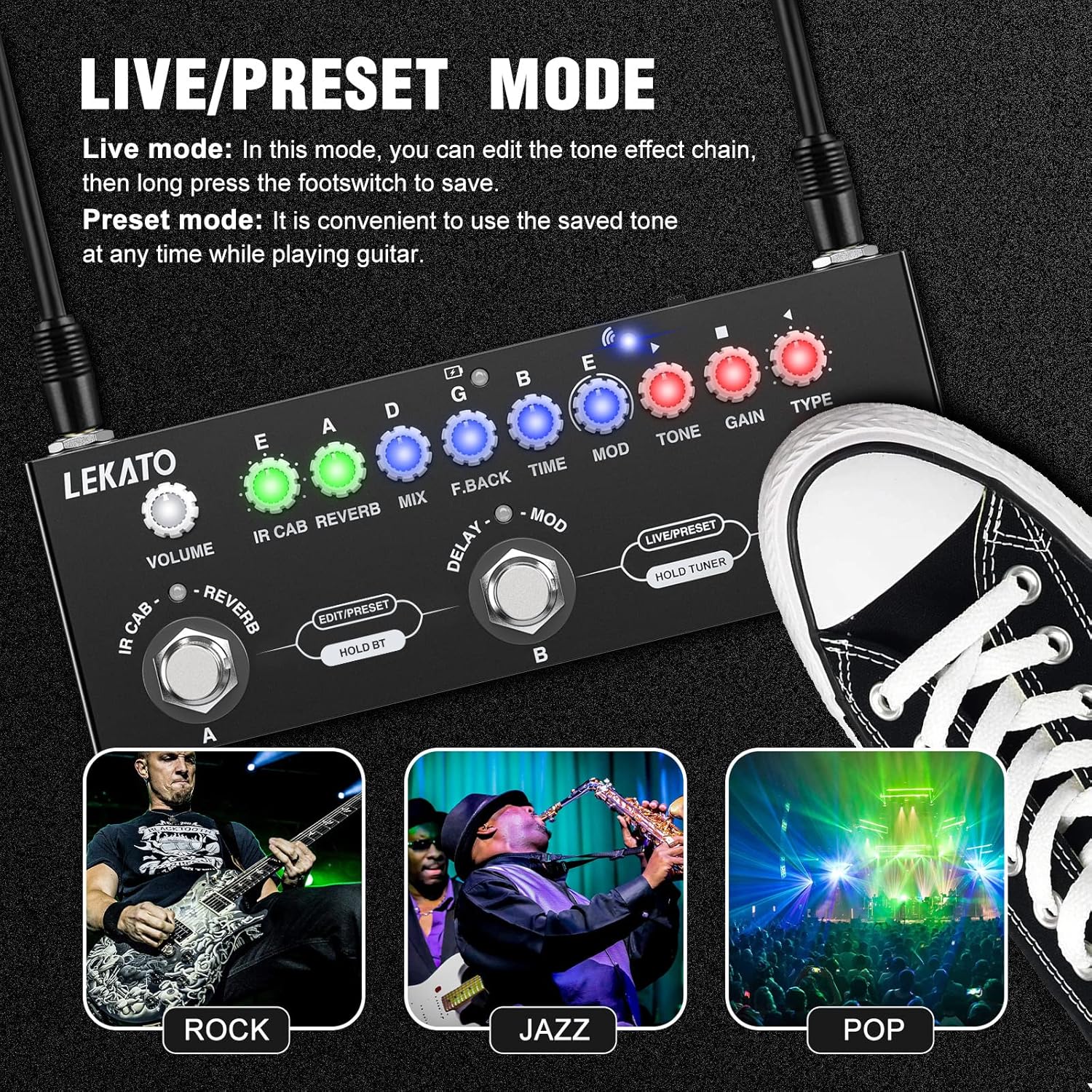
An image showing the pedal with a foot pressing a footswitch, illustrating the Live/Preset mode functionality. Below are three icons representing Rock, Jazz, and Pop music genres.
Tuner Mode
To activate the built-in tuner, press and hold footswitches B and C simultaneously. The display will show tuning information.

A circular icon depicting a guitar tuner display.
Third-Party IR Loading
The Cube Baby supports loading up to 8 third-party IR (Impulse Response) files, allowing for extensive customization of your cabinet simulations.
- Download the "Cube Suite" software from the official LEKATO website.
- Connect the pedal to your computer using the included USB cable.
- Use the "Cube Suite" software to import and manage your third-party IR files. You can overwrite the original IRs as needed.
Recording and Playback
The pedal offers convenient recording and playback features:
- Recording: Connect the pedal to a PC or mobile phone via cable to record your music directly. This is ideal for capturing ideas or practicing.
- Playback: The pedal supports Bluetooth 5.0, allowing you to wirelessly play backing tracks or accompaniment from your mobile device.

An image showing a hand interacting with the pedal while a smartphone displays a Bluetooth connection screen, indicating wireless audio input support.

An image showing the pedal connected to a laptop and a smartphone, illustrating the recording capability.
Headphone Monitoring
The integrated 3.5mm headphone jack allows for clear and direct audio monitoring. This feature is perfect for practicing silently without disturbing family members or neighbors.
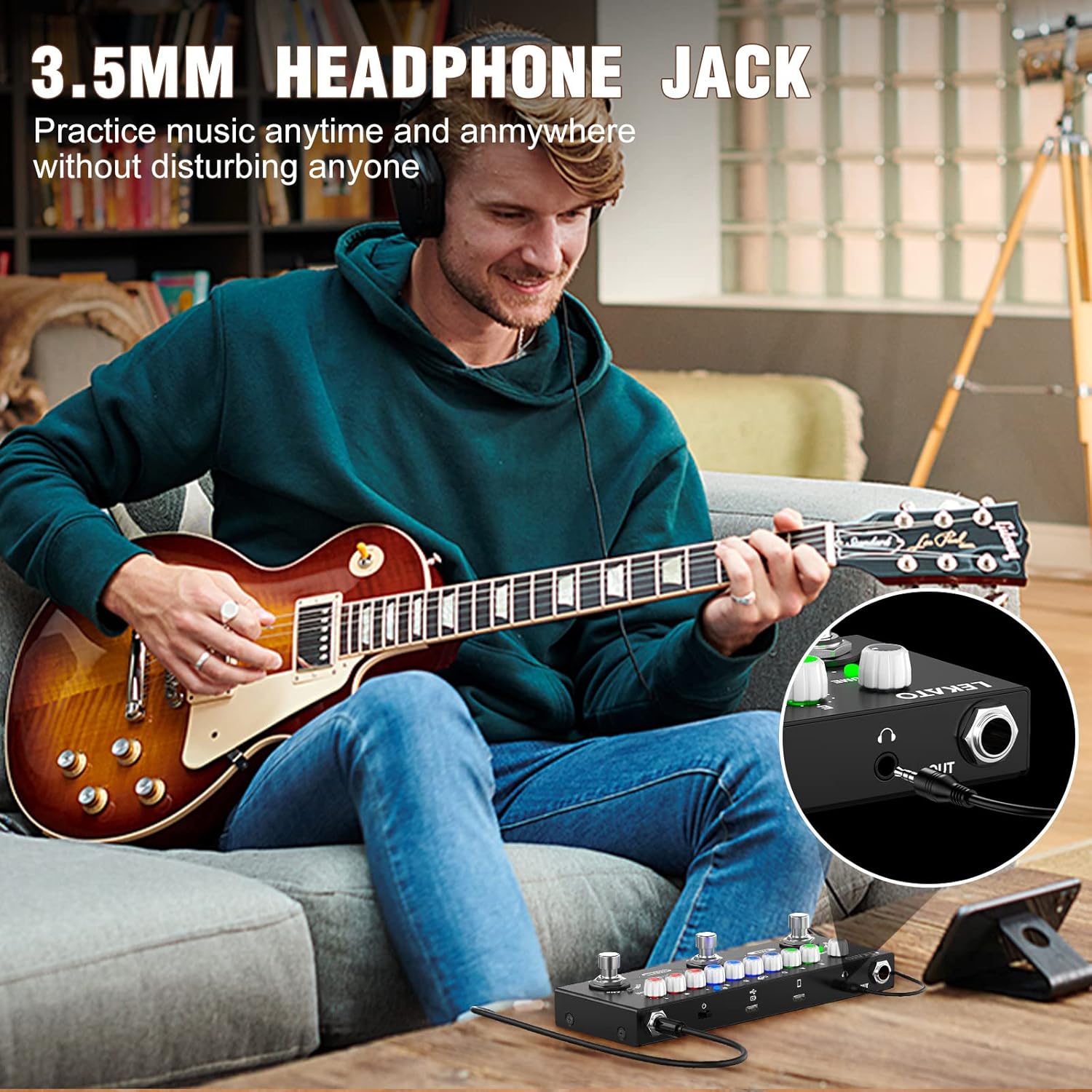
A person playing guitar with headphones connected to the LEKATO Cube Baby pedal, emphasizing the private practice feature.
Maintenance
- Cleaning: Keep the pedal clean and free from dust. Use a soft, dry cloth for cleaning. Avoid using abrasive cleaners or solvents.
- Environmental Conditions: Avoid exposing the pedal to extreme temperatures, high humidity, or direct sunlight, as these can damage the internal components.
- Storage: When not in use, store the pedal in a safe place to prevent physical damage.
- Battery Care: Ensure the battery is charged regularly, especially if the pedal is not used for extended periods, to maintain optimal battery health and longevity.
Troubleshooting
| Problem | Possible Cause | Solution |
|---|---|---|
| No Sound Output | Incorrect cable connections, low volume settings, or pedal not powered on. | Check all input/output cable connections. Ensure the pedal's VOLUME knob and your amplifier's volume are turned up. Verify the pedal is powered on and charged. |
| Poor Sound Quality / Unwanted Noise | Incorrect effect settings, low battery, or interference. | Adjust effect parameters (GAIN, TONE, MIX, etc.). Fully charge the battery. Ensure cables are not tangled or near power sources causing interference. |
| Pedal Not Powering On | Battery is fully discharged or faulty charging cable. | Connect the pedal to a power source and allow it to charge for at least 30 minutes. Try using a different USB charging cable. |
| Bluetooth Connection Issues | Device not discoverable, out of range, or too many connected devices. | Ensure Bluetooth is enabled on your mobile device and the pedal. Move your device closer to the pedal. Disconnect other Bluetooth devices that may be causing interference. |
| IR Loading Fails | Incorrect software version, improper cable connection, or corrupted IR file. | Ensure you are using the correct "Cube Suite" software version from the official LEKATO website. Check the USB cable connection. Try a different IR file. |
Specifications
| Feature | Detail |
|---|---|
| Dimensions (L x W x H) | 17.5 x 6.5 x 4 cm |
| Weight | 350 grams |
| Battery Type | 1 Lithium-polymer (built-in) |
| Charging Time | Approx. 2 hours |
| Operating Time | 6-8 hours |
| Model Number | Cube Baby |
| Color | Black (main unit), various LED colors |
| Material | Plastic, Metal |
| Interface | USB |
| Signal Format | Analog |
| Voltage | 9 Volts |
| Audio Output Effects | Delay, Reverb, Phase, Chorus, Distortion, Overdrive |
| Control Type | Knob, Footswitch |
| Power Source | Battery Powered |
| Bluetooth | 5.0 (for accompaniment playback) |
Warranty and Support
For detailed warranty information, technical support, or service inquiries regarding your LEKATO Cube Baby Multi-Effects Guitar Pedal, please refer to the official LEKATO website or contact your authorized retailer. It is recommended to keep your purchase receipt as proof of purchase for any warranty claims.