
Introduction
This manual provides essential information for the safe and efficient operation, maintenance, and troubleshooting of your ZOKOP Ice Maker, Model ICM-2005. Please read this manual thoroughly before using the appliance and retain it for future reference.
Safety Instructions
To ensure safe operation and prevent damage, please observe the following precautions:
- Do not turn the ice maker upside down or tilt it more than 45° during transportation or use. If this occurs, level the unit and let it stand upright for at least 2 hours before plugging it in and using it again.
- The ice maker is not a freezer. Ice should be used promptly or transferred to a freezer for long-term storage.
- Operate the ice maker in an environment with an ambient temperature between 10℃ and 32℃ (50°F and 90°F).
- Fill the water reservoir with water ranging between 8℃ and 28℃ (46°F and 82°F).
- If the ice maker will not be used for a long period, empty the water reservoir and dry it thoroughly before storage.
- For best results, keep the ice maker upright for at least 24 hours before its first use.
Product Overview
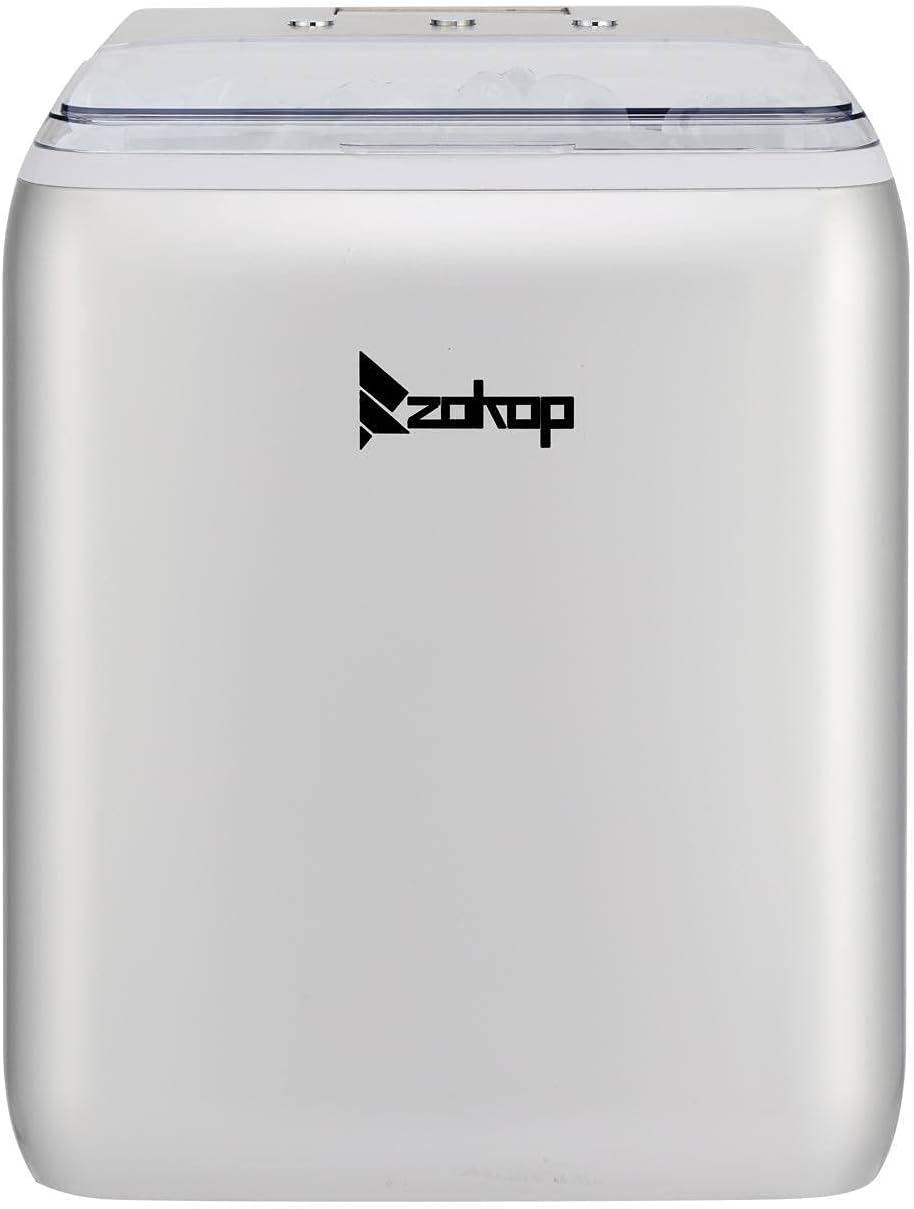
The ZOKOP Ice Maker is a compact and portable appliance designed for efficient ice production. Key features include:
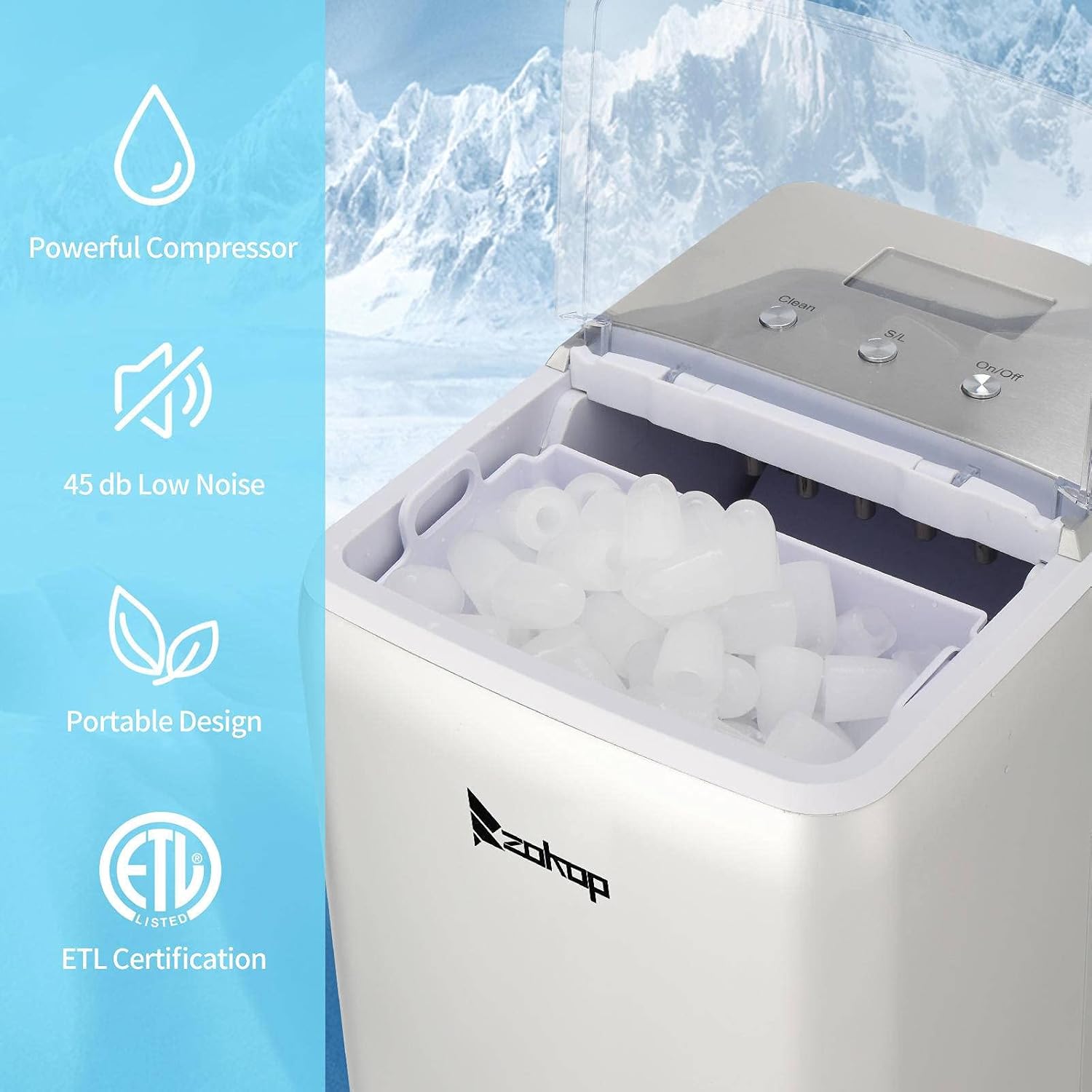
- Produces 12 bullet-shaped ice cubes per cycle (9-10 minutes).
- Daily ice production capacity of up to 44 lbs (20 kg).
- 0.9 kg (1.98 lbs) ice storage capacity in a removable basket.
- Adjustable ice cube thickness.
- Intuitive one-button operation with indicators for water level, ice full, and cleaning.
- Equipped with an efficient and quiet cooling system.

Specifications
| Specification | Value |
|---|---|
| Model | ICM-2005 |
| Color | Silver |
| Ice Making Power | 120W |
| Power Supply | 120V / 60Hz |
| Ice Making Capacity | 44 lbs / 24H (20 KG / 24H) |
| Ice Storage Capacity | 0.9 kg / 1.98 lbs |
| Ice Shape | Bullet-shaped ice |
| Refrigerant | R600a |
| Foaming Agent | C5H10 |
| Unit Dimensions (L x W x H) | (10.63 x 14.37 x 12.87) inches / (27 x 36.5 x 32.7) cm |
| Ice Production Time | 9-10 minutes per cycle |
| Certification | ETL Listed |
| Material | Acrylonitrile Butadiene Styrene (ABS) |
| Item Weight | 27.9 pounds |
Setup
- Unpack the ice maker and all accessories (ice storage basket, manual).
- Place the ice maker on a stable, level surface away from direct sunlight and heat sources. Ensure adequate ventilation around the unit.
- Allow the unit to stand upright for at least 24 hours before plugging it in. This allows the refrigerant to settle.
- Clean the interior of the ice maker and the ice basket with a damp cloth before first use.
Operating Instructions
- Add Water: Open the transparent cover and add purified water to the water tank. Do not exceed the maximum fill line.

Visual guide for adding water and starting the ice making process. - Power On: Plug the ice maker into a grounded electrical outlet. Press the "ON/OFF" button on the control panel to start the machine.
- Select Ice Size: Press the "S/L" button to choose between small or large bullet-shaped ice cubes. The default setting is usually large.
- Ice Production: The ice maker will begin the ice-making cycle. Ice will be produced in approximately 9-10 minutes.

Overview of the ice maker's rapid production capabilities. - Ice Collection: Once ice is made, it will fall into the removable ice storage basket.
- Ice Full Indicator: The "Ice Full" indicator light will illuminate when the ice basket is full. The machine will pause ice production until ice is removed.
- Add Water Indicator: The "Add Water" indicator light will illuminate when the water reservoir is low. Add more water to resume ice production.
- Power Off: To stop the ice maker, press the "ON/OFF" button again. Unplug the unit from the power outlet when not in use.
Maintenance
Regular cleaning and maintenance will ensure the longevity and optimal performance of your ice maker.
- Daily Cleaning: After each use, empty any remaining water from the reservoir and wipe the interior with a clean, soft cloth.
- Deep Cleaning: For thorough cleaning, press the "Clean" button on the control panel (if available) or follow these steps:
- Unplug the unit.
- Remove the ice basket.
- Drain all water from the reservoir.
- Clean the water tank and ice-making components with a solution of water and mild detergent. Rinse thoroughly.
- Wipe down the exterior with a damp cloth.
- Storage: If storing the ice maker for an extended period, ensure it is completely dry inside and out. Store in a cool, dry place.
Troubleshooting
This section addresses common issues you might encounter with your ice maker.
| Problem | Possible Cause | Solution |
|---|---|---|
| Ice maker not producing ice. | No water in reservoir; "Add Water" indicator on. | Fill the water reservoir with purified water. |
| Ice production stops. | Ice basket is full; "Ice Full" indicator on. | Remove ice from the basket. |
| Ice cubes are too small or not forming properly. | Water temperature too high; ambient temperature too high. | Use colder water (8℃ to 28℃). Ensure ambient temperature is within 10℃ to 32℃. |
| Unit is noisy. | Normal operation sounds; unit not level. | Ensure the unit is on a stable, level surface. Some compressor noise is normal. |
Official Product Videos
No official product videos from the seller are available for this model at this time.
Warranty and Support
For warranty information and customer support, please refer to the contact details provided with your purchase documentation or visit the official ZOKOP website. Keep your purchase receipt as proof of purchase for warranty claims.