
Sortfle AC123-01
Sortfle AC123-01 1 Channel Wireless RF433.92 Controller Transmitter Remote User Manual
Model: AC123-01 | Brand: Sortfle
Product Overview
This manual provides comprehensive instructions for the Sortfle AC123-01 1 Channel Wireless RF433.92 Controller Transmitter Remote. This remote is designed to control electric blinds and shades, offering convenient wireless operation.

Image: The Sortfle AC123-01 remote control, a white rectangular device with three main buttons (Up, Stop, Down) and a blue indicator light, shown alongside its white wall mount bracket.
Included Items
The following items are included in your package:
- Remote Control AC123-01
- Wall Mount Base with Hardware
- CR2032 Battery (pre-installed)

Image: A visual representation of the remote control, its wall mount, and the CR2032 battery.
Compatibility
This 1-channel transmitter is compatible only with the following A-OK motor models:
- AC123-01, AC123-02, AC123-06, AC123-16
- AC114-01, AC114-02, AC114-06, AC114-16
Important:
This remote is not compatible with LEVOLOR Blinds or Hunter-Douglas blinds. It is crucial to double-check the brand and model of your blinds motor before attempting to pair. Different remote models or shapes may not work.
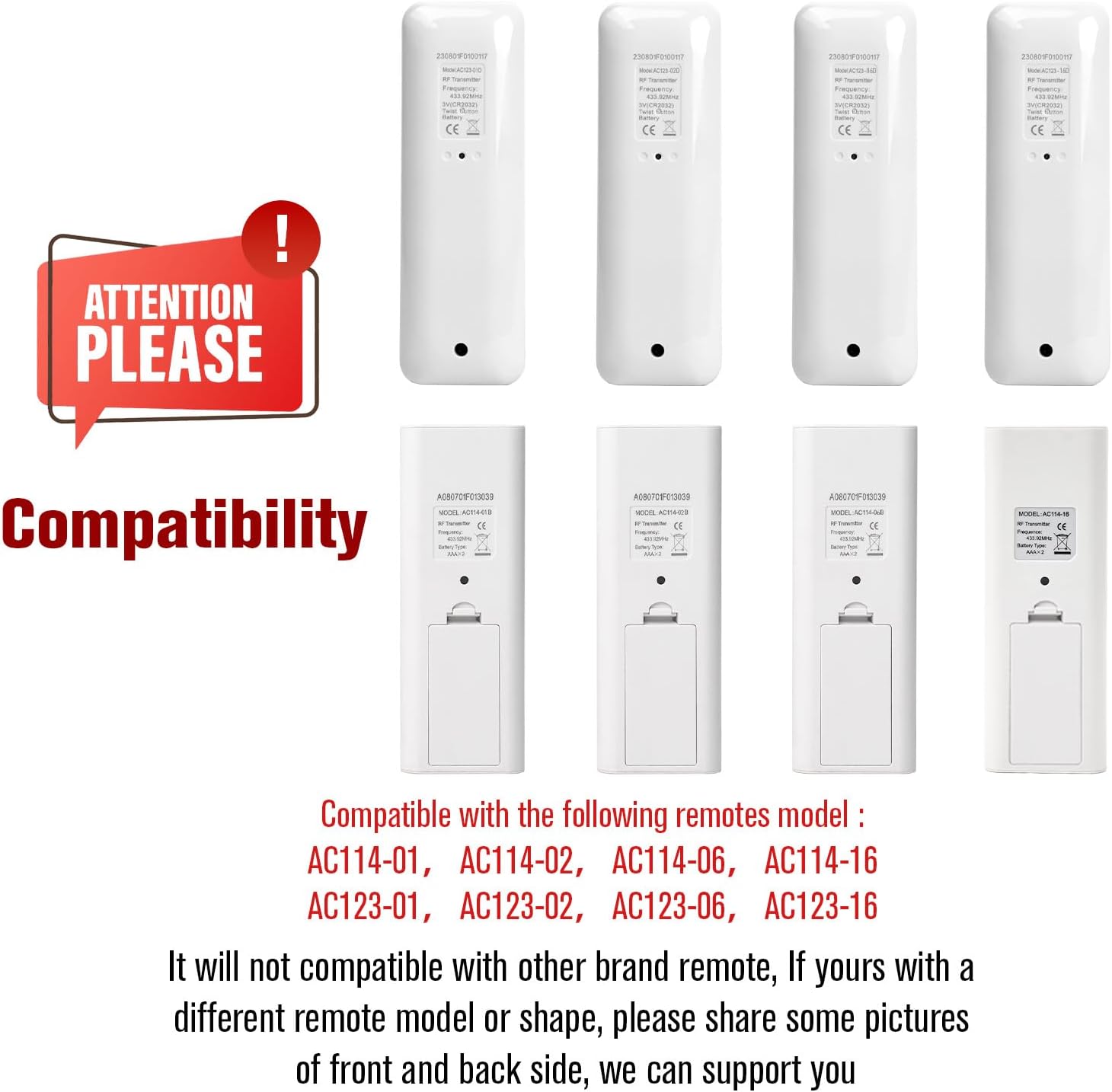
Image: A diagram showing various compatible remote models and a clear warning about incompatible brands.
Setup
1. Power On & Motor Pairing
This process connects your remote to the blind motor.
- Select the desired channel on your remote (if applicable for multi-channel remotes). For this 1-channel remote, ensure it's ready for pairing.
- Locate the program button on the motor head. Press and hold this button until you hear a beep and the shade jogs up and down once.
- Immediately press the "Up" button on your remote. The shade will jog again, confirming successful pairing.
Video: Demonstrates the steps for powering on the motor and pairing it with the remote control.
2. Motor Direction Changing
If the shade moves in the opposite direction of the remote's buttons (e.g., "Up" makes it go down), follow these steps to reverse the motor direction:
- Press and hold the "Stop" button on your remote for 5 seconds. The motor will jog up and down once.
- Immediately press the "Down" button on your remote. The motor will jog once again, confirming the direction has been changed.
Note: If the direction is already correct, no action is needed.
Video: Illustrates how to change the motor's direction if it operates inversely to the remote's commands.
3. Adjusting Upper and Lower Limits
Set the maximum upper and lower travel points for your shade.
- Press the "PROG" button located on the back of your remote (use a small tool like a paperclip). The shade will jog, indicating it's in limit setting mode.
- Use the "Up" button to move the shade to your desired upper limit. Once at the desired position, press the "PROG" button again. The motor will jog, saving the upper limit.
- Use the "Down" button to move the shade to your desired lower limit. Once at the desired position, press the "PROG" button again. The motor will jog, saving the lower limit.
Video: Guides through the process of setting the upper and lower travel limits for the motorized blinds using the remote.
Operating Instructions
Once set up, operating your Sortfle AC123-01 remote is straightforward:
- Up Button (▲): Press to raise the blinds to the set upper limit.
- Stop Button (■): Press to stop the blinds at any desired position.
- Down Button (▼): Press to lower the blinds to the set lower limit.

Image: The remote control with its "Up", "Stop", and "Down" buttons clearly labeled, illustrating its simple operation.
Video: A short demonstration of the Sortfle AC123-01D remote control in action, showing basic up, down, and stop functions.
Maintenance
To ensure the longevity and optimal performance of your remote control:
- Keep the remote clean and dry. Avoid exposure to moisture or extreme temperatures.
- Replace the CR2032 battery when the indicator light dims or the remote's range decreases.
- Store the remote in its wall mount when not in use to prevent misplacement or damage.

Image: The remote control securely placed in its wall mount, emphasizing proper storage.
Troubleshooting
If you encounter issues with your remote or blinds, refer to the following common problems and solutions:
| Problem | Possible Cause | Solution |
|---|---|---|
| Motor does not turn |
|
|
| Incorrect installation leads the motor sticking |
|
|
| The motor stops working |
|
|
| After 10 minutes of non-use, the motor will work again |
|
|
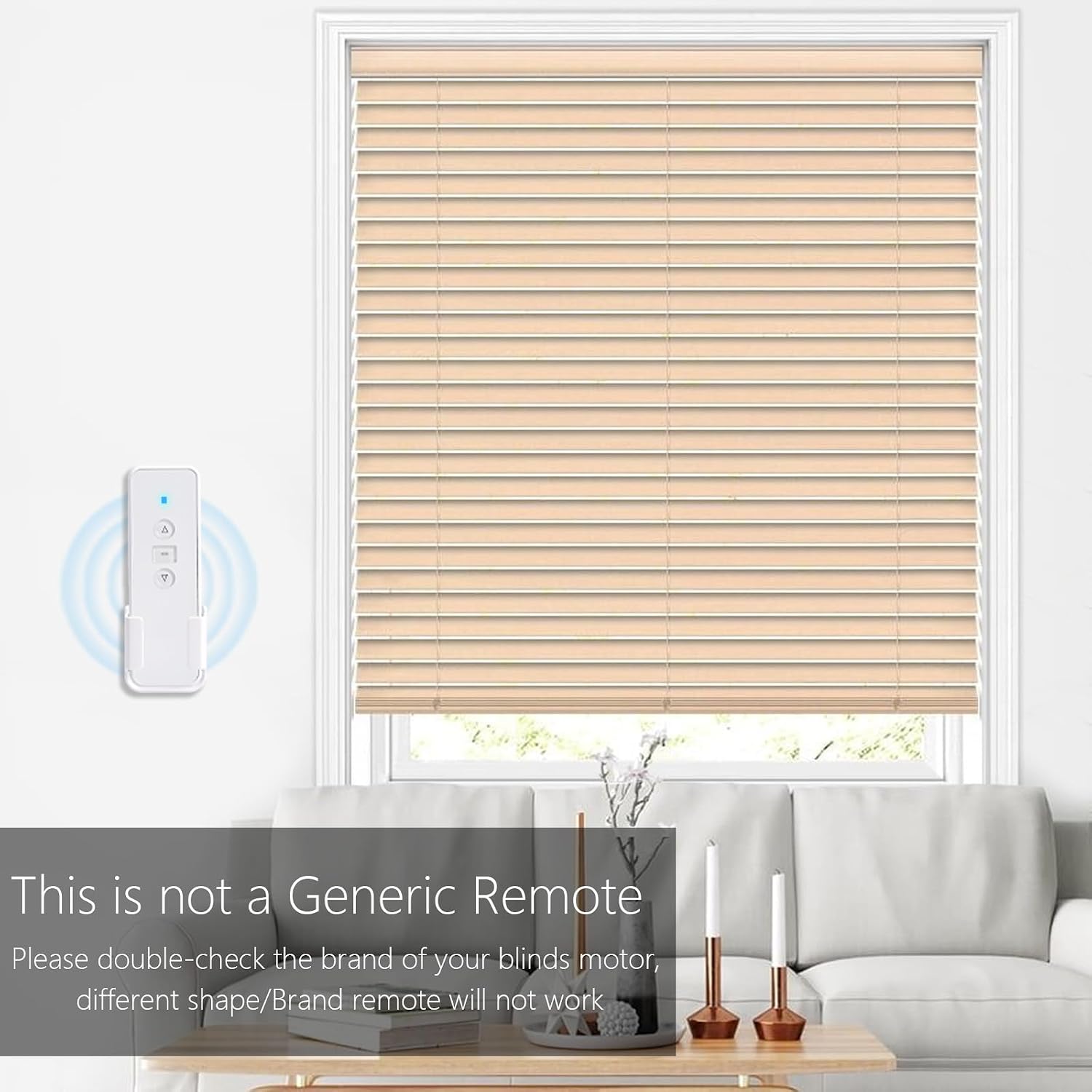
Image: A detailed instruction sheet for the AC123 remote, including sections on programming, setting limits, and troubleshooting.
Factory Reset
To erase all programmed settings and return the motor to its factory default state:
- Locate the program button on the motor head.
- Press the program button five times, with each press lasting approximately one second.
- On the fifth press, hold the button for 3 seconds.
- The motor will jog twice, confirming that all memory and presets have been deleted.
Warning:
Performing a factory reset will erase all existing settings. You will need to immediately pair the motor with a channel and set new upper and lower limits after the reset.
Video: Demonstrates the procedure for performing a factory reset on the motor, clearing all previous settings.
Specifications
| Model Number | AC123-01 |
| Brand | Sortfle |
| RF Frequency | 433.92MHz |
| Max Number of Supported Devices | 1 Channel |
| Compatible Devices | A-OK blinds motor |
| Power Source | 1 Lithium Metal CR2032 Battery (included) |
| Item Weight | 2.89 ounces |
| Package Dimensions | 5.63 x 2.09 x 1.02 inches |
| Color | White |
| Country of Origin | USA |
Warranty and Support
For warranty information or technical support, please contact Sortfle customer service. Refer to the product packaging or the official Sortfle website for the most up-to-date contact details.
You can also visit the Sortfle Store on Amazon for more information and products.
Ask a question about this manual
Ask about setup, troubleshooting, compatibility, parts, safety, or missing instructions. Manuals+ will review the question and use this page’s manual context to help answer it.