
Introduction
The Corsair HS80 RGB USB Gaming Headset delivers detailed audio through custom-tuned 50mm neodymium drivers. It features Dolby Audio 7.1 surround sound for an immersive experience and a broadcast-grade omni-directional microphone for clear communication. Designed for comfort, it includes memory foam earpads and a floating headband. The USB wired connection provides high-fidelity 24bit/96kHz sound, and Corsair iCUE software allows for extensive customization of audio settings and RGB lighting.
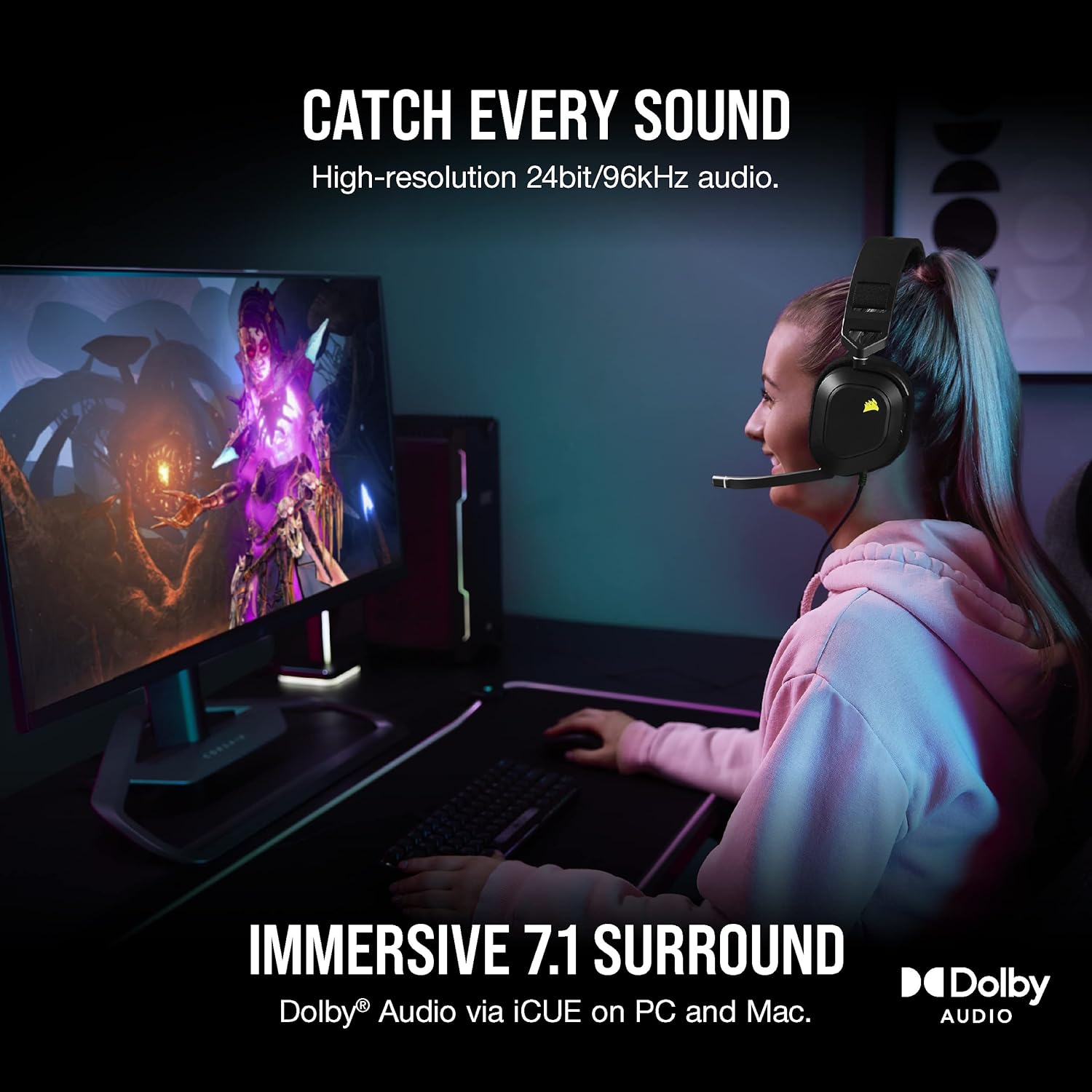
Image: A user immersed in a game, wearing the Corsair HS80 RGB USB headset, highlighting its audio capabilities and comfortable design.
Package Contents
- Corsair HS80 RGB USB Premium Gaming Headset
- Ear Cushions (pre-installed)
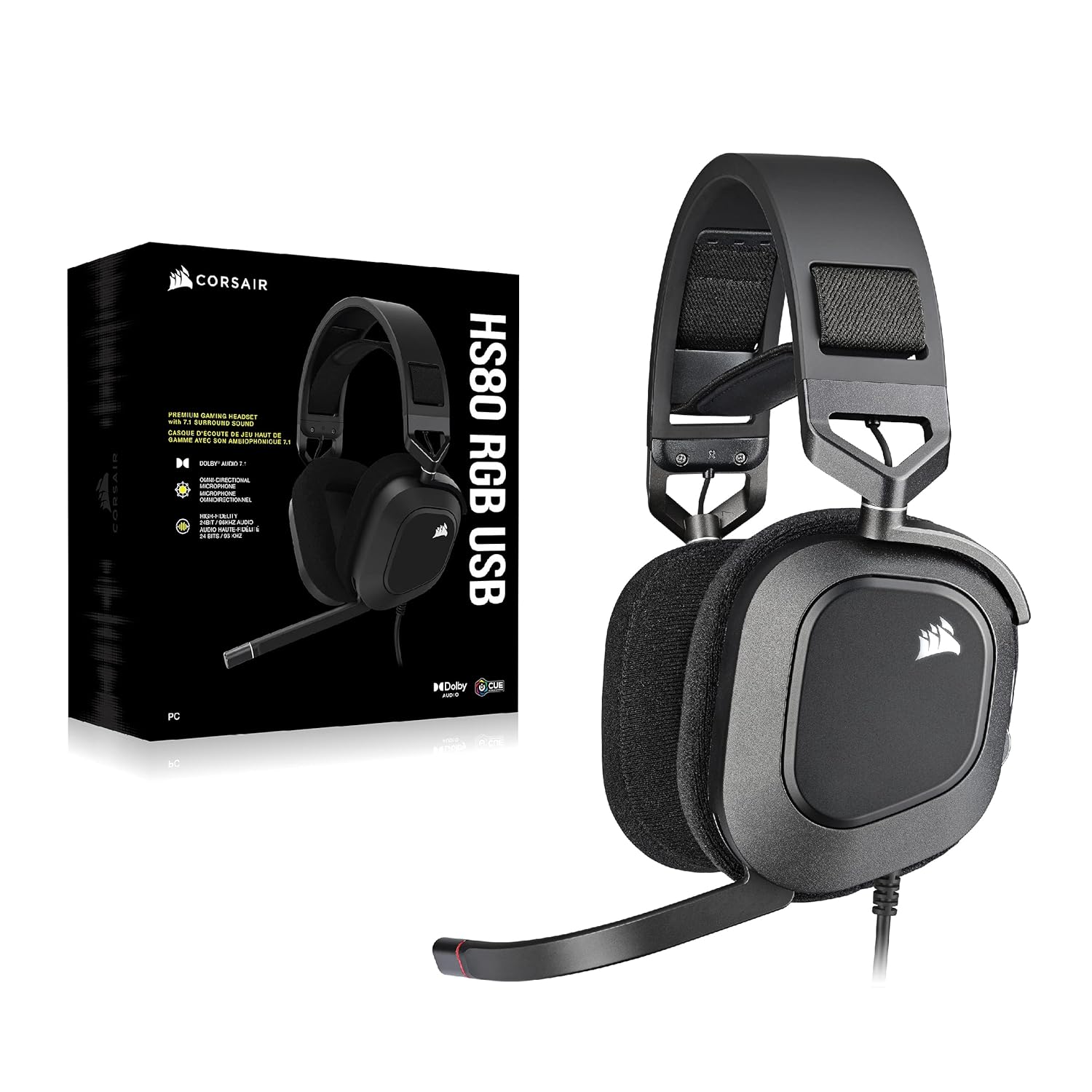
Image: The Corsair HS80 RGB USB headset displayed alongside its retail packaging, showing the product and its box.
Setup
Connecting the Headset
- Locate an available USB port on your PC, PS5, or PS4.
- Plug the USB connector of the Corsair HS80 RGB USB headset into the USB port.
- The headset will automatically be detected and configured by your system.
- For advanced settings and customization, install the Corsair iCUE software on your PC or Mac.

Image: A detailed view of the USB connection for the Corsair HS80 RGB USB headset, illustrating the plug-and-play functionality.
Operating
Controls and Indicators
- Volume Wheel: Located on the left earcup, rotate up or down to adjust audio volume.
- Power Button: Located near the volume wheel, press to power the headset on or off.
- Microphone Mute: The omni-directional microphone features a flip-up mute function. Flipping the microphone boom up will mute it, and a built-in LED indicator will show its mute status.
Software Integration (iCUE)
For full customization of your Corsair HS80 RGB USB headset, download and install the Corsair iCUE software. This software allows you to:
- Adjust audio equalizer settings.
- Select pre-tuned audio profiles.
- Customize RGB lighting effects.
- Control sidetone (monitoring your own voice through the headset).
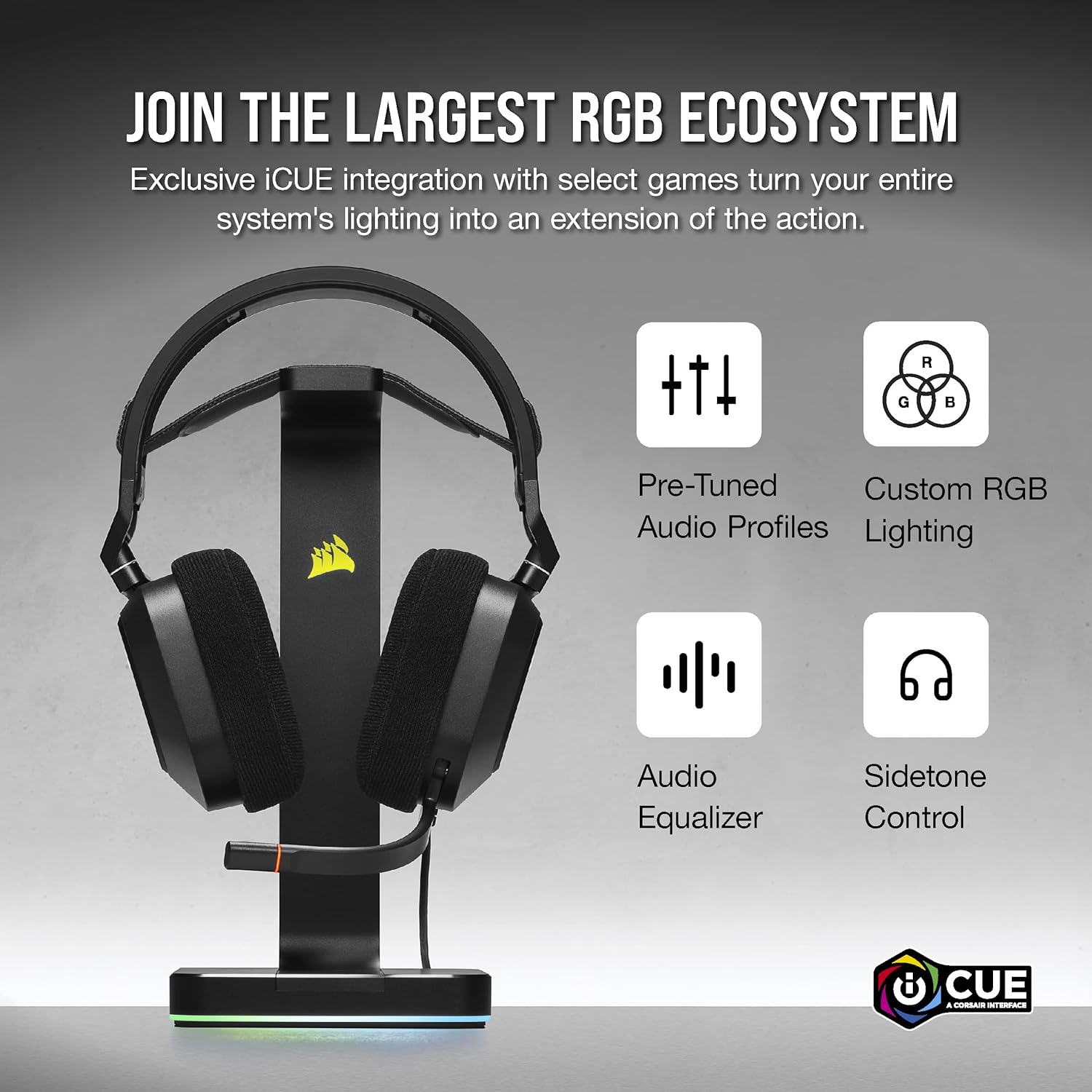
Image: The Corsair HS80 RGB USB headset on a stand, illustrating its compatibility with the iCUE software for advanced customization.
Video: A seller demonstrating the features and functionality of Corsair gaming headsets, including the HS80 RGB USB model, covering aspects like comfort, audio quality, and microphone performance.
Comfort and Design
The HS80 RGB USB headset is engineered for extended wear. It features plush memory foam earpads with a breathable microfiber cloth exterior, designed to provide lasting comfort during long gaming sessions. The stress-free adjustable floating headband design ensures a comfortable fit for various head sizes without causing pressure points.
- Memory Foam Earpads: Soft and breathable for prolonged comfort.
- Floating Headband: Automatically adjusts for a comfortable fit, reducing pressure.
- Durable Construction: Reinforced with aluminum for long-term reliability.

Image: A user wearing the Corsair HS80 RGB USB headset, emphasizing the comfortable and adjustable design of the headband and earpads.
Audio Features
- Custom-Tuned 50mm Neodymium Audio Drivers: Delivers a wide frequency range of 20Hz-40,000Hz, capturing every sound detail from subtle whispers to powerful explosions.
- Dolby Audio 7.1 Surround Sound: Provides an immersive audio experience, placing you in the center of the action for enhanced spatial awareness in games.
- High-Fidelity 24bit/96kHz Sound: Experience true high-fidelity audio through the USB wired connection.
- Broadcast-Grade Omni-Directional Microphone: Captures your voice with outstanding clarity, ensuring clear communication with teammates. Features a flip-up mute function with an LED indicator.

Image: The Corsair HS80 RGB USB headset on a stand, showcasing its broadcast-grade omni-directional microphone with a flip-to-mute feature and LED indicator.
Video: A seller reviewing the sound clarity of the Corsair HS80 RGB USB headset, highlighting its audio performance for gaming and other uses.
Battery Life
The Corsair HS80 RGB USB headset is designed for extended use. When fully charged, it provides approximately 20 hours of continuous operation, allowing for long gaming sessions or work calls without frequent recharging.
Maintenance
Cleaning
- Use a soft, dry cloth to wipe down the earcups and headband.
- For stubborn dirt, lightly dampen the cloth with water or a mild, non-abrasive cleaner.
- Avoid using harsh chemicals or solvents, as these can damage the headset's materials.
- Ensure the headset is completely dry before use or storage.
Storage
- Store the headset in a cool, dry place away from direct sunlight and extreme temperatures.
- Avoid placing heavy objects on the headset to prevent damage to the headband or earcups.
- Consider using a headset stand to maintain its shape and prevent cable tangling.
Video: A seller demonstrating a headset stand with charging capabilities, showing how the Corsair HS80 RGB USB headset can be stored and charged.
Troubleshooting
No Audio / Poor Audio Quality
- Ensure the USB cable is securely connected to both the headset and your device.
- Check your device's audio settings to ensure the Corsair HS80 RGB USB is selected as the default output device.
- Adjust the volume wheel on the headset and your device's master volume.
- If using iCUE software, ensure audio profiles are correctly configured and not muted.
Microphone Not Working
- Ensure the microphone boom is flipped down and not muted (check LED indicator).
- Verify that the Corsair HS80 RGB USB is selected as the default input device in your device's sound settings.
- Check application-specific microphone settings (e.g., in Discord, Zoom, or game settings).
- If using iCUE software, ensure microphone settings and sidetone are configured correctly.
RGB Lighting Issues
- Ensure iCUE software is running and the headset is detected.
- Check RGB lighting settings within iCUE for desired effects and brightness.
- Update iCUE software and headset firmware to the latest versions.
Specifications
| Feature | Detail |
|---|---|
| Brand Name | Corsair |
| Model Number | CA-9011237-NA |
| Model Name | HS80 RGB USB |
| Connectivity Technology | Wired (USB) |
| Audio Driver Type | Dynamic Driver |
| Audio Driver Size | 50 Millimeters |
| Frequency Range | 20 Hz - 40 kHz |
| Impedance | 32 Ohms |
| Sensitivity | 116 dB |
| Noise Control | Passive Noise Cancellation |
| Microphone | Broadcast-Grade Omni-Directional, Flip-up Mute |
| Compatible Devices | PC, PS5, PS4 |
| Material | Aluminum, Memory Foam, Cloth Fabric |
| Color | Black |
| Item Weight | 0.37 Kilograms |
| Battery Average Life | 20 Hours |
| UPC | 840006644491 |
Warranty and Support
The Corsair HS80 RGB USB Premium Gaming Headset comes with a 2-year manufacturer's warranty. For technical support, warranty claims, or additional product information, please visit the official Corsair support website or contact their customer service. Keep your proof of purchase for warranty validation.


