Product Overview
This manual provides essential information for the Sicimly 38.88Wh replacement battery, designed for seamless compatibility with various Samsung Jet series cordless stick vacuum cleaners. This battery is a direct replacement for models including Jet 60, Jet 60 Pet, Jet 60 Flex, JET70, and those using VCA-SBT90EB or VCA-SBT90E batteries.

Image: The Sicimly replacement battery for Samsung Jet series vacuum cleaners, showcasing its compact design and label.
The battery features a capacity of 1800mAh, 21.6V, and 38.88Wh, ensuring extended runtime for your cleaning tasks. Its dimensions are approximately 5.08 x 3.03 x 1.57 inches (129.03 x 76.96 x 39.87 mm), and it weighs about 1.08 pounds (492g gross).

Image: An overview of the battery's key specifications, highlighting its 1800mAh capacity, 21.6V voltage, and 38.88Wh energy rating.
It is designed with multiple safety protections to ensure reliable and safe operation, including safeguards against overcharge, overdischarge, overcurrent, overvoltage, overload, overheat, and short circuits.
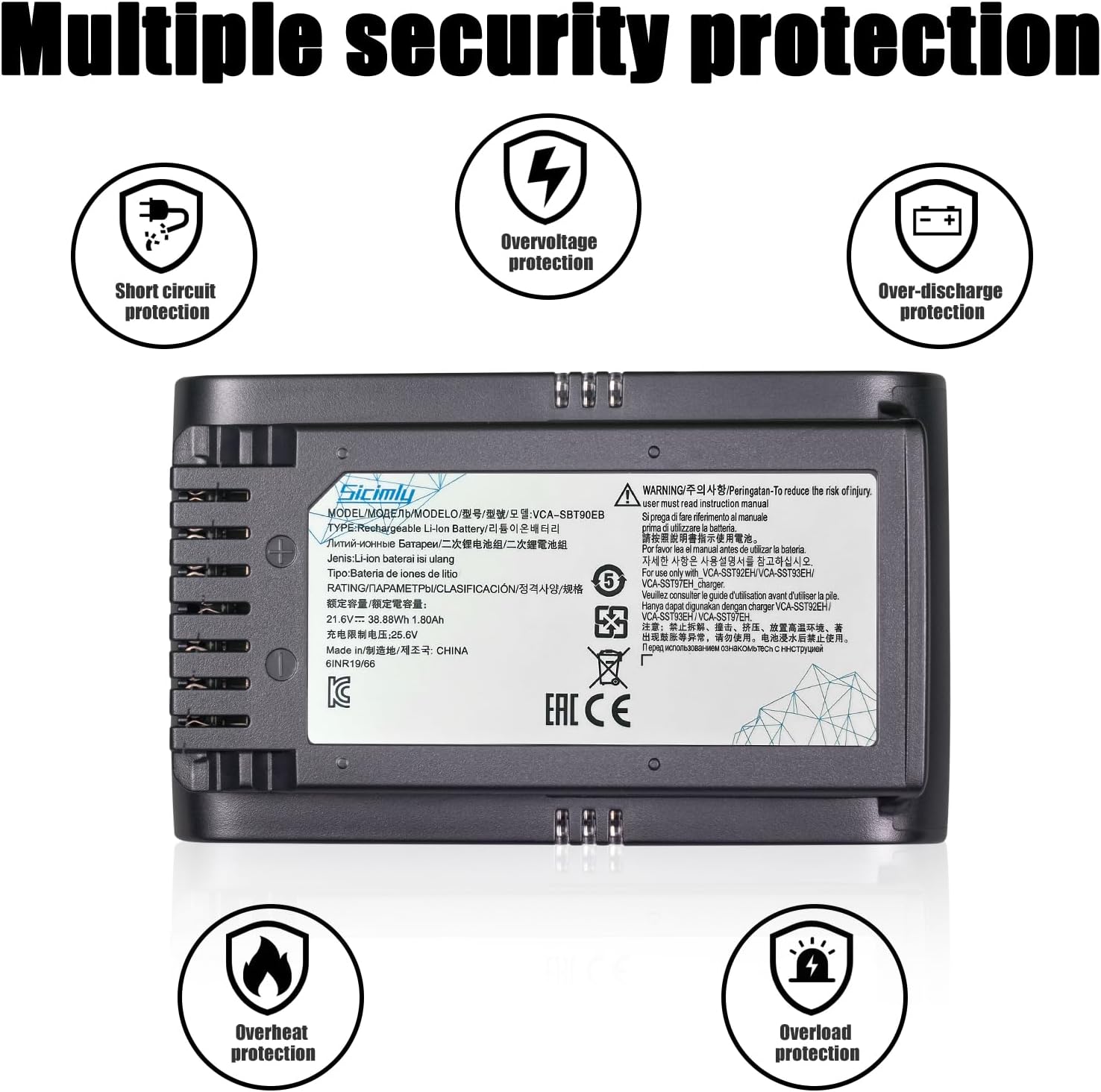
Image: Diagram illustrating the various built-in safety protections of the battery, such as short circuit, overvoltage, over-discharge, overheat, and overload protection.
Compatibility
This replacement battery is specifically engineered to be compatible with the following Samsung Jet series cordless stick vacuum cleaner models:
- Samsung Jet 60
- Samsung Jet 60 Pet
- Samsung Jet 60 Flex
- Samsung JET70
- Models using VCA-SBT90EB battery
- Models using VCA-SBT90E battery
- VS15T7032P4
Always confirm your vacuum cleaner's model and existing battery type before purchase to ensure correct compatibility.
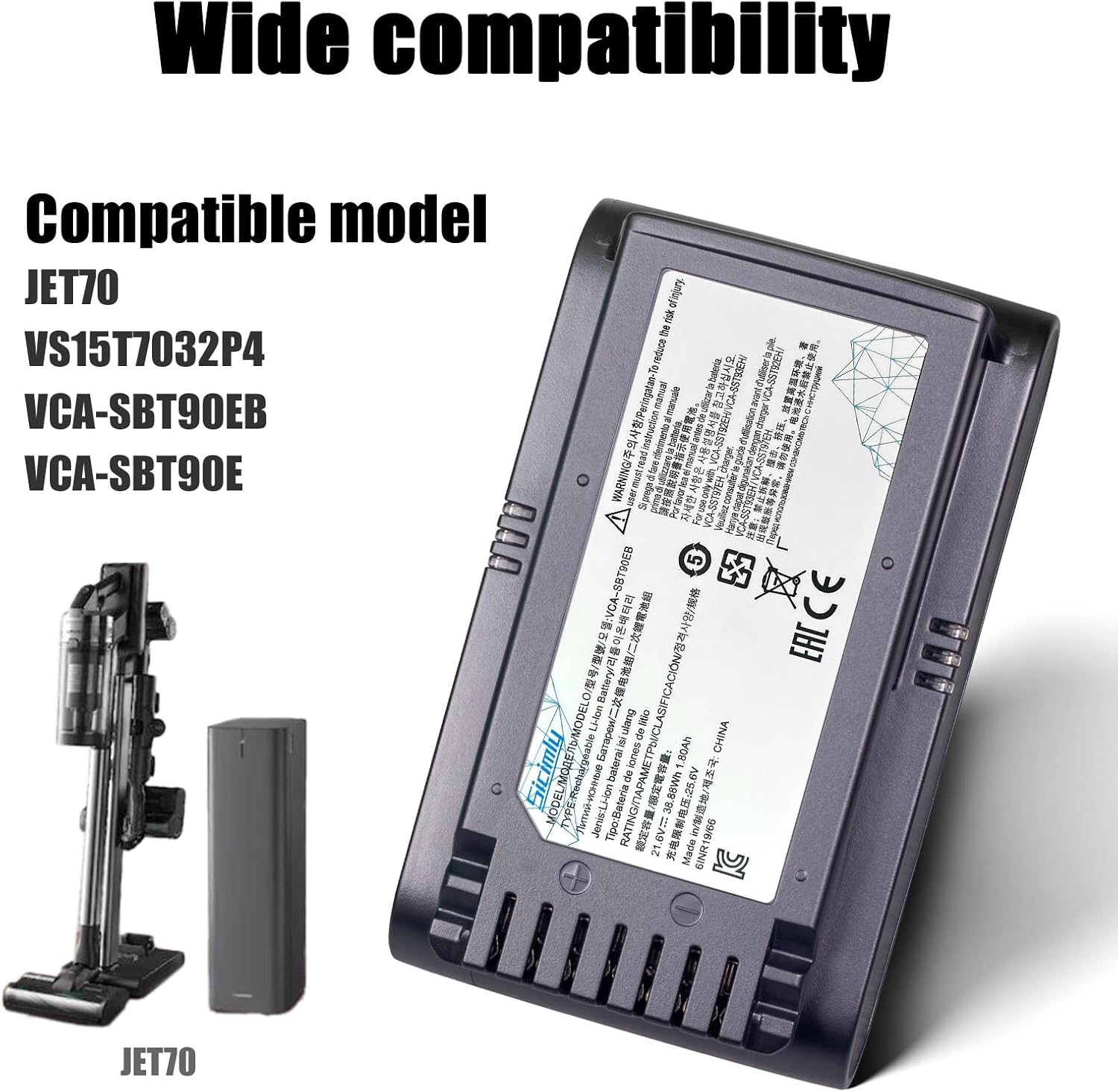
Image: Visual representation of the battery's wide compatibility with Samsung Jet series models, including JET70 and specific battery part numbers.
Installation
The Sicimly replacement battery is designed for quick and easy installation, allowing you to replace your old or faulty battery with minimal effort. No special tools are typically required.
- Power Off: Ensure your Samsung Jet vacuum cleaner is completely powered off and unplugged from any charging source before beginning the installation process.
- Locate Battery Compartment: Identify the battery compartment on your vacuum cleaner. This is typically located on the main body of the vacuum.
- Remove Old Battery: Depending on your specific model, there may be a release button or latch to disengage the old battery. Press or slide this mechanism and carefully pull the old battery out.
- Insert New Battery: Align the Sicimly replacement battery with the battery slot. Gently push the new battery into place until it clicks securely. Ensure it is fully seated and does not wobble.
- Verify Installation: Once installed, you can attempt to power on the vacuum cleaner to confirm the battery is properly connected.

Image: A visual guide demonstrating the quick and straightforward installation process of the replacement battery into the vacuum cleaner.

Image: Various views and angles of the Sicimly replacement battery, highlighting its design and connection points for proper installation.
Charging
The Sicimly replacement battery utilizes lithium-ion technology, which means it has no memory effect and can be charged at any time without degrading its capacity.
- Use only the original Samsung Jet vacuum cleaner charger or a compatible charger specifically designed for your vacuum model.
- Connect the vacuum cleaner to its charging dock or directly to the charger as per your vacuum's original instructions.
- Allow the battery to fully charge before its first use after installation to optimize performance.
- Charging indicators on your vacuum cleaner will typically show the charging status. Refer to your vacuum's original manual for specific indicator meanings.
Operating Instructions
Once the new battery is installed and fully charged, your Samsung Jet vacuum cleaner will operate as usual. The replacement battery is designed to provide comparable or extended runtime to the original battery.
- Power On/Off: Use the vacuum cleaner's power button to turn it on or off.
- Mode Selection: Select your desired cleaning mode (e.g., Max, Mid, Min) using the vacuum's controls. Note that higher power modes will consume battery faster.
- Battery Level Monitoring: Pay attention to the battery level indicator on your vacuum cleaner to know when recharging is necessary.
- Optimal Performance: For best results, avoid completely draining the battery frequently. Recharging when the battery level is low is recommended.
Maintenance
Proper maintenance of your battery can extend its lifespan and ensure consistent performance.
- Storage: If storing the vacuum cleaner or battery for an extended period, ensure the battery is partially charged (around 50%) and stored in a cool, dry place away from direct sunlight and extreme temperatures.
- Cleaning: Keep the battery contacts clean and free from dust or debris. Use a dry cloth to wipe them if necessary.
- Avoid Extremes: Do not expose the battery to extreme heat or cold, as this can negatively impact its performance and lifespan.
- Disposal: When the battery reaches the end of its life, dispose of it responsibly according to local regulations for lithium-ion batteries. Do not dispose of it with household waste.
Troubleshooting
If you encounter issues with your replacement battery, consider the following common solutions:
| Problem | Possible Cause | Solution |
|---|---|---|
| Battery not charging | Charger not connected, faulty charger, or improper battery seating. | Ensure charger is securely plugged in. Try another outlet. Re-seat the battery firmly in the vacuum. Check if the original charger is working with another battery (if available). |
| Vacuum not powering on | Battery not charged, battery not properly installed, or battery fault. | Charge the battery fully. Re-install the battery, ensuring it clicks into place. If issues persist, contact support. |
| Reduced runtime | Battery not fully charged, using high power mode, or battery nearing end of life. | Ensure battery is fully charged. Use lower power modes for longer runtime. If battery is old, consider replacement. |
If troubleshooting steps do not resolve the issue, please refer to the Support section for further assistance.
Specifications
| Feature | Detail |
|---|---|
| Brand | Sicimly |
| Model Compatibility | Samsung Jet 60, Jet 60 Pet, Jet 60 Flex, JET70, VS15T7032P4, VCA-SBT90EB, VCA-SBT90E |
| Battery Type | Lithium Ion |
| Voltage | 21.6V |
| Capacity | 1800 mAh (38.88 Wh) |
| Product Dimensions | 5.08 x 3.03 x 1.57 inches (129.03 x 76.96 x 39.87 mm) |
| Item Weight | 1.08 pounds (approx. 492g gross) |
| Safety Features | Overcharge, Overdischarge, Overcurrent, Overvoltage, Overload, Overheat, Short Circuit Protection |

Image: Detailed dimensions of the battery, showing its length, width, and height in inches and millimeters.
Warranty and Support
Sicimly is committed to providing high-quality products and excellent customer service. If you have any questions or encounter issues with your replacement battery, please do not hesitate to contact us.
- Customer Service: For professional after-sales support, contact us via Amazon email. We aim to provide a perfect solution within 24 hours.
- Product Information: For more information about Sicimly products, visit the official Sicimly Store on Amazon.
Please retain your purchase receipt for any warranty claims.


