
LifePro LP-BRMDYR-BLK
Contents
LifePro BioRemedy Far Infrared Sauna Blanket User Manual
Model: LP-BRMDYR-BLK
1. Introduction
The LifePro BioRemedy Far Infrared Sauna Blanket is designed to provide a portable and convenient way to experience the benefits of far infrared heat therapy in your home. This manual provides essential information for the safe and effective use of your sauna blanket, including setup, operation, maintenance, and troubleshooting.

Image: The LifePro BioRemedy Far Infrared Sauna Blanket, showing the blanket, its remote control, and included detox wraps.
2. Important Safety Information
Please read all safety warnings and instructions carefully before using this product. Failure to do so may result in injury or damage to the product.
- Consult your physician before using this sauna blanket, especially if you have pre-existing medical conditions, are pregnant, or are taking medication.
- Do not use if you have open wounds, skin infections, or severe circulatory issues.
- Stay hydrated by drinking water before, during, and after your sauna session.
- Limit session duration to 30-60 minutes to prevent overheating.
- Do not fall asleep while using the blanket.
- Ensure the blanket is completely dry before storage.
- Keep out of reach of children and pets.
- Do not use the blanket near water or in a damp environment.
- Unplug the blanket from the power outlet when not in use and before cleaning.
- Do not fold or crease the blanket sharply during use or storage, as this may damage the heating elements.
3. Package Contents
Verify that all items are present in your package:
- LifePro BioRemedy Far Infrared Sauna Blanket
- Digital Controller with Power Cord
- 2 x Disposable Detox Bandages
- Carry Bag
- User Manual
4. Product Features and Benefits
The BioRemedy Sauna Blanket offers several advantages for your well-being:
- Detoxification: Increases body temperature from within, accelerating perspiration and the expulsion of metals and toxins.
- Tension Relief: Multiple heat settings help reduce recovery time and alleviate feelings of discomfort, tension, and stress.
- Skin Rejuvenation: Infrared frequencies stimulate the regenerative properties of skin cells, promoting better skin resilience.
- Metabolism Boost: Heats the body to increase heart rate, aiding in faster calorie burning.
- Enhanced Heat Retention: Includes disposable thermal bandages to prevent heat escape and improve results.

Image: A woman comfortably using the LifePro BioRemedy Sauna Blanket, illustrating full body detox and rejuvenation through deep penetration of infrared heat.

Image: A woman relaxing with closed eyes inside the LifePro BioRemedy Sauna Blanket, emphasizing total wellness for body and mind, including tension management, relaxation, and improved sleep.

Image: A man sitting inside the LifePro BioRemedy Sauna Blanket, highlighting benefits for healthy, glowing skin, improved circulation, and boosted digestion.
5. Setup Instructions
- Choose a Location: Place the sauna blanket on a flat, heat-resistant surface such as a bed, floor, or yoga mat. Ensure there is enough space around the blanket for comfortable entry and exit.
- Unfold the Blanket: Carefully unfold the BioRemedy Sauna Blanket. Ensure the interior is clean and dry.
- Connect the Controller: Locate the connection port on the blanket and securely plug in the cable from the digital controller.
- Connect to Power: Plug the power cord from the digital controller into a standard 110V electrical outlet.
- Prepare for Use: For optimal results and hygiene, it is recommended to wear loose, comfortable clothing that covers your body, or use a towel inside the blanket. You may also use the included detox bandages around your body for enhanced heat retention.
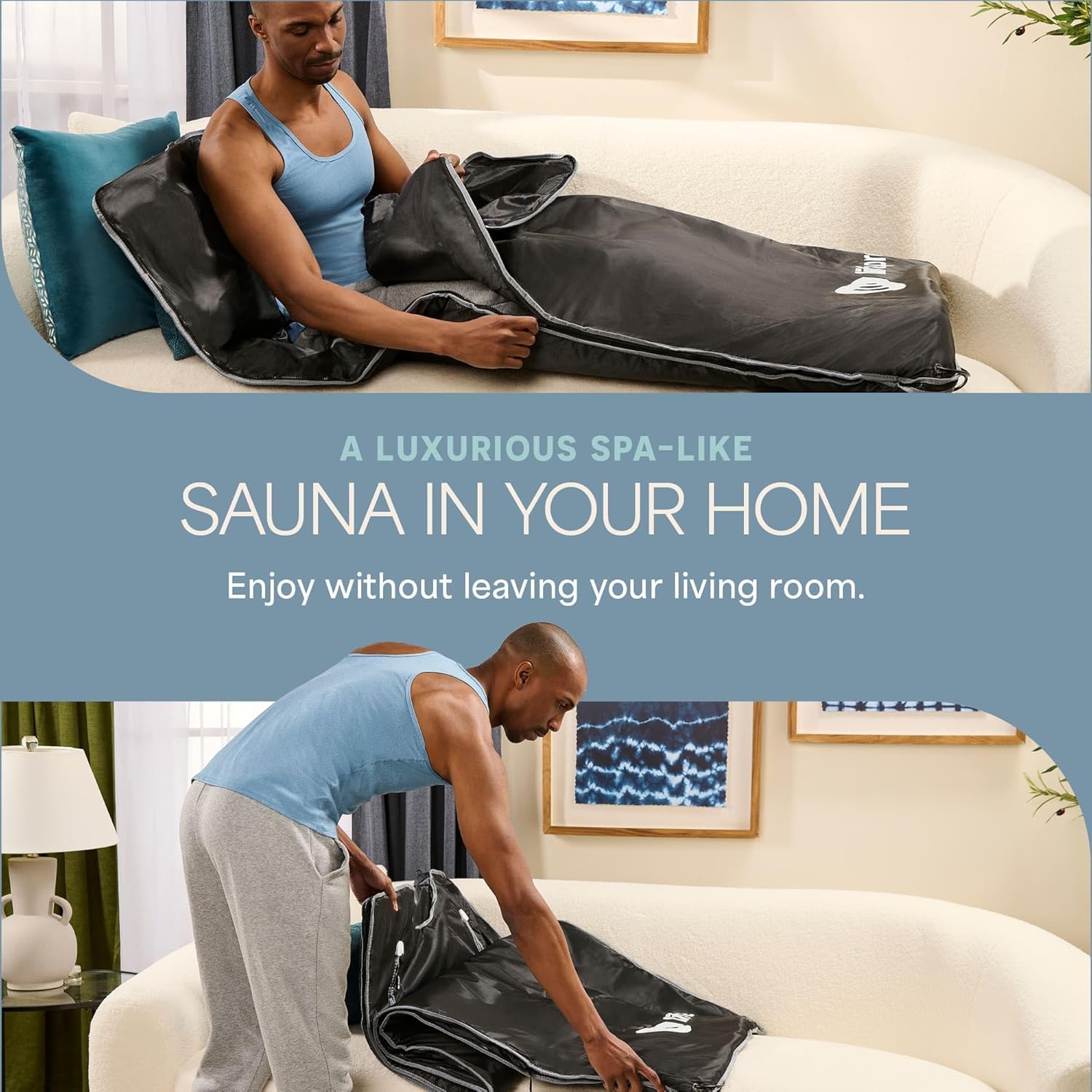
Image: A man demonstrating the setup of the LifePro BioRemedy Sauna Blanket, unfolding it on a couch, illustrating how to prepare for a spa-like sauna experience at home.
6. Operating Instructions
- Power On: Press the 'Power' button on the digital controller to turn on the blanket. The display will illuminate.
- Set Temperature: Use the 'Temp +' and 'Temp -' buttons to adjust the desired temperature. The blanket offers a range of 45°C to 80°C (113°F to 176°F). Recommended starting temperature is 50-60°C (122-140°F).
- Set Time: Use the 'Time +' and 'Time -' buttons to set the desired session duration. Typical sessions range from 30 to 60 minutes.
- Pre-heat: Allow 10-15 minutes for the blanket to pre-heat to your selected temperature before entering.
- Enter the Blanket: Once pre-heated, carefully open the blanket and lie down inside. Zip or close the blanket around you, ensuring comfort and proper heat retention.
- Enjoy Your Session: Relax and enjoy the far infrared heat. Monitor your body's response and adjust temperature or duration as needed.
- End Session: The blanket will automatically shut off after the set time. You can also manually turn it off by pressing the 'Power' button.
- Cool Down: After your session, slowly exit the blanket and allow your body to cool down gradually. Rehydrate by drinking water.

Image: A woman relaxing in the LifePro BioRemedy Sauna Blanket, with an overlay showing various temperature ranges and their associated benefits, such as detoxification, body soothing, and improved well-being.
7. Maintenance
- Cleaning: After each use, unplug the blanket and allow it to cool completely. Wipe the interior and exterior surfaces with a damp cloth and a mild, non-abrasive cleaner. Do not use harsh chemicals or immerse the blanket in water.
- Drying: Ensure the blanket is completely dry before folding and storing to prevent mold or mildew.
- Storage: Fold the blanket neatly and store it in its carry bag in a cool, dry place away from direct sunlight and extreme temperatures. Avoid placing heavy objects on top of the folded blanket.
- Inspection: Periodically inspect the blanket and power cord for any signs of wear, damage, or fraying. If any damage is found, discontinue use and contact customer support.
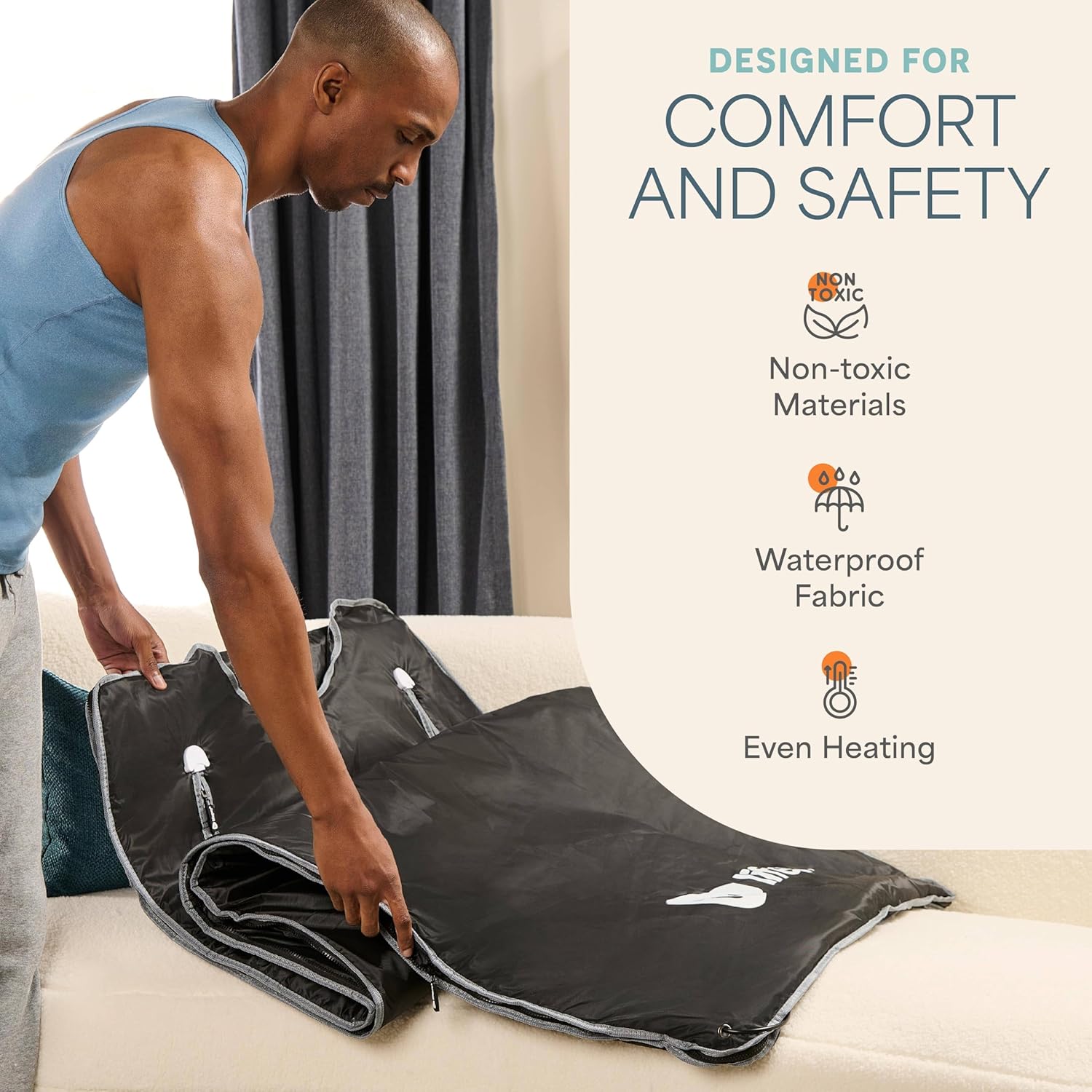
Image: A man folding the LifePro BioRemedy Sauna Blanket, demonstrating its design for comfort and safety, including non-toxic materials, waterproof fabric, and even heating.
8. Troubleshooting
| Problem | Possible Cause | Solution |
|---|---|---|
| Blanket not heating | Not plugged in; Power switch off; Controller not connected properly; Faulty outlet. | Ensure power cord is securely plugged into a working outlet. Check that the controller is firmly connected to the blanket. Press the power button on the controller. |
| Temperature not reaching desired level | Temperature setting too low; Insufficient pre-heat time; Room temperature too cold. | Increase temperature setting. Allow 10-15 minutes for pre-heating. Use in a warmer room. Ensure blanket is fully closed around you. |
| Controller display not working | Power issue; Controller malfunction. | Check power connection. Try plugging into a different outlet. If issue persists, contact customer support. |
| Unusual smell or sound | New product smell (temporary); Internal damage. | A slight odor is normal for new products and dissipates with use. If the smell is strong, burning, or accompanied by unusual sounds, immediately unplug and discontinue use. Contact customer support. |
9. Specifications
- Model Number: LP-BRMDYR-BLK
- Dimensions (L x W x H): 180.3 x 78.7 x 2.5 cm (71 x 31 x 1 inches)
- Weight: 3.49 kg (7.7 lbs)
- Material: Fabric
- Color: Standard Black
- Voltage: 110 Volts
- Adjustable Temperature Range: 45°C to 80°C (113°F to 176°F)
- UPC: 810090931258
- Country of Origin: China
10. Warranty and Support
LifePro products are designed for durability and performance. For information regarding warranty coverage, product registration, or technical support, please visit the official LifePro website or contact their customer service department directly. Keep your purchase receipt as proof of purchase.
Website: www.lifeprofitness.com
Customer Support: Refer to the contact information provided on the LifePro website or your product packaging.
Ask a question about this manual
Ask about setup, troubleshooting, compatibility, parts, safety, or missing instructions. Manuals+ will review the question and use this page’s manual context to help answer it.