1. Introduction
Thank you for purchasing the LENRUE A15 Bluetooth Speaker. This portable wireless speaker is designed to deliver high-quality audio with deep bass, extended playtime, and robust waterproof capabilities, making it ideal for both home and outdoor use. This manual provides detailed instructions on how to set up, operate, and maintain your speaker to ensure optimal performance and longevity.
2. Product Overview
The LENRUE A15 speaker features a durable design with intuitive controls and a convenient carrying strap. Its IPX7 waterproof rating allows for use in various environments, including near water.

Figure 2.1: Front view of the LENRUE A15 Bluetooth Speaker, showcasing its sleek black design and water resistance.
2.1. Package Contents
- 1 x LENRUE A15 Bluetooth Speaker
- 1 x User Manual
- 1 x USB Charging Cable
- 1 x AUX Cable
2.2. Button Functions
| Button | Function |
|---|---|
| Power Button (Power icon) | Press and hold to power on/off. Short press to play/pause. |
| Mode Button (M) | Short press to switch between Bluetooth, TF Card, and AUX modes. |
| Volume Down (-) | Short press to decrease volume. Long press for previous track. |
| Volume Up (+) | Short press to increase volume. Long press for next track. |
| Play/Pause (Play/Pause icon) | Short press to play/pause. (Note: This function is often integrated with the Power button on some models, refer to specific product for confirmation). |
| Bass+ Button (Bass+) | Short press to activate/deactivate Bass Boost mode. |
3. Setup and Initial Use
3.1. Charging the Speaker
Before first use, fully charge the speaker. Connect the provided USB charging cable to the speaker's charging port and the other end to a USB power adapter (not included) or a computer's USB port. The charging indicator light will show charging status and turn off when fully charged. A full charge takes approximately 24 hours.
3.2. Power On/Off
- To power on: Press and hold the Power button for 2-3 seconds until you hear an audible prompt.
- To power off: Press and hold the Power button for 2-3 seconds until you hear an audible prompt.
3.3. Bluetooth Pairing
The speaker will automatically enter Bluetooth pairing mode when powered on for the first time or if no device is connected. The Bluetooth indicator light will flash rapidly.
- Ensure your device's Bluetooth is enabled.
- Search for "LENRUE A15" in your device's Bluetooth settings.
- Select "LENRUE A15" to connect. Once connected, the Bluetooth indicator light will remain solid, and you will hear a confirmation sound.
The speaker will automatically reconnect to the last paired device when powered on, if available.
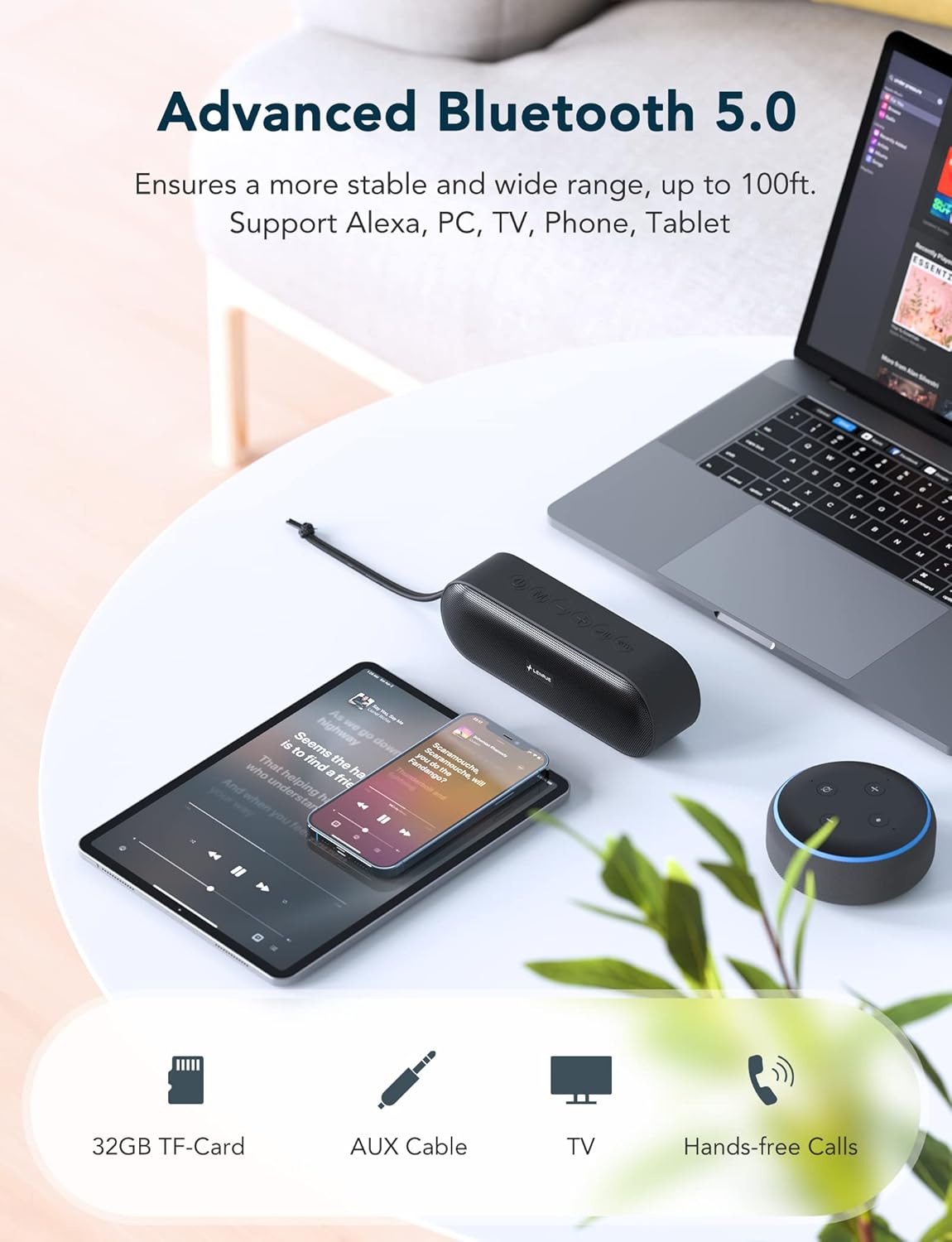
Figure 3.1: The LENRUE A15 speaker demonstrating its versatile connectivity with various Bluetooth-enabled devices.
3.4. True Wireless Stereo (TWS) Pairing
TWS allows you to pair two LENRUE A15 speakers together for a true stereo sound experience.
- Ensure both speakers are powered on and not connected to any Bluetooth device.
- On one speaker (this will be the primary speaker), double-press the Power button. You will hear a prompt indicating TWS pairing mode.
- The primary speaker will automatically search for the secondary speaker. Once connected, both speakers will emit a confirmation sound, and their Bluetooth indicator lights will synchronize.
- Now, connect your device to the primary speaker via Bluetooth as described in Section 3.3.

Figure 3.2: Two LENRUE A15 speakers set up for True Wireless Stereo, providing a wider soundstage.
4. Operating Instructions
4.1. Playing Music
- Play/Pause: Short press the Power button.
- Volume Control: Short press the '+' button to increase volume, '-' button to decrease volume.
- Next Track: Long press the '+' button.
- Previous Track: Long press the '-' button.
- Bass Boost: Short press the Bass+ button to toggle bass enhancement.

Figure 4.1: The internal components of the LENRUE A15 speaker, highlighting its dual high-performance drivers for rich sound and deep bass.
4.2. Hands-Free Calling
With the built-in microphone, you can answer calls directly through the speaker when connected to your phone via Bluetooth.
- Answer Call: Short press the Power button.
- End Call: Short press the Power button.
- Reject Call: Long press the Power button.
- Voice Assistant: Short press the Mode (M) button to activate your device's voice assistant (e.g., Siri, Google Assistant, Alexa).
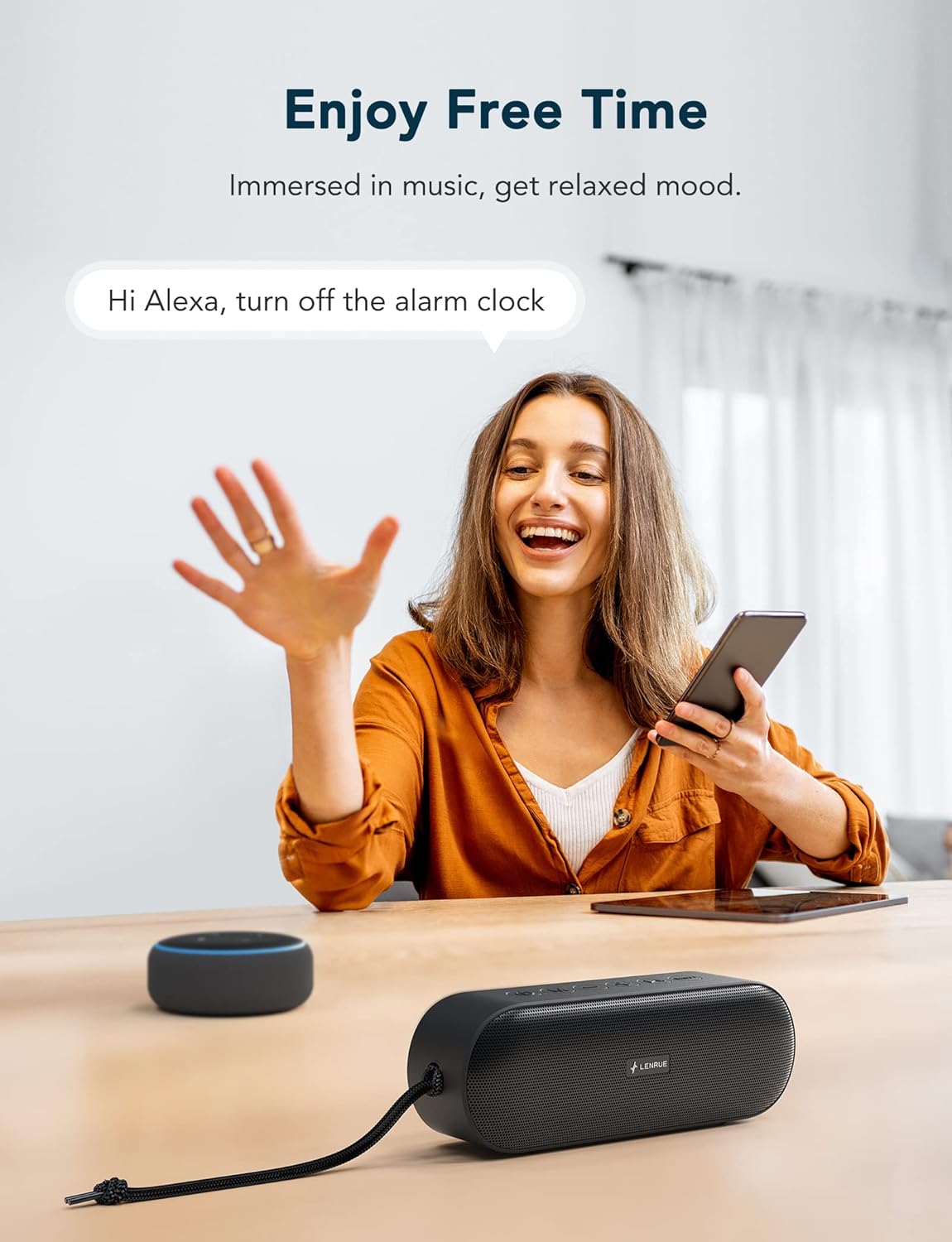
Figure 4.2: The LENRUE A15 speaker's hands-free calling and voice assistant integration, allowing for convenient control.
4.3. TF Card Mode
Insert a TF (MicroSD) card with MP3 audio files into the TF card slot. The speaker will automatically switch to TF Card mode and begin playing music. Use the Play/Pause, Volume, and Track buttons as described above.
4.4. AUX Mode
Connect an external audio device (e.g., MP3 player, computer) to the speaker's AUX-in port using the provided 3.5mm audio cable. The speaker will automatically switch to AUX mode. Volume control can be managed via both the speaker and the connected device.
5. Waterproof Information (IPX7)
The LENRUE A15 speaker is IPX7 rated, meaning it can be submerged in water up to 1 meter (3.3 feet) for up to 30 minutes. This makes it suitable for use by the pool, at the beach, or in the shower.
- Ensure the charging port cover is securely closed before exposing the speaker to water.
- Do not submerge the speaker in saltwater or other chemicals, as this may damage the device.
- After exposure to water, wipe the speaker dry with a soft cloth before charging or opening the port cover.

Figure 5.1: The LENRUE A15 speaker's portability and durability, suitable for outdoor adventures and resistant to rain.
6. Maintenance and Care
- Clean the speaker with a soft, damp cloth. Do not use harsh chemicals or abrasive cleaners.
- Store the speaker in a cool, dry place when not in use.
- Avoid exposing the speaker to extreme temperatures (hot or cold) or direct sunlight for prolonged periods.
- Do not attempt to disassemble or repair the speaker yourself, as this will void the warranty.
7. Troubleshooting
| Problem | Possible Solution |
|---|---|
| Speaker does not power on. | Ensure the speaker is fully charged. Connect to a power source and try again. |
| Cannot pair via Bluetooth. |
|
| No sound or low volume. |
|
| TWS pairing fails. |
|
| Sound distortion. |
|
8. Specifications
| Feature | Detail |
|---|---|
| Model Name | KML-0015 |
| Speaker Output Power | 20 Watts |
| Audio Driver Size | 40 Millimeters |
| Connectivity Technology | Bluetooth 5.0 |
| Bluetooth Range | Up to 100 feet (approx. 30 meters) |
| Water Resistance Level | IPX7 (Waterproof) |
| Battery Life | Up to 20 Hours (at 50% volume) |
| Battery Capacity | 7200 mAh |
| Charging Time | Approx. 24 Hours |
| Product Dimensions (LxWxH) | 5.91" x 1.98" x 2.76" (15cm x 5cm x 7cm) |
| Item Weight | 350 Grams (12.3 ounces) |
| Microphone | Built-in (for Hands-Free Calling) |
| Supported Modes | Bluetooth, TF Card, AUX |
| Special Features | Bass Boost, Portable, TWS Pairing |
9. Warranty and Support
The LENRUE A15 Bluetooth Speaker comes with a limited warranty. For detailed warranty information, product support, or technical assistance, please refer to the contact information provided with your purchase or visit the official LENRUE website. We offer hassle-free 7x24 hours after-sale service.


