Introduction
The Mycket Star Projector is a versatile device designed to transform any room into a captivating celestial experience. It combines a galaxy projector, ocean wave LED night light, and a Bluetooth speaker, offering a multi-sensory environment for relaxation, entertainment, or sleep. This manual provides detailed instructions for setting up, operating, maintaining, and troubleshooting your projector.

Image: The Mycket Star Projector creating a vibrant galaxy and ocean wave projection in a modern living room, with the remote control and a smartphone showing music playback.
What's Included
Please check the package contents upon opening to ensure all items are present:
- 1 x Mycket Galaxy Star Projector
- 1 x USB Cable
- 1 x Remote Control
- 1 x User Manual (this document)

Image: Contents of the Mycket Star Projector package, including the projector unit, remote control, and USB power cable.
Setup
1. Power Connection
- Place the Mycket Star Projector on a stable, flat surface.
- Connect the provided USB cable to the Type-C charging port on the projector.
- Plug the other end of the USB cable into a compatible USB power adapter (not included) or a USB port on a computer/power bank.
- The projector will power on automatically or can be turned on using the power button on the unit or remote control.

Image: A detailed view of the Mycket Star Projector highlighting the projector light, star light, LED breathing light, and Type-C charging port, along with the remote control layout.
2. Bluetooth Pairing
The projector features a built-in Bluetooth speaker for music playback.
- Ensure the projector is powered on.
- On your mobile device (smartphone, tablet, etc.), enable Bluetooth.
- Search for available Bluetooth devices. The projector will appear as "Star Light".
- Select "Star Light" to pair. A confirmation sound will indicate successful pairing.
- You can now play music through the projector's speaker.
Video: Demonstration of the Mycket Star Projector's features, including power-on, Bluetooth pairing, and various light modes.
Operating Instructions
The Mycket Star Projector can be operated using the buttons on the unit or the included remote control.
Remote Control Functions
| Button | Function |
|---|---|
| Power On/Off | Turns the projector on or off. |
| Star | Activates or deactivates the star projection. |
| Music | Toggles music playback on/off (requires Bluetooth connection). |
| Volume Up/Down | Adjusts the speaker volume. |
| Previous/Next Song | Skips to the previous or next track during music playback. |
| Play/Pause | Plays or pauses music playback. |
| LED Mode | Cycles through different LED light modes and color combinations. |
| Brightness | Adjusts the brightness of the projection (10%, 40%, 70%, 100%). |
| Speed Star | Adjusts the rotation speed of the star projection. |
| Timer (15min, 30min, 60min) | Sets an automatic shut-off timer for the projector. |
| Sound Activated | Enables the projection to change colors and patterns according to music beat or clapping. |
Projection Modes and Colors
The projector offers 10 different colors and 14 projection modes, allowing for a variety of visual effects. Use the "LED Mode" button on the remote to cycle through these options. The dynamic fantasy nebula and starry night light can be combined to create unique atmospheres.

Image: A family enjoying the Mycket Star Projector, showcasing 7 different color combinations and 14 projection modes.
Brightness Adjustment
Adjust the projection brightness to your preference using the dedicated brightness buttons on the remote control. Available levels are 10%, 40%, 70%, and 100%.
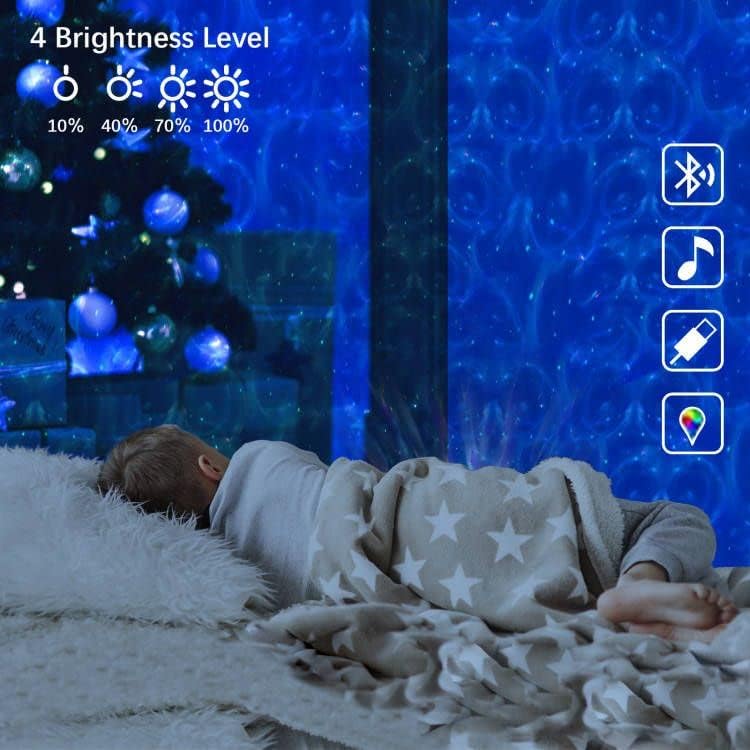
Image: A child sleeping peacefully with the Mycket Star Projector illuminating the room, illustrating the four brightness levels (10%, 40%, 70%, 100%).
Timer Function
Set a timer for automatic shut-off using the remote control. Options include 15 minutes, 30 minutes, and 60 minutes. This is ideal for sleep soothing environments.

Image: A child drawing while the Mycket Star Projector displays its features, including timer settings (15min, 30min, 60min) and adjustable brightness levels.
Music Sync and Sound Activated Mode
When music is playing via Bluetooth, the "Music Sync" mode allows the lights to dance and change with the rhythm of the music. The sound-activated flicker mode also enables the projection to respond to beats or claps, creating an interactive light show.
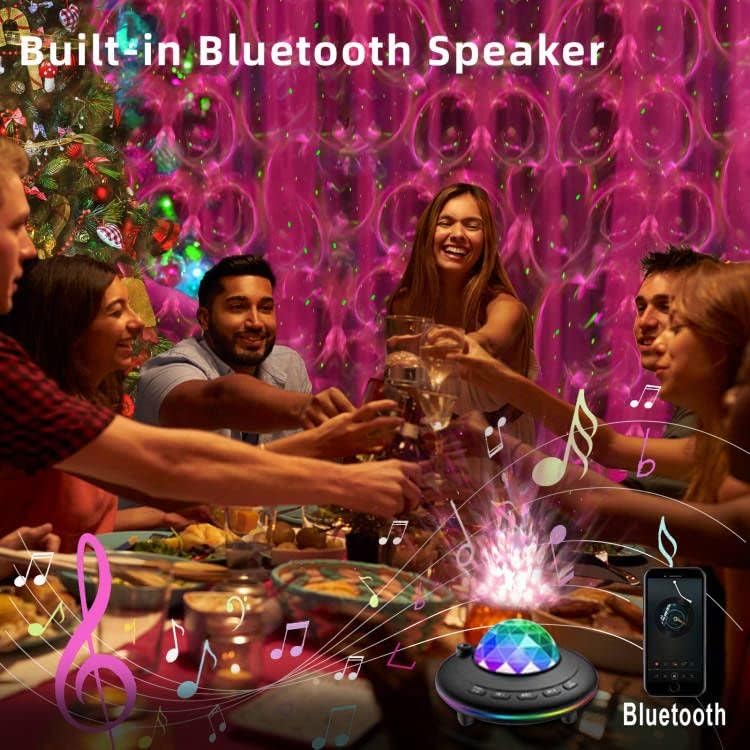
Image: People enjoying a gathering with the Mycket Star Projector providing dynamic lighting, illustrating its built-in Bluetooth speaker and music sync capabilities.
Maintenance
Cleaning
- Ensure the projector is unplugged before cleaning.
- Wipe the exterior of the projector with a soft, dry cloth.
- For stubborn marks, a slightly damp cloth can be used, followed by immediate drying.
- Do not use abrasive cleaners, solvents, or harsh chemicals, as these may damage the surface or internal components.
- Keep the projection lens clean and free of dust to ensure clear projections. Use a lens cleaning cloth if necessary.
Storage
When not in use, store the projector in a cool, dry place, away from direct sunlight and extreme temperatures. It is recommended to keep it in its original packaging to protect it from dust and physical damage.
Troubleshooting
If you encounter issues with your Mycket Star Projector, please refer to the following common problems and solutions:
| Problem | Possible Cause / Solution |
|---|---|
| Projector does not turn on. |
|
| Remote control is not working. |
|
| Bluetooth connection fails or is unstable. |
|
| Projector turns off unexpectedly. |
|
| Projection is dim or unclear. |
|
Specifications
| Feature | Detail |
|---|---|
| Brand | Mycket |
| Model Number | L6 |
| Product Dimensions | 5.9"D x 3.54"W x 5.9"H |
| Item Weight | 13.1 ounces (370 Grams) |
| Material | Plastic |
| Finish Type | Polished |
| Light Source Type | LED |
| Power Source | Corded Electric (USB) |
| Voltage | 5 Volts (DC) |
| Wattage | 5 watts |
| Connectivity Technology | USB, IR |
| Connectivity Protocol | Bluetooth |
| Control Method | Remote Control |
| Average Life | 30000 Hours |
| Included Components | Remote Control |
| Country of Origin | China |
Warranty and Support
For information regarding product warranty, returns, or technical support, please refer to the purchase platform or contact the seller directly. Keep your proof of purchase for any warranty claims.
Mycket is committed to providing high-quality smart home products. For further assistance, please visit the official Mycket store or contact their customer service.
Mycket Store: Visit Mycket Store on Amazon


