
1. Introduction
Thank you for choosing the Romoss PEA40PF 40000mAh 22.5W Powerbank. This device is designed to provide portable power for your electronic devices, ensuring you stay connected on the go. This manual provides essential information on how to safely and effectively use and maintain your power bank.
2. Safety Information
Please read all safety instructions before using this product. Failure to follow these instructions may result in electric shock, fire, or personal injury.
- Do not expose the power bank to extreme temperatures (above 60°C/140°F or below 0°C/32°F).
- Do not disassemble, modify, or attempt to repair the device.
- Keep the power bank away from water, moisture, and flammable materials.
- Avoid dropping or subjecting the power bank to strong impacts.
- Use only certified chargers and cables for recharging the power bank and charging your devices.
- Keep out of reach of children.
- Dispose of the power bank responsibly according to local regulations.
3. Package Contents
Please check the package for the following items:
- Romoss PEA40PF 40000mAh 22.5W Powerbank
- USB Charging Cable
- User Manual (this document)
4. Product Overview and Setup
Familiarize yourself with the components of your Romoss PEA40PF Powerbank.

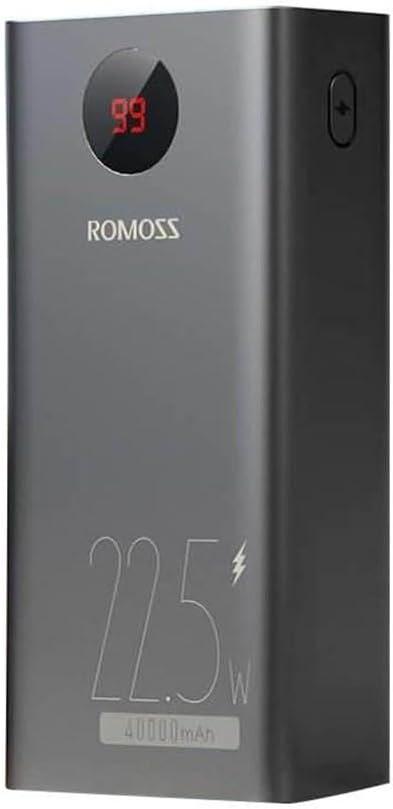
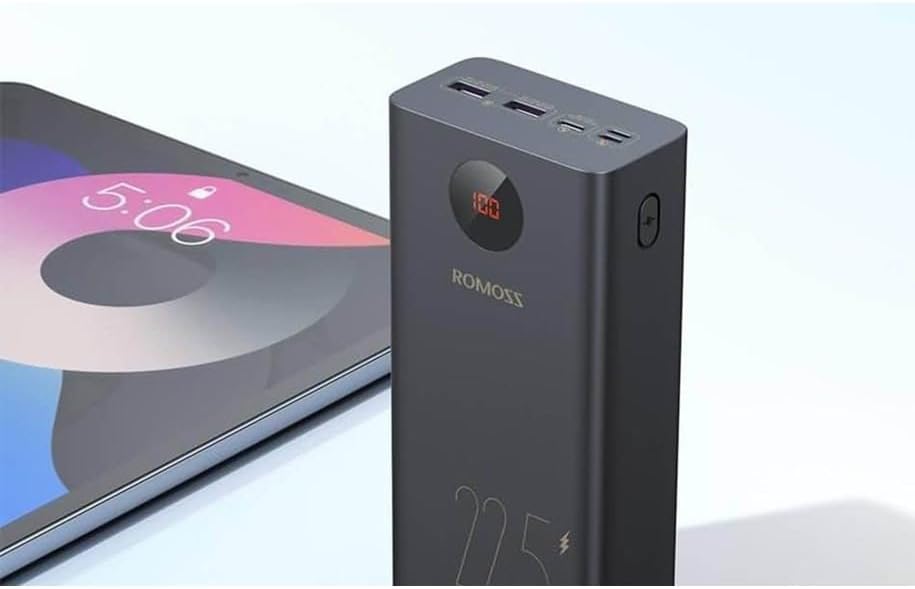
Components:
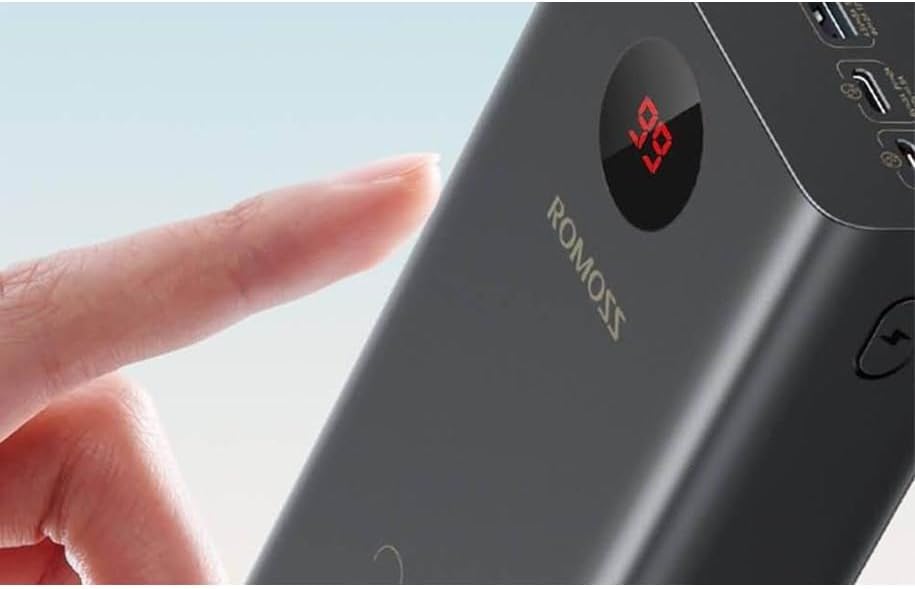
- Digital Display: Shows the remaining battery percentage.
- Power Button: Press once to check battery level; press and hold for specific functions (if applicable, refer to advanced features).
- Input Ports: Used to recharge the power bank (e.g., USB-C, Micro-USB).
- Output Ports: Used to charge external devices (e.g., USB-A, USB-C).
5. Operating Instructions
5.1. Charging the Power Bank
Before first use, fully charge your power bank. To recharge the power bank:
- Connect the provided USB charging cable to an appropriate input port on the power bank (e.g., USB-C).
- Connect the other end of the cable to a USB wall charger or a computer's USB port.
- The digital display will show the charging progress. Once it reaches 100%, the power bank is fully charged.
5.2. Charging External Devices
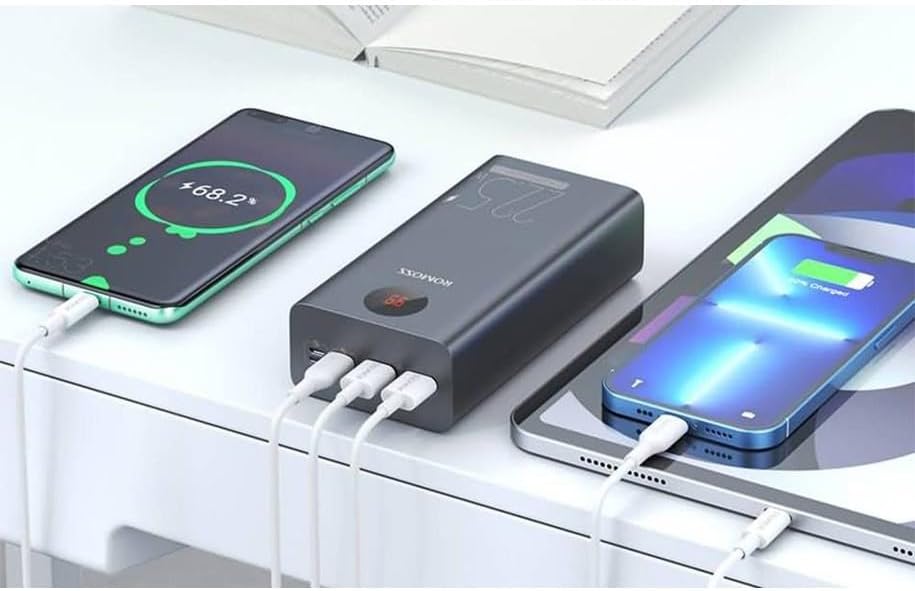
The power bank can charge various devices such as smartphones, tablets, and other USB-powered gadgets.
- Connect your device's charging cable to one of the output ports on the power bank (e.g., USB-A or USB-C).
- Connect the other end of the cable to your device.
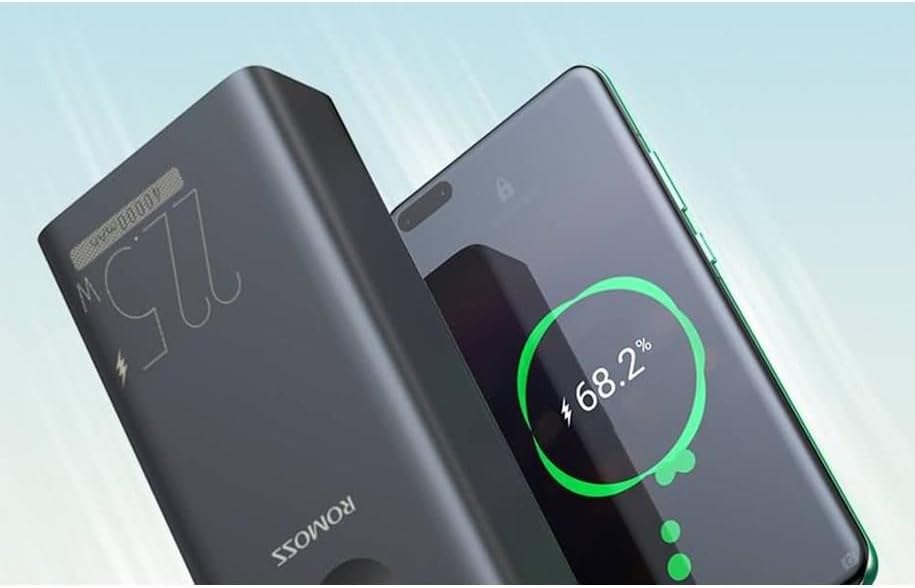
- The power bank should automatically begin charging your device. If not, press the power button once to initiate charging.
- The digital display will show the power bank's remaining battery level during charging.

5.3. Checking Battery Level
To check the remaining battery level of the power bank, simply press the power button once. The digital display will illuminate and show the percentage.
6. Maintenance
Proper maintenance ensures the longevity and optimal performance of your power bank.
- Cleaning: Use a soft, dry cloth to clean the surface of the power bank. Do not use liquid cleaners or abrasive materials.
- Storage: Store the power bank in a cool, dry place away from direct sunlight and extreme temperatures. If storing for extended periods, charge the power bank to approximately 50-70% every three months to preserve battery health.
- Battery Care: Avoid fully discharging the power bank frequently, as this can reduce its overall lifespan.
7. Troubleshooting
If you encounter issues with your power bank, refer to the following common problems and solutions:
- Power bank not charging:
- Ensure the charging cable is securely connected to both the power bank's input port and the power source.
- Try a different charging cable or wall adapter.
- Verify the power source is active.
- Device not charging from power bank:
- Press the power button on the power bank to activate charging.
- Ensure the charging cable is securely connected to both the power bank's output port and your device.
- Try a different charging cable or output port.
- Check if your device's charging port is clean and free of debris.
- The power bank may be out of charge; recharge it.
- Slow charging:
- Ensure you are using a high-quality cable and a compatible charger for optimal charging speed.
- Some devices may limit charging speed based on their battery level or temperature.
8. Specifications
Detailed technical specifications for the Romoss PEA40PF Powerbank:
| Feature | Specification |
|---|---|
| Model | PEA40PF |
| Brand | Romoss |
| Battery Capacity | 40000mAh |
| Output Power | 22.5W (Max) |
| Connector Type | USB Type C (Input/Output), USB Type A (Output) |
| Voltage | 5 Volts, 12 Volts |
| Amperage | 3 A |
| Recommended Use | Smartphone |
| Power Source | Electric Cable |
| Item Weight | 1079 Grams |
| Color | Black |

