
1. Introduction
This manual provides comprehensive instructions for the installation, operation, and maintenance of the KENRONE KR-S5243 DC 12V/24V Zinc Alloy Mini Electromagnetic Lock. Designed for secure and keyless access, this hidden electronic lock is ideal for various applications including lockers and metal cabinets. Please read this manual thoroughly before use to ensure proper functionality and safety.

Figure 1.1: The KENRONE KR-S5243 electromagnetic lock, showing its compact design, wiring, and included hook.
2. Product Features
- Durable Construction: The lock shell is made of Zinc Alloy, designed for durability and resistance to deformation.
- Flexible Power Input: Supports both 12V and 24V DC power supply, driven by electromagnet.
- Compact Design: Its compact structure (52*43*14.5 mm) allows for versatile application in various locker designs.
- Customizable: Supports customization of wires and connectors to suit specific installation needs.
- Reliable Performance: Zinc Alloy lock tongue can pass over 72 hours salt spray test and has a lifetime of over 400,000 operations.
- Enhanced Security: Features deactivated 304 stainless steel with an anti-force performance of 250kgs.
- Emergency Access: Includes a mechanical emergency lever for manual unlocking in case of power failure.

Figure 2.1: Detailed view of the solenoid electronic locker lock components and features.
3. Specifications
| Attribute | Value |
|---|---|
| Model Number | KR-S5243 |
| Manufacturer | Kerong Electronic |
| Dimensions (L x W x H) | 52 x 43 x 14.5 mm (2.05 x 1.69 x 0.57 inches) |
| Material | Zinc Alloy |
| Color | Gold |
| Operating Voltage | DC 12V/24V |
| Anti-force Performance | 250kgs |
| Wire Type | AWG24 with PVC protective tube |
| Lock Type | Locker Lock |
| Item Weight | 159 g |
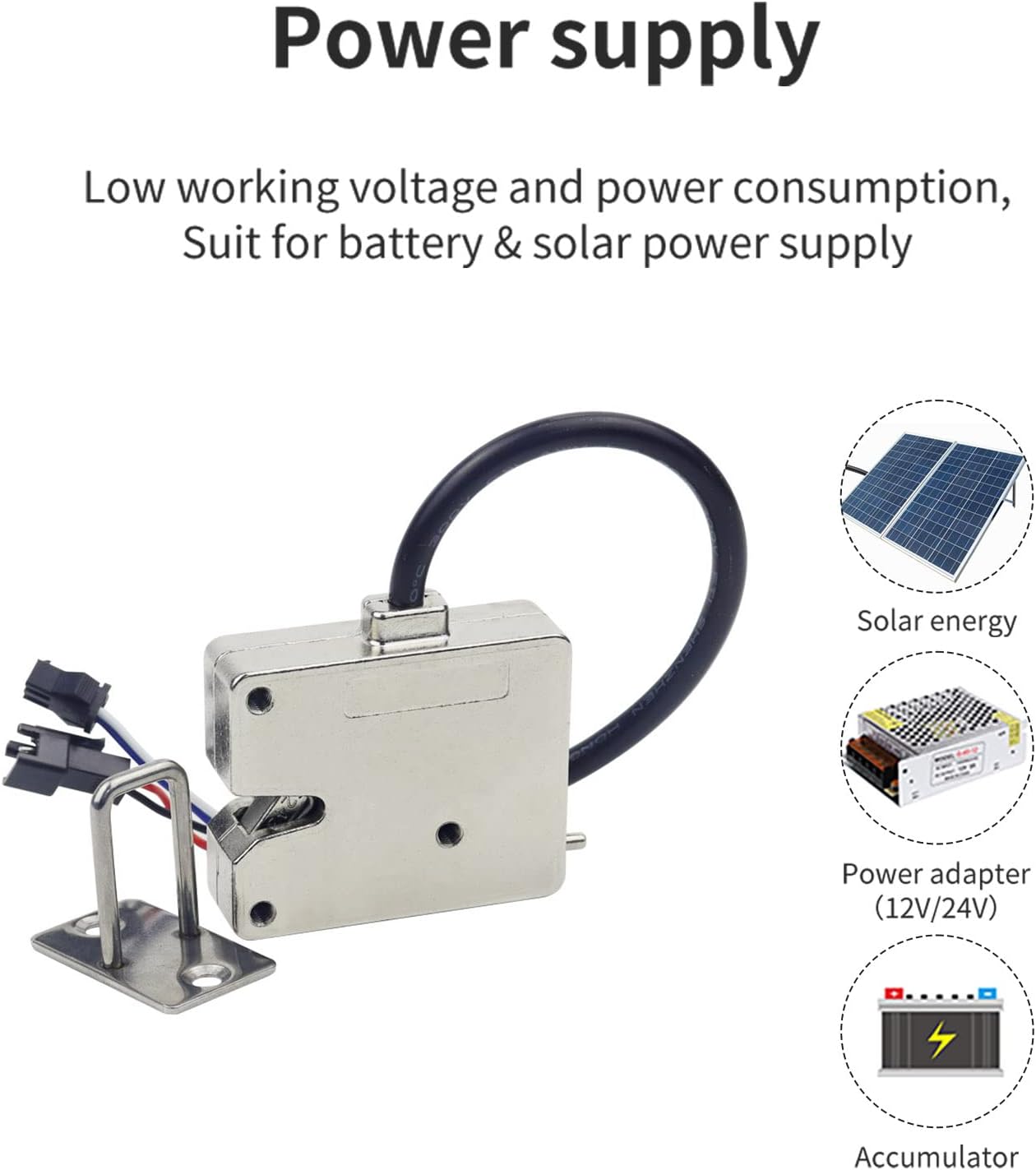
Figure 3.1: Power supply options for the electromagnetic lock.
4. Components Included
The package for the KR-S5243 electromagnetic lock typically includes the following items:
- 1 x Electromagnetic Lock Unit
- 1 x Hook
- Some Screws for installation
5. Setup & Installation
Proper installation is crucial for the optimal performance and security of the electromagnetic lock. Follow these general guidelines:
- Choose Location: Select a suitable location inside the locker or cabinet where the lock can be securely mounted and its hook can engage properly. Ensure there is enough space for the lock and its wiring.
- Mount the Lock: Use the provided screws to securely fasten the main lock unit to the interior surface of the locker. Ensure it is aligned correctly with the door or drawer mechanism.
- Install the Hook: Mount the hook component to the corresponding part of the door or drawer, ensuring it aligns perfectly with the lock's latch mechanism when closed.
- Wire the Lock: Connect the lock's wires to your 12V or 24V DC power supply. Pay close attention to polarity. The lock is driven by electromagnetism; applying power will typically unlock it.
- Test Functionality: Before fully securing all components, test the lock's operation by applying and removing power to ensure it locks and unlocks as expected.

Figure 5.1: Example of the electromagnetic lock installed inside a locker.
6. Operating Instructions
The KENRONE KR-S5243 lock offers two primary methods of operation:
- Electrify Unlock: This is the standard operating method. When a 12V or 24V DC power signal is applied to the lock's power terminal, the electromagnetic mechanism disengages, allowing the lock to open. Removing the power signal will cause the lock to engage and secure the door/drawer.
- Emergency Unlock: In the event of a power failure or system malfunction, the lock can be manually opened using the emergency unlocking lever. This lever is typically accessible from the inside or a designated emergency access point. Locate the lever and actuate it to release the lock.

Figure 6.1: Diagram illustrating the electrify and emergency unlocking methods.
7. Maintenance
To ensure the longevity and reliable performance of your electromagnetic lock, consider the following maintenance tips:
- Regular Cleaning: Periodically wipe the exterior of the lock with a soft, dry cloth to remove dust and debris. Avoid using abrasive cleaners or solvents.
- Check Connections: Occasionally inspect the wiring connections to ensure they are secure and free from corrosion. Loose connections can affect performance.
- Lubrication: While generally not required for electromagnetic locks, if any mechanical parts (like the emergency lever) feel stiff, a small amount of silicone-based lubricant can be applied. Avoid oil-based lubricants.
- Environmental Conditions: Ensure the lock is not exposed to extreme temperatures or excessive moisture, which can degrade its performance and lifespan.
8. Troubleshooting
If you encounter issues with your KENRONE KR-S5243 lock, refer to the following common problems and solutions:
- Lock Does Not Unlock When Power Applied:
- Check power supply: Ensure the correct voltage (12V or 24V DC) is being supplied and that the power source is active.
- Inspect wiring: Verify all wire connections are secure and correctly polarized.
- Check for obstructions: Ensure no physical obstructions are preventing the lock mechanism from disengaging.
- Lock Does Not Engage (Stay Locked) When Power Removed:
- Verify power removal: Confirm that power is completely cut off from the lock.
- Check for debris: Ensure no foreign objects are lodged in the lock mechanism preventing it from fully engaging.
- Mechanical alignment: Re-check the alignment of the lock unit and the hook.
- Emergency Lever Not Working:
- Check for obstructions: Ensure the lever's path is clear.
- Inspect for damage: Look for any visible damage to the lever or its internal mechanism.
If the problem persists after attempting these solutions, please contact customer support.
9. Application Scenarios
The KENRONE KR-S5243 electronic rotary latch is versatile and suitable for a wide range of applications, including but not limited to:
- Waterproof Beach Lockers
- Courier Cabinets and Storage Lockers
- Supermarket Lockers
- Vending Machine Lockers
- School Lockers
- Warmer and Freezer Cabinets
- Shared Umbrella Stations
- Shared Battery Charging Stations
- Shared Scooter and Bicycle Lockers
- Electric Motorcycle Trunks

Figure 9.1: Diverse application scenarios for the KR-S5243 lock.
10. Warranty Information
KENRONE products are manufactured to high-quality standards. For detailed warranty terms and conditions, including coverage period and claim procedures, please refer to the warranty card included with your purchase or visit the official KENRONE website. Keep your proof of purchase for warranty claims.
11. Support
For technical support, troubleshooting assistance, or any inquiries regarding your KENRONE KR-S5243 electromagnetic lock, please contact KENRONE customer service through the following channels:
- Website: Visit the official KENRONE website for FAQs, support resources, and contact forms.
- Email: Refer to your product packaging or purchase documentation for the customer support email address.
- Phone: Contact the customer service hotline provided in your product documentation.
When contacting support, please have your product model number (KR-S5243) and purchase details ready.