Introduction
This manual provides comprehensive instructions for the Dioche Smart Glass Door Lock. It covers product features, installation procedures, operational guidelines, maintenance tips, and troubleshooting steps. Please read this manual thoroughly before installation and use to ensure proper function and safety.
Product Overview
The Dioche Smart Glass Door Lock offers advanced security and convenience with multiple unlocking methods. It is designed for glass doors with a thickness of 10-12mm, suitable for home, office, and shared spaces.
Key Features:
- Multiple Unlock Modes: Fingerprint, Password, IC Card, Remote Control, and Bluetooth App.
- Enhanced Security: Automatic system lock for 3 minutes after 5 incorrect password attempts. Virtual password support for added security.
- Emergency Power: Type-C interface for 5V DC emergency charging.
- Smart Attendance System: Bluetooth-enabled attendance record export via mobile app.
- Integrated Doorbell: Built-in doorbell function for visitor notification.
- Durable Construction: High-strength aluminum body, acrylic panel, and thickened dustproof, waterproof, anti-slip pad.
- Voice Prompts: Human voice instructions and alarm functions.

Image: The smart lock interface displaying icons for remote control, app, fingerprint, card, and password unlock methods.
Setup and Installation
Before installation, ensure your glass door thickness is between 10-12mm. The package includes the lock host, installation screws, two 304 stainless steel side strips, two IC cards, one remote control, and this user manual.
Package Contents:
- 1 x Fingerprint Lock Host (batteries not included)
- 1 x Installation Screw Pack
- 2 x 304 Stainless Steel Side Strips
- 2 x IC Cards
- 1 x Remote Control (battery included)
- 1 x User Manual
Battery Installation:
The lock requires 4 AA 1.5V alkaline batteries (not included). Open the battery compartment on the indoor unit and insert the batteries, ensuring correct polarity.
Physical Installation:
Follow the detailed instructions provided in the included installation screw pack. Ensure the lock is securely mounted on the glass door using the provided stainless steel side strips and screws. The double hook lock tongue design provides robust security.

Image: Exploded view of the lock components, highlighting the aluminum body, LED light, acrylic panel, and protective pad.
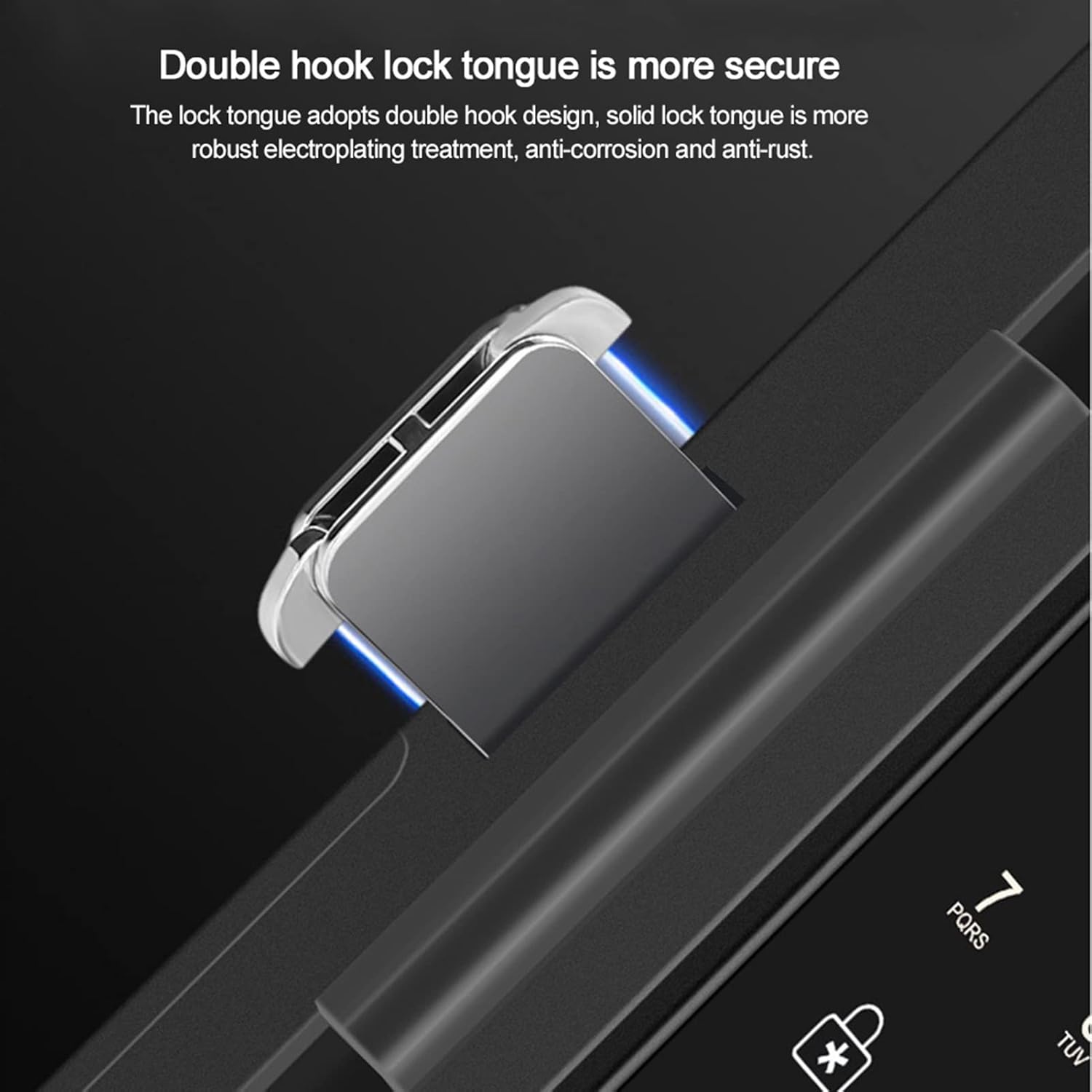
Image: Detail of the double hook lock tongue, emphasizing its secure design.
Operating Instructions
System Management:
To enter the system management interface from the main menu, press "0" followed by "#".
Unlocking Methods:
- Fingerprint: Place your registered fingerprint on the sensor.
- Password: Enter your registered password followed by "#". The virtual password feature allows you to enter up to 24 digits, camouflaging your actual password for increased security.
- IC Card: Present a registered IC card to the card reader. The lock supports CPU, MF, and IC card types, including second-generation ID cards.
- Remote Control: Use the provided remote control to unlock the door from an effective distance of up to 10 meters (32.8 feet).
- Bluetooth App: Use the dedicated mobile application to unlock the door via Bluetooth. The app also allows for attendance record queries and data export.

Image: Remote control unlocking the smart door lock.
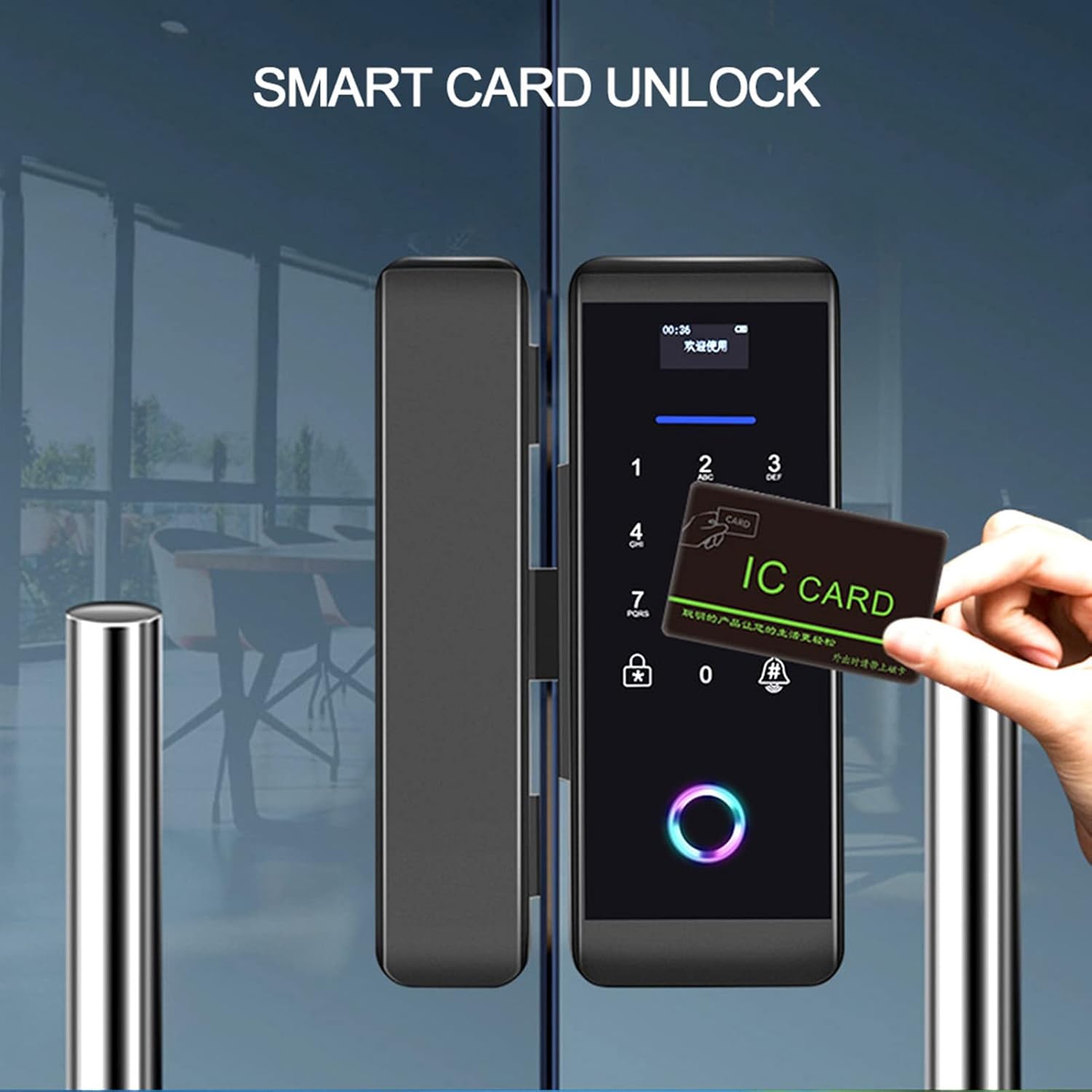
Image: Unlocking the smart door lock using an IC card.
Normally Open Setting:
To set the lock to a normally open state, an administrator must first unlock the door, then press "2" followed by "8".
Doorbell Function:
Press the doorbell button on the lock to activate the integrated doorbell chime.
Emergency Power:
In case of battery depletion, connect a 5V DC power source via the Type-C interface for emergency charging.
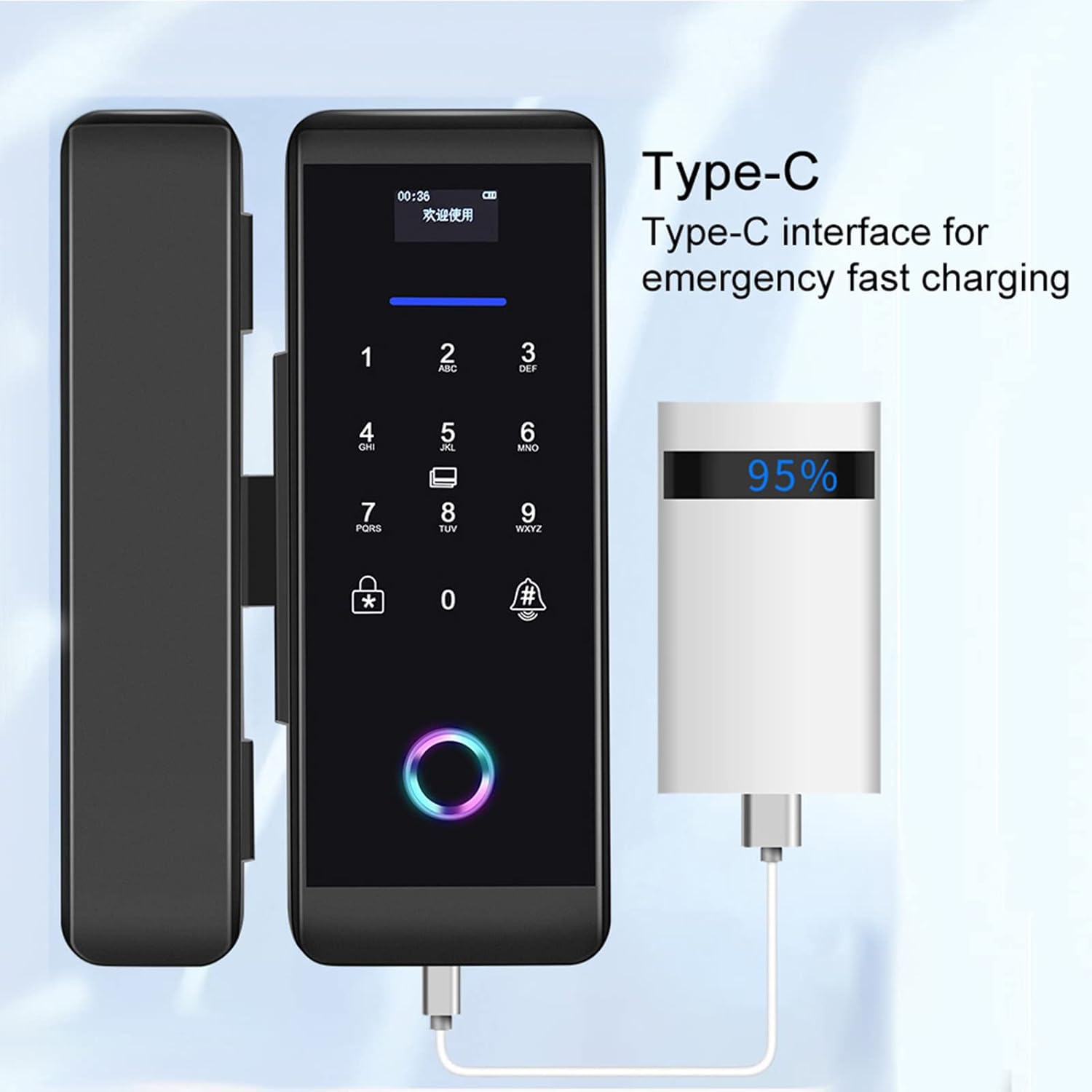
Image: Emergency charging the smart lock via its Type-C port.
Smart APP Attendance:
The mobile application allows you to connect to the lock and export attendance data, providing insights into access trends.

Image: Smart app displaying attendance system data.
Maintenance
- Battery Replacement: Replace all four AA batteries when the low battery indicator appears or when performance degrades. Use only alkaline batteries.
- Cleaning: Wipe the lock's surface with a soft, dry cloth. Avoid using abrasive cleaners or solvents that could damage the finish or electronic components.
- Fingerprint Sensor: Keep the fingerprint sensor clean and dry for optimal performance.
- Environmental Conditions: Ensure the lock operates within the specified temperature (-25 to 65 °C) and humidity (5 to 95% RH, non-condensing) ranges to prevent damage.
Troubleshooting
- Lock not responding: Check battery levels. If batteries are low, use the Type-C emergency power interface or replace the batteries.
- Fingerprint not recognized: Ensure your finger is clean and dry. Re-register your fingerprint if the issue persists.
- Incorrect password alarm: If 5 incorrect passwords are entered consecutively, the system will lock for 3 minutes. Wait for the lockout period to expire before trying again.
- Remote control not working: Check the remote control's battery. Ensure you are within the effective range (10 meters/32.8 feet) and there are no obstructions.
- App connectivity issues: Ensure Bluetooth is enabled on your mobile device and the lock. Restart the app or re-pair the lock if necessary.
- Lock mechanism stuck: Do not force the lock. Check for any physical obstructions or debris. If the issue persists, contact customer support.
Specifications
| Feature | Specification |
|---|---|
| Model Number | 14261027031 |
| Color | Black |
| Dimensions (L x H) | 6.8 x 18.3 cm |
| Material | Stainless Steel, Acrylic |
| Applicable Door Thickness | 10-12 mm |
| Unlock Methods | Fingerprint, Password, IC Card, Remote Control, Bluetooth App |
| User Capacity | 1000 |
| Fingerprint Capacity | 200 |
| Password Capacity | 1000 |
| Card Capacity | 1000 sets |
| Remote Control Capacity | 30 |
| Power Supply | 4 x AA 1.5V Alkaline Batteries (not included) |
| Emergency Power | DC 5V Type-C Interface |
| Operating Current | Dynamic <200mA, Static <55 microamps |
| Operating Temperature | -25 to 65 °C |
| Operating Humidity | 5 to 95% RH (non-condensing) |
| Display | OLED 0.96 |
| Collector | Semiconductor Acquisition Module |
Warranty and Support
Information regarding specific warranty terms and customer support contact details is not available in the provided product data. Please refer to the product packaging or the seller's website for warranty information and support contacts.
For further assistance, you may visit the Dioche Store on Amazon.