
1. Introduction
The HIKMICRO Pocket2 Thermal Camera is a compact, powerful thermal imaging device designed for professionals and DIY enthusiasts. It combines a high-resolution infrared sensor with an 8MP visual camera to provide detailed thermal and visual images, enabling efficient troubleshooting and inspection across various applications. Its user-friendly interface and robust design make it an essential tool for identifying heat-related issues.
2. What's in the Box
Upon opening your HIKMICRO Pocket2 package, please ensure all the following items are included:
- Pocket2 Thermal Imager x1
- US Charger x1
- USB Cable x1
- Protection Case x1
- User Manual x1
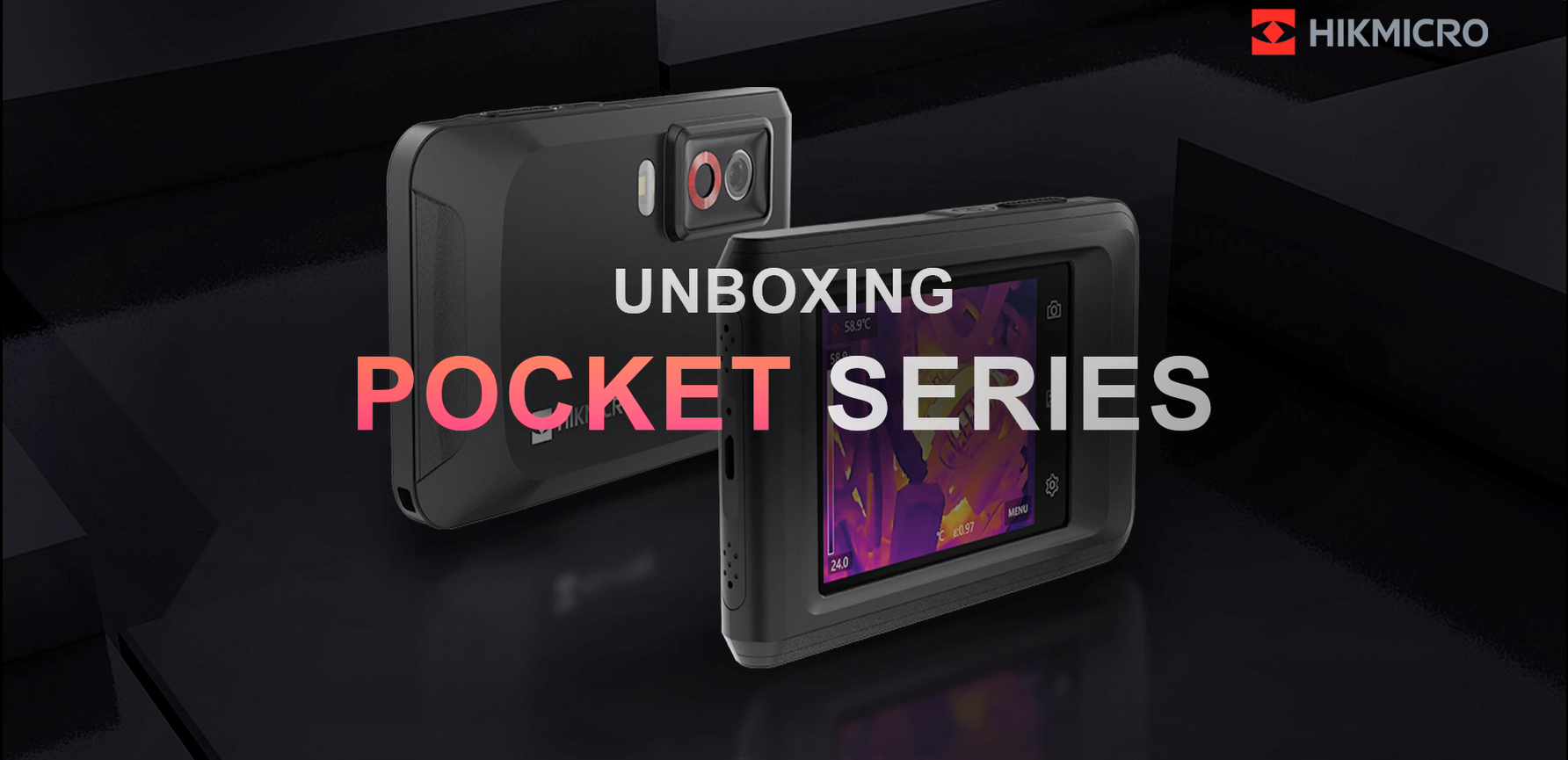
Figure 2.1: Contents of the HIKMICRO Pocket2 package.
Video 2.1: HIKMICRO Pocket Series Thermal Imager Unboxing Video. This video provides a visual guide to unboxing the device and its included accessories.
3. Product Overview & Interfaces
The HIKMICRO Pocket2 features a compact and durable design, making it easy to carry and operate in various environments. Familiarize yourself with the device's key components and interfaces:
- 3.5" LCD Touch Screen: For intuitive navigation and clear display of thermal and visual images.
- Power Button: Located on the top edge for turning the device on/off.
- Shutter Button: Located on the top edge for capturing images and starting/stopping video recording.
- Optical Lens: 8MP visual camera for clear visible light images.
- Thermal Lens: 256x192 IR resolution sensor for thermal imaging.
- LED Work Light: Provides illumination in dark or hard-to-reach areas.
- USB Type-C Port: For charging and data transfer.
- Tripod Mount Interface: A standard 1/4-inch thread on the bottom for mounting to a tripod.

Figure 3.1: Front and back view of the HIKMICRO Pocket2 Thermal Camera.

Figure 3.2: The 3.5" LCD touch screen interface, showing various settings and options.
4. Setup & Initial Use
4.1 Powering On/Off
To power on the device, press and hold the Power Button located on the top edge until the HIKMICRO logo appears on the screen. To power off, press and hold the Power Button again until the device shuts down.
4.2 Connecting to HIKMICRO Viewer App
The HIKMICRO Pocket2 can connect to your smartphone via Wi-Fi for real-time image transfer, report generation, and remote control. Follow these steps:
- Enable the camera's Hot Spot from the device settings.
- On your mobile device, connect to the camera's Hot Spot via Wi-Fi.
- Open the HIKMICRO Viewer app and log in to the camera. If it's the first time, you may need to activate the device by setting a password.
- Once connected, you can access the live view interface, view on-device files, and download pictures/videos.

Figure 4.1: Real-time image transfer and report generation via Wi-Fi connection to a smartphone.
Video 4.1: How to Connect to HIKMICRO Viewer app. This video demonstrates the steps to connect your HIKMICRO Pocket2 to the mobile application.
5. Operating the Camera
5.1 Image Modes
The Pocket2 offers multiple image modes for clear scene image reference:
- Thermal: Displays only the infrared image.
- Visual: Displays only the visible light image from the 8MP camera.
- PIP (Picture-in-Picture): Overlays a small thermal image on the visual image.
- Fusion: Blends the thermal and visual images for enhanced detail.
- Blending: Allows adjustable transparency between thermal and visual images.

Figure 5.1: Examples of different image modes available on the HIKMICRO Pocket2.
5.2 Temperature Measurement
The device provides full-screen temperature measurement with Max, Min, and Center spot indicators. This helps in quickly identifying hot and cold spots within the thermal image.

Figure 5.2: Identifying Cold, Hot, and Center spots for quick troubleshooting.
5.3 1-Tap Level & Span
Instantly improve image contrast and highlight potential problems with the 1-Tap Level & Span feature. This optimizes the thermal image for better clarity and problem identification.

Figure 5.3: Before and after applying 1-Tap Level & Span for improved image contrast.
5.4 Digital Zoom
The Pocket2 supports 1.0x to 4.0x continuous digital zoom, allowing you to get more detailed views of your inspection targets.
Figure 5.4: Accessing digital zoom and other quick settings via the touch screen.
Video 5.1: How to use HIKMICRO Pocket Series. This video demonstrates various operating features of the thermal camera.
6. Advanced Features
6.1 Innovative Macro Mode
Using an optional clip-on macro lens, the Pocket2 can reveal details as small as 100 microns, allowing for precise temperature readings on tiny objects like circuit board components.

Figure 6.1: Using the macro mode to inspect small electronic components.
6.2 High Temperature Alarm
The device features an audio alarm and warning light to notify you when temperatures exceed or fall below a set threshold, ensuring immediate awareness of critical thermal events.
6.3 On-Camera Recording & Playback
The 16GB eMMC flash storage allows you to store approximately 60,000 standard thermal/visual images or up to 10 hours of recording videos directly on the device. You can review captured media directly on the camera's screen.

Figure 6.2: Simultaneously saving visual and thermal images with a single click.
7. Maintenance
7.1 Battery Life & Charging
The built-in Li-Ion rechargeable battery supports up to 4 hours of continuous operation. Charge the device using the provided USB Type-C cable and US charger.
7.2 Durability
The Pocket2 is designed for rugged use, featuring a 2-meter drop test rating and IP54 protection against dust and splashing water, ensuring reliable performance in most work environments.
7.3 Calibration
For optimal accuracy, HIKMICRO recommends sending the camera in for calibration annually. Refer to the user manual or contact HIKMICRO support for calibration services.
8. Troubleshooting & Applications
8.1 Water Leak Detection
Thermal imaging is an effective non-destructive method for detecting water leaks by identifying temperature differences caused by moisture. Areas affected by moisture often appear cooler (blue) on the thermal camera's screen, while hot water leaks will show as warmer (red) areas.
Video 8.1: Water Leak Detection Educational Video. This video explains how thermal imaging can be used to detect water leaks.
9. Specifications
| Feature | Value |
|---|---|
| IR Resolution | 256x192 pixels |
| Visual Camera | 8MP |
| Frame Rate | 25 Hz |
| Temperature Range | -4°F to 752°F (-20°C to 400°C) |
| Thermal Sensitivity (NETD) | <0.04°C (<40 mK) |
| Display | 3.5" Touch Screen |
| Storage | 16GB eMMC (approx. 60,000 images / 10h video) |
| Battery Life | Up to 4 hours continuous operation |
| Drop Test | 2 meters |
| IP Rating | IP54 |
| Connectivity | Wi-Fi, USB Type-C |
| Product Dimensions | 5.51 x 2.76 x 1.06 inches |
| Weight | 12.35 ounces |
10. Warranty & Support
HIKMICRO provides comprehensive warranty coverage for your Pocket2 Thermal Camera:
- Battery: 2 Years
- Entire Device: 3 Years
- Sensor: 10 Years
Lifetime firmware updates and technical support are included. For further assistance, please refer to the official user manual or contact HIKMICRO support.
Official User Manual (PDF): Download Here


