
1. Introduction
This manual provides essential information for setting up, operating, maintaining, and troubleshooting your HP 17 Laptop. Designed for efficiency and performance, this laptop is equipped with advanced features to support your daily computing needs.

Image: The HP 17 Laptop, showcasing its sleek silver design and large display.
2. Setup
2.1. Initial Power-On
- Connect the power adapter to the laptop's power port and then to a power outlet.
- Open the laptop lid. The laptop may power on automatically, or you may need to press the power button.
- Follow the on-screen instructions to complete the Windows 11 Home setup, including language, region, network connection, and user account creation.
2.2. Connecting Peripherals
Utilize the available ports to connect external devices such as a mouse, external display, or USB drives.
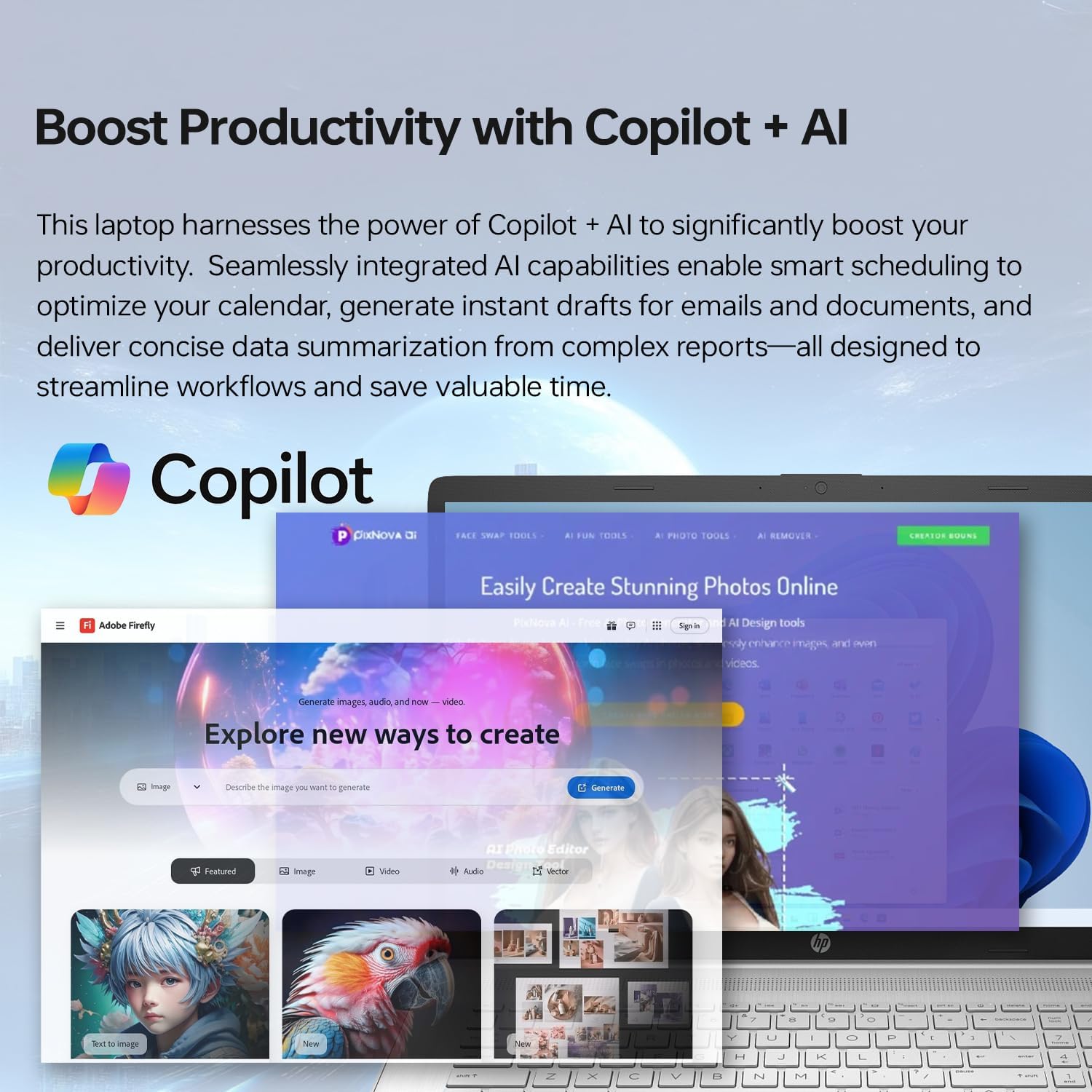
Image: The various ports on the side of the HP 17 Laptop, including USB-C, USB-A, HDMI, and audio jack.
3. Hardware Overview
3.1. Display
The HP 17 Laptop features a 17.3-inch HD+ (1600 x 900) Touch Screen with narrow bezels and BrightView technology, offering clear visuals and interactive control.

Image: A user interacting with the 17.3-inch HD+ touchscreen display of the HP laptop.
3.2. Keyboard and Touchpad
The full-size keyboard includes a numeric keypad for efficient data entry. The touchpad provides precise navigation and supports multi-touch gestures.
3.3. Ports and Connectivity
- 1 x SuperSpeed USB Type-C 5Gbps signaling rate
- 2 x SuperSpeed USB Type-A 5Gbps signaling rate
- 1 x HDMI 1.4b
- 1 x Headphone/microphone combo jack
- Wi-Fi 6 and Bluetooth Combo for wireless connectivity
4. Operating Instructions
4.1. Windows 11 Home
Your HP 17 Laptop comes pre-installed with Windows 11 Home, offering a modern interface, improved performance features, and enhanced multitasking capabilities.
4.2. Performance
Equipped with a 12th Gen Intel Core i7-1255U Processor and 32GB of high-bandwidth RAM, the laptop ensures smooth operation for multiple applications. The 2TB PCIe NVMe M.2 Solid State Drive provides fast boot-up times and rapid data transfer.
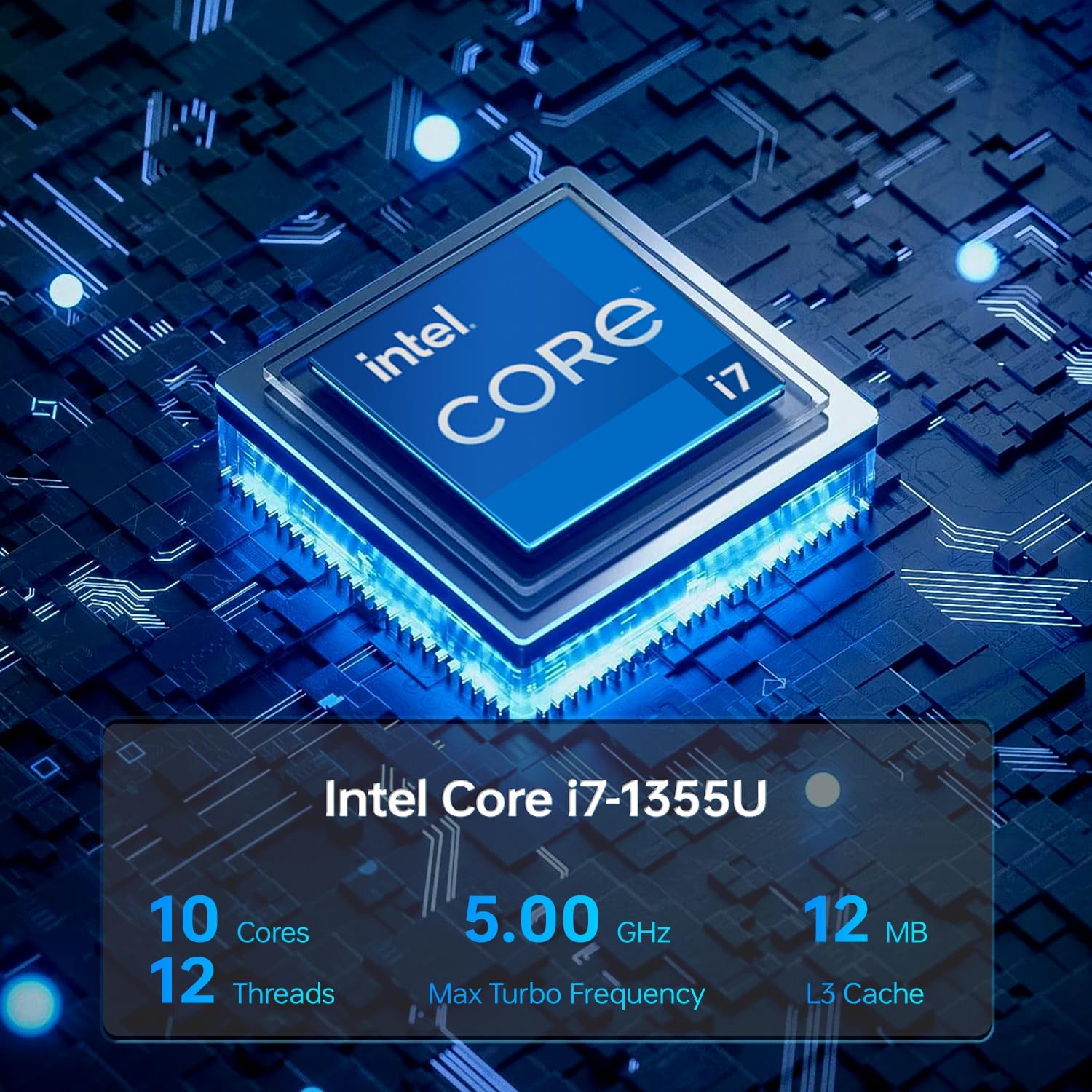
Image: Detailed view of the Intel Core i7-1255U processor, emphasizing its core specifications.
4.3. Using the Touchscreen
The 17.3-inch HD+ touchscreen allows for intuitive interaction with Windows 11. Use touch gestures for navigation, zooming, and selecting items directly on the screen.
4.4. Copilot + AI Integration
Leverage Copilot + AI features for enhanced productivity, including smart scheduling, email draft generation, and data summarization.

Image: The laptop screen demonstrating the integration of Copilot + AI for productivity tasks.
4.5. Video Playback and Graphics
The integrated Intel Iris Xe Graphics supports fluid visuals for creative tasks and rich gaming experiences. Enjoy high-quality video playback on the large HD+ display.
Video: An overview of the HP Essential 17 Touchscreen i7 Laptop, highlighting its features and performance.
Video: A user review of the HP 17 Laptop, emphasizing its 17.3-inch display and overall functionality.
5. Maintenance
5.1. Battery Care
- To prolong battery life, avoid extreme temperatures.
- Charge the battery when prompted by the system. The laptop supports fast charging, reaching approximately 50% in 45 minutes.
- If storing the laptop for an extended period, ensure the battery is charged to about 50-70%.
5.2. Cleaning
- Use a soft, lint-free cloth to clean the screen and exterior surfaces.
- Avoid using harsh chemicals or abrasive materials.
6. Troubleshooting
6.1. Power Issues
- If the laptop does not power on, ensure the power adapter is securely connected and the outlet is functional.
- Check the battery charge level.
6.2. Display Problems
- If the screen is dim, adjust the brightness settings.
- For external display issues, verify cable connections and display settings.
6.3. Connectivity Issues
- For Wi-Fi problems, restart your router and check network settings on the laptop.
- Ensure Bluetooth devices are properly paired and within range.
7. Specifications
| Feature | Detail |
|---|---|
| Brand | HP |
| Model Name | 17t |
| Screen Size | 17.3 Inches |
| Display Resolution | HD+ (1600 x 900) |
| Processor | 12th Gen Intel Core i7-1255U |
| RAM Memory | 32 GB DDR4 (Max 64 GB) |
| Hard Disk Size | 2 TB SSD (PCIe NVMe M.2) |
| Graphics Coprocessor | Intel Iris Xe Graphics |
| Operating System | Windows 11 Home |
| Ports | 1x USB-C, 2x USB-A, 1x HDMI 1.4b, 1x Headphone/Mic Combo |
| Wireless Connectivity | Wi-Fi 6, Bluetooth |
| Special Features | HD Audio, Numeric Keypad, Fingerprint Reader, Touch Screen |
| Color | Silver |
| Item Weight | 6.2 Pounds |
| Dimensions (L x W x Th) | 15.78" x 10.15" x 0.78" |
8. Warranty and Support
8.1. Warranty Information
This HP 17 Laptop comes with a 1-year limited warranty. Please refer to the warranty card included in your product packaging for full terms and conditions.
8.2. Customer Support
For technical assistance, troubleshooting, or service inquiries, please visit the official HP support website or contact HP customer service. Keep your product's serial number handy for faster service.
HP Support Website: support.hp.com


