
SilverStone AR09-AM4
SilverStone AR09-AM4 CPU Cooler User Manual
Model: SST-AR09-AM4
1. Product Overview
The SilverStone AR09-AM4 is a CPU cooler engineered for 2U rackmount servers and small form factor cases. It is compatible with AMD AM4 sockets and features a compact design for efficient thermal management.
Key Features:
- TAA compliant / Made in Taiwan
- Three Ø6mm copper heat-pipes and aluminum fins for heat dissipation.
- 60mm dual ball bearing PWM fan for controlled airflow.
- Bi-directional mounting bracket design for installation flexibility.
- Compatible with AMD AM4 socket.
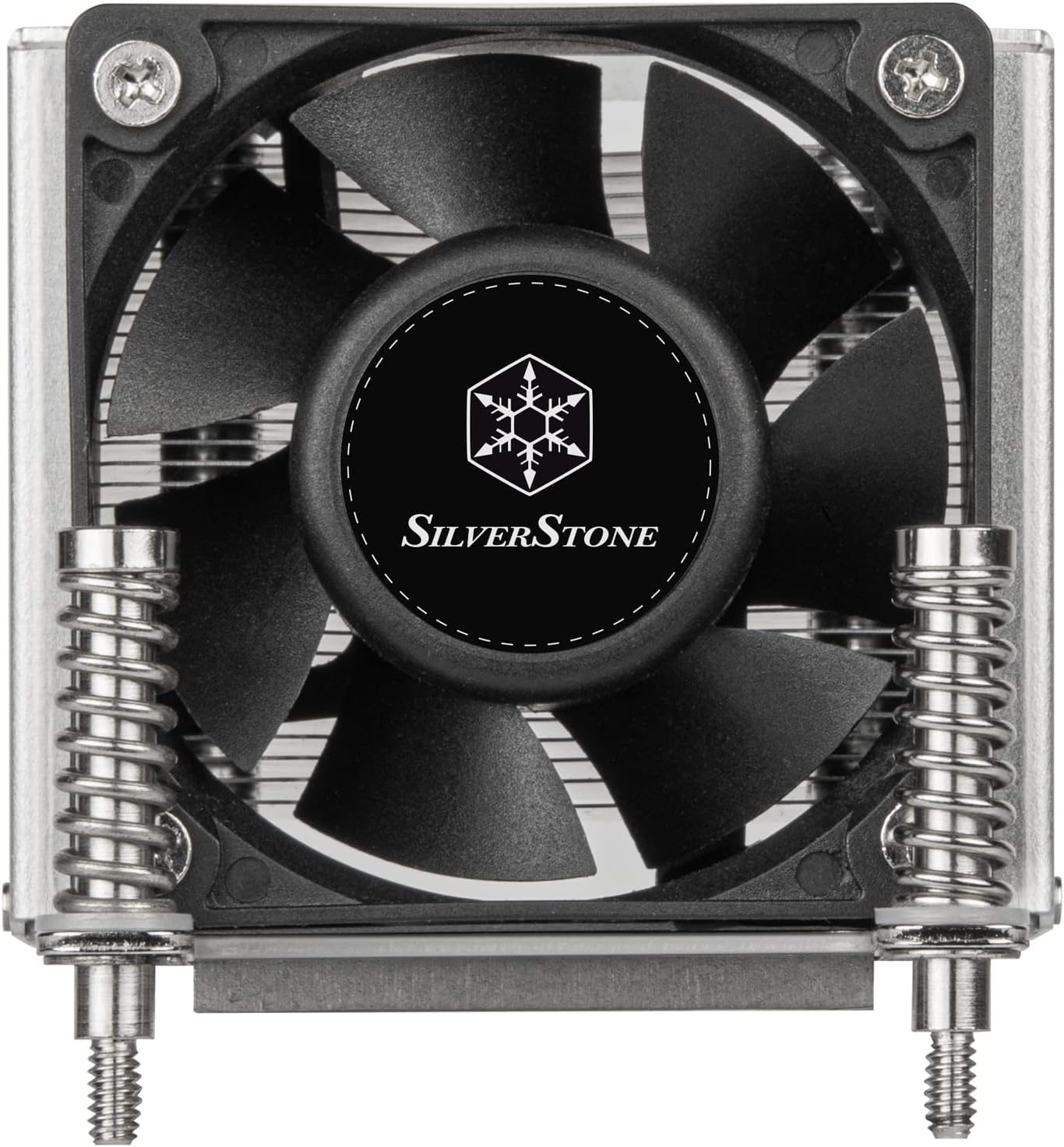
Figure 1: Front view of the SilverStone AR09-AM4 CPU Cooler, showing the fan and mounting hardware.
2. Package Contents
Verify that all components are present in the package:
- AR09-AM4 Heatsink with integrated fan and mounting bracket.

Figure 2: Packaging of the SilverStone AR09-AM4 CPU Cooler.
3. Installation Guide
This section outlines the general steps for installing the AR09-AM4 CPU cooler on an AMD AM4 motherboard. Refer to your motherboard manual for specific instructions regarding CPU and cooler installation.
3.1 Preparation
- Ensure your system is powered off and disconnected from the power source.
- Remove any existing CPU cooler and clean the CPU surface of old thermal paste using isopropyl alcohol.
- Apply a thin, even layer of thermal paste to the center of the CPU's integrated heat spreader (IHS).
3.2 Cooler Mounting
- Position the AR09-AM4 cooler over the CPU, aligning the mounting screws with the holes on the motherboard's CPU retention bracket. The bi-directional mounting bracket allows for flexible orientation.
- Gently press down on the cooler to ensure good contact between the heatpipes and the CPU.
- Tighten the four spring-loaded screws in a diagonal pattern (e.g., top-left, bottom-right, top-right, bottom-left) until they are finger-tight. Do not overtighten.

Figure 3: Bottom view of the cooler, highlighting the heatpipes and mounting bracket.
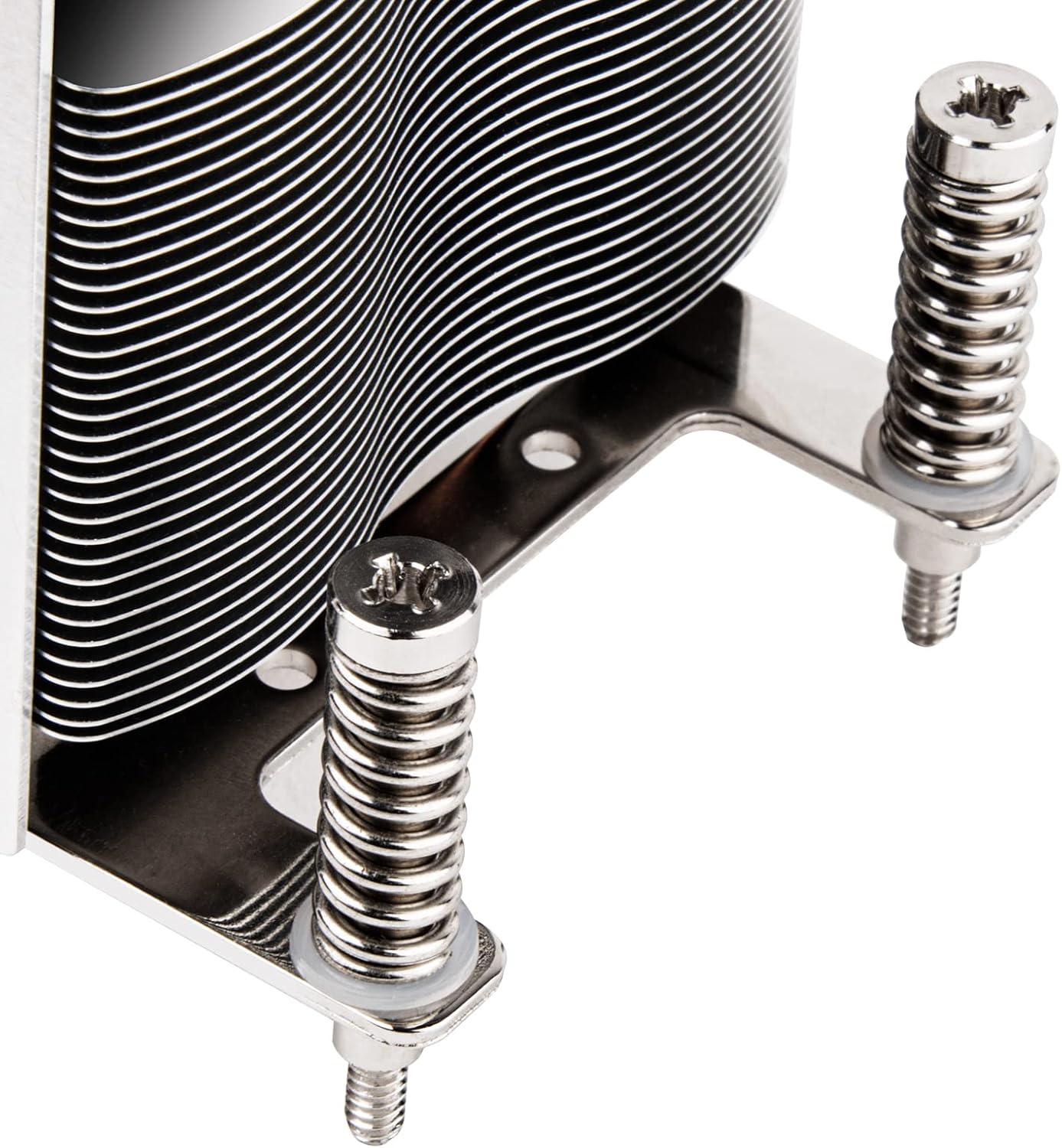
Figure 4: Detail of the spring-loaded mounting screws.
3.3 Fan Connection
- Locate the 4-pin PWM fan connector on the AR09-AM4.
- Connect this cable to the CPU_FAN header on your motherboard. Ensure the connector is fully seated.

Figure 5: The 4-pin PWM fan connector.
4. Operation
The AR09-AM4 CPU cooler utilizes a 60mm dual ball bearing PWM fan and three Ø6mm copper heat-pipes with Heat-pipe Direct Contact (HDC) technology to efficiently transfer heat away from the CPU. The PWM (Pulse Width Modulation) function allows the motherboard to dynamically control the fan speed based on CPU temperature, optimizing cooling performance and noise levels.
For optimal performance, ensure proper airflow within your server chassis. The cooler is designed for CPUs with a Thermal Design Power (TDP) up to 65W. Exceeding this TDP may result in insufficient cooling.
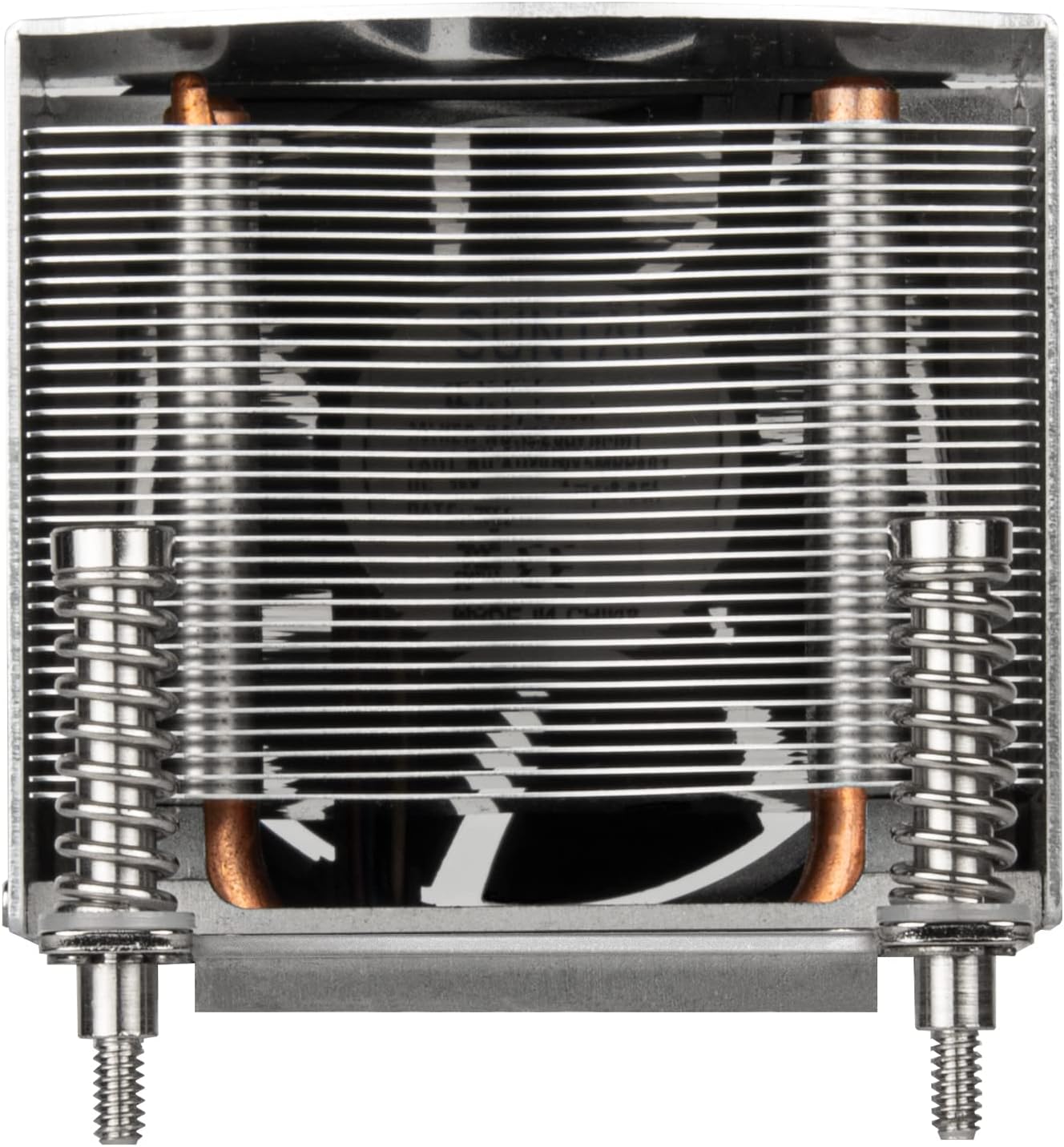
Figure 6: Top view of the cooler, illustrating the aluminum fin array for heat dissipation.
5. Maintenance
Regular maintenance helps ensure the longevity and optimal performance of your CPU cooler.
- Dust Cleaning: Periodically inspect the heatsink fins and fan blades for dust accumulation. Use compressed air or a soft brush to gently remove dust. Ensure the fan is held stationary during cleaning to prevent damage.
- Thermal Paste: If the cooler is removed for any reason, clean off the old thermal paste from both the CPU and the cooler's base, and reapply a fresh layer before reinstallation.
6. Troubleshooting
If you encounter issues with your AR09-AM4 CPU cooler, consider the following:
- CPU Overheating:
- Verify that the cooler is securely mounted and making proper contact with the CPU.
- Check if thermal paste was applied correctly and is not dried out.
- Ensure the fan is spinning freely and connected to the CPU_FAN header.
- Confirm that your CPU's TDP does not exceed the cooler's recommended 65W capacity.
- Check for adequate airflow within your server chassis.
- Fan Noise:
- Inspect the fan for any obstructions (e.g., cables).
- Ensure the fan screws are tight.
- Dust accumulation can cause noise; clean the fan blades.
- Fan Not Spinning:
- Check the 4-pin PWM connector for a secure connection to the motherboard's CPU_FAN header.
- Verify fan settings in the motherboard's BIOS/UEFI.
7. Specifications
| Feature | Detail |
|---|---|
| Product Dimensions | 4.02"L x 2.8"W x 2.6"H |
| Brand | SilverStone |
| Power Connector Type | 4-Pin PWM |
| Cooling Method | Fan, Heatsink (Heat-pipe Direct Contact) |
| Compatible Devices | Server (AMD AM4 Socket) |
| Noise Level | 18.02 Decibels (Min) |
| Material | Aluminum, Copper |
| Maximum Rotational Speed | 2500 RPM |
| Item Weight | 12.8 ounces |
| ASIN | B09XJLF94G |
| UPC | 844761024994 |
8. Warranty Information
For detailed warranty information regarding the SilverStone AR09-AM4 CPU cooler, please refer to the official SilverStone Technology website or contact their customer support directly. Warranty terms and conditions may vary by region and purchase date.
9. Support
If you require further assistance or have questions not covered in this manual, please visit the official SilverStone Technology website for support resources, FAQs, and contact information.
SilverStone Technology Official Website: www.silverstonetek.com
Related documentsAR09-AM4


Ask a question about this manual
Ask about setup, troubleshooting, compatibility, parts, safety, or missing instructions. Manuals+ will review the question and use this page’s manual context to help answer it.