Introduction
The Presso XI is a portable coffee maker designed for convenience and versatility, allowing you to enjoy hot, fresh coffee anywhere. It supports both ground coffee and Nespresso-compatible capsules, featuring an integrated heating function and a compact design for travel. This manual provides essential information for setting up, operating, maintaining, and troubleshooting your Presso XI coffee maker.

Image: The Presso XI portable coffee maker displayed with coffee grounds, Nespresso-compatible capsules, and a freshly brewed cup of coffee, highlighting its versatility.
Setup
1. Unboxing and Initial Charge
Carefully remove all components from the packaging. Before first use, fully charge the Presso XI using the provided USB-C cable and USB adapter. The battery indicator lights will show charging progress.
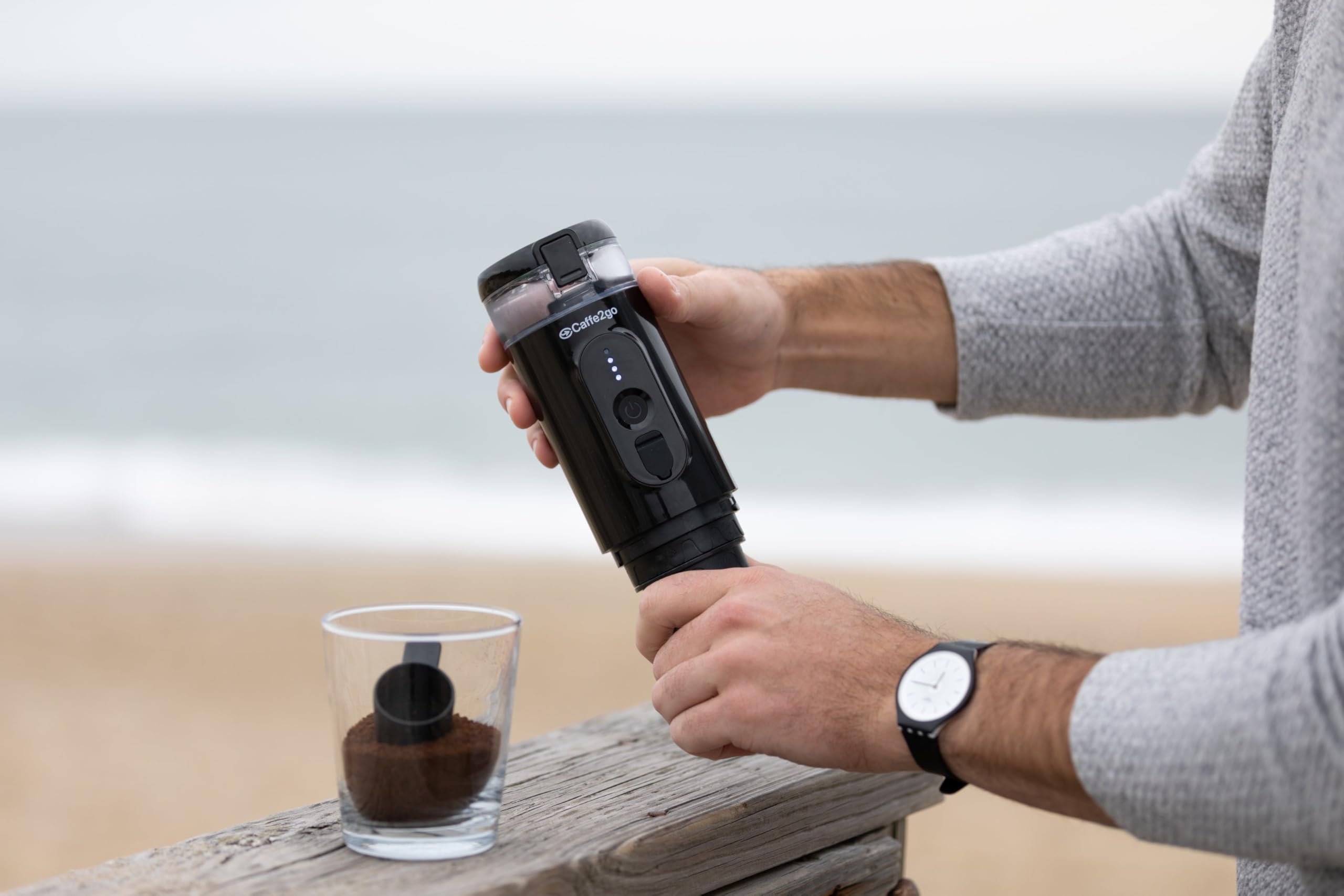
Image: A close-up view of the Presso XI coffee maker showing the USB-C charging port with a cable inserted, indicating the charging process.
2. Components Overview
- Presso XI Coffee Maker Unit
- USB-C Charging Cable
- USB Adapter
- Ground Coffee Adapter (pre-installed or separate)
- Capsule Adapter (pre-installed or separate)
- User Manual (this document)
3. First Use Preparation
Before brewing, clean all removable parts with warm water and mild soap. Perform a test run with only water to flush the system. Ensure the water tank is filled to the maximum line (110 ML) for optimal performance.
Operating Instructions
1. Using with Ground Coffee
- Ensure the ground coffee adapter is installed.
- Fill the coffee basket with your desired amount of ground coffee. Do not overfill.
- Securely attach the coffee basket to the main unit.
- Fill the water tank with cold water up to the 110 ML mark.
- Place a cup beneath the dispenser.
- Press and hold the power button for 2 seconds to activate the heating and brewing cycle. The device will heat the water and then automatically brew the coffee.
Image: A user's hands demonstrating the process of adding ground coffee to the Presso XI's filter basket, preparing for brewing.
2. Using with Nespresso-Compatible Capsules
- Ensure the capsule adapter is installed.
- Insert a Nespresso-compatible capsule into the designated slot.
- Securely close the capsule compartment.
- Fill the water tank with cold water up to the 110 ML mark.
- Place a cup beneath the dispenser.
- Press and hold the power button for 2 seconds to activate the heating and brewing cycle. The device will heat the water and then automatically brew the coffee.
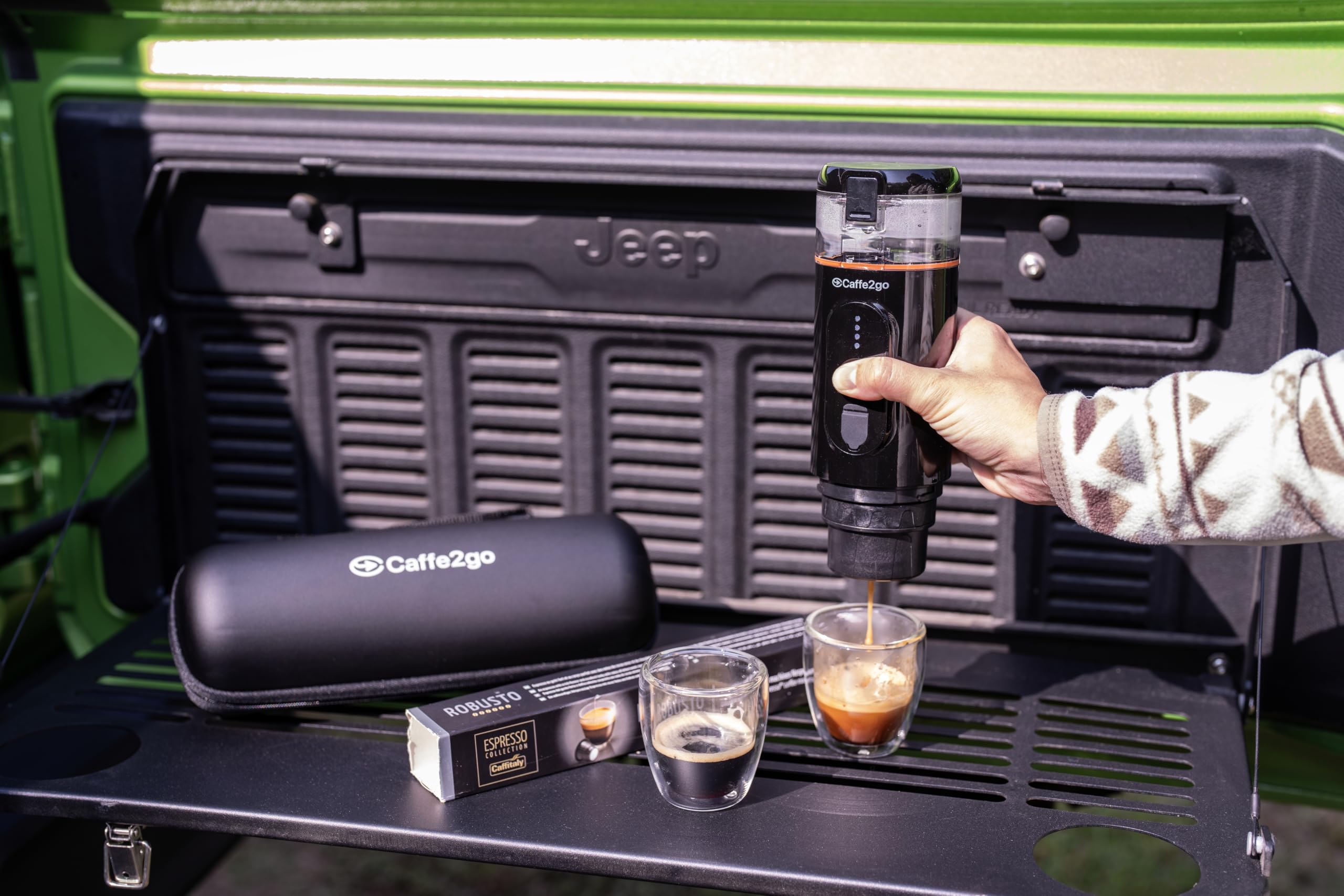
Image: The Presso XI coffee maker actively brewing coffee into a small glass cup, set on the tailgate of a vehicle, demonstrating its portability and ease of use outdoors.
3. Battery Life and Charging
A full charge provides enough power for approximately 4-5 hot cups of coffee. For espresso, it can produce up to 7 cups on a single charge. Recharge the device using the provided USB-C cable and adapter. The battery indicator lights will illuminate to show the current charge level.
Video: An official demonstration of the Presso XI Portable Coffee Maker, showcasing its features and ease of use for brewing coffee anytime, anywhere. This video highlights the product's portability and functionality.
Maintenance
1. Cleaning
- After each use, disassemble the removable parts (water tank, coffee basket/capsule adapter, cup).
- Wash these parts with warm, soapy water. Rinse thoroughly and allow to air dry completely before reassembling or storing.
- Wipe the main unit with a damp cloth. Do not submerge the main unit in water.
- For deep cleaning, run a cycle with only water and a descaling solution (follow descaling solution instructions) every few months, depending on usage and water hardness.
2. Storage
Store the Presso XI in a cool, dry place when not in use. Ensure all parts are dry to prevent mold or mildew growth. Keep out of reach of children.
Troubleshooting
| Problem | Possible Cause | Solution |
|---|---|---|
| Device not turning on. | Low battery or no charge. | Charge the device fully using the provided USB-C cable and adapter. |
| Coffee not brewing or weak. | Insufficient water, clogged filter, or incorrect coffee grind/capsule insertion. | Ensure water tank is filled. Clean the filter. Check coffee grind size (medium-fine recommended for ground coffee). Ensure capsule is correctly inserted and punctured. |
| Water not heating. | Heating element malfunction or low battery. | Ensure device is fully charged. If problem persists, contact customer support. |
| Leaking during operation. | Parts not assembled correctly or seals are worn. | Ensure all parts are securely tightened. Check silicone seals for damage and replace if necessary. |
If you encounter issues not listed here or if solutions do not resolve the problem, please contact Caffe2go customer support.
Specifications
- Brand: Caffe2go
- Model Name: Presso XI (2W-OYR2-U2JJ)
- Product Dimensions: 2.36"D x 2.36"W x 8.66"H
- Item Weight: 1.5 pounds
- Pump Pressure: 18 bar
- Water Tank Capacity: 110 ML
- Voltage: 11.1V
- Battery: 3 Lithium Ion batteries (included)
- Coffee Input Type: Capsules (Nespresso-compatible), Ground Coffee
- Operation Mode: Semi-Automatic
- Included Components: USB-C cable, USB Adapter, Manual
Warranty and Support
For warranty information and customer support, please refer to the contact details provided on the Caffe2go official website or the product packaging. Keep your purchase receipt as proof of purchase for warranty claims.


