
1. Introduction
This manual provides instructions for the safe installation, operation, and maintenance of your Lxcom Lighting G25(G80) 9W LED Globe Light Bulb. This bulb features a 4000K natural white light, an E26/E27 base, and is not dimmable. It is designed for various indoor lighting applications, including vanity mirrors, droplights, and floor lamps.
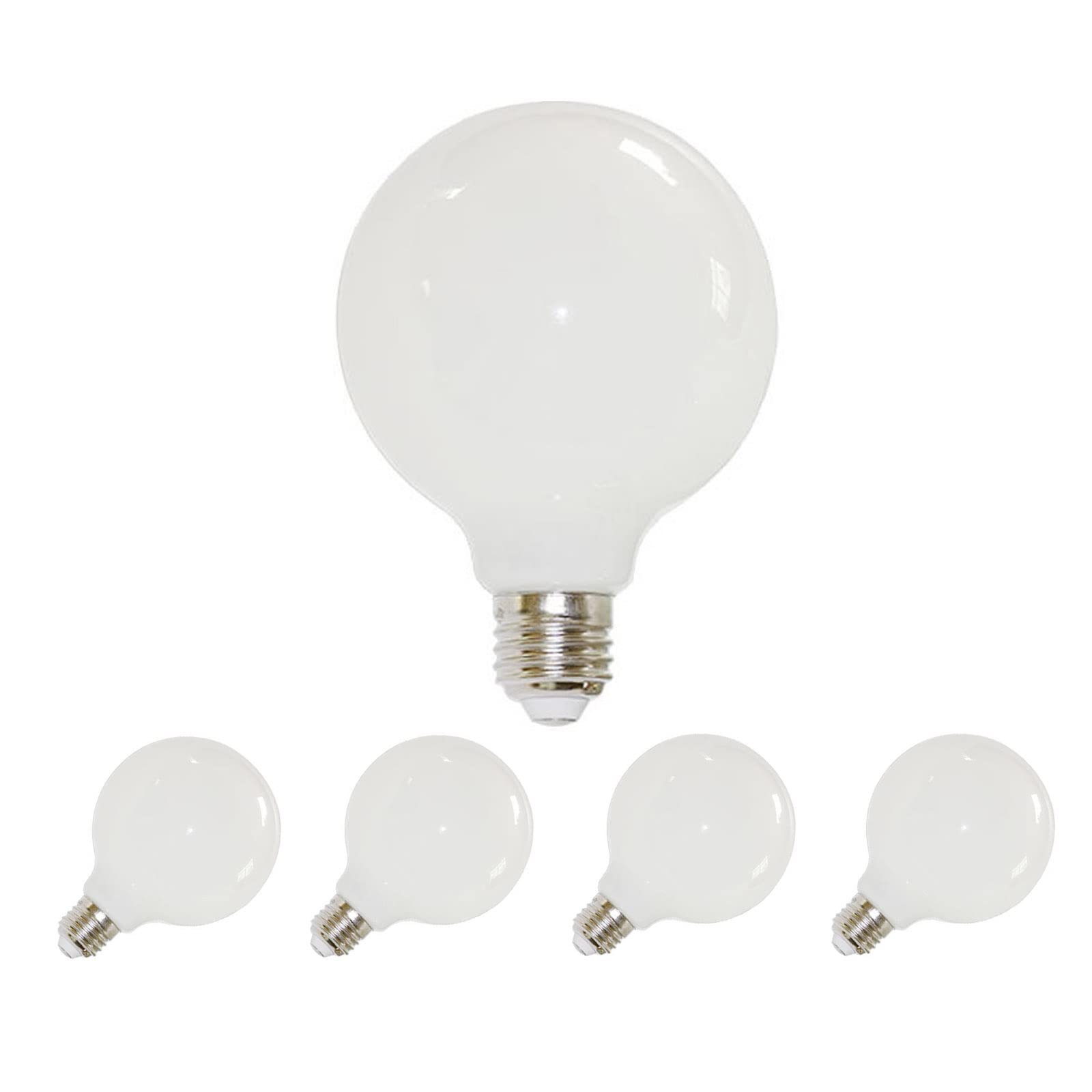
Image 1.1: Lxcom Lighting G25(G80) 9W LED Globe Light Bulb. This image displays the milky white globe-shaped LED bulb with its E26 screw base.
2. Safety Information
- WARNING: Always cut off the power supply to the fixture before installing or replacing the bulb to prevent electric shock.
- Lamps are fragile. Handle with care during unpacking, installation, and removal.
- Do not attempt to disassemble or modify the bulb. There are no user-serviceable parts inside.
- This bulb is designed for indoor use only. Do not expose to water or damp conditions.
- This bulb is NOT DIMMABLE. Do not use with dimmer switches, as this may cause damage to the bulb or the dimmer.
- Ensure the voltage of your electrical system (110V) matches the bulb's requirements.
- Avoid looking directly at the illuminated bulb for extended periods, as this may cause eye strain.
3. Package Contents
Your package should contain the following items:
- 4 x Lxcom Lighting G80 LED Milky Glass Bulbs
4. Installation
- Step 1: Power Off. Before beginning installation, ensure the power supply to the light fixture is turned off at the circuit breaker or wall switch.
- Step 2: Remove Old Bulb (if applicable). If replacing an existing bulb, allow it to cool completely before carefully unscrewing it counter-clockwise from the socket.
- Step 3: Install New Bulb. Gently screw the Lxcom Lighting G25(G80) LED Globe Light Bulb clockwise into the E26 (or E27) base socket until it is snug. Do not overtighten.
- Step 4: Restore Power. Once the bulb is securely installed, restore power to the fixture at the circuit breaker or wall switch.
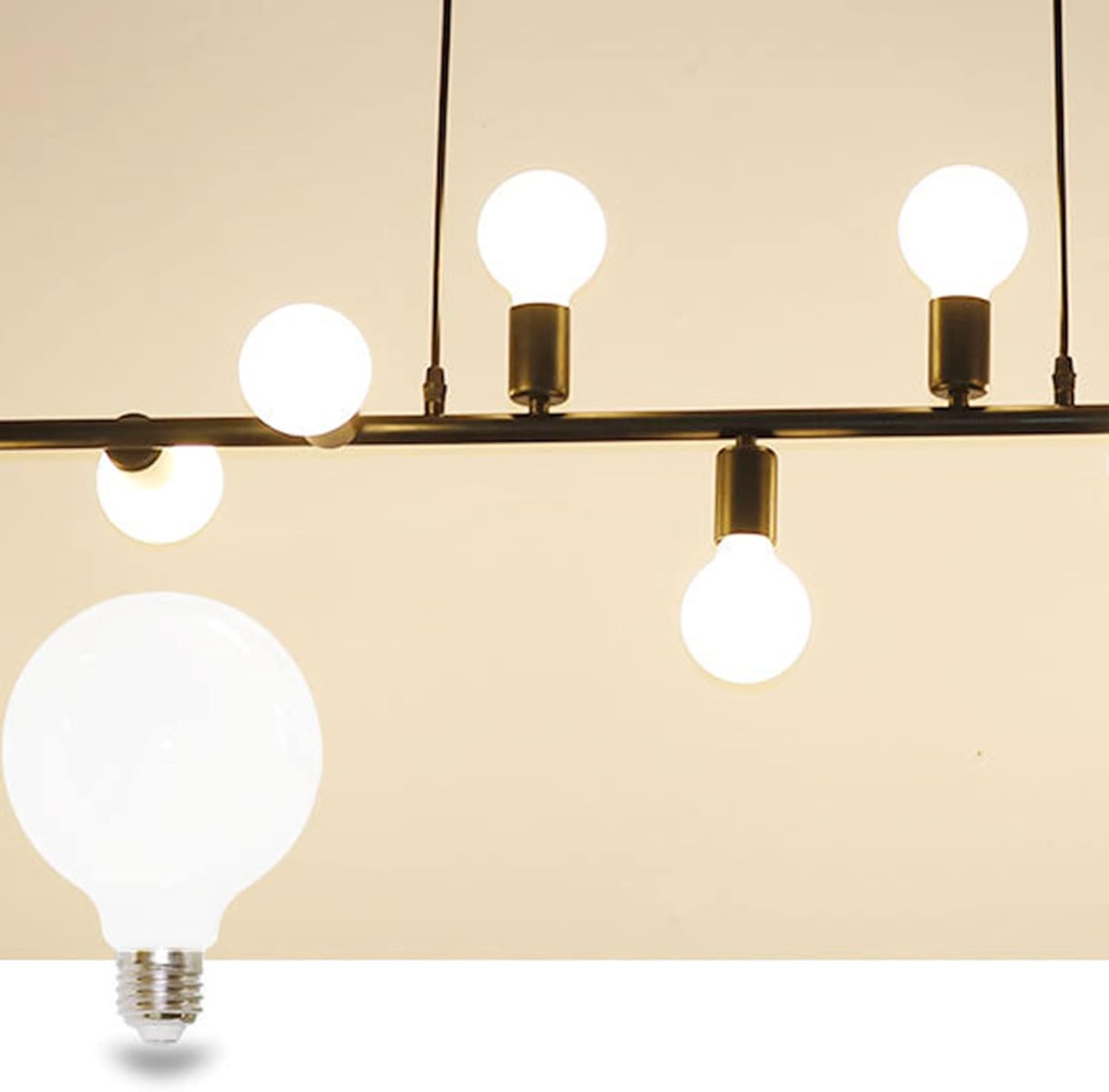
Image 4.1: An Lxcom Lighting G25(G80) LED Globe Light Bulb installed in a pendant light fixture, demonstrating its application.
5. Operating Instructions
To operate the Lxcom Lighting G25(G80) LED Globe Light Bulb, simply turn on the power switch connected to the light fixture. The bulb will illuminate instantly. To turn off the bulb, switch off the power.
This bulb provides a 4000K natural white light, creating a bright and comfortable ambiance. It is designed to be flicker-free and does not produce buzzing or humming sounds.
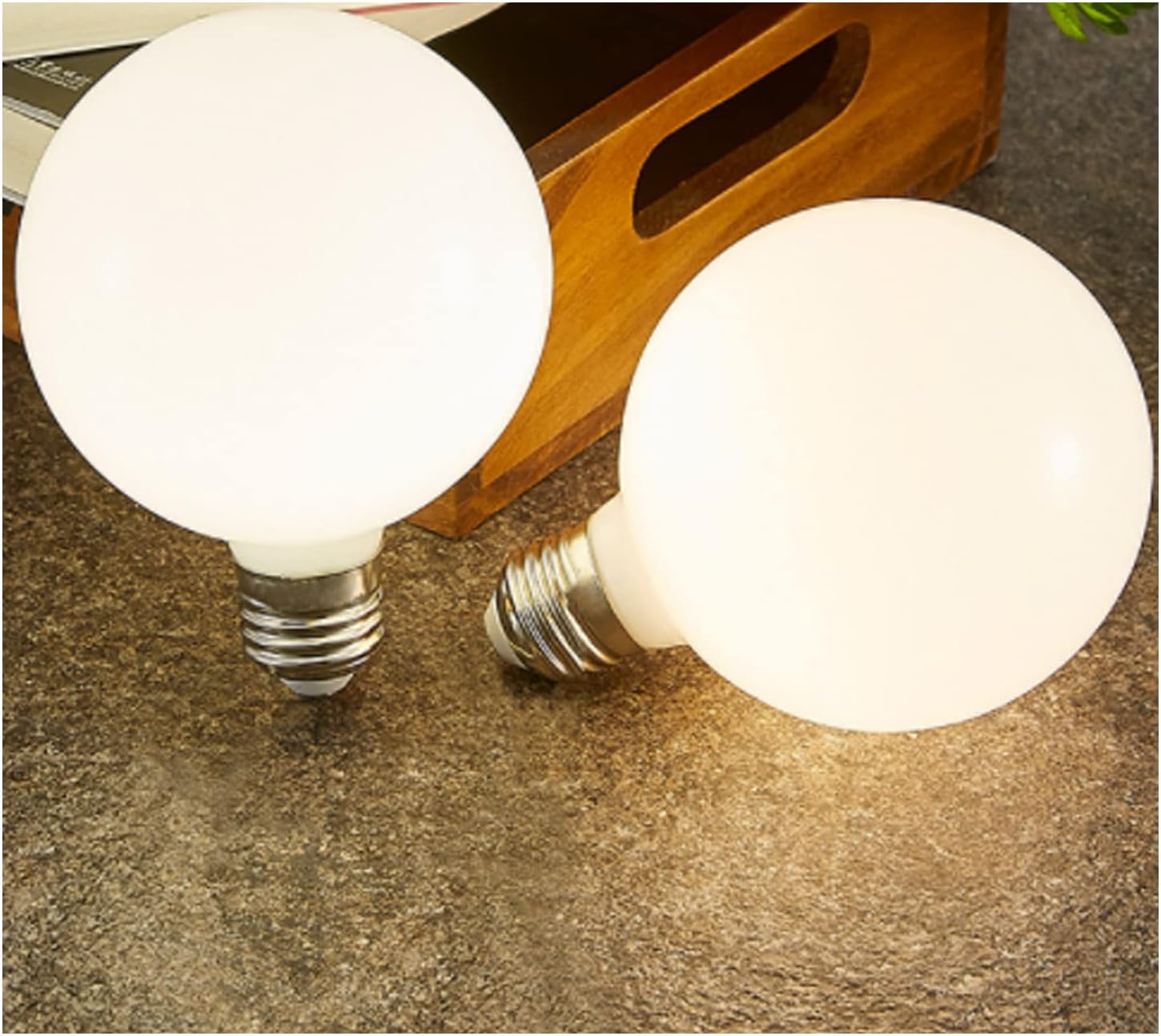
Image 5.1: Two Lxcom Lighting G25(G80) LED Globe Light Bulbs illuminated, showcasing their natural white light output.
6. Maintenance
The Lxcom Lighting G25(G80) LED Globe Light Bulb requires minimal maintenance.
- Cleaning: Ensure the power is off and the bulb is cool before cleaning. Wipe the bulb with a soft, dry cloth. Do not use liquid cleaners or abrasive materials.
- Replacement: With an average lifespan of 15,000 hours, frequent replacement is not typically necessary. When replacement is required, follow the installation steps outlined in Section 4.
7. Troubleshooting
| Problem | Possible Cause | Solution |
|---|---|---|
| Bulb does not light up. |
|
|
| Bulb flickers or buzzes. |
|
|
8. Specifications
| Feature | Detail |
|---|---|
| Model | G80 |
| Light Type | LED |
| Wattage | 9W |
| Voltage | AC 110V (100 to 120 Volts) |
| Luminous Flux | 300 Lumens |
| Color Temperature | 4000K Natural White |
| Color Rendering Index (CRI) | 95 |
| Base Type | E26 (E27 compatible) |
| Dimmable | No (Not Dimmable) |
| Lifespan | 15,000 hours |
| Material | Aluminum, Glass |
| Shape | Globe (G25/G80) |
| Product Dimensions | 3.14 x 3.14 x 4.72 inches (8 x 8 x 12 cm) |
| Indoor/Outdoor Usage | Indoor |
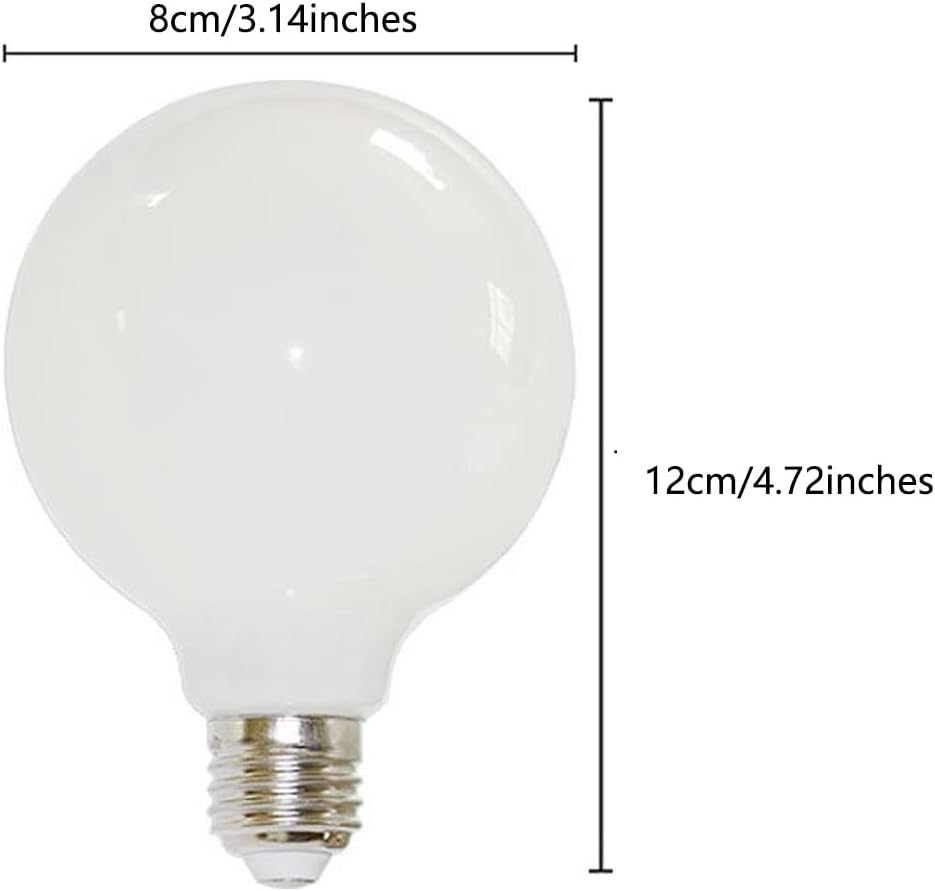
Image 8.1: Diagram showing the dimensions of the G25(G80) LED Globe Light Bulb: 8cm (3.14 inches) width and 12cm (4.72 inches) height.

Image 8.2: Lighting Facts label for the bulb, detailing brightness (300 lumens), estimated yearly energy cost ($1.08), life (13.7 years based on 3 hrs/day), light appearance (4000K), and energy used (9 watts).
9. Warranty and Support
Specific warranty information is not provided in this document. For warranty details or technical support, please contact Lxcom Lighting customer service through their official channels or the retailer where the product was purchased.
Manufacturer: Lxcom Lighting